Welcome to RDK X5 Board repository
2.T-MINI PLUS LiDAR drive
T-MINI PLUS LiDAR Driver
1、Switch to the Correct LiDAR Model
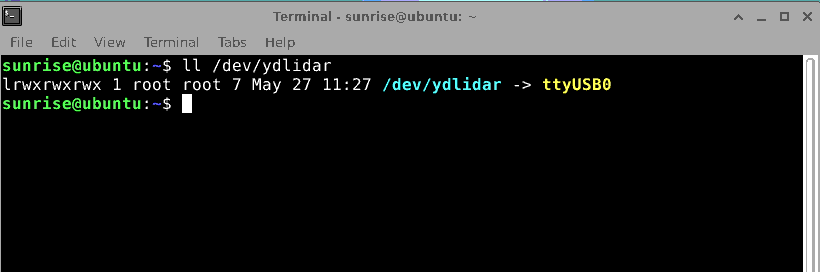
First, check whether the device is detected. Run the following in the terminal:
ll /dev/ydlidar
If the device is recognized, the output will appear as shown in the screenshot.
Next, modify the corresponding YAML file. To drive the T-MINI LiDAR, run:
xxxxxxxxxxvi yahboomcar_ws/src/ydlidar_ros2_driver-humble/launch/ydlidar_launch_view.py
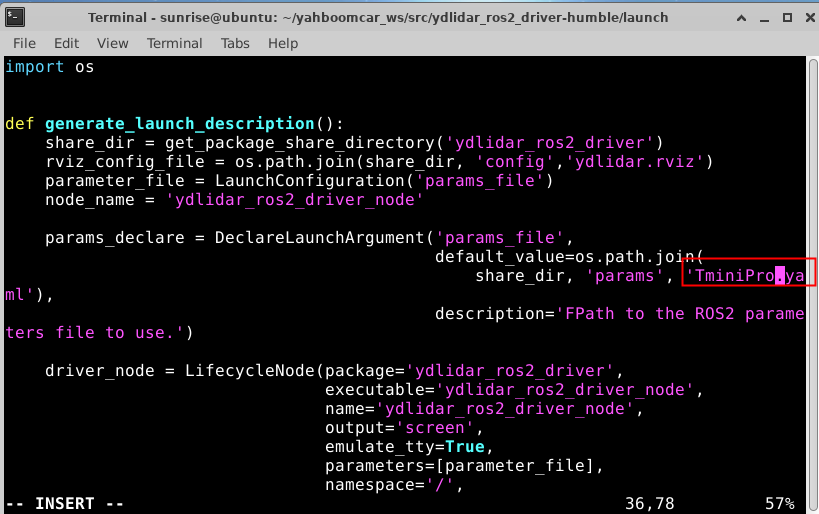
vi Editor Tips: After opening the file, press i to enter edit mode. When done editing, press ESC, then type :wq to save and exit.
Change the YAML filename to uppercase TminiPro — this will allow the driver to launch the TminiPro LiDAR successfully. After making the change, save and exit. Then rebuild the workspace:
xxxxxxxxxxcd ~/yahboomcar_ws/colcon build
2、Launch the LiDAR
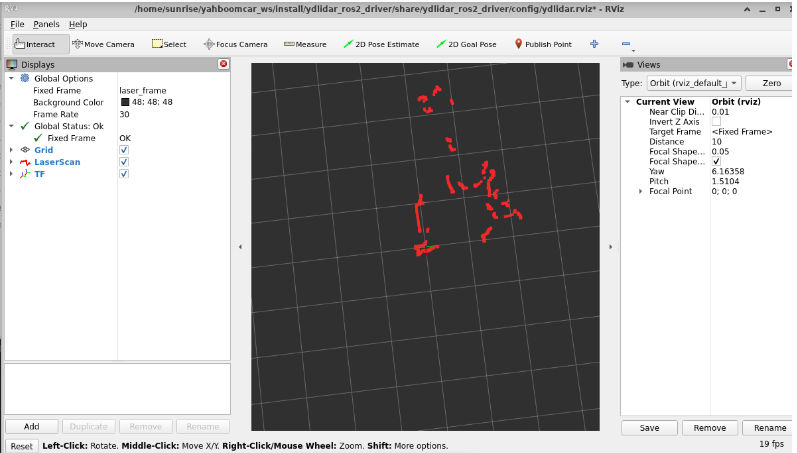
Open a terminal and enter the following command to start the LiDAR and display its output in RViz:
xxxxxxxxxxros2 launch ydlidar_ros2_driver ydlidar_launch_view.py
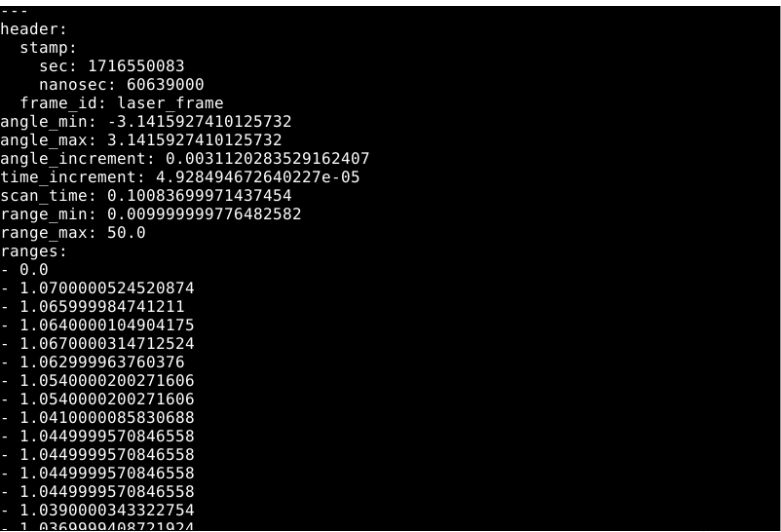
To view the LiDAR node data via topic, run:
xxxxxxxxxxros2 topic echo /scan