Welcome to MSPM0 Smart Robot Car repository
8.Bluetooth remote control
Bluetooth Remote Control
Bluetooth Remote ControlI. Software-HardwareII. Brief Principles1. Hardware Schematic Diagram2. Physical Connection Diagram3. Control PrincipleIII. Main Functions1. User FunctionsIV. Experimental Phenomena
This tutorial is a comprehensive experiment combining multiple peripherals. You can learn about individual peripherals first before conducting this experiment.
I. Software-Hardware
- KEIL
- MSPMOG3507 Development Board
- Bluetooth 5.0 Module
- Type-C Data Cable or DAP-Link
Download or simulate the program on the development board.
II. Brief Principles
1. Hardware Schematic Diagram
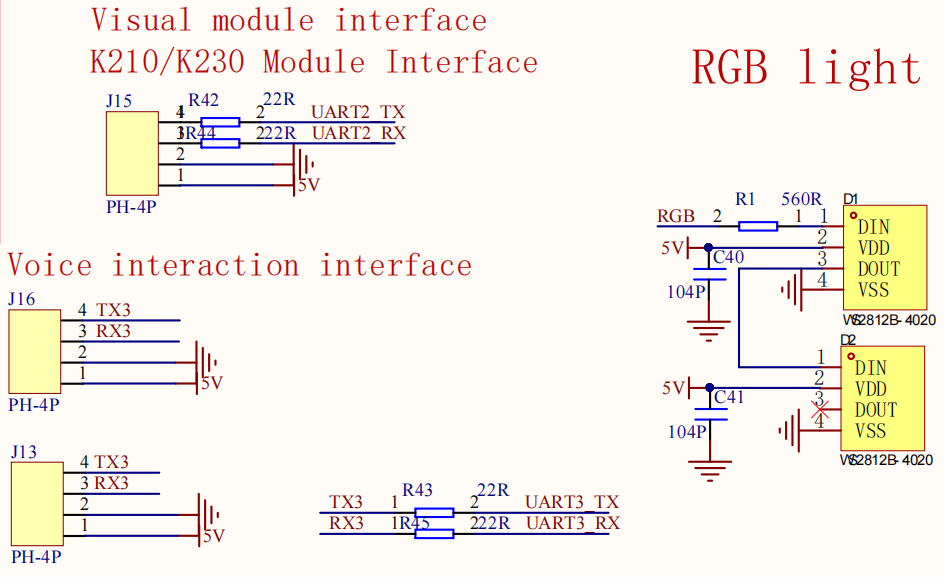
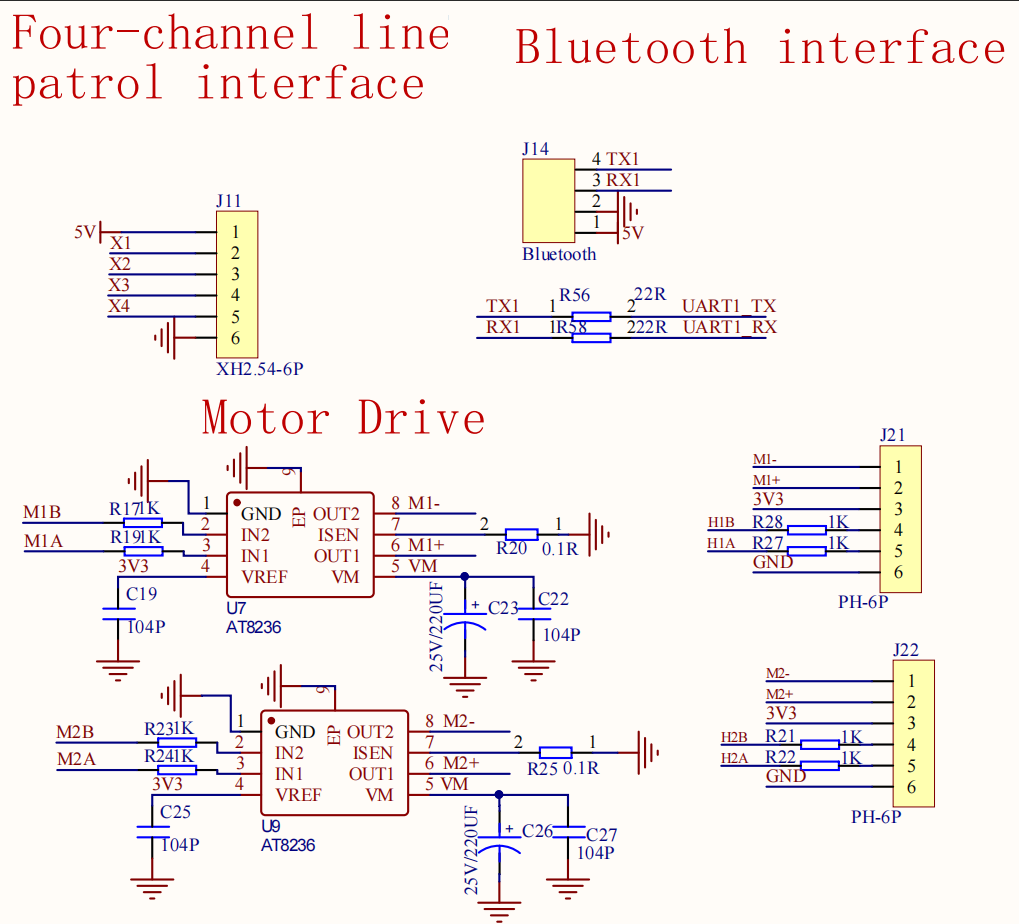
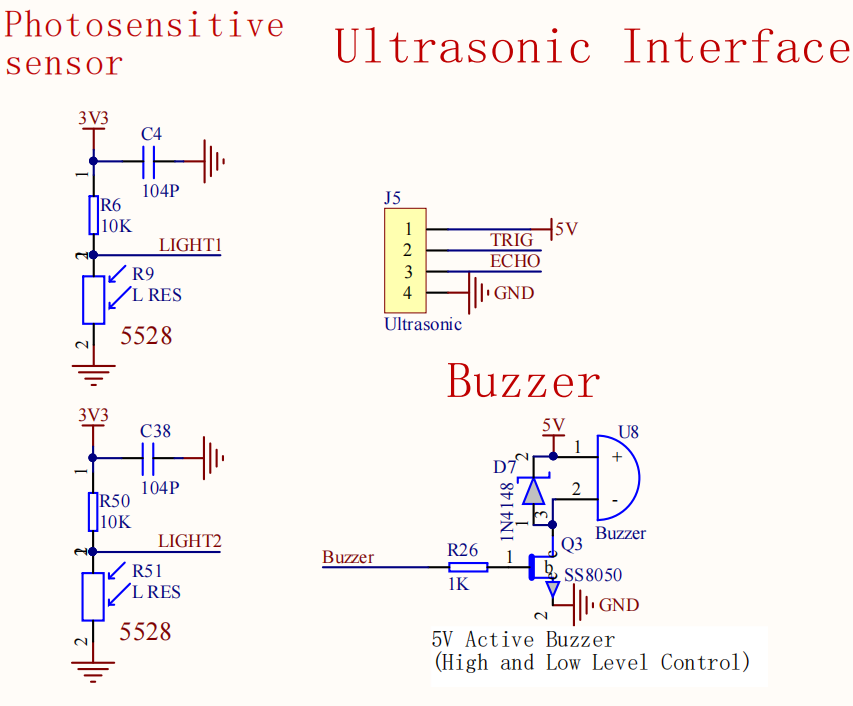
.png)
2. Physical Connection Diagram
.png)
3. Control Principle
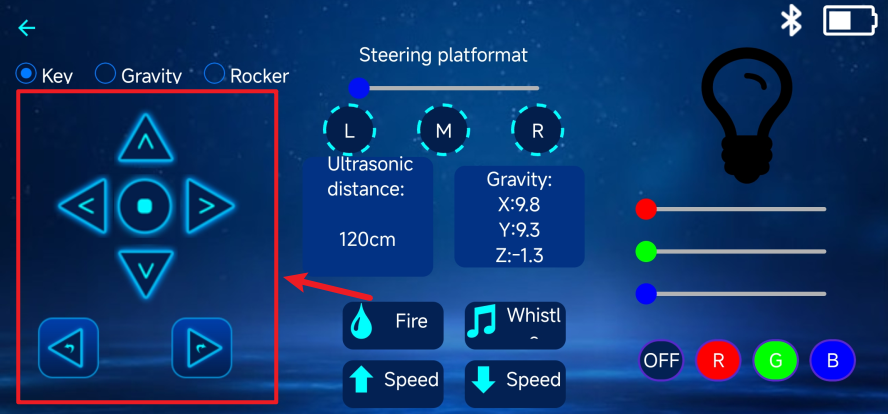
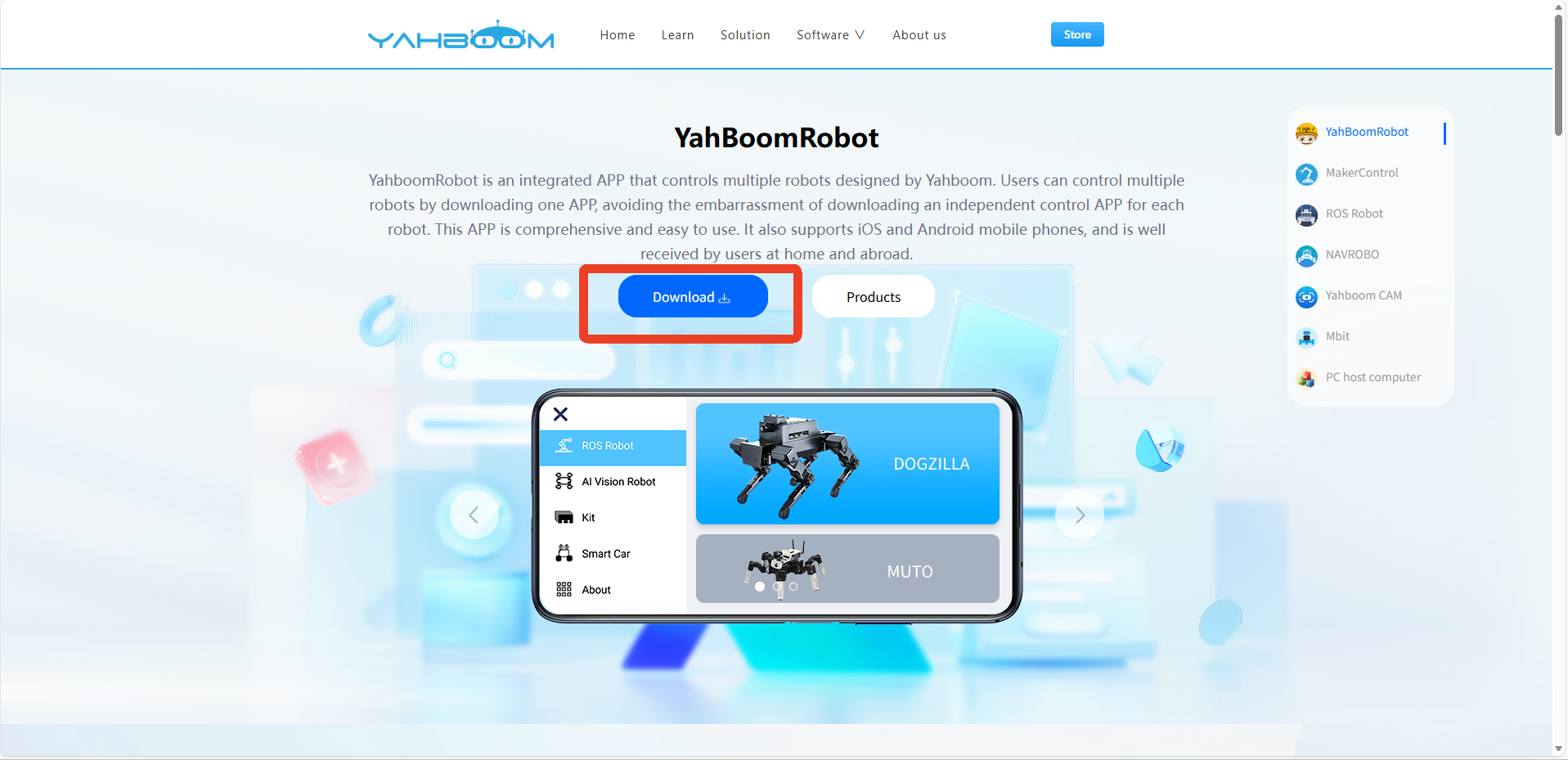
Use the YahboomRobot APP to control the car's movement via the Bluetooth module.
APP Download URL: https://www.yahboom.net/software/app#YahBoomRobot
- Program Flowchart
.png)
- Bluetooth Module
The Bluetooth module acts as the slave device, and the mobile APP acts as the master device for data transmission.
The Bluetooth module sends the data transmitted by the mobile APP to the development board (MSPM0G3507) via TXD. The development board then parses the received data to obtain the corresponding instruction data, thereby controlling the movement state of the car.
- Data Format (Communication Protocol):
| Header + Data + Trailer |
|---|
| $ + Data + # |
xxxxxxxxxxIt is recommended to understand this in conjunction with the code and the [Yahboom Smart APP Communication Protocol]
- Data Parsing
xxxxxxxxxxA communication protocol is a set of rules and conventions used for data exchange in computer networks. Data parsing requires referring to the format of the communication protocol.
Data Acquisition: Deal_Bluetooth
Using the serial port 5 interrupt function to call the Bluetooth data processing function, according to the communication protocol, we need to acquire the data between $ and #. Therefore, the Bluetooth data processing function code is written based on this: it checks if the received data is a $ symbol; if it is, it starts receiving data; if it is a # symbol, it stops receiving characters (data reception status is set to 1). The main loop processes the interrupted data in a polling manner.
Data Processing - Sending to the Car: Get_Data
Based on the communication protocol, it can be observed that different modes are involved, and the data all contains the character "4WD". However, some general control functions do not include "4WD". We can use string search functions to find the character.
- If the character "4WD" is not found, it indicates control of the car's movement, servo motors, buzzer, and RGB lights.
- Example:
Car forward: $1,0,0,0,0,0,0,0,0,0,0#
Car horn: $0,0,0,0,0,1,0,0,0,0#
- If the character "CLR" is found, it indicates control of the RGB lights.
- Example:
RGB lights on red: $4WD,CLR255,CLG0,CLB0#
- If the character "PTZ" is found, it indicates control of the servo motors.
- Example:
Servo motor rotates 180 degrees: $4WD,PTZ180#
- If the characters "MODE" and "4WD" are found, it indicates mode switching.
- Example:
Obstacle avoidance mode enabled: $4WD,MODE31#
Data processing - Send to APP: Send_Msg
If the APP wants to display the data corresponding to the car, it needs to send data to the APP according to the communication protocol format: send data to the APP via serial port 5
- Example:
$4WD,CSB125,PV8.3,GS214,LF1011,HW01,GM10#
III. Main Functions
This section mainly introduces the user-written function code. For detailed code, please open the project file we provided and view the source code in the Bsp folder.
1. User Functions
Function: USE_Bluetooth_Control
| Function Prototype | void USE_Bluetooth_Control(void) |
|---|---|
| Function Description | Bluetooth control |
| Input Parameters | None |
| Output Parameters | None |
Function: Deal_Bluetooth
| Function Prototype | void Deal_Bluetooth(uint8_t msg) |
|---|---|
| Function Description | Process received Bluetooth data |
| Input Parameters | Serial port received information |
| Output Parameters | None |
Function: Deal_Motor_Data
| Function Prototype | void Deal_Motor_Data(void) |
|---|---|
| Function Description | Process motion control of the vehicle |
| Input Parameters | None |
| Output Parameters | None |
Function: Deal_beep
| Function Prototype | void Deal_beep(void) |
|---|---|
| Function Description | Processes Bluetooth APP buzzer control data |
| Input Parameters | None |
| Output Parameters | None |
IV. Experimental Phenomena
After successfully downloading the program, press the RESET button on the development board to control the car using the YahboomRobot APP!
Appendix:
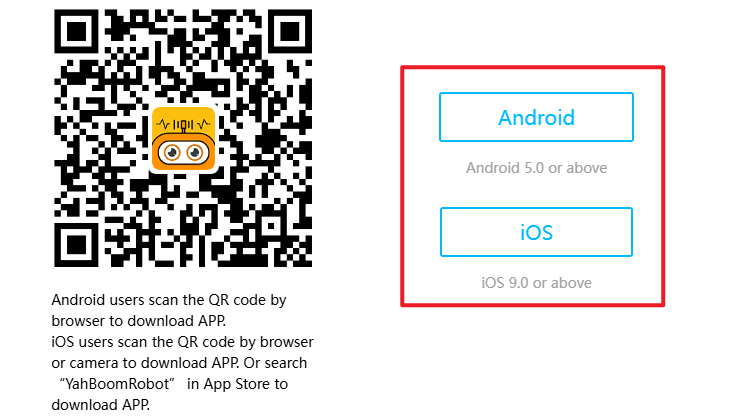
APP Download: https://www.yahboom.net/software/app#YahBoomRobot
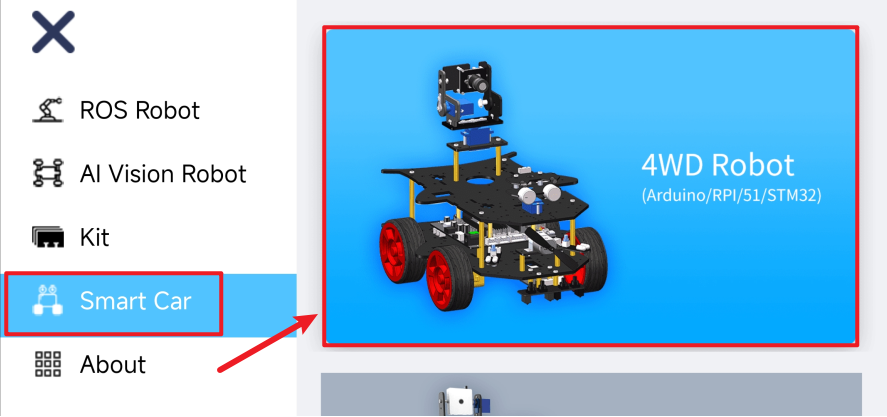
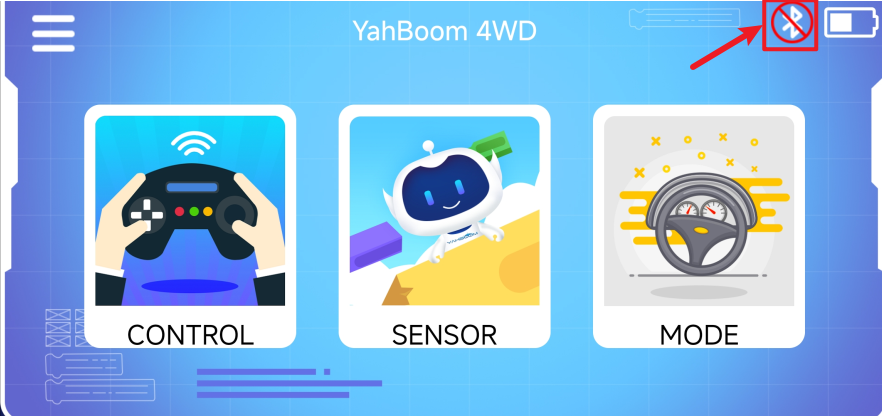
Specific operation steps of YahboomRobot APP
① Download the corresponding App
② Open the App and select 4WD Robot
③ Open the Bluetooth interface and enable location permissions, etc.
④Search for Bluetooth
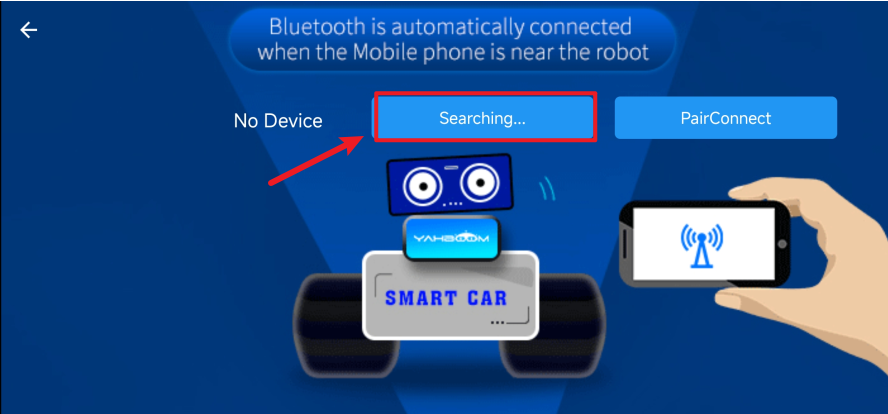
⑤Connect Bluetooth
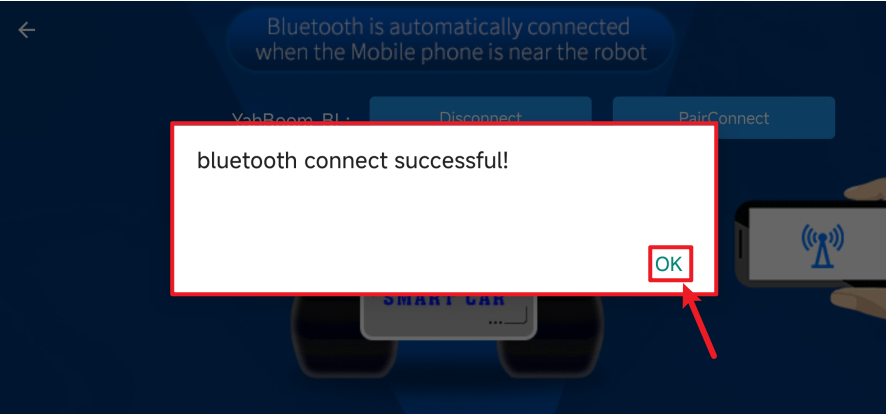
⑥Return to function selection page
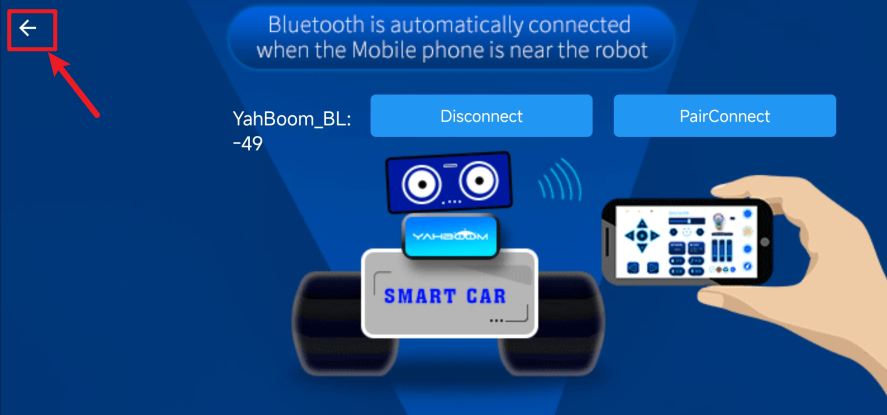
⑦Control interface
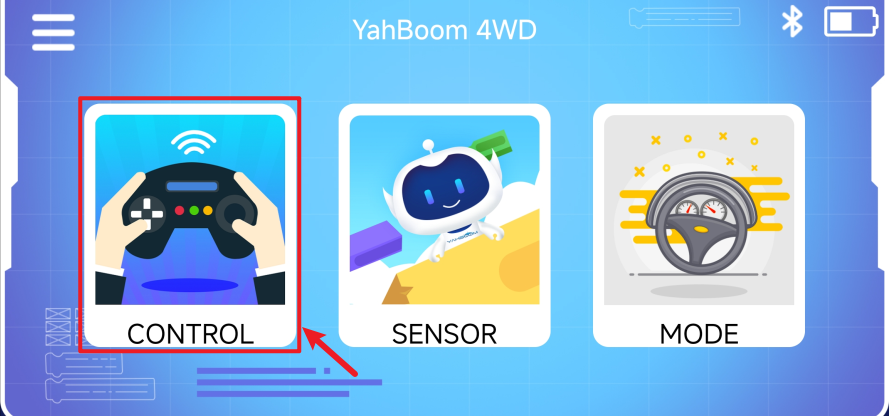
⑧Areas supporting function control