Welcome to Jetson AGX Thor repository
01.USB camera preview
USB Camera Preview
USB Camera Preview1. Viewing Video Devices2. GUVCView2.1 GUVCView Installation2.2 GUVCView Usage3. VLC3.1 VLC Installation3.2 VLC Usage
1. Viewing Video Devices
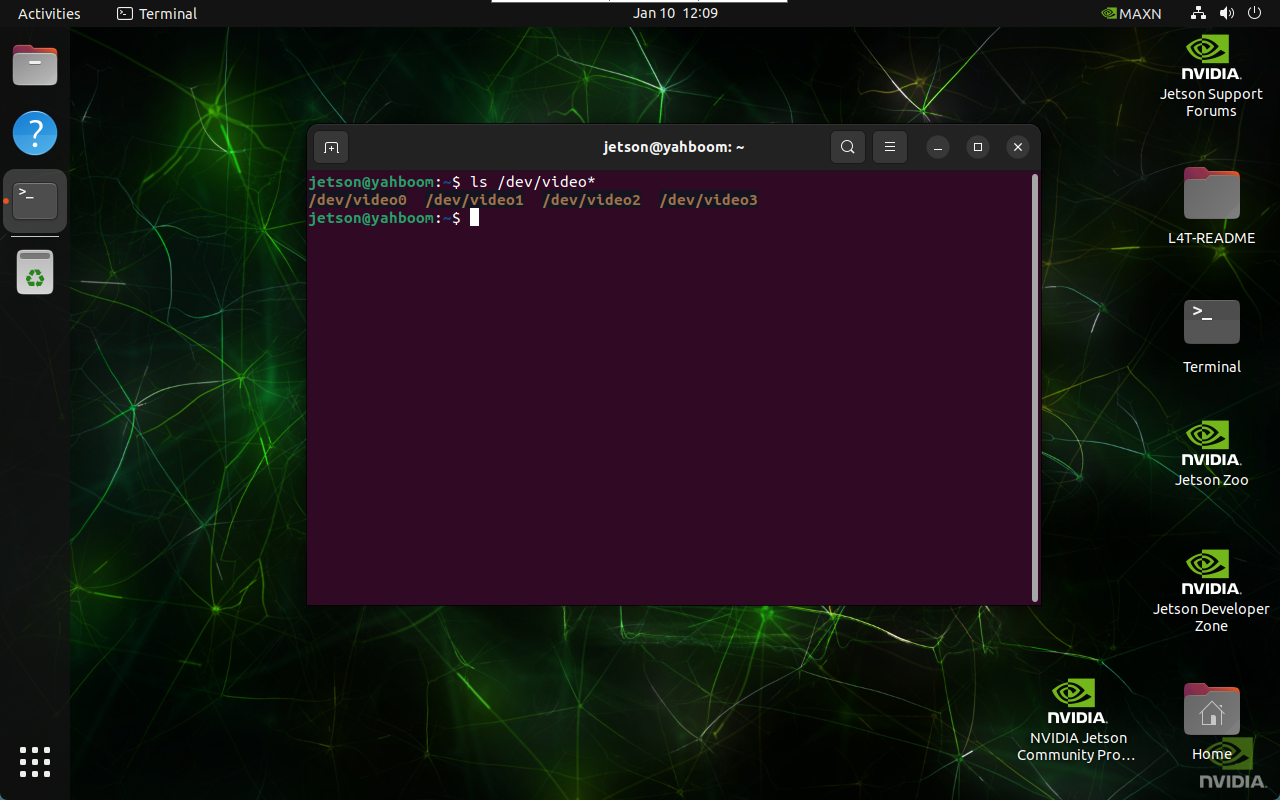
ls /dev/video*
The image shows the result when two USB cameras are connected: one USB camera displays two video devices. The USB camera selects the newly added device with the smaller number, either /dev/video0 or /dev/video2.
2. GUVCView
GUVCView is an open-source software for Linux systems used to capture and record video and images, primarily for webcams.
2.1 GUVCView Installation
xxxxxxxxxxsudo apt updatesudo apt install guvcview -y
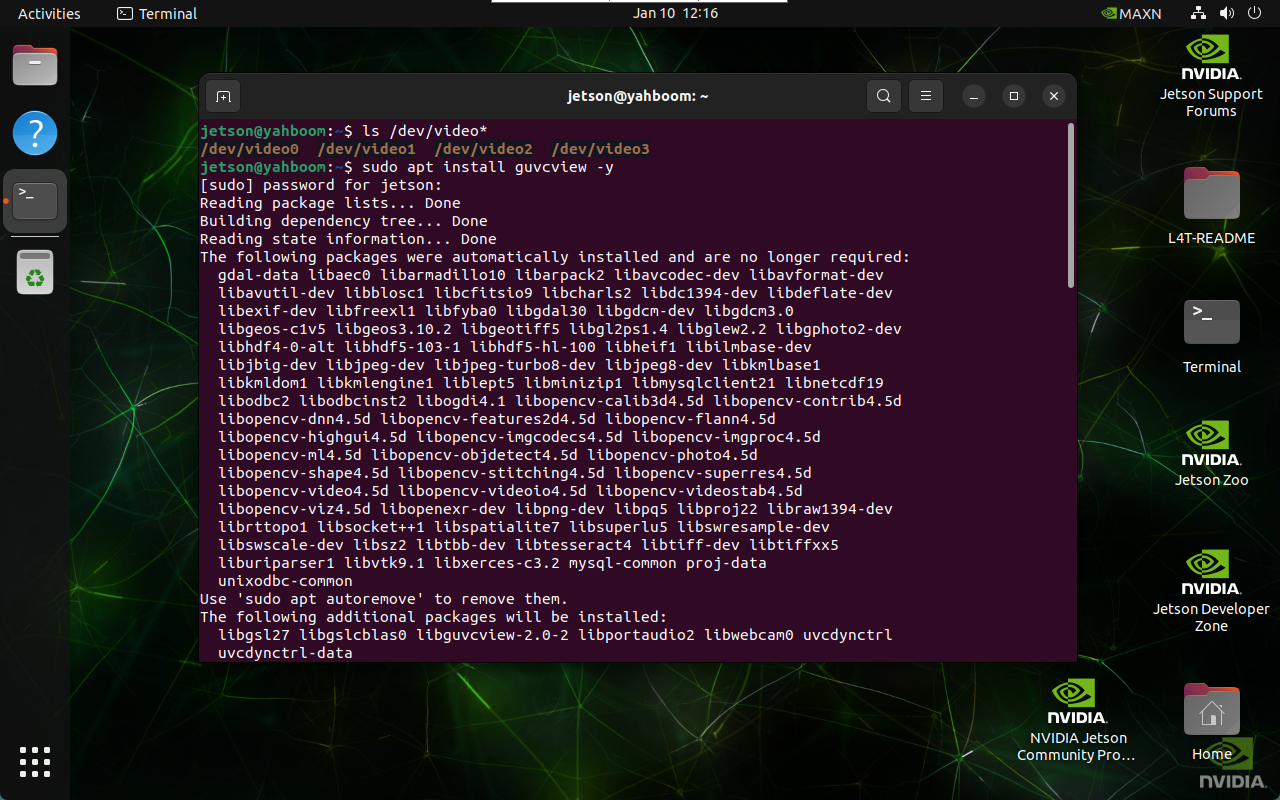
2.2 GUVCView Usage
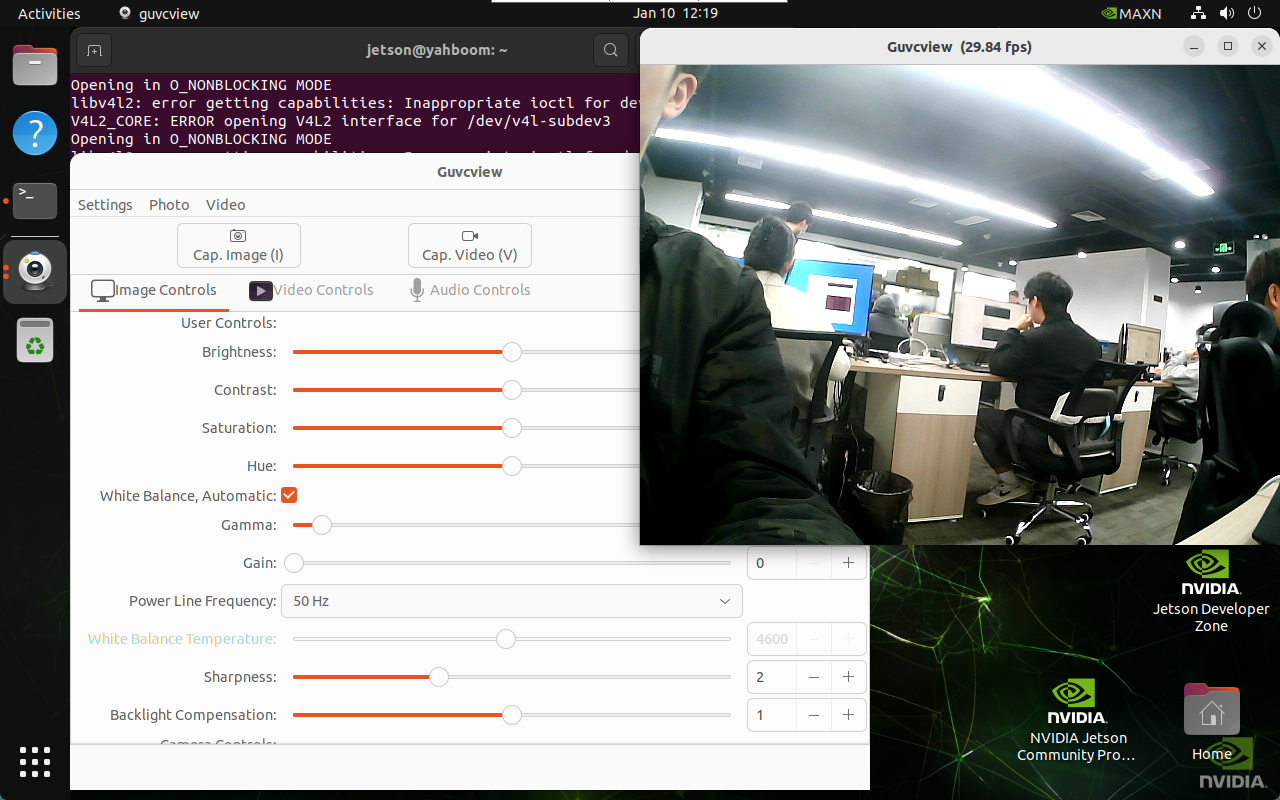
Go to the application menu bar and click the guvcview icon, or enter the launch command in the terminal: select USB camera.
xxxxxxxxxxguvcview

3. VLC
VLC media player is a free and open-source multimedia player that supports various audio and video formats, as well as DVD, audio CD, VCD, and various streaming media protocols.
3.1 VLC Installation
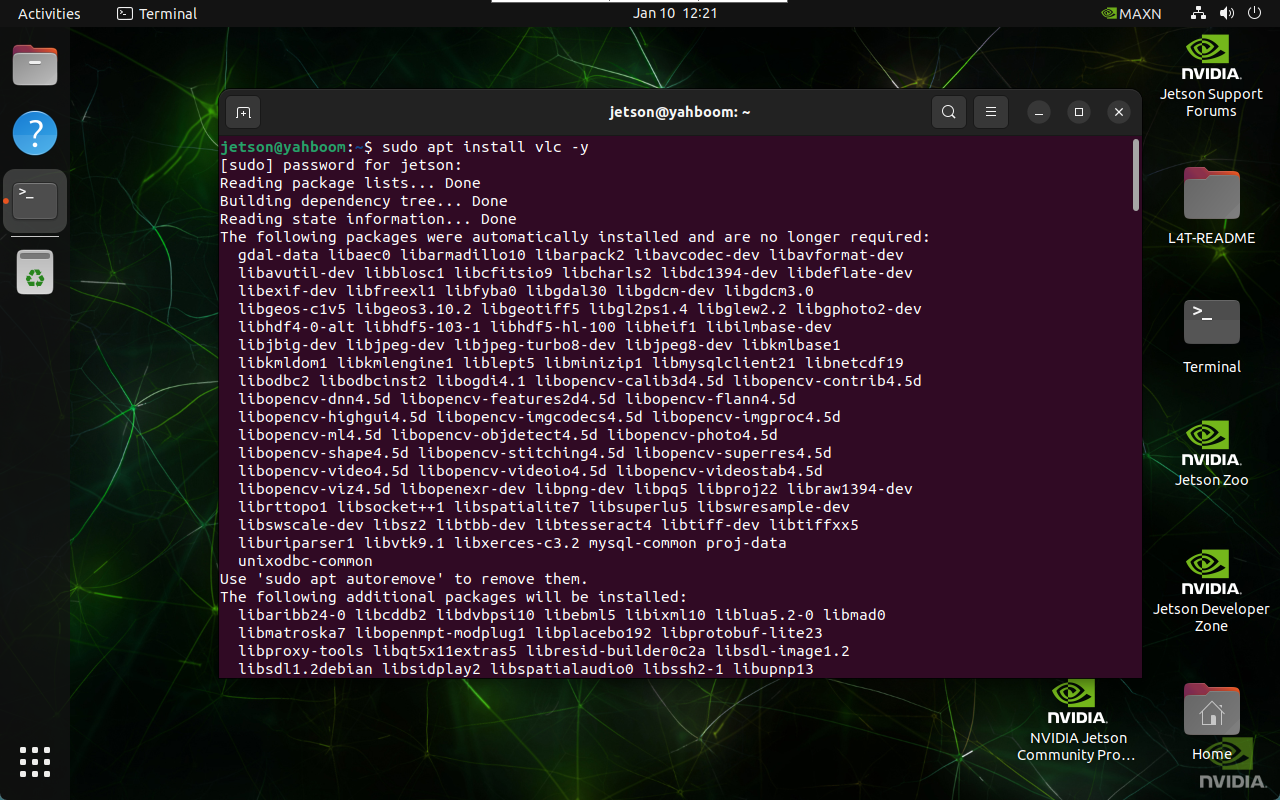
xxxxxxxxxxsudo apt updatesudo apt install vlc -y
3.2 VLC Usage
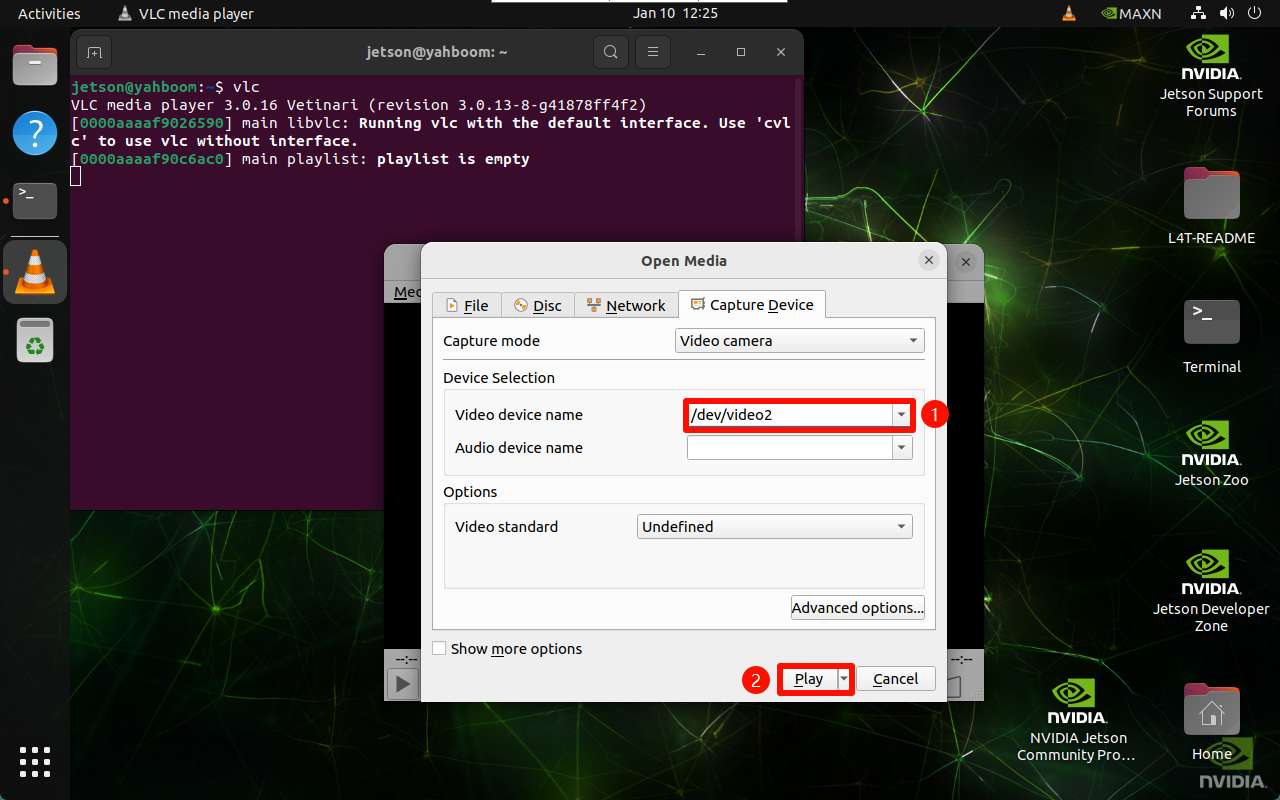
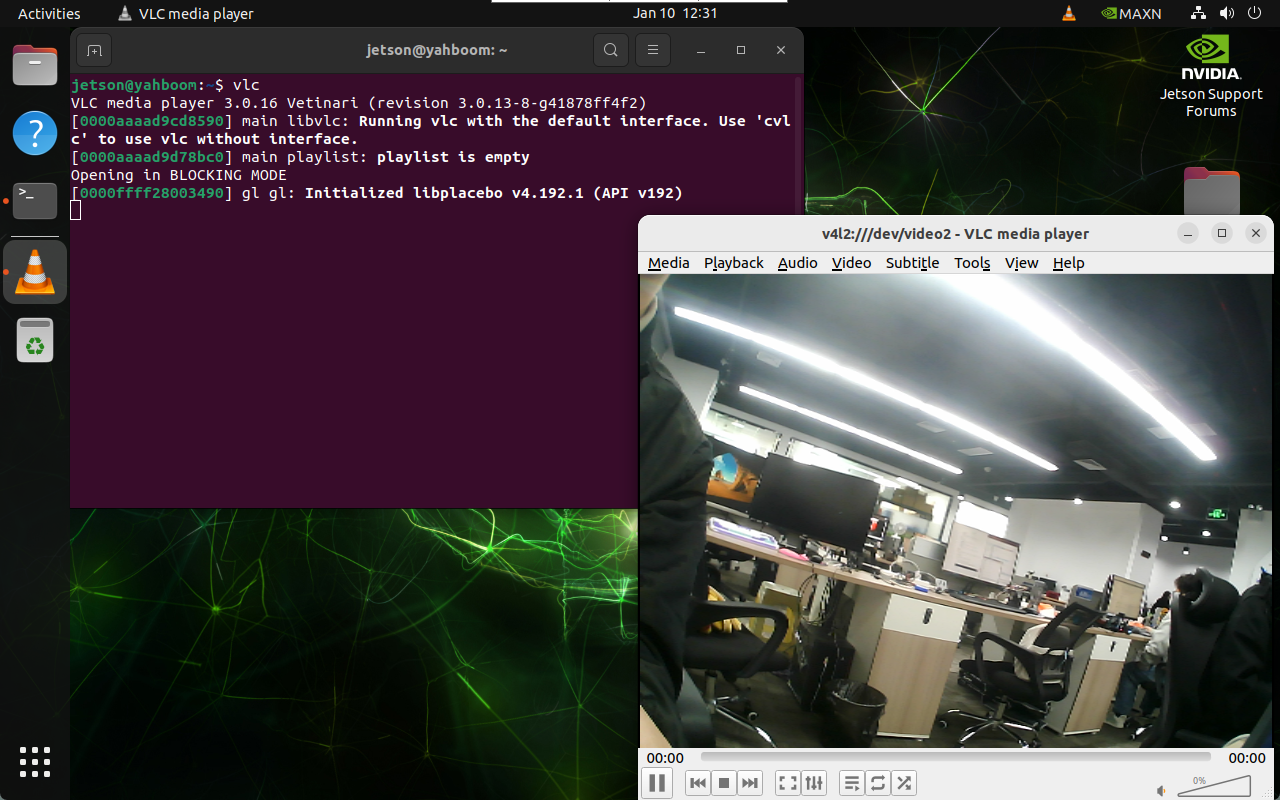
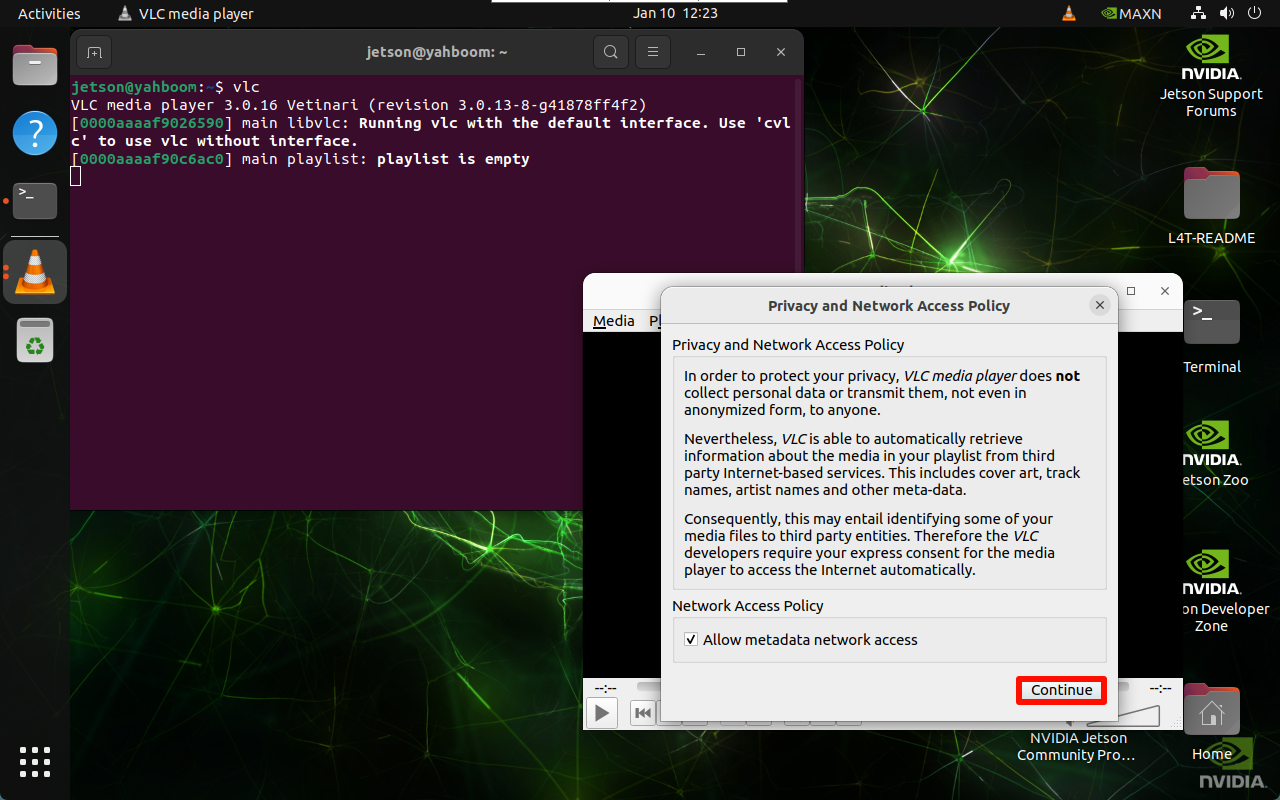
Go to the application menu and click the VLC media player icon, or enter the launch command in the terminal: select USB camera.
xxxxxxxxxxvlc
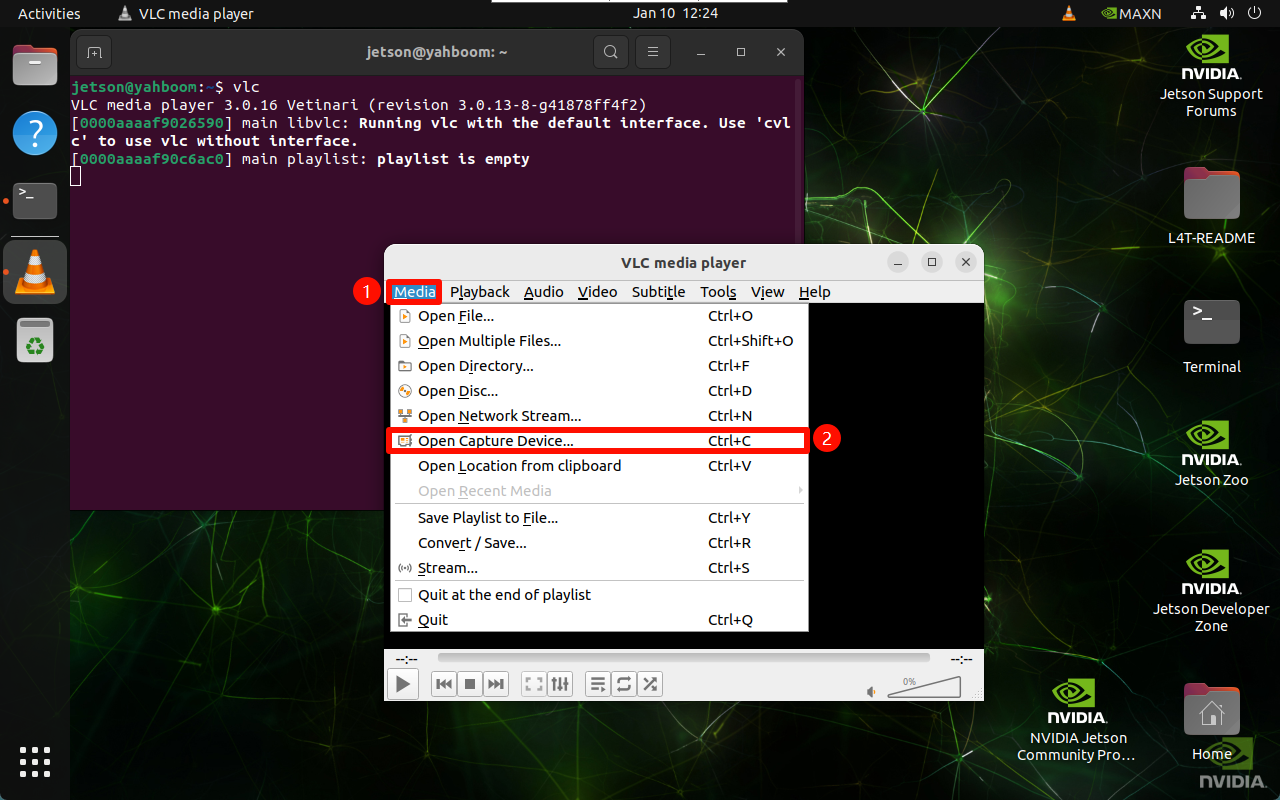
Select the device number corresponding to the USB camera: