Welcome to Jetson AGX Thor repository
01.YOLO Environment Setup
Setting up the YOLO Environment
Setting up the YOLO Environment1. System Information2. Downloading Files3. Resolving Dependency Libraries4. Installing Ultralytics5. Configuring GPU Acceleration6. Verify InstallationReferences
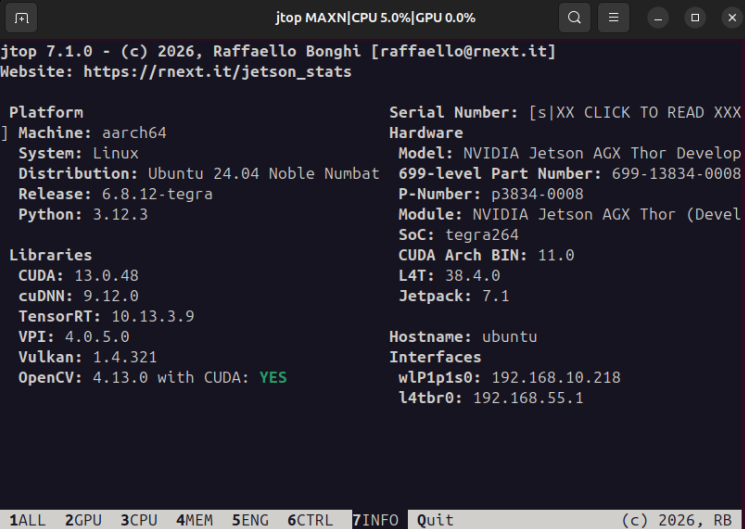
1. System Information
2. Downloading Files
This example uses ultralytics-v8.4.21.
cd ~/git clone https://github.com/ultralytics/ultralytics.git -b v8.4.21 --depth=1
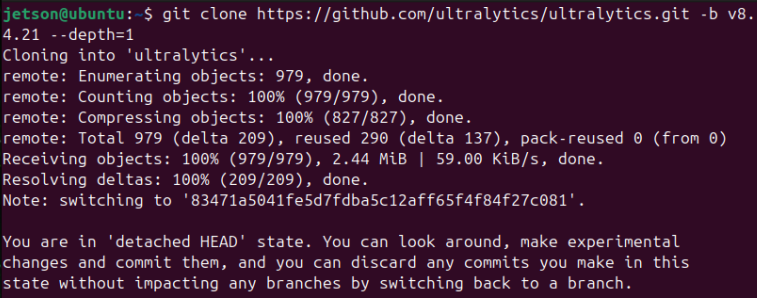
If you cannot clone the repository due to network issues, you can download the compressed file from the following website and then extract it.
xxxxxxxxxxhttps://github.com/ultralytics/ultralytics/releases/tag/v8.4.21
3. Resolving Dependency Libraries
xxxxxxxxxxsudo pip3 install -U protobuf --ignore-installed --break-system-packages
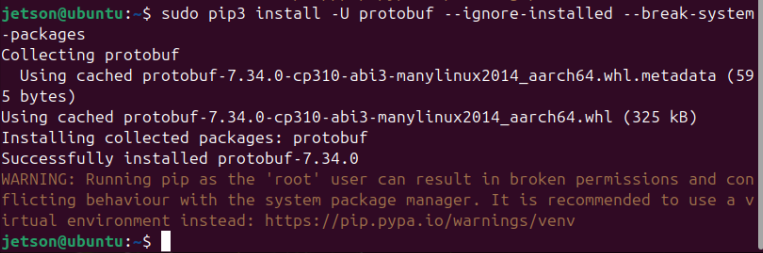
xxxxxxxxxxsudo pip3 install -U packaging --ignore-installed --break-system-packages
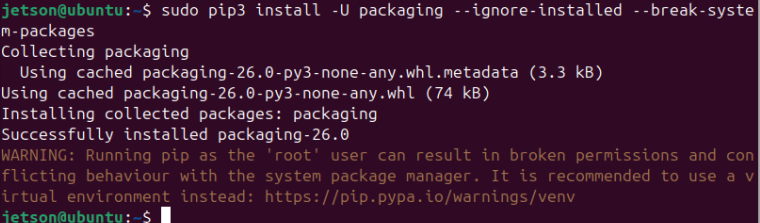
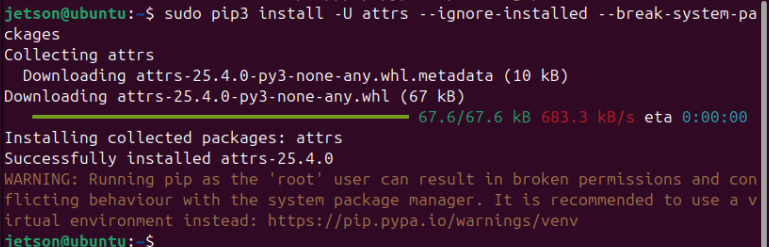
xxxxxxxxxxsudo pip3 install -U attrs --ignore-installed --break-system-packages
4. Installing Ultralytics
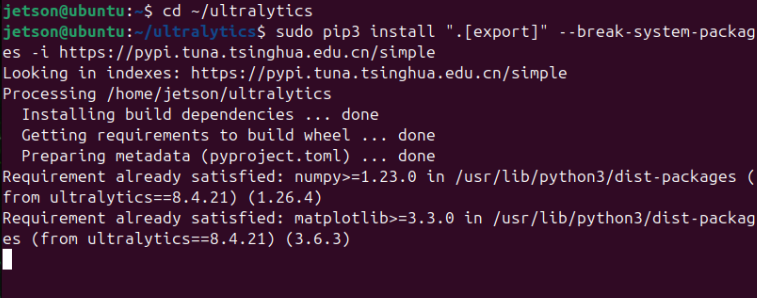
xxxxxxxxxxcd ~/ultralyticssudo pip3 install ".[export]" --break-system-packages -i https://pypi.tuna.tsinghua.edu.cn/simple
5. Configuring GPU Acceleration
Since we have already installed torch 2.10.0 and torchvision 0.25.0 in the previous tutorial, there is no need to run the torch and torchvision installation commands here; we only need to install the remaining packages.
torch
torchvision
onnxruntime-gpu
xxxxxxxxxxsudo pip3 install https://github.com/ultralytics/assets/releases/download/v0.0.0/onnxruntime_gpu-1.24.0-cp312-cp312-linux_aarch64.whl --break-system-packages

6. Verify Installation
Verify Ultralytics
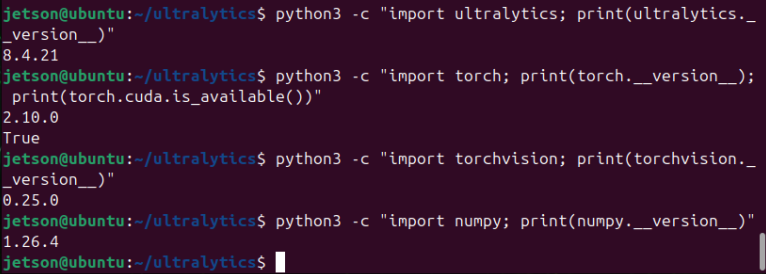
xxxxxxxxxxpython3 -c "import ultralytics; print(ultralytics.__version__)"
Verify Torch
xxxxxxxxxxpython3 -c "import torch; print(torch.__version__); print(torch.cuda.is_available())"
Verify Torchvision
xxxxxxxxxxpython3 -c "import torchvision; print(torchvision.__version__)"
Verify NumPy
xxxxxxxxxxpython3 -c "import numpy; print(numpy.__version__)"
Verify onnxruntime-gpu
xxxxxxxxxxpip3 list | grep onnx
