Welcome to Jetson AGX Thor repository
14.OpenClaw Application - Script Execution
OpenClaw Application - Script Execution
1. Hardware Connection
Since this example requires the use of a USB camera, please first plug the USB camera into a USB port on the mainboard, and then identify the camera's device number:
ls /dev/video*

2. Command Interaction
Ensure that OpenClaw has been configured.
Interact via the TUI terminal:
xxxxxxxxxxopenclaw tui
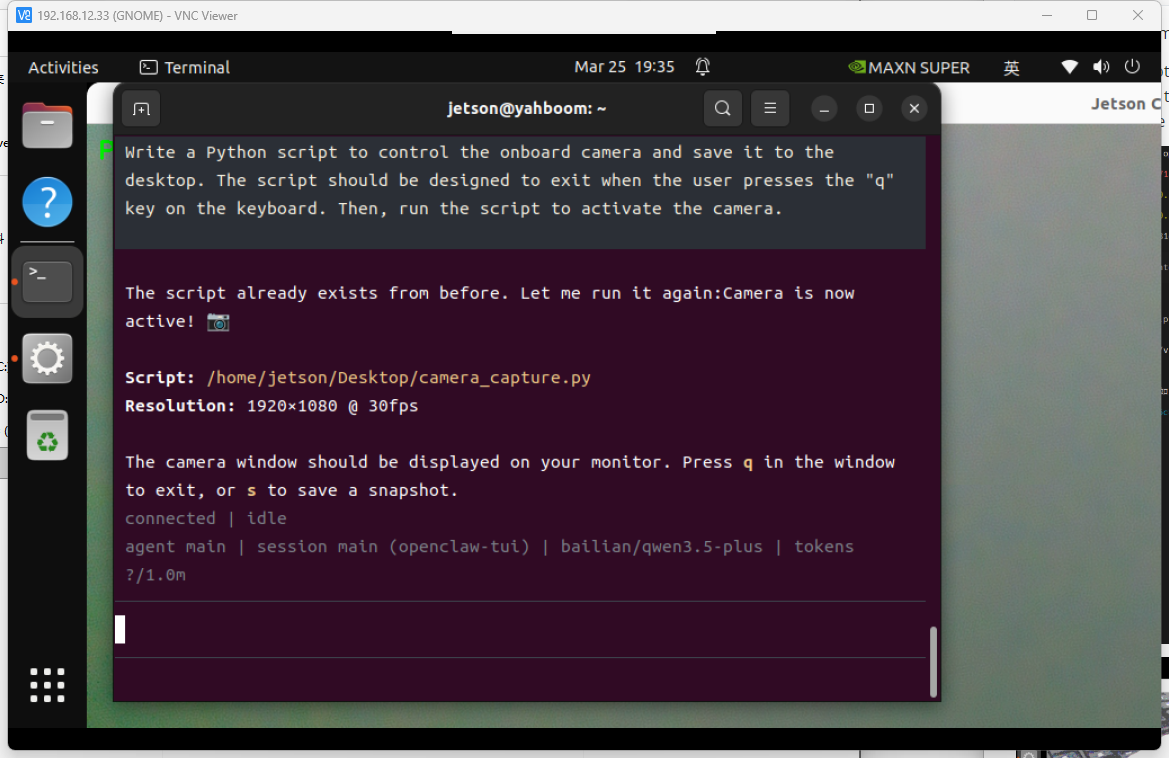
Enter interactive commands.
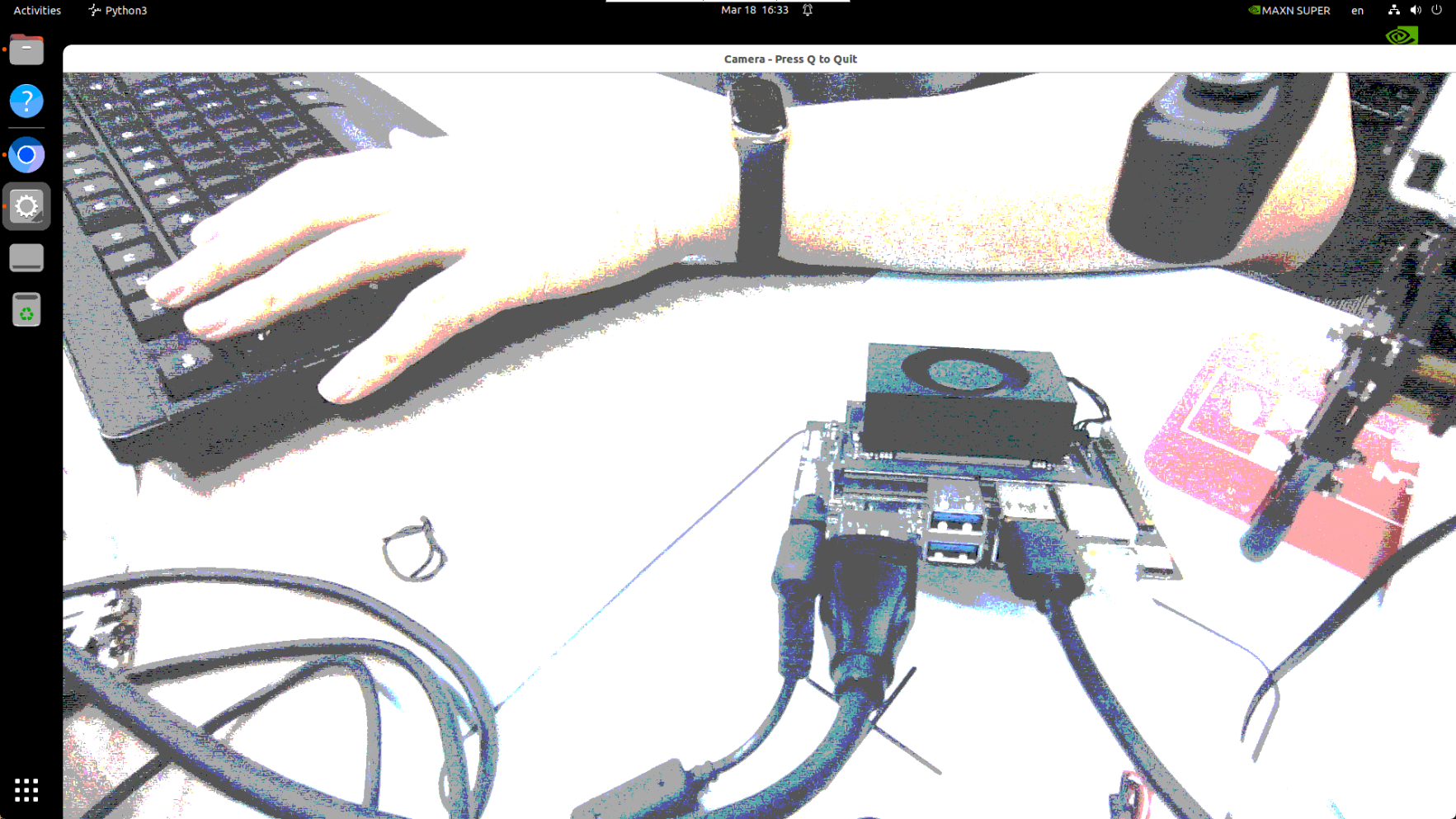
Write a Python script to control the onboard camera and save it to the desktop. The script should be designed to exit when the user presses the "q" key on the keyboard. Then, run the script to activate the camera.