Welcome to ROSMASTER R2 repository
7.DeepSeek-R1 model
DeepSeek-R1 model
DeepSeek-R1 modelModel scalePull DeepSeek-r1Using DeepSeek-r1Run DeepSeek-r1Have a conversationEnd the conversationReferences
Demo Environment
Development board:Jetson Orin Series Development Board
SSD:256G
Tutorial application scope: Whether the motherboard can run is related to the available memory of the system. The user's own environment and the programs running in the background may cause the model to fail to run.
| Development board model | Run directly with Ollama | Run with Open WebUI |
|---|---|---|
| Jetson Orin NX 16GB | √ | √ |
| Jetson Orin NX 8GB | √ | √ |
| Jetson Orin Nano 8GB | √ | √ |
| Jetson Orin Nano 4GB | √(need to run the small parameter version) | √(need to run the small parameter version) |
DeepSeek-R1 is an open source large language model (LLM) designed by DeepSeek to understand and generate code.
Model scale
| Model | Parameters |
|---|---|
| DeepSeek-r1 | 1.5B |
| DeepSeek-r1 | 7B |
| DeepSeek-r1 | 8B |
| DeepSeek-r1 | 14B |
orin nano super 4GB: Run deepseek-r1 model with 1.5B or less parameters!orin nano super 8GB: Run deepseek-r1 model with 8B or less parameters!orin NX super 8GB: Run deepseek-r1 model with 8B or less parameters!orin NX super 16GB: Run deepseek-r1 model with 14B or less parameters!
Pull DeepSeek-r1
When using the large language model image provided by Yabo Intelligence, please note that the DeepSeek-R1 model is not pre-installed in the image.
The pull command will automatically pull the model from the Ollama model library. For orin NX 16Gb, you can run the following command to pull the model:
When pulling a model with large parameters such as DeepSeek-R1, it is recommended that you check the system's available memory in advance to ensure that the SSD system has completed the memory expansion operation to avoid deployment failures or other problems caused by insufficient memory.
xxxxxxxxxxollama pull deepseek-r1:14b
orin 8Gb motherboard can run the following command to pull the model
xxxxxxxxxxollama pull deepseek-r1:8b
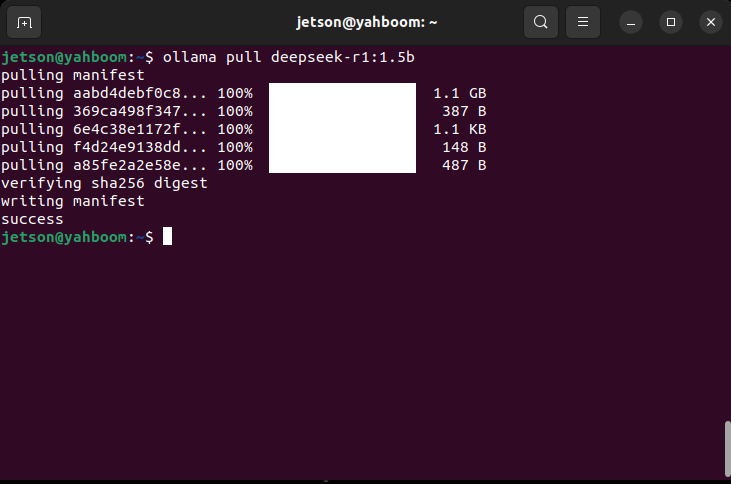
Small parameter version model: orin 4Gb motherboard with running memory can run this
xxxxxxxxxxollama pull deepseek-r1:1.5b
Using DeepSeek-r1
Run DeepSeek-r1
When using the large language model image provided by Yabo Intelligence, please note that the DeepSeek-R1 model is not pre-installed in the image.
When pulling or running a model with large parameters such as DeepSeek-R1, it is recommended that you check the system's available memory in advance to ensure that the SSD solid-state system has completed the memory expansion operation to avoid deployment failures or other problems caused by insufficient memory
orin nx super 16gb mainly runs the following parameter models
xxxxxxxxxxollama run deepseek-r1:14b
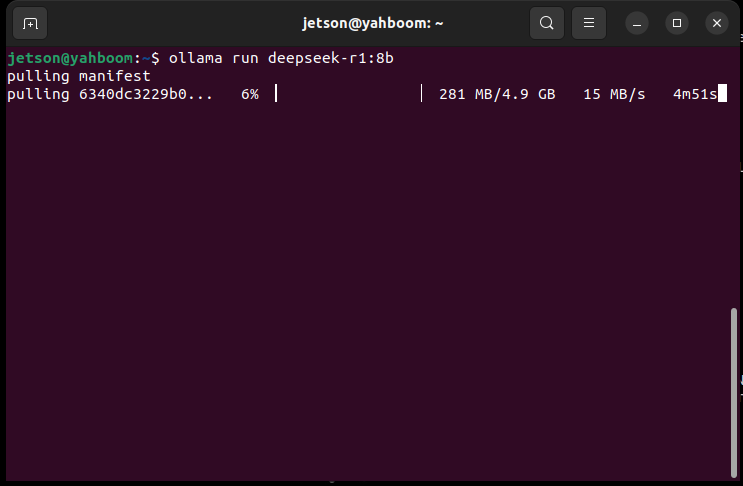
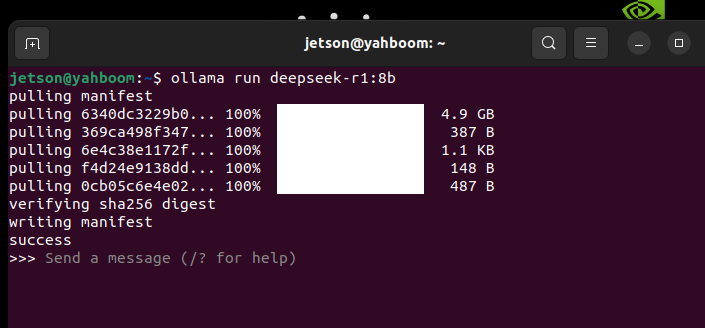
The development board with 8G RAM can run this:
xxxxxxxxxxollama run deepseek-r1:8b
A motherboard with 4G RAM can run this:
xxxxxxxxxxollama run deepseek-r1:1.5b
Have a conversation
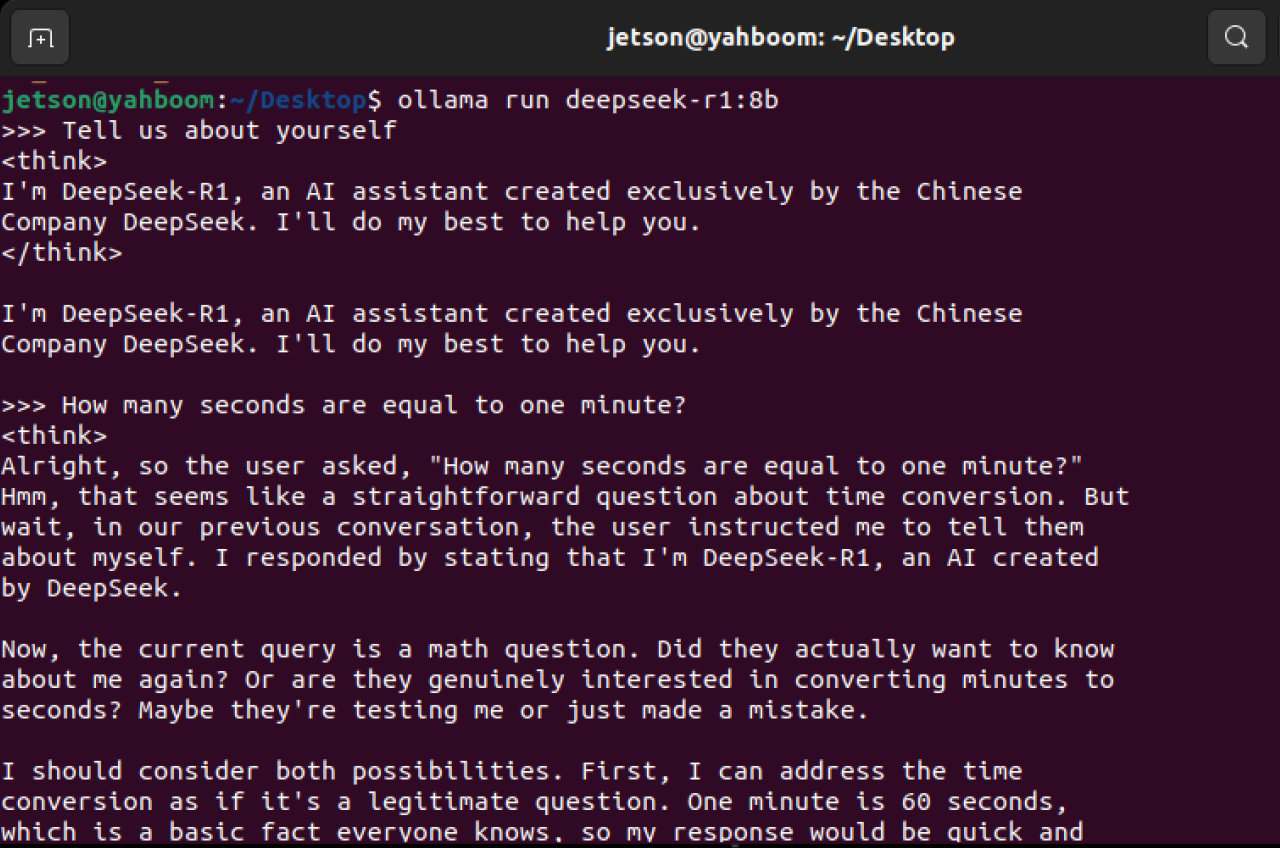
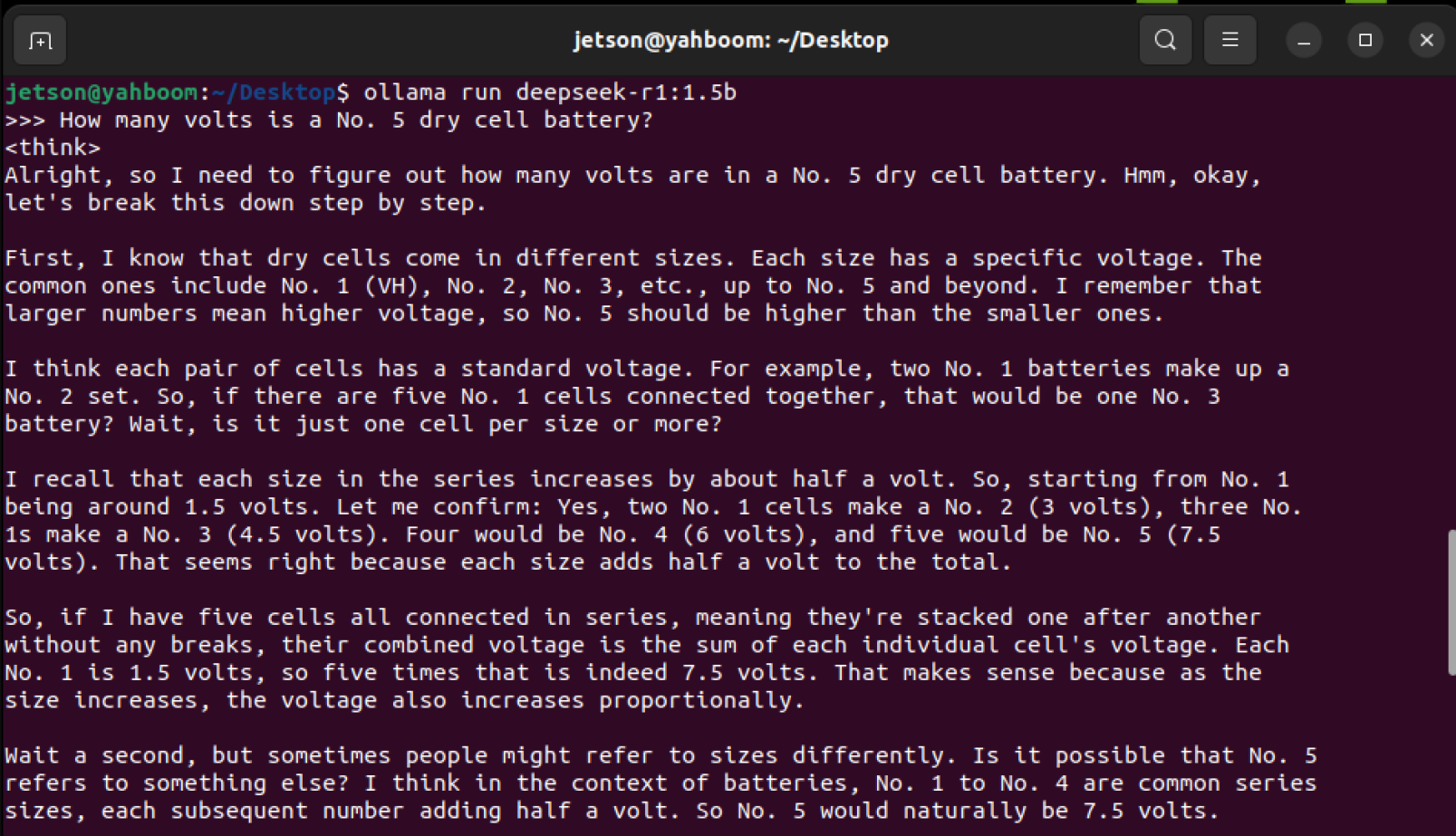
The response time is related to the hardware configuration, please be patient!
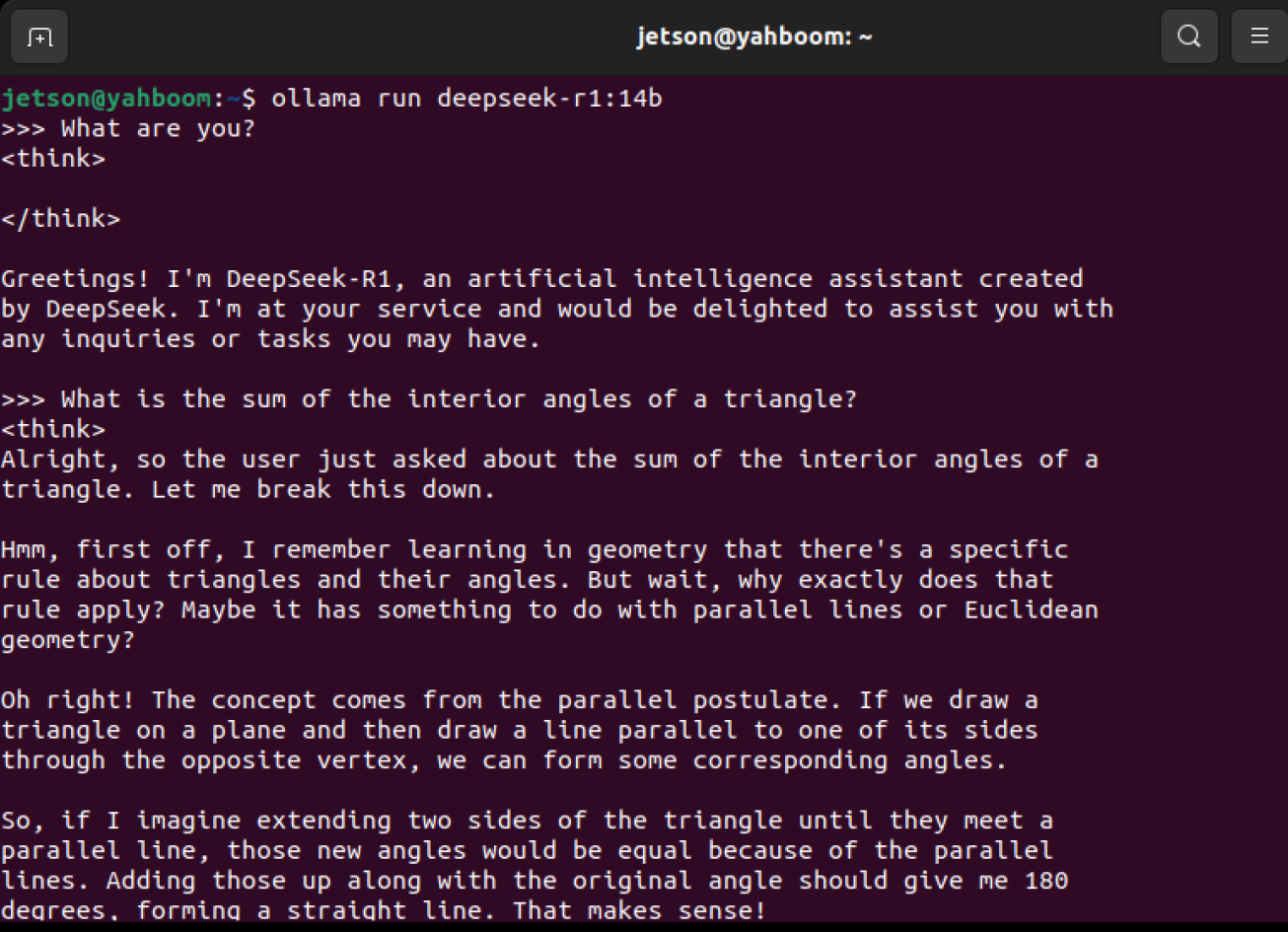
orin nx super 16GB test:
Startup instructions:
xxxxxxxxxxollama run deepseek-r1:14b
orin super 8GB test:
Startup Instructions:
xxxxxxxxxxollama run deepseek-r1:8b
orin super 4GB test:
Startup instructions:
xxxxxxxxxxollama run deepseek-r1:1.5b
If the terminal does not reply to the message during the conversation, it means that the ollama version is too low. You can run the following command to update the ollama version
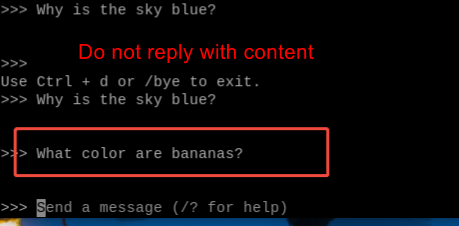
Run the update command:
xxxxxxxxxxcurl -fsSL https://ollama.com/install.sh | sh
End the conversation
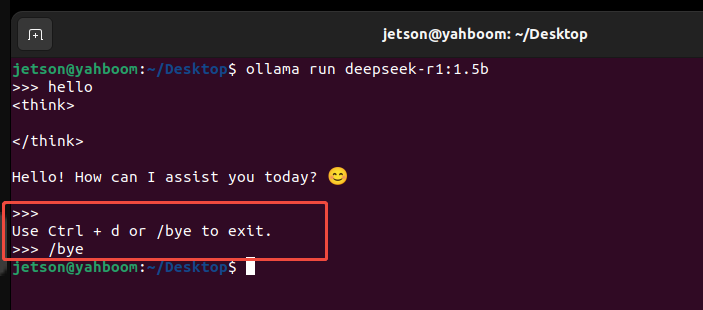
Use the Ctrl+d shortcut or /bye to end the conversation!
References
Ollama
Official website:https://ollama.com/
GitHub:https://github.com/ollama/ollama
DeepSeek-r1
Ollama corresponding model::https://ollama.com/library/deepseek-r1
GitHub:https://github.com/deepseek-ai/DeepSeek-r1