Welcome to Raspberry Pi 5 repository
3.Jupyter Lab plug-in installation
Jupyter Lab Plugin Installation
If you are using the factory image we provided, manual installation and configuration are not required.
Installing plugins can enhance Jupyter Lab's functionality and provide more tools and features.
1. Install Node.js
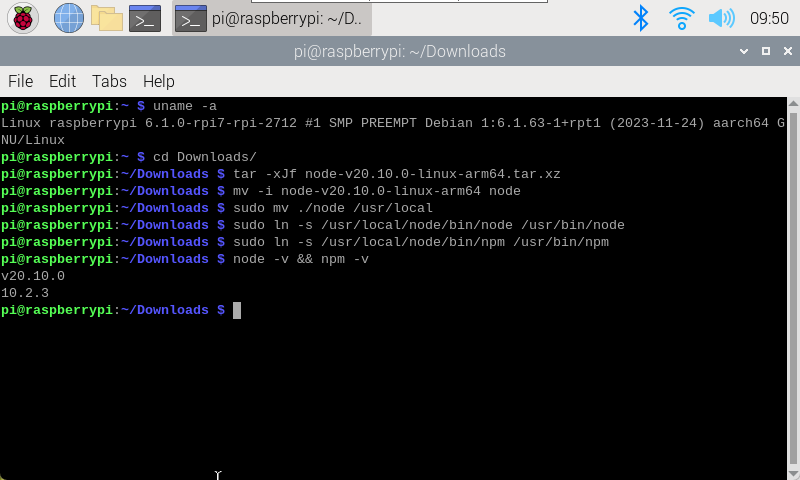
Check Raspberry Pi architecture:
uname -a

Select the Node.js version suitable for ARMv8 architecture to install.
Download Node.js:
xxxxxxxxxxhttps://nodejs.org/en/download/
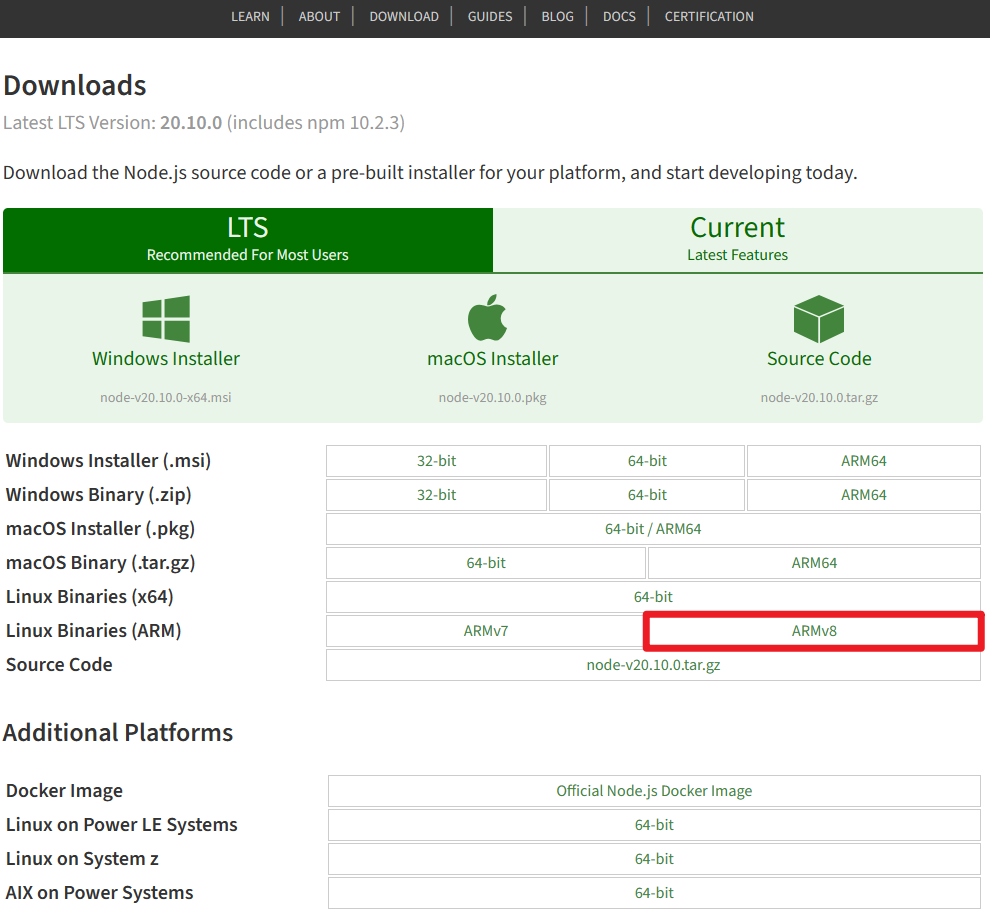
Extract:
After downloading the latest version of binary files from the official website, extract and rename the folder to node:
xxxxxxxxxxcd Downloads/tar -xJf node-v20.10.0-linux-arm64.tar.xzmv -i node-v20.10.0-linux-arm64 node

Move binary files and add symbolic links:
xxxxxxxxxxsudo mv ./node /usr/localsudo ln -s /usr/local/node/bin/node /usr/bin/nodesudo ln -s /usr/local/node/bin/npm /usr/bin/npm
Check if node and npm are installed successfully:
xxxxxxxxxxnode -v && npm -v
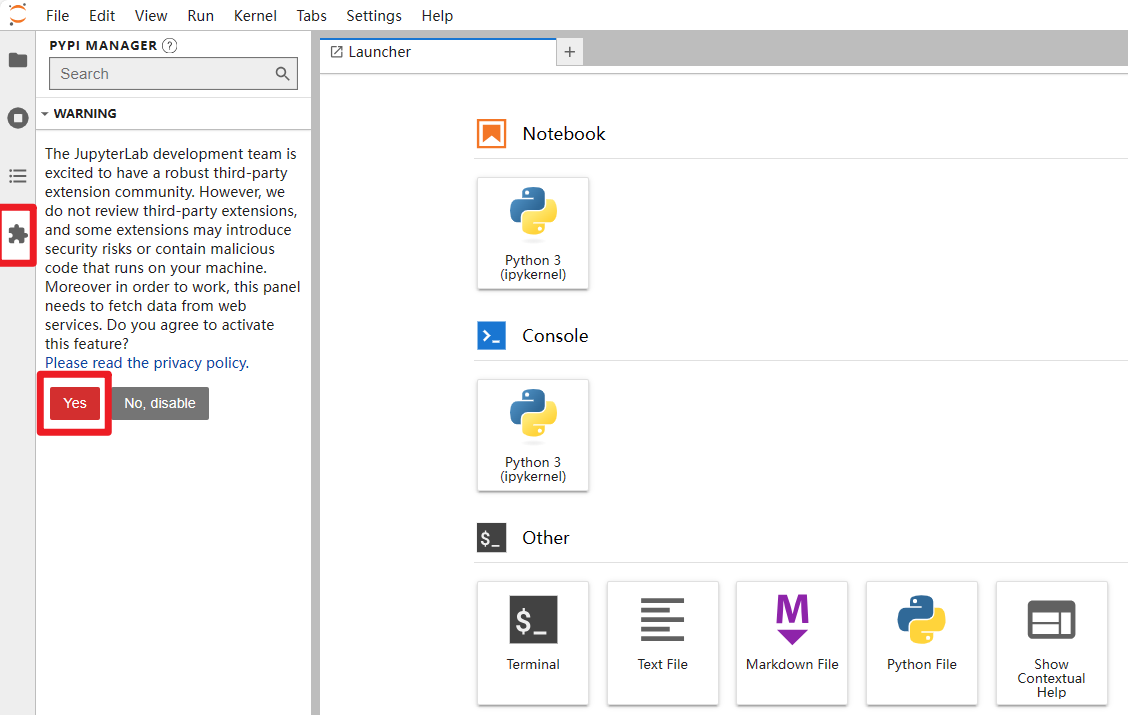
2. Enable Plugins
Enable third-party extension support in Jupyter Lab.
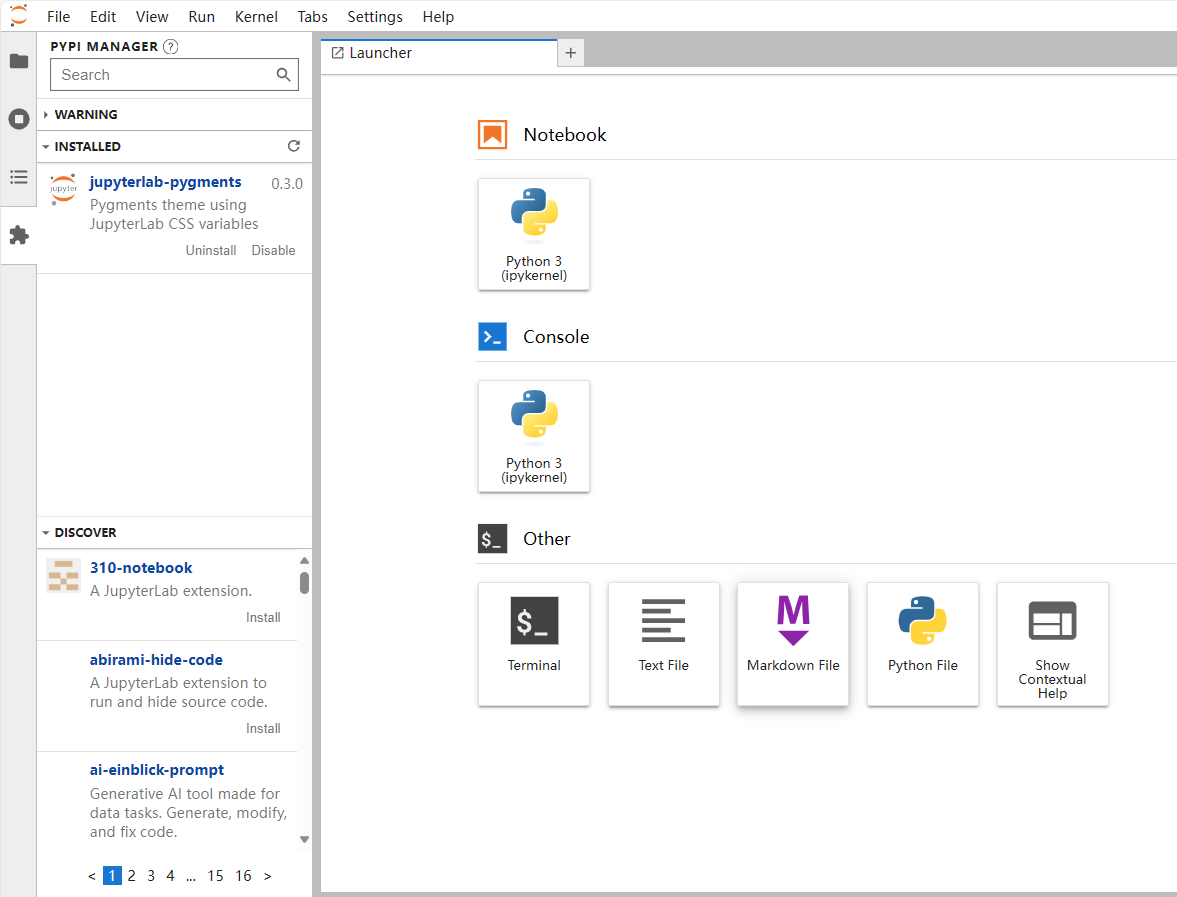
3. Install Extensions
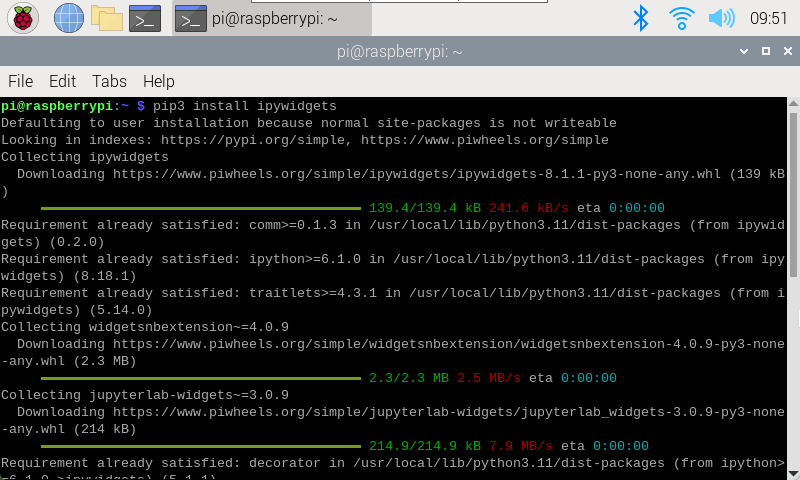
xxxxxxxxxxpip3 install ipywidgets
Provides functionality for creating interactive widgets in Jupyter Lab.
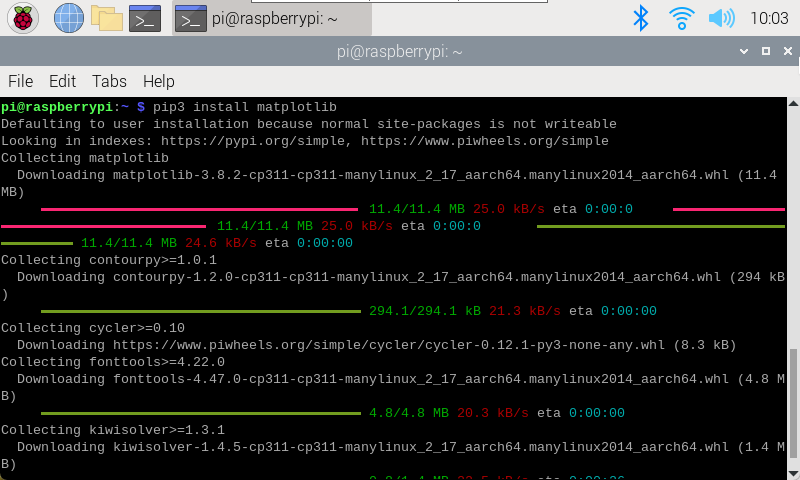
xxxxxxxxxxpip3 install matplotlib
Provides functionality for creating various types of graphs and visualizations in Python, including line charts, scatter plots, histograms, etc.