Welcome to Raspberry Pi 5 repository
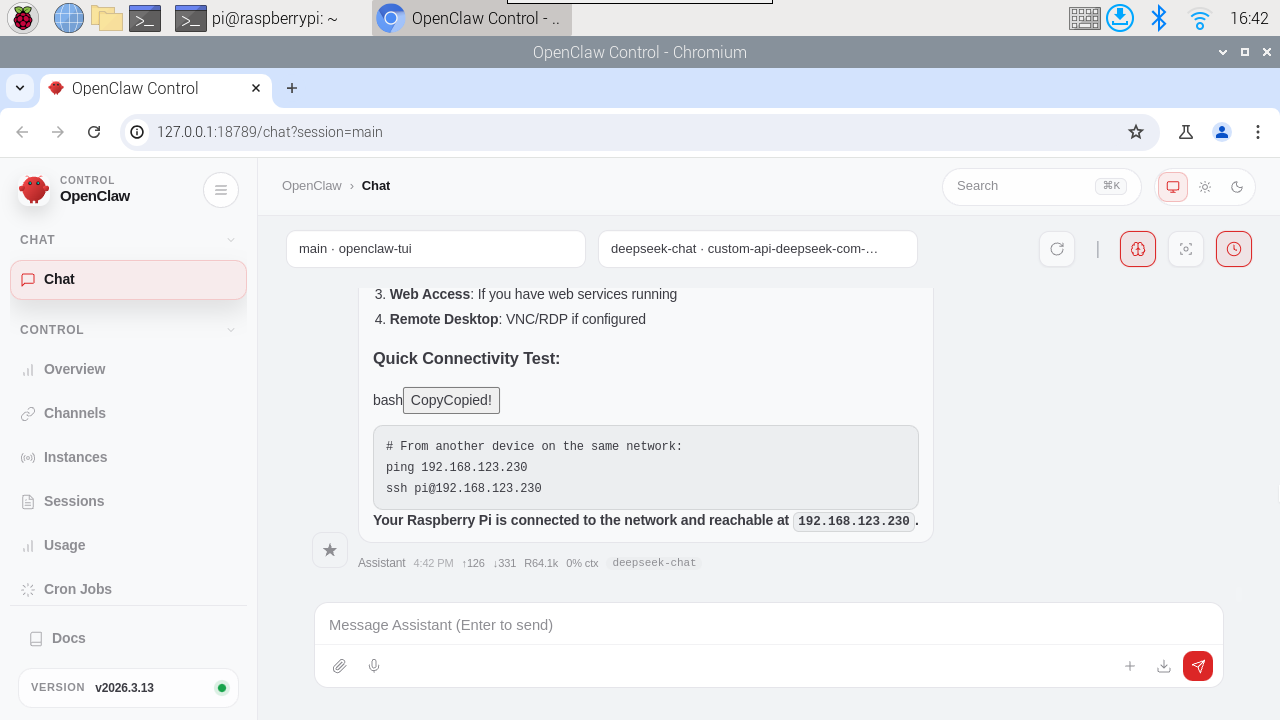
03. OpenClaw WebChat Interaction
WebChat
Status: macOS/iOS SwiftUI chat UI communicates directly with Gateway WebSocket.
What It Is
- Native chat UI for Gateway (no embedded browser, no local static server).
- Uses the same session and routing rules as other channels.
- Deterministic routing: replies always return to WebChat.
Quick Start
Start Gateway. (Usually Gateway has auto-started, no need to run this command)
xxxxxxxxxxopenclaw gatewayOpen WebChat UI (macOS/iOS app) or control UI chat tab.
xxxxxxxxxxopenclaw dashboard
- Ensure Gateway authentication is configured (required by default, even on loopback).
How It Works (Behavior)
- UI connects to Gateway WebSocket and uses
chat.history,chat.send, andchat.inject. chat.injectdirectly appends assistant annotations to transcript and broadcasts to UI (no agent run).- History is always fetched from Gateway (no local file watching).
- If Gateway is unreachable, WebChat is read-only.
Remote Use
- Remote mode works via SSH/Tailscale tunnel for Gateway WebSocket.
- You don't need to run a separate WebChat server.
Configuration Reference (WebChat)
Full configuration: Configuration channel options:
- No dedicated
webchat.*block. WebChat uses Gateway endpoints + authentication settings below.
Relevant global options:
gateway.port,gateway.bind: WebSocket host/port.gateway.auth.mode,gateway.auth.token,gateway.auth.password: WebSocket authentication.gateway.remote.url,gateway.remote.token,gateway.remote.password: Remote Gateway target.session.*: Session storage and primary key defaults.
For more web interface related content, refer to: WebChat - OpenClaw