Welcome to Raspberry Pi 5 repository
Open Source CV environment setup
Environment Setup - Installing Open Source CV
If you are using the factory image we provided, manual installation and configuration are not required.
OpenCV (Open Source Computer Vision Library) is an Intel® open-source computer vision library. It consists of a series of C functions and a small number of C++ classes, implementing many general algorithms in image processing and computer vision. OpenCV has cross-platform mid and high-level APIs including more than 300 C functions. It does not depend on other external libraries—although some external libraries can also be used. OpenCV is free for both non-commercial and commercial applications.

As an open-source project for basic computer vision, image processing, and pattern recognition, OpenCV can be directly applied to many fields, making it an ideal tool for secondary development. Especially, the new version of OpenCV provides a large number of Python interfaces, greatly simplifying the calling of OpenCV functions, allowing users to more conveniently use OpenCV to implement various functions.
OpenCV official website: https://opencv.org/
It has the following features: (1) Open C/C++ source code (2) Optimized code based on Intel processor instruction set (3) Unified structure and function definition (4) Powerful image and matrix operation capabilities (5) Convenient and flexible user interface (6) Supports both MS-WINDOWS and LINUX platforms
This tutorial uses command installation. Source code installation is also possible but takes longer.
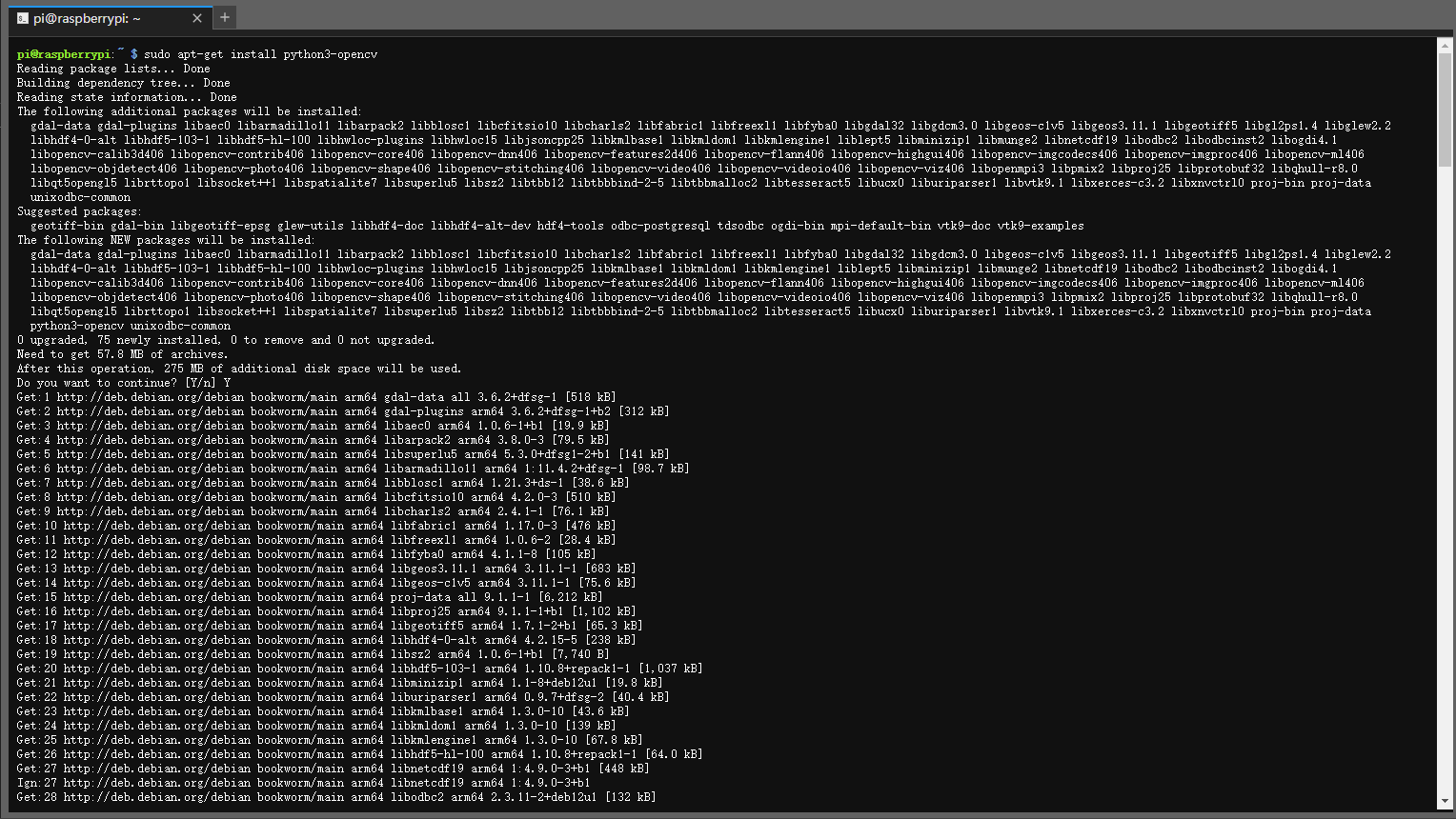
The installation command is as follows:
sudo apt-get install python3-opencv
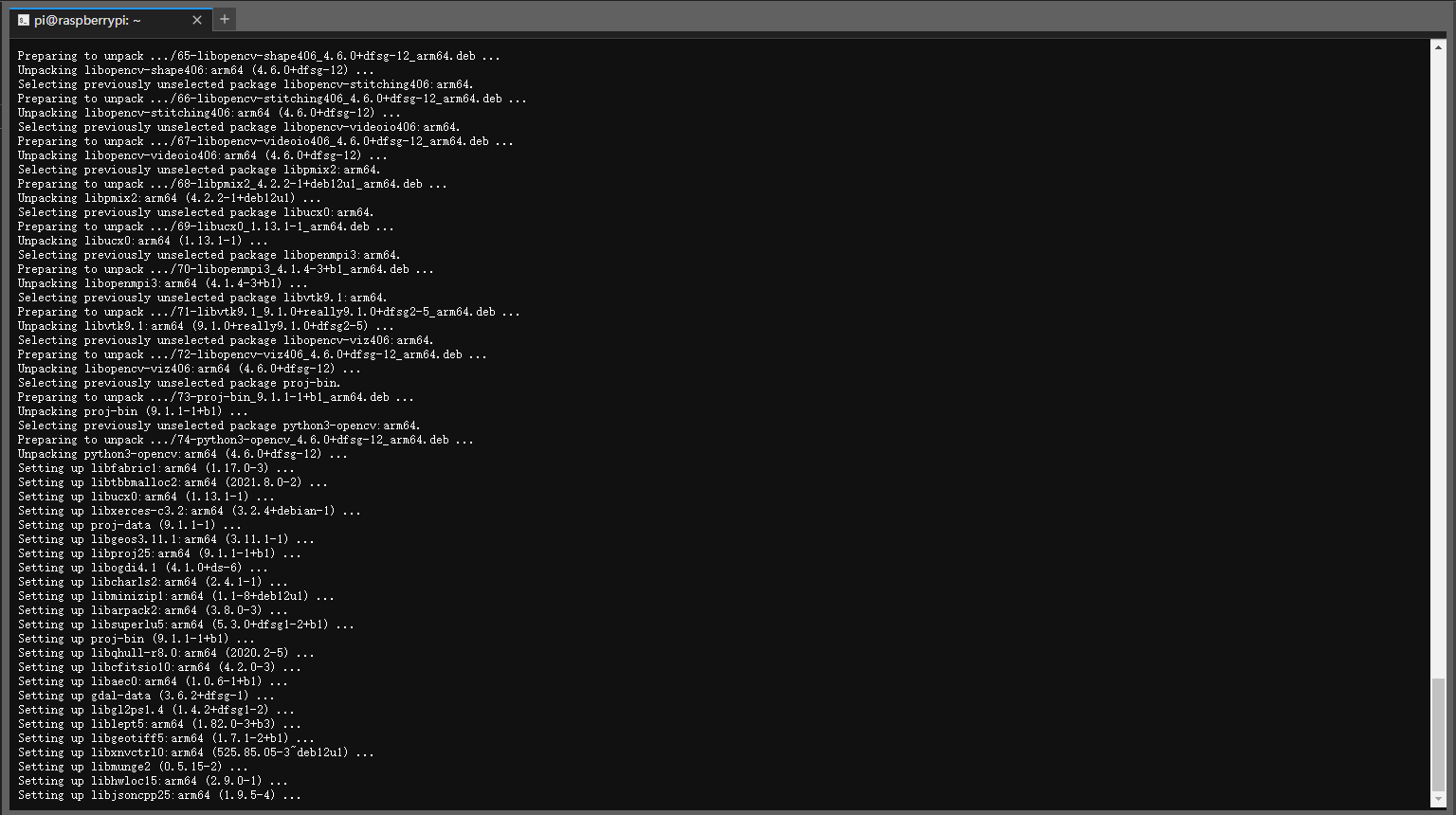
When you see the following content, the installation is complete:
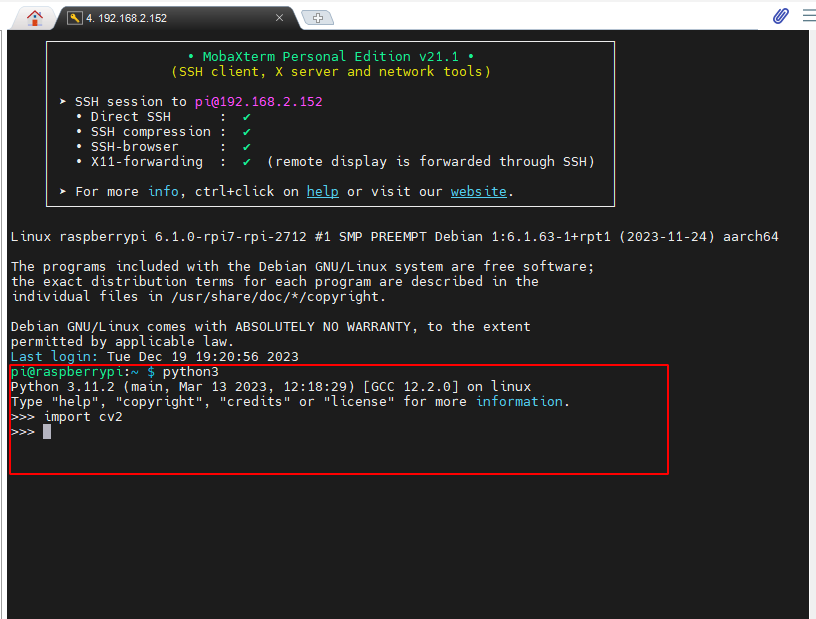
Enter the following command to test if the installation was successful:
xxxxxxxxxxpython3import cv2
When the following is displayed without errors, the installation was successful: