Welcome to Raspberry Pi 5 repository
1. YOLOv11 environment construction
YOLOv11 environment setup
YOLOv11 environment setup1. Preliminary preparation2. Install PyTorch3. Install Ultralytics4. Verify the installationReferences
This chapter is for self-build using the official image of Raspberry Pi 5B. If you are using the YAHBOOM version of the image, this tutorial can be ignored.
1. Preliminary preparation
sudo apt updatesudo apt install python3-pip -ysudo pip install -U pip
2. Install PyTorch
The official download address is: https://download.pytorch.org/whl/torch_stable.html
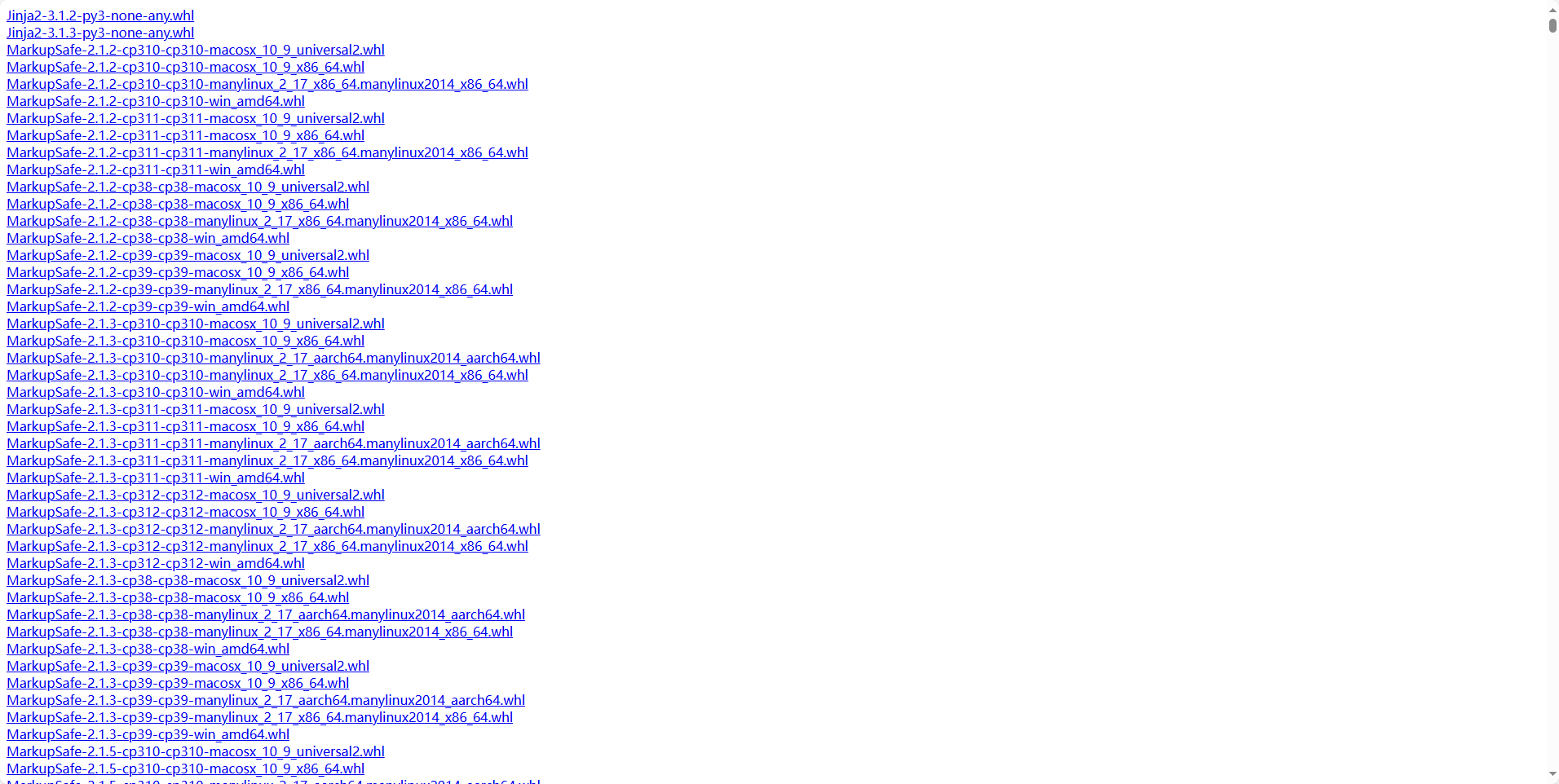
If you download it yourself, you need to find the corresponding torch and torchvision versions.
This experiment downloads torch-2.1.2-cp311-cp311-manylinux_2_17_aarch64.manylinux2014_aarch64.whl and torchvision-0.16.2-cp311-cp311-linux_aarch64.whl
The above two files can be obtained from the attachment and transferred to the Raspberry Pi via winSCP
Installation command:
xpip3 install torch-2.1.2-cp311-cp311-manylinux_2_17_aarch64.manylinux2014_aarch64.whlpip3 install torchvision-0.16.2-cp311-cp311-linux_aarch64.whl
3. Install Ultralytics
xxxxxxxxxxsudo pip3 install ultralytics[export]
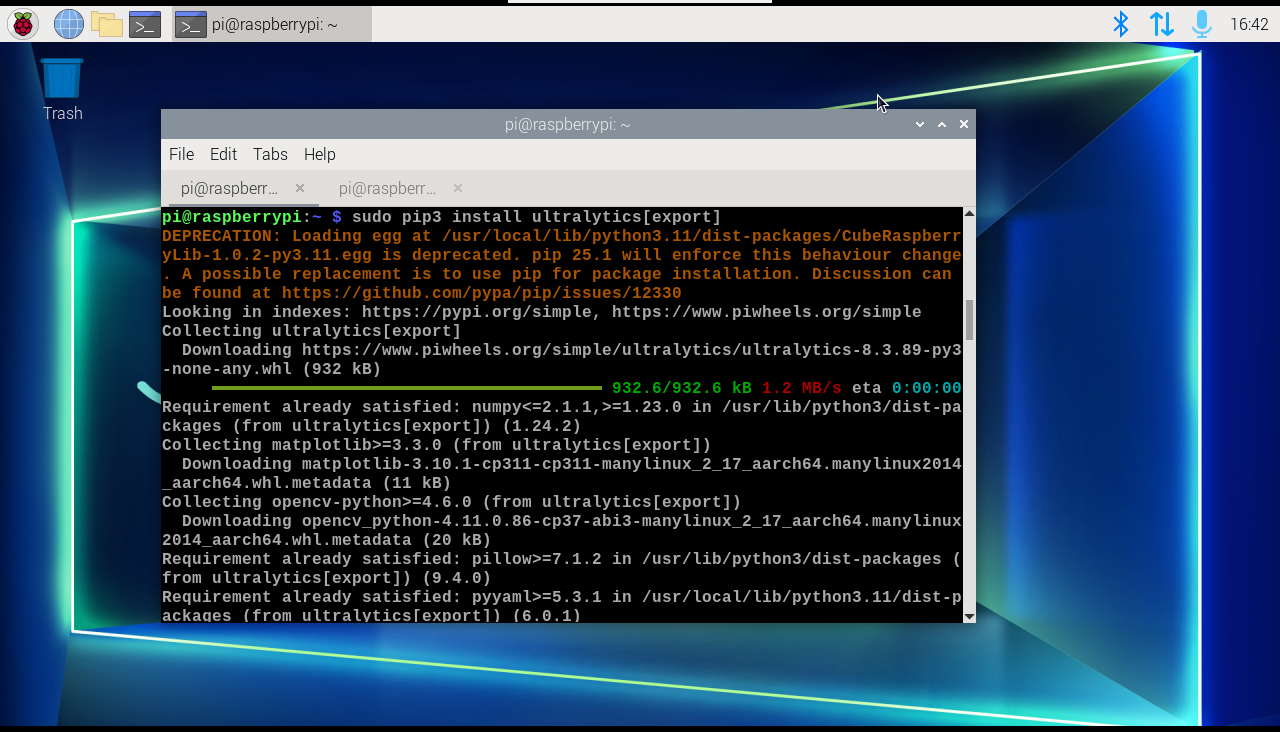
You also need to update Ultralytics to the latest version, otherwise you will get an error AttributeError: Can't get attribute 'C3k2' on <module 'ultralytics.nn.modules.block' from '/home/pi/.local/lib/python3.11/site-packages/ultralytics/nn/modules/block.py'>
xxxxxxxxxxpip install --upgrade ultralytics
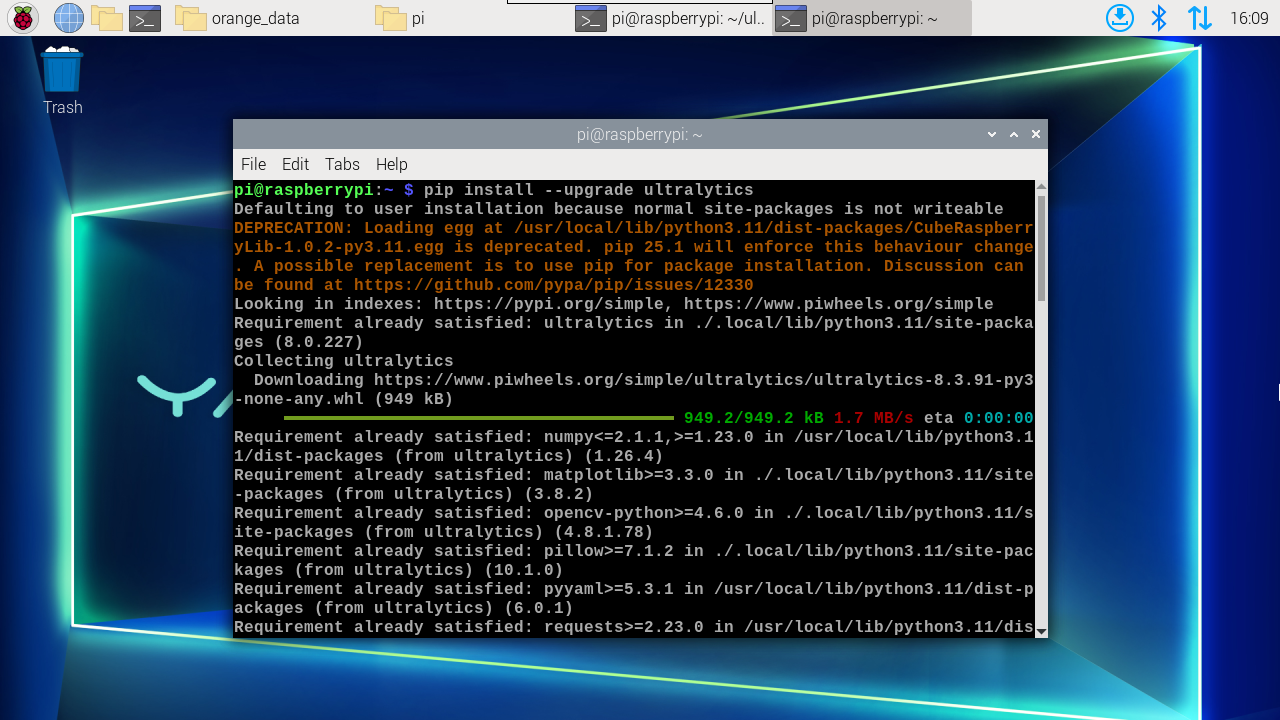
Install onnxruntime
xxxxxxxxxxpip3 install onnxruntime
Note: Using onnxruntime requires installing a specific version of numpy. If it is not 1.23.5, you can run the following command to install the specified version
xxxxxxxxxxsudo pip3 install numpy==1.23.5
Restart afterwards
xxxxxxxxxxsudo reboot
4. Verify the installation
Verify Ultralytics
xxxxxxxxxxpython3 -c "import ultralytics; print(ultralytics.__version__)"
Verify Torch
xxxxxxxxxxpython3 -c "import torch; print(torch.__version__); print(torch.cuda.is_available())"
Verify Torchvision
xxxxxxxxxxpython3 -c "import torchvision; print(torchvision.__version__)"
Verify Numpy
xxxxxxxxxxpython3 -c "import numpy; print(numpy.__version__)"
Note: The ultralytics version will be updated later, please refer to the version information queried in the system
