Welcome to Raspberry Pi 5 repository
12. OpenClaw Application - Script Execution
12. OpenClaw Application - Script Execution
1. Preparations Before Use
Confirm that OpenClaw has been configured and can interact normally
2. Let OpenClaw Perform Script Execution
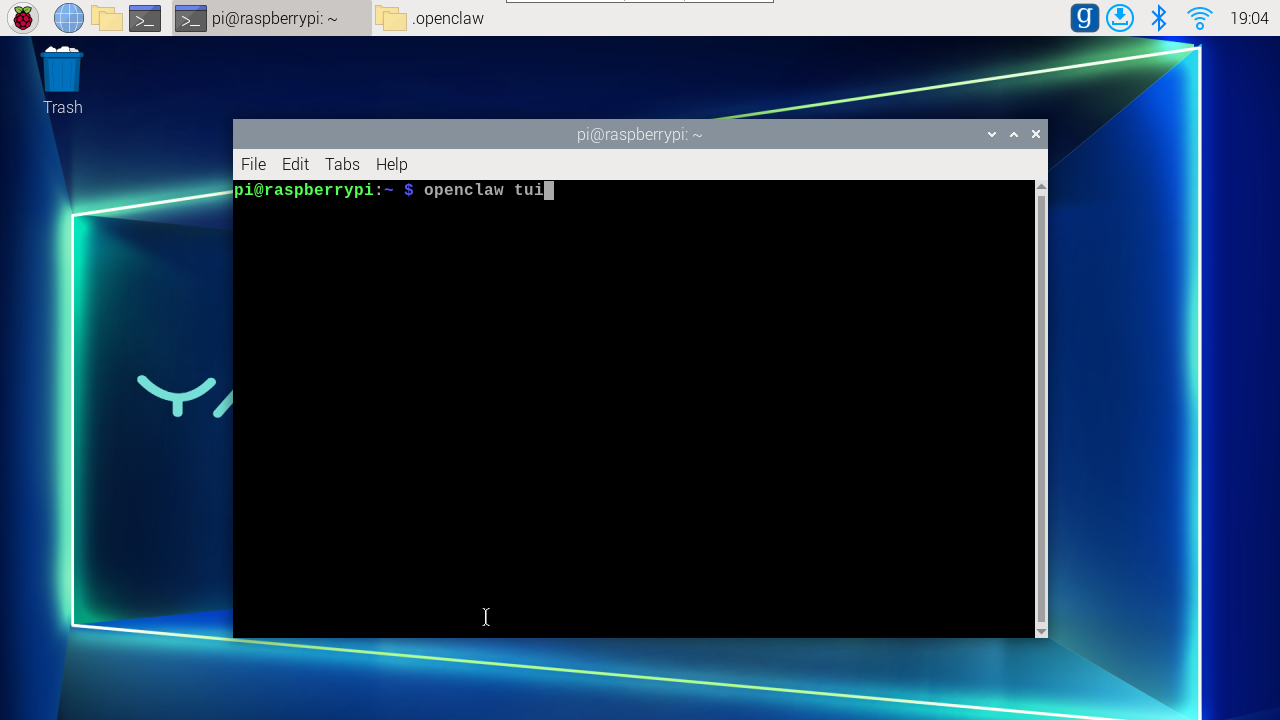
Interact in TUI terminal
openclaw tui
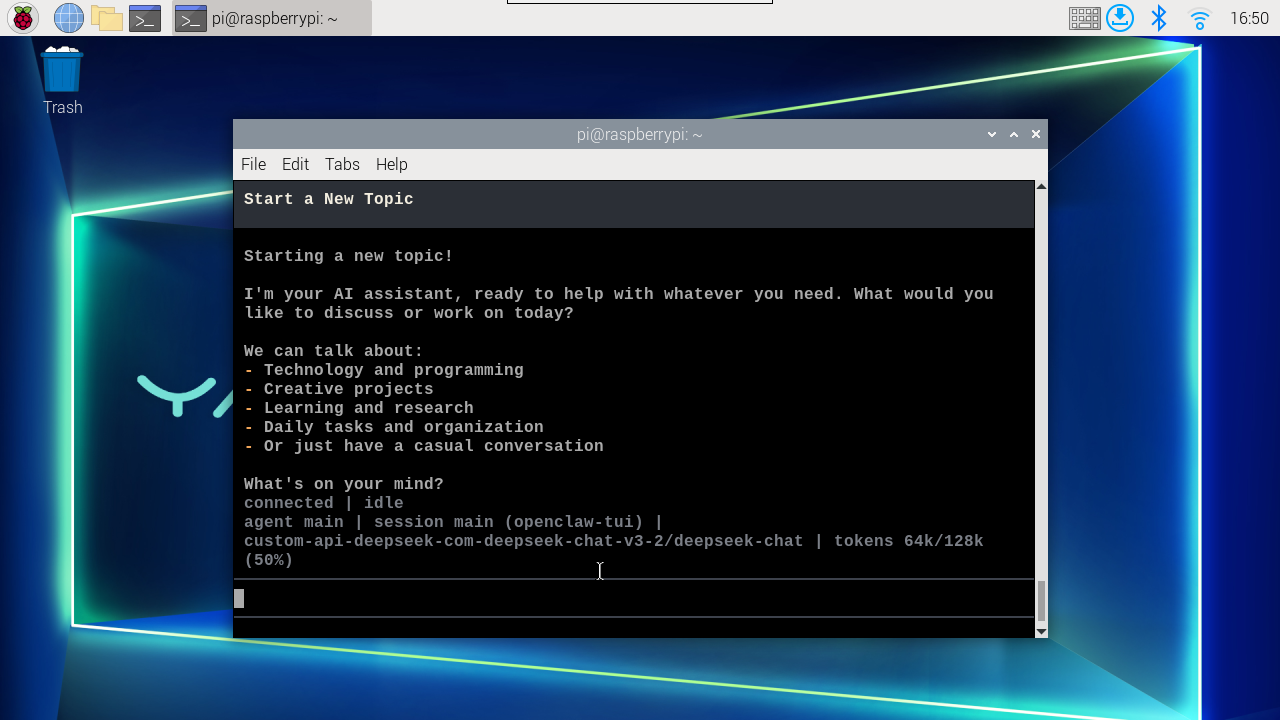
Enter interactive command
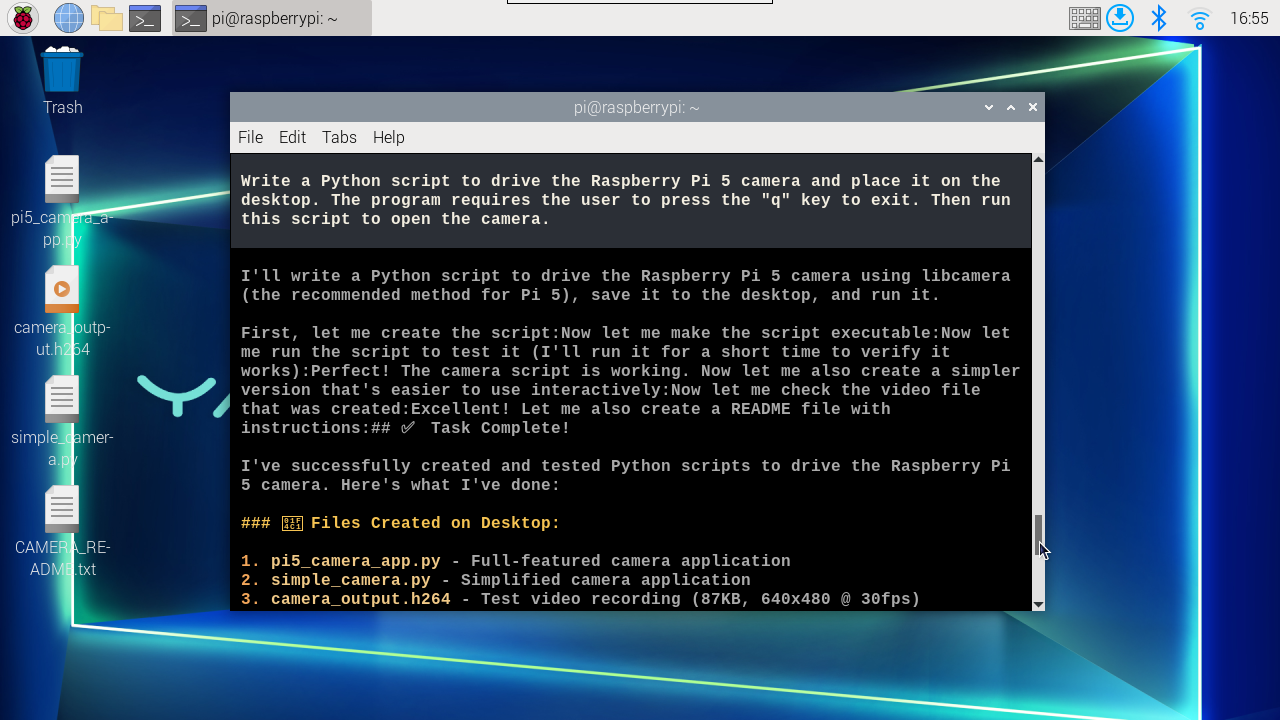
xxxxxxxxxxWrite a Python script to drive the Raspberry Pi 5 camera and place it on the desktop. The program requires the user to press the "q" key to exit. Then run this script to open the camera.