Welcome to Raspbot V2 repository
当製品の日本語版マニュアル資料は、こちらからご取得ください。
7.Tracking module status printing
07.Tracking module status printing
07.Tracking module status printing1. Learning objectives2. Experimental preparation2.1 Wiring2.2 Debugging the four-way patrol module3. Core code analysis4. Experimental phenomenon
1. Learning objectives
Read and print the status of the four-way patrol module.
2. Experimental preparation
2.1 Wiring
As shown in the figure below, connect the four-way patrol module to the expansion board.
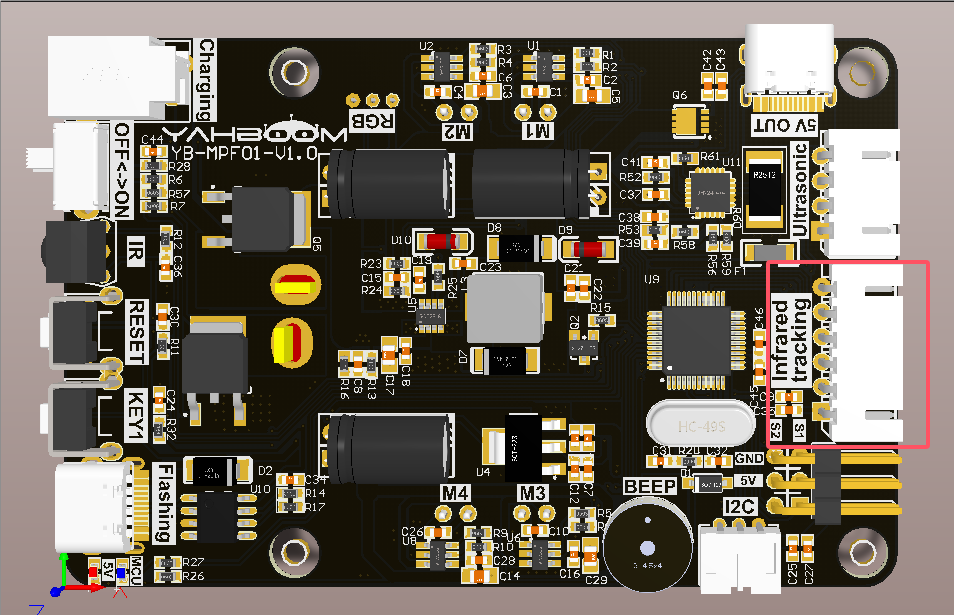
2.2 Debugging the four-way patrol module
(1) Place the four-way patrol module on a white paper or other white background.
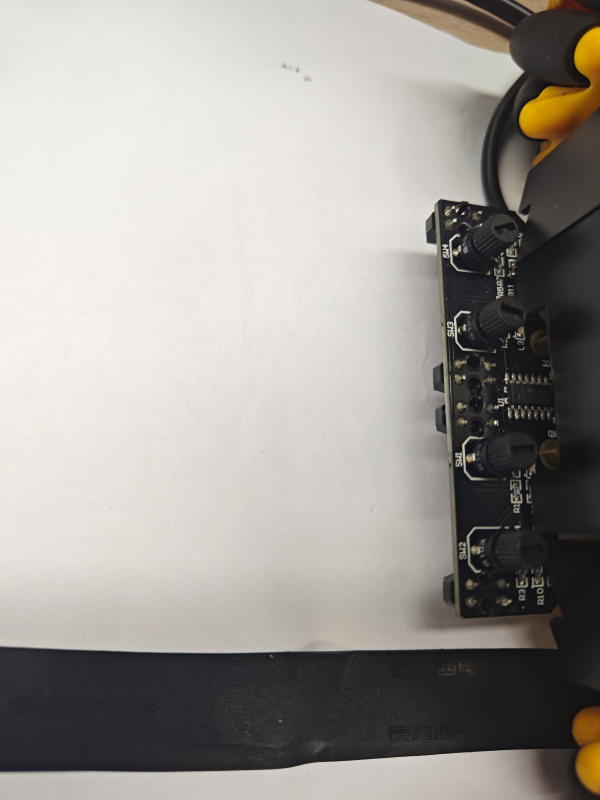
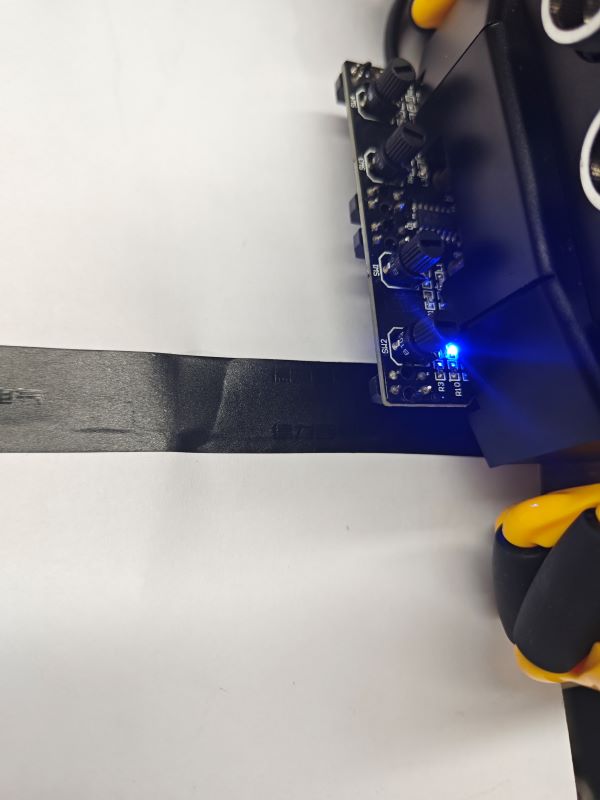
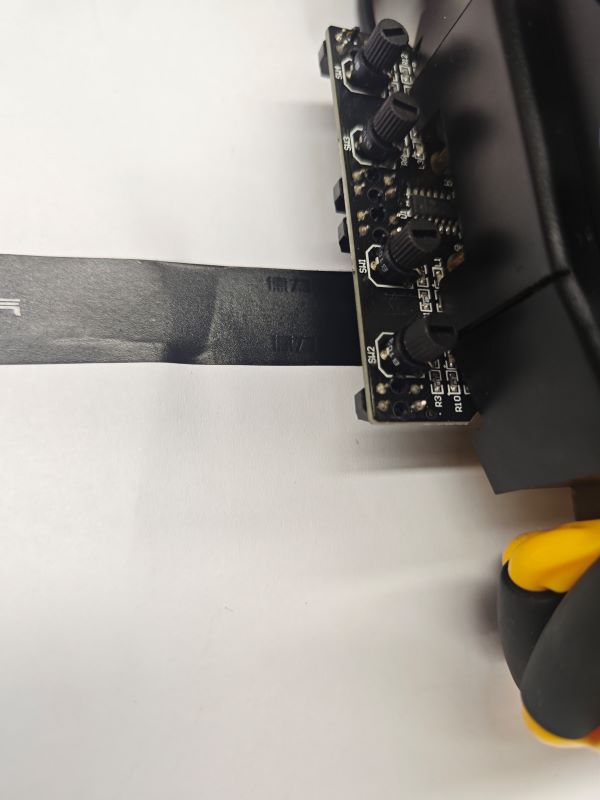
(2) Place the first probe above the black line and adjust the knob to make the indicator light on.
(3) Then continue to adjust the second and third probes and adjust the knob to make the indicator light on. Similarly, debug the fourth probe
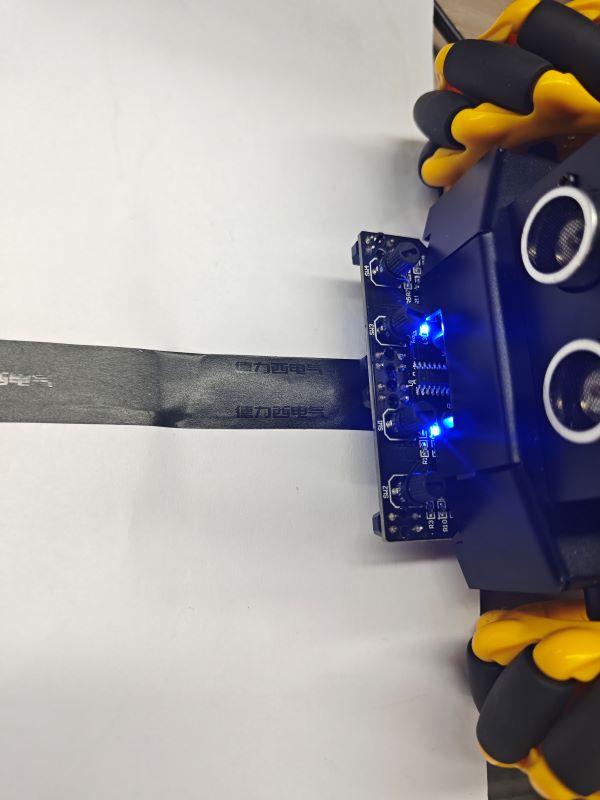
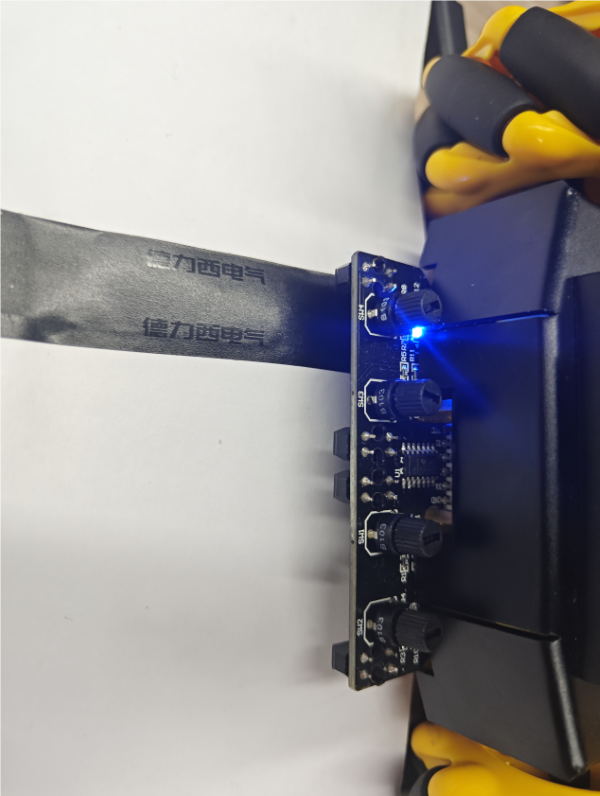
Finally, the indicator light is on when the probe is above the black line, and off when the probe is not above the black line.
3. Core code analysis
Raspbot_Lib library function required to read the status of the four-way patrol module:
read_data_array(0x0a, 1)
Parameter explanation: read the status data of the four-way patrol module
0x0a: address of the four-way patrol module, 1: read a byte.
Return value: return the array of 4 sensor data on the four-way patrol module. The data in the array is 0 and 1. 0 is the return value when encountering a black line, and 1 is the return value when not encountering a black line
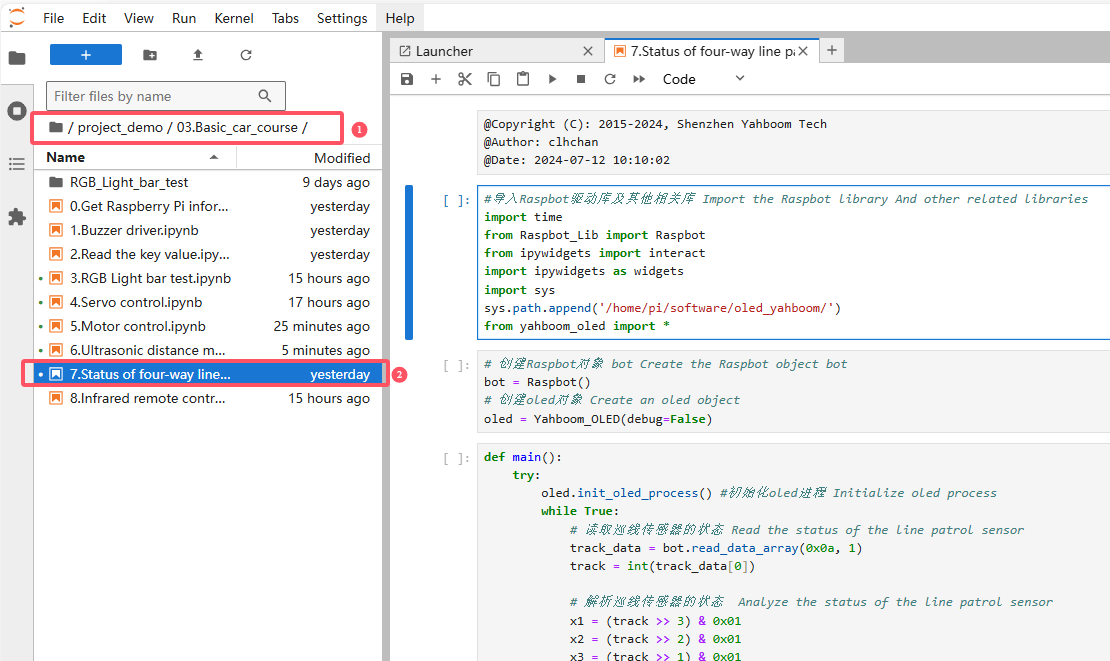
Source code path: project_demo\03.Basic_car_course
4. Experimental phenomenon
Turn on the robot, open the computer browser to enter the Jupyter lab editor
Enter the source code path and double-click the code to be run
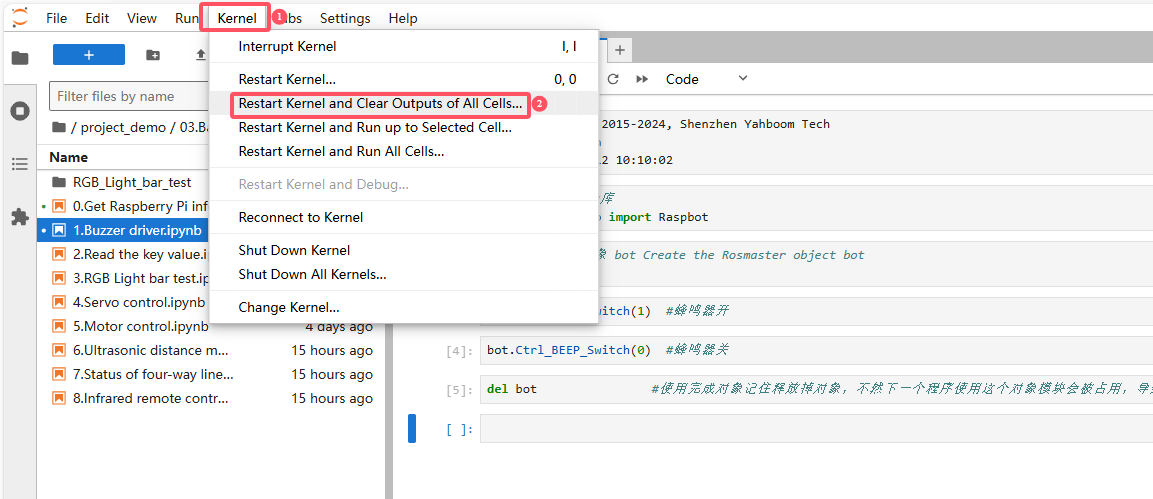
Restart the kernel and clear all outputs
Click the first code block, then click the run button to start running one by one
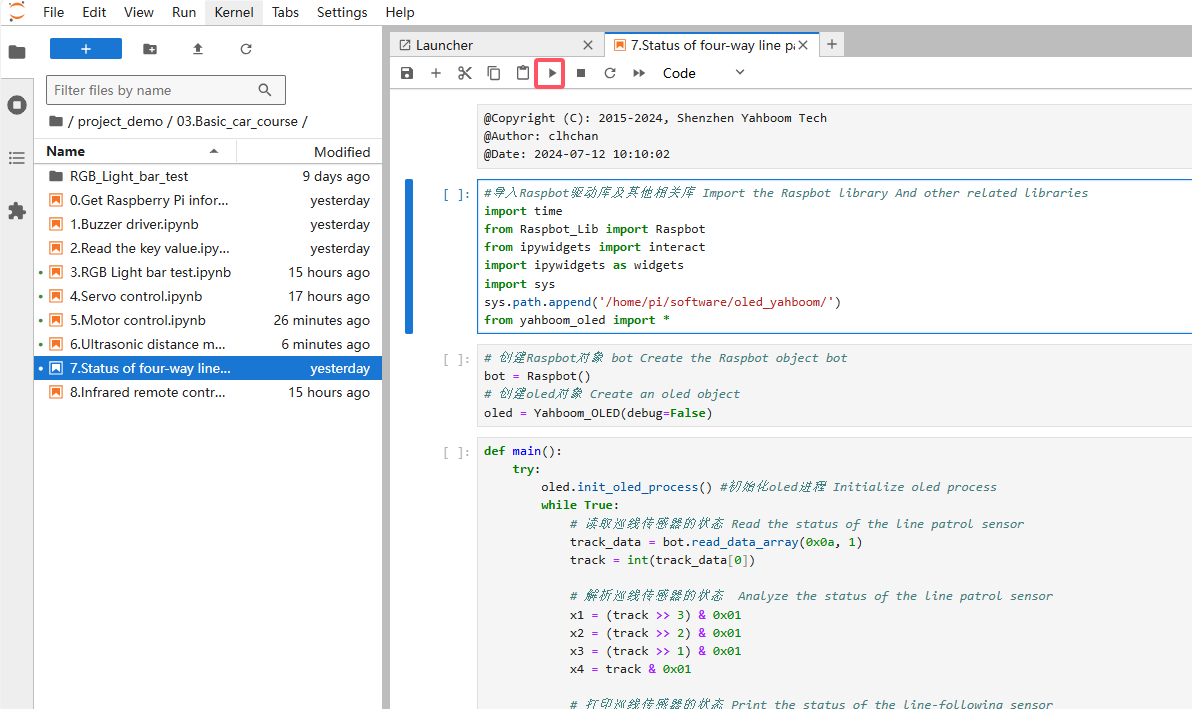
After the program runs, as the code block runs, we can read the status of the four sensors on the four-way patrol module and display the status on the oled screen