Welcome to ROSMASTER M3 repository
2.Constructing a Pose Map
Constructing a Pose Map
1. Course Content
- Use slam_toolbox to build grid maps and pose maps
[!NOTE]
- Before marking the road network .geojson file, you need at least one grid map
- Pose maps are used to enable fast relocalization when marking waypoints and during navigation, improving global positioning accuracy and waypoint marking accuracy.
2. Building Grid Maps
- If the chassis microROS proxy communication is not started, you need to start the proxy first. If it is already started, there is no need to start it again.
start_agent
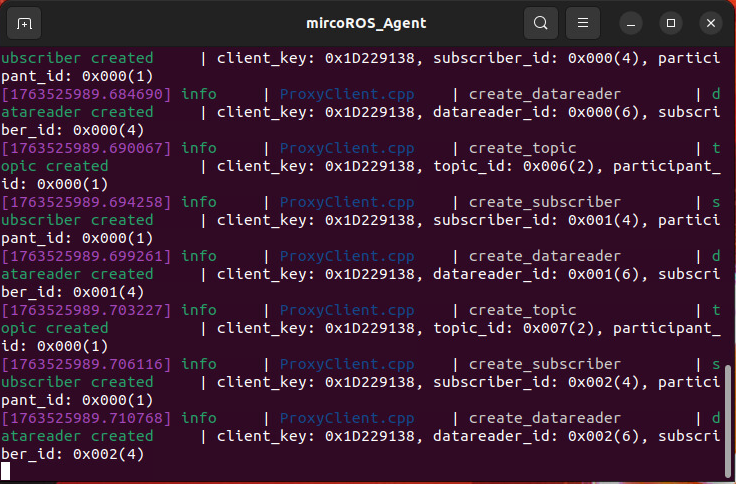
- Enter commands in the terminal
For Raspberry Pi 5 users, if the ROS container is not started, you need to start the container first,
xxxxxxxxxxbringup_m3
Open a terminal inside the container,
xxxxxxxxxxexec_m3
(ORIN mainboard)
xxxxxxxxxxslam
(PI5 & RDK mainboards) Run step by step, with visualization started on the accompanying virtual machine Rosmaster-M3-Ubuntu22.04,
xxxxxxxxxx#Virtual machine siderviz2 -d /home/yahboom/yahboomM3_ws/user_ws/src/m3_bringup/rviz/slam_toolbox_rviz.rviz#Host sideros2 launch m3_bringup slam_toolbox.launch.py gui:=False- Start the keyboard control node (you can also use a gamepad for control)
xxxxxxxxxxkeyboard_control- Control the vehicle to move for mapping
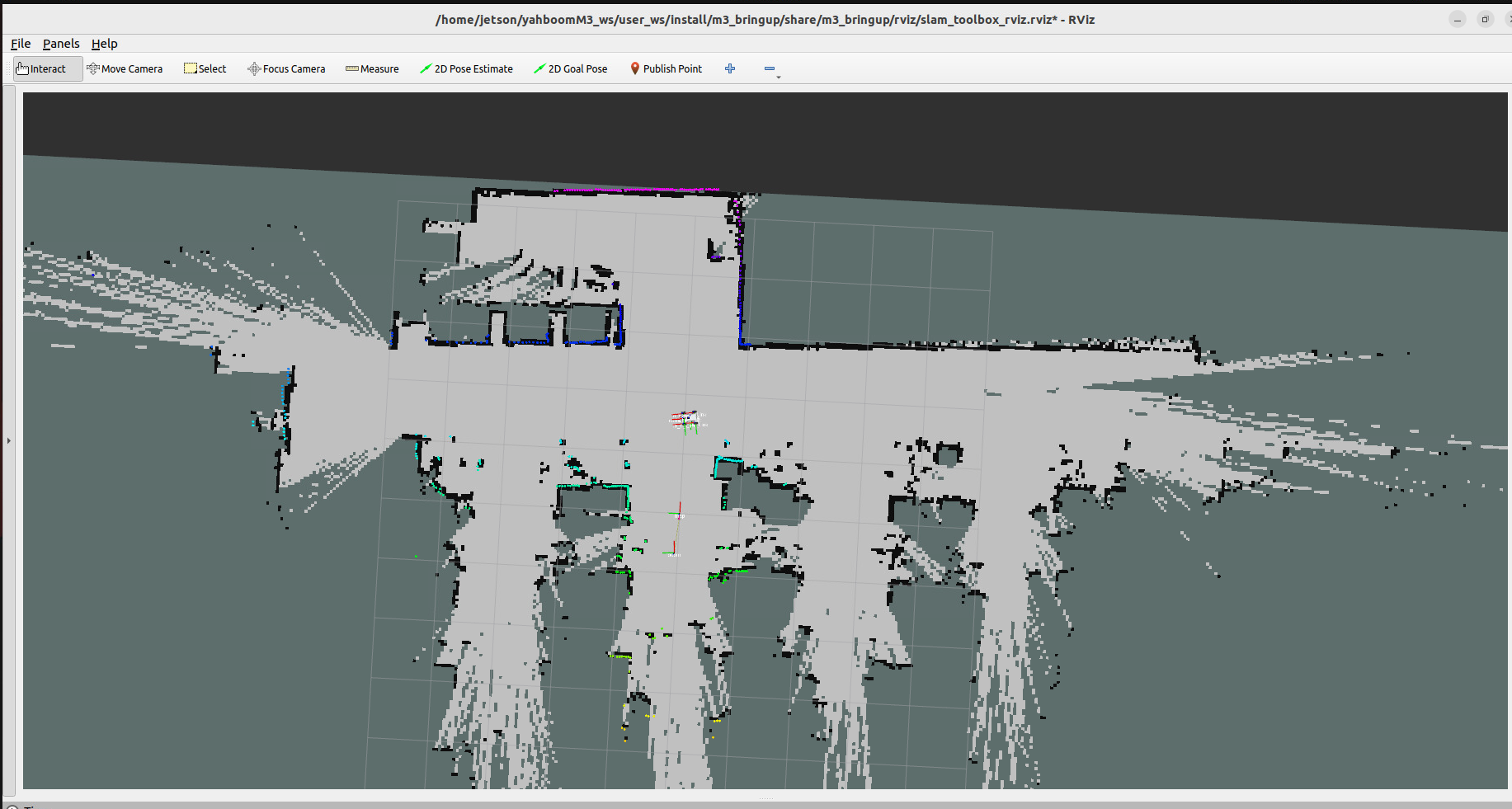
- Save the grid map
xxxxxxxxxxros2 launch m3_bringup save_map.launch.py map_name:=map
[!TIP]
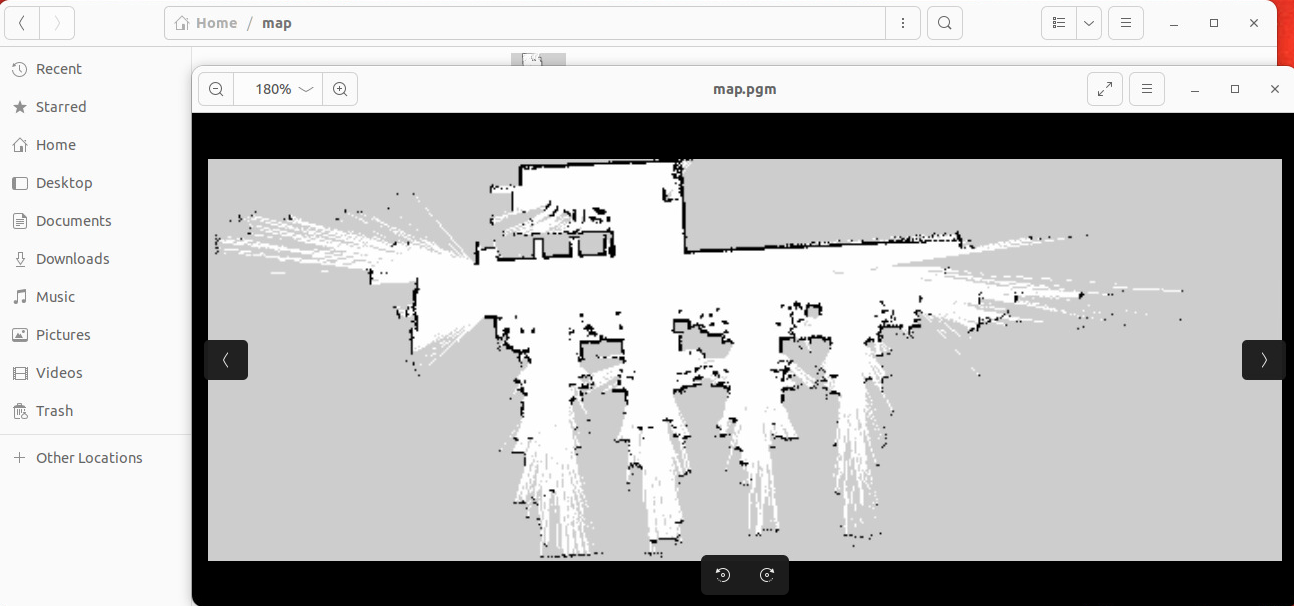
- map_name is used to specify the map name of the saved grid map. If no startup parameter is added, the default map name is
map, and all map files are saved in the~/mapdirectory.
The terminal prompt Map saved sucessfully indicates that the map was saved successfully
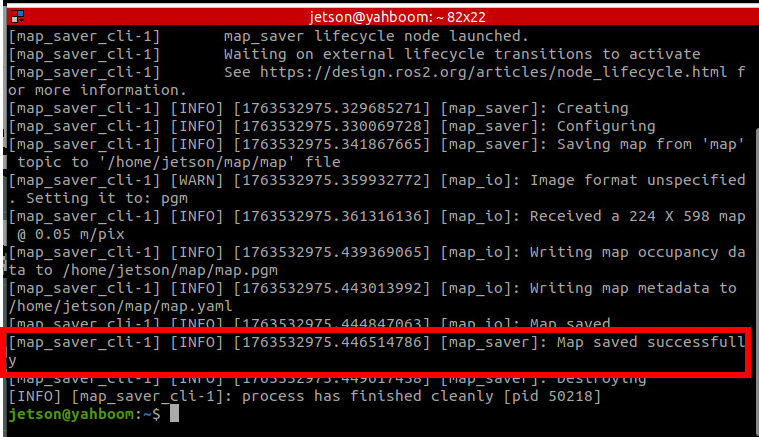
- Save slam_toolbox pose map
xxxxxxxxxxros2 launch m3_bringup save_map.launch.py map_name:=map map_type:=posegraph[!TIP]
- map_type saves the map type, default is
gridmapto save grid map, selectposegraphto saveslam_toolboxpose map
Here the terminal prompt slam_toolbox.srv.SerializePoseGraph_Response(result=0) indicates that the pose map has been saved
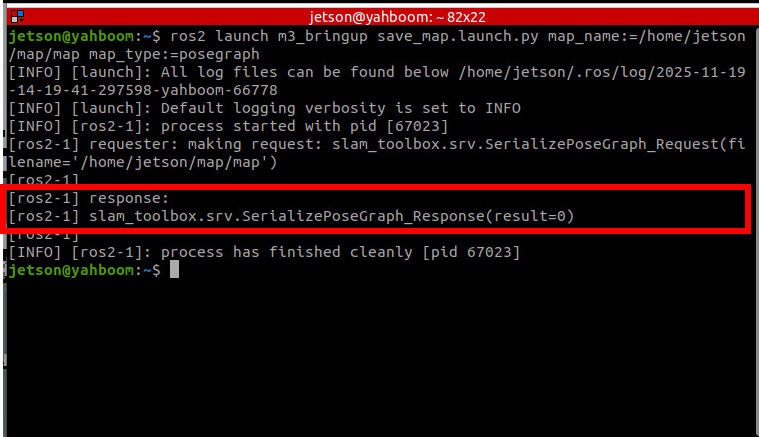
- Map files are saved in the
~/mappath by default. You can specify the map name through themap_nameparameter when saving the map