Welcome to ROSMASTER M3 repository
06.Edge Detection
Edge Detection
Edge Detection1. Course Content2. Start Agent3. Camera Angle Adjustment4. Run Case5. Source Code Analysis
1. Course Content
- Run example programs, use depth images for edge detection. During movement, if an edge is detected, the car will stop at the edge to prevent the risk of falling.
2. Start Agent
For Raspberry Pi 5 users, if the ROS container is not started, you need to start the container first,
bringup_m3Open a terminal inside the container,
xxxxxxxxxxexec_m3Note: If already started, no need to restart
Enter command in the car terminal:
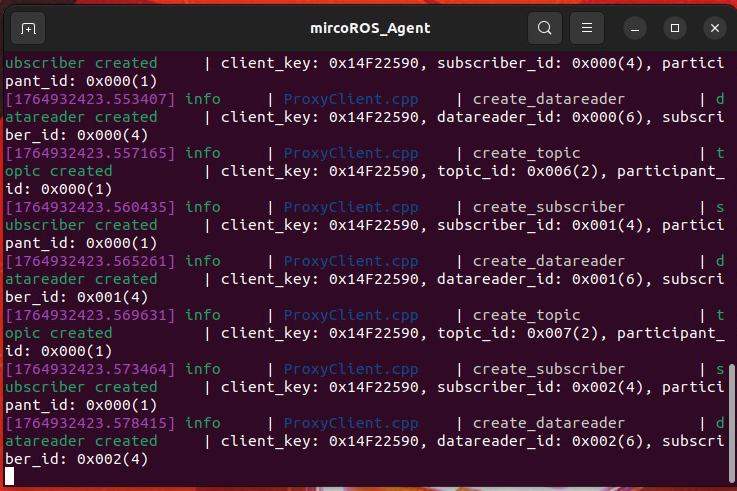
xxxxxxxxxxstart_agentThe terminal prints the following information, indicating successful connection
3. Camera Angle Adjustment
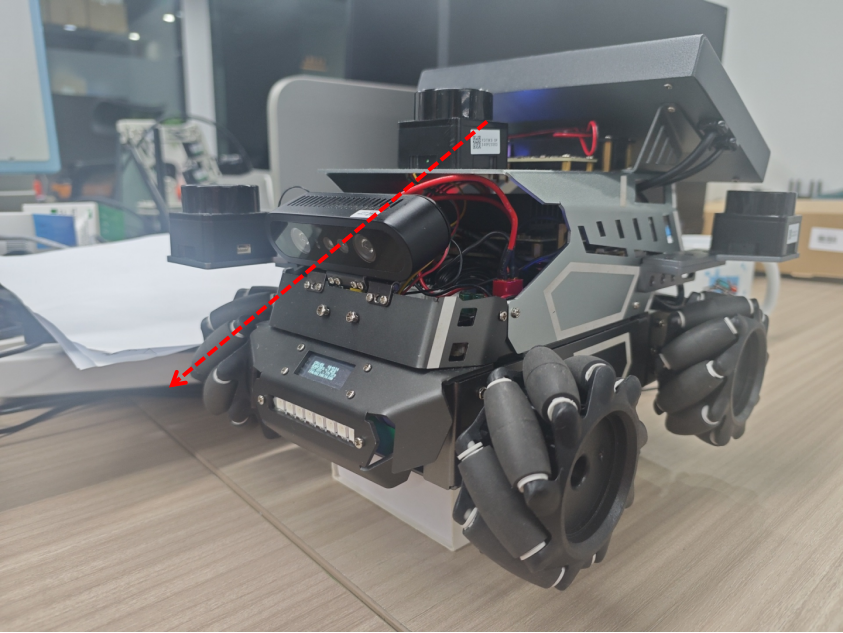
- When running this case, it is best to adjust the camera angle downward slightly, so that the edge lines observed in the camera depth image are clearest, and the recognition effect will be better.
4. Run Case
- Enter command in terminal:
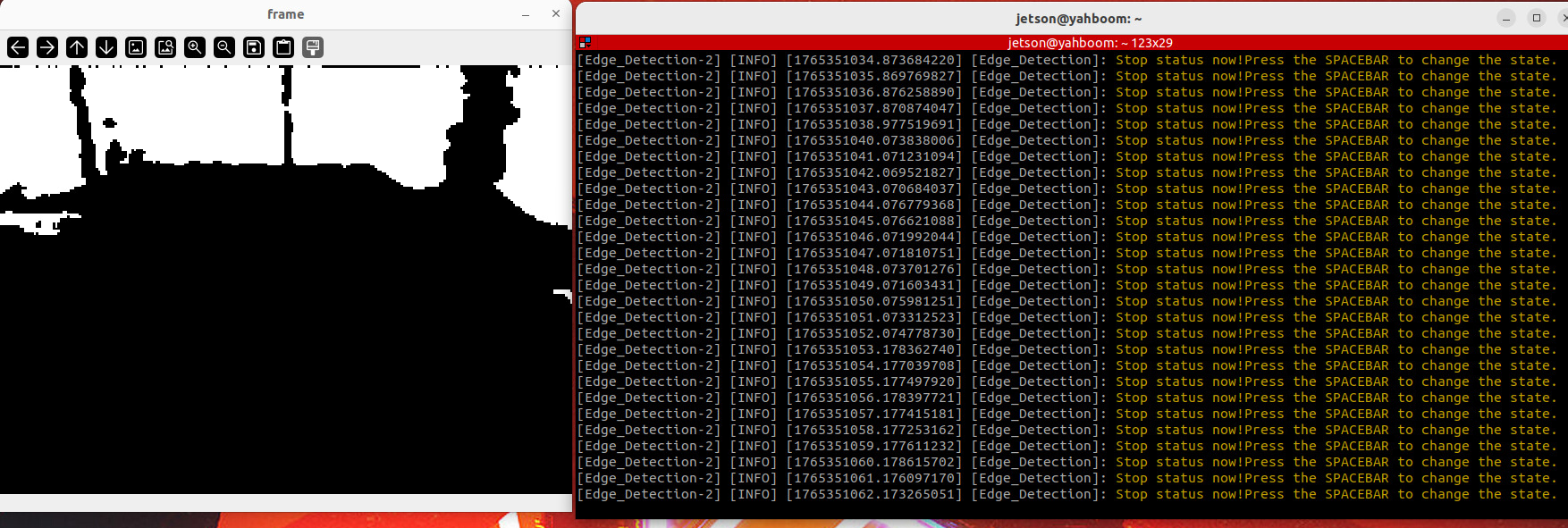
xxxxxxxxxxros2 launch m3_bringup depthcam_demo.launch.py demo:=Edge_Detection- After the program starts, the initial state is stopped.
- After pressing the spacebar on the
framewindow, the car will start moving forward - If no edge is detected, the car will move forward and print "Moving...."
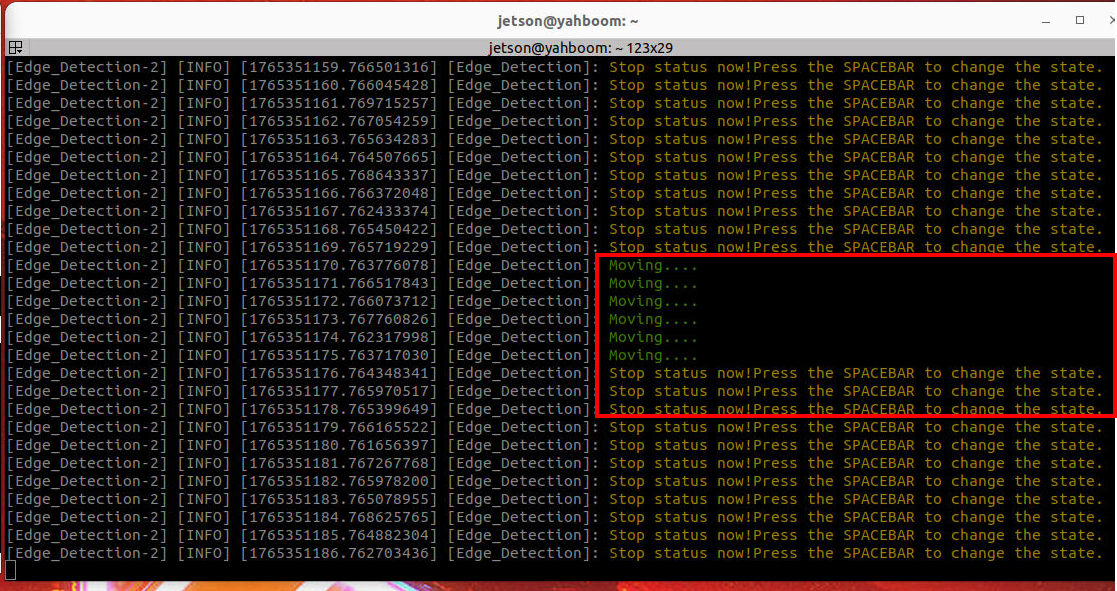
- If an edge is detected, it will stop and print "Stop!!!".
5. Source Code Analysis
Program source code path:
xxxxxxxxxx~/yahboomM3_ws/code_ws/src/m3_common_demo/m3_common_demo/depthcamera/Edge_Detection.py- Import necessary library files
xxxxxxxxxximport rclpyfrom rclpy.node import Nodefrom sensor_msgs.msg import Imagefrom geometry_msgs.msg import Twistfrom arm_msgs.msg import ArmJointsfrom cv_bridge import CvBridgeimport cv2import numpy as npimport threading- Depth image decoding format
xxxxxxxxxxencoding = ['16UC1', '32FC1']- Initialize variables and define publisher and subscriber,
x def __init__(self, name): super().__init__(name) self.declare_parameter('depth_topic','/camera/depth/image_raw') depth_topic=self.get_parameter("depth_topic").get_parameter_value().string_value self.pub_vel = self.create_publisher(Twist,'/cmd_vel',1) self.sub_depth = self.create_subscription(Image,depth_topic,self.get_DepthImageCallBack,1) self.lin_x = 0.1 self.Joy_active = False self.depth_bridge = CvBridge() self.move_flag = False self.count=0Depth image topic callback function, and calculate center point depth distance information,
xxxxxxxxxxdef get_DepthImageCallBack(self,msg): depth_image = self.depth_bridge.imgmsg_to_cv2(msg, encoding[1]) #Call thread to pass the obtained depth image, calculate depth information compute_ = threading.Thread(target=self.compute_dist, args=(depth_image,)) compute_.start() compute_.join() key = cv2.waitKey(10) if key == 32: self.move_flag = True cv2.imshow("frame", depth_image) def compute_dist(self,result_frame): frame = cv2.resize(result_frame, (640, 480)) depth_image_info = frame.astype(np.float32) #Determine if the current state is moving state, if so, determine the distance of the center point, if not, call function, publish stop command, and print information if self.move_flag == True: #Determine if the depth information of the center point, that is, the point x=320,y=240 is greater than 0.5m, if so, call function, publish stop command, if not, call function, publish forward command. if depth_image_info[240, 320]/1000>0.5: self.pubVel(0,0,0) self.move_flag = False print("Stop!!!") else: self.pubVel(self.lin_x,0,0) print("Moving....") else: self.pubVel(0,0,0) print("Stop status now!Press the SPACEBAR to change the state.")- Publish velocity function, pass three variables, which are x-direction velocity, y-direction velocity and angular velocity, after assignment, call
self.pub_vel.publish(vel)to publish velocity topic.
xxxxxxxxxxdef pubVel(self,vx,vy,vz): vel = Twist() vel.linear.x = float(vx) vel.linear.y = float(vy) vel.angular.z = float(vz) self.pub_vel.publish(vel)