Welcome to ROSMASTER M3 repository
16. Get real-time temperature of Raspberry Pi
Get real-time temperature of Raspberry Pi
Enter the command through the terminal to check the current CPU temperature of the Raspberry Pi.
environment
System: Raspberry Pi OS
Raspbian is the old name of Raspberry Pi's official Debian-based operating system, and Raspberry Pi OS is its new name after its name change in 2020.
Ideas
The CPU temperature information of the Raspberry Pi is located in the file /sys/class/thermal/thermal_zone0/temp, which is a read-only file; we can read the value and convert it to the actual temperature.
Get temperature parameters
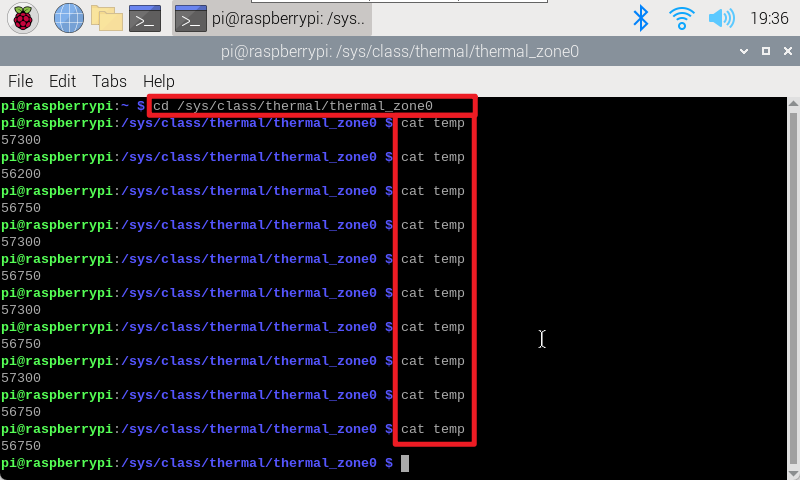
Open the terminal and run the following two commands to obtain the temperature parameters:
xxxxxxxxxxcd /sys/class/thermal/thermal_zone0cat temp
actual effect