Welcome to ROSMASTER M1 repository
9. Horn sounding
Horn sounding
1. Course Content
Note: This program runs on a sandbox map; you will need to adjust the program for your personal map.
- Learn the actions the car takes after recognizing the horn.
- Learn the newly introduced key source code.
2. Horn Detection
Horn detection source code path:
/home/jetson/yahboomcar_ros2_ws/yahboomcar_ws/src/auto_drive/auto_drive/yolo_detect.py
xxxxxxxxxx/home/jetson/yahboomcar_ros2_ws/yahboomcar_ws/src/auto_drive/auto_drive/auto_drive.py
3. Program Startup
3.1 Startup Command
- Start the camera + chassis + road signs, lane lines
xxxxxxxxxxros2 launch auto_drive auto_drive_bringup.launch.py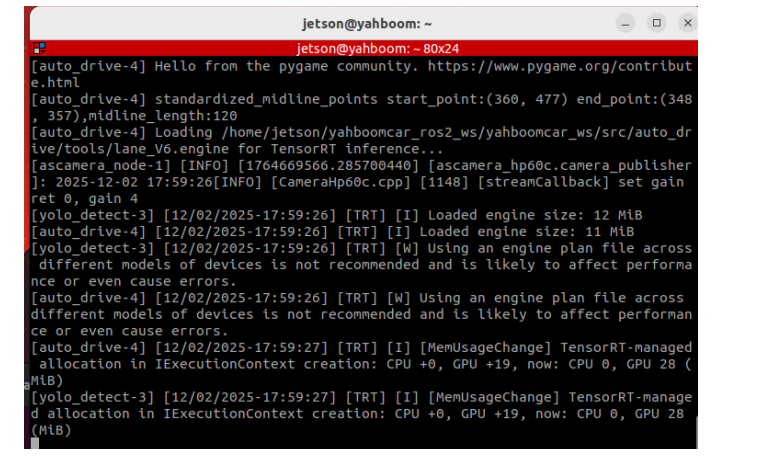
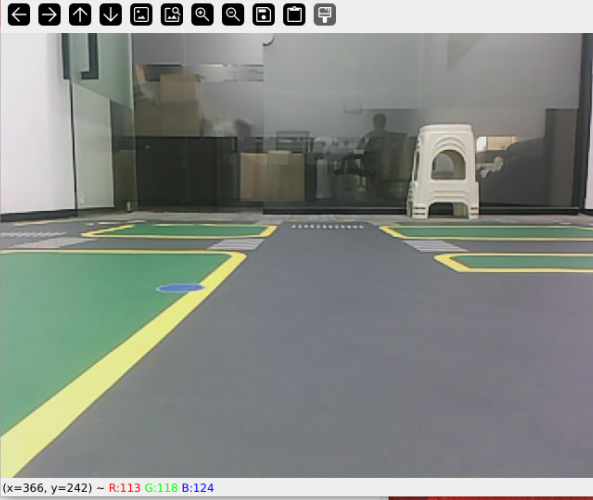
After the program runs, a YOLO recognition screen will be displayed. The car will move centered within the lane and perform corresponding actions based on the road signs it detects during its journey. (If the terminal does not report any errors after starting the program, but the car does not move, you can run the following program to check the parameters.)
- Start the dynamic parameter configuration node
xxxxxxxxxxros2 run rqt_reconfigure rqt_reconfigure
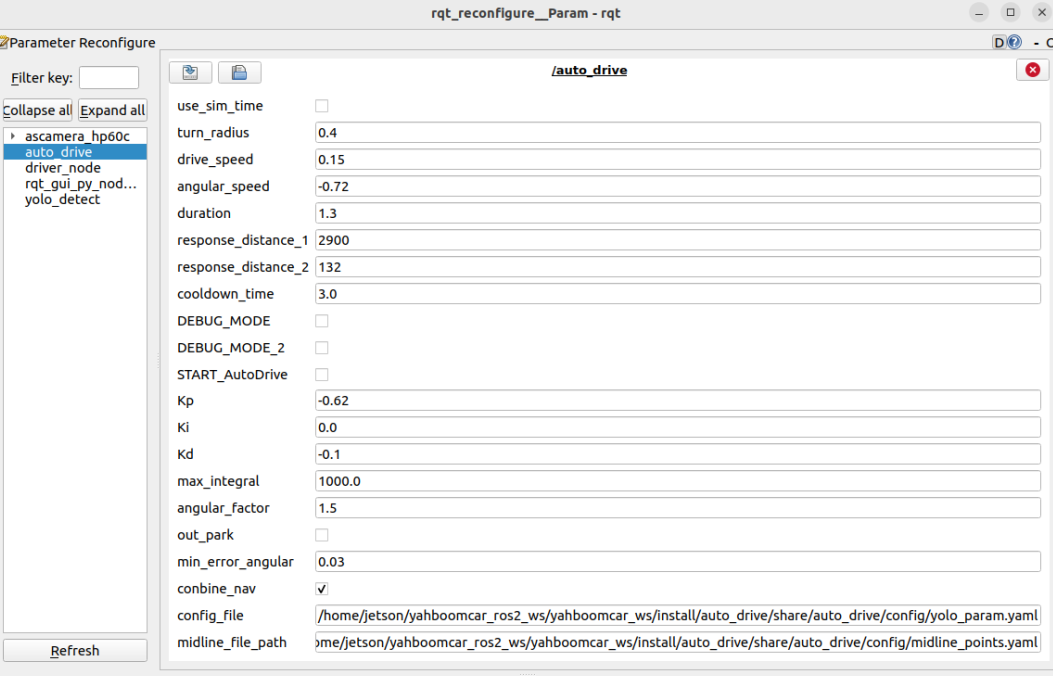
If the car doesn't move, check two parameters: whether START_AutoDrive is checked and whether conbine_nav is false.
☑️ After modifying the parameters, click in the blank area of the GUI to enter the parameter values. Note that this only applies to the current startup; for permanent effects, the parameters need to be modified in the source code.
3.2 Car Movement After Horn Detection
The program will honk several times when it detects the horn.
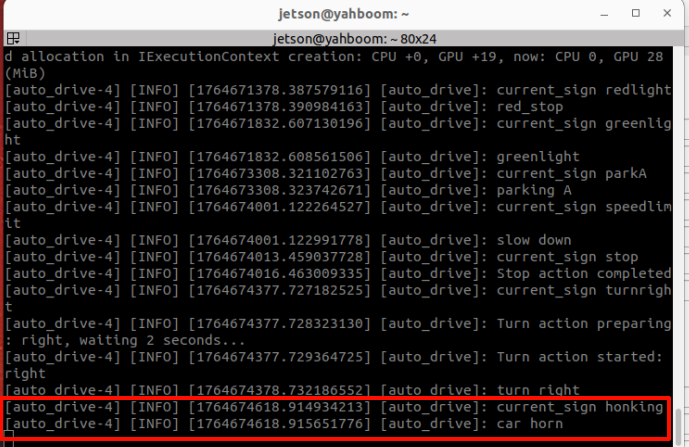
The car will move while honking.
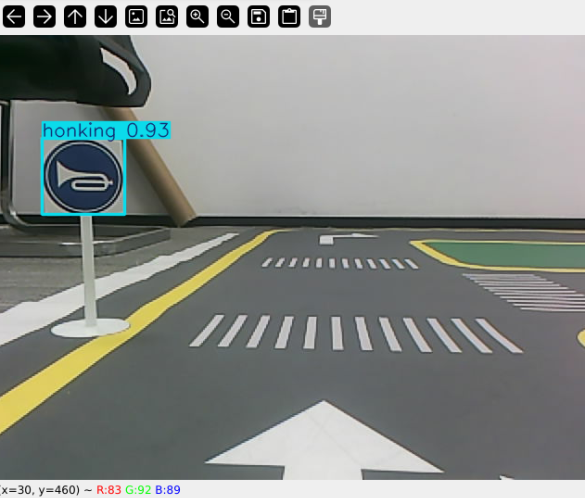
The stop-point parking function is in the auto_drive.py file. Below is the function entered after the horn is detected. Users can modify the car's movement after detecting the road sign.
xxxxxxxxxxdef car_horn(self): '''Horn''' self.get_logger().info('car horn') self.play_audio(self.honk_audio_path)4. Source Code Analysis
4.1、auto_drive.py
YOLO signpost message reception:
xxxxxxxxxxdef sign_callback(self, msg:DetectionObject): '''Subscribe to YOLO recognition results''' class_name = msg.class_name object_distance = self._get_distance(msg.ymin) # Calculate distance object = Object(msg.class_name, msg.confidence, object_distance)Multiple filtering mechanisms: mainly to prevent continuously recognizing road signs and triggering actions; the action will only be unlocked when different road signs are recognized.
x# 1. Check if any other actions are being performed.if self.action_runing: return# 2. Check cooldown time (to prevent repeated triggering)current_time = time.time()if class_name in self.last_processed_time: time_diff = current_time - self.last_processed_time[class_name] if time_diff < self.cooldown_time: # Default cooldown: 3 seconds return# 3. Check if it is a duplicate road sign.if class_name == self.last_sign: return# 4. Check if the road sign is enabled.if not self.sign_enable_list[对应的索引]: returnEvent queue processing
xxxxxxxxxxdef handle_events(self): '''Handling target recognition events''' while True: if not self.event_queue.empty(): object = self.event_queue.get() self.action_runing = True current_sign = object.class_name try: # Perform the appropriate action based on the type of road sign. if object.class_name == "straight" and self.sign_enable_list[10]: self.go_straight() elif object.class_name == "turnright" and self.sign_enable_list[11]: self.turn('right') # ... Other road sign processing finally: # Update status record self.last_processed_time[current_sign] = time.time() self.last_sign = current_sign self.action_runing = FalseSpecific action implementation
xxxxxxxxxxdef car_horn(self): '''Horn''' self.get_logger().info('car horn') self.play_audio(self.honk_audio_path)