Welcome to DOGZILLA-Lite repository
1. Screen display control
Screen display control
1. Purpose of the experiment
The screen that drives the dog displays graphics and text
2. Experimental path source code
Enter the dog's system, end the dog program, enter "ip (ip is the dog's ip): 8888" in the browser, enter the password "yahboom"
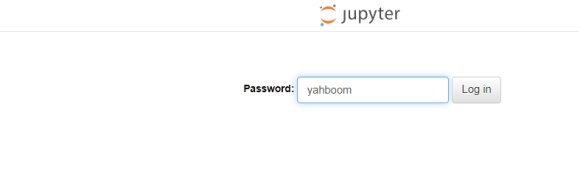
and log in to the path of /home/pi/DOGZILLA_Lite_class/2.Base Control/01.Small car screen display control and run dog_lcd_control.ipynb .
3. Experimental Phenomenon
Draw a slanted straight line
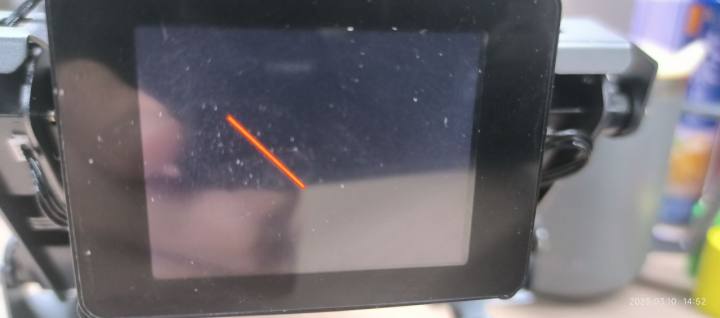
Draw a circle
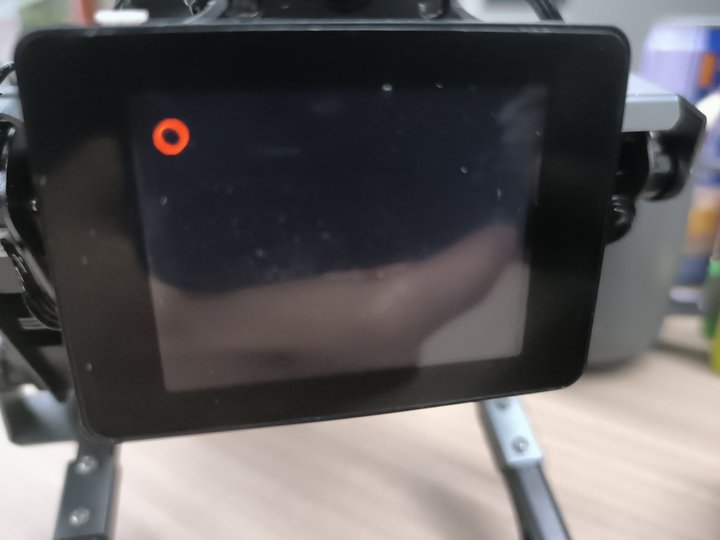
Draw a rectangle
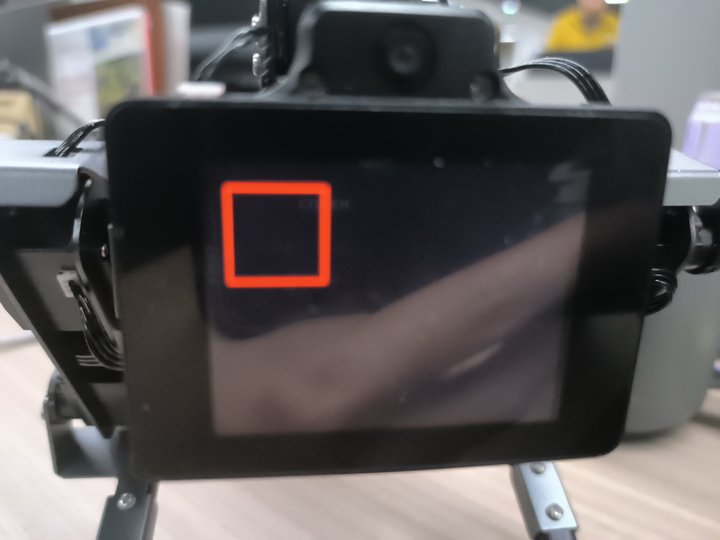
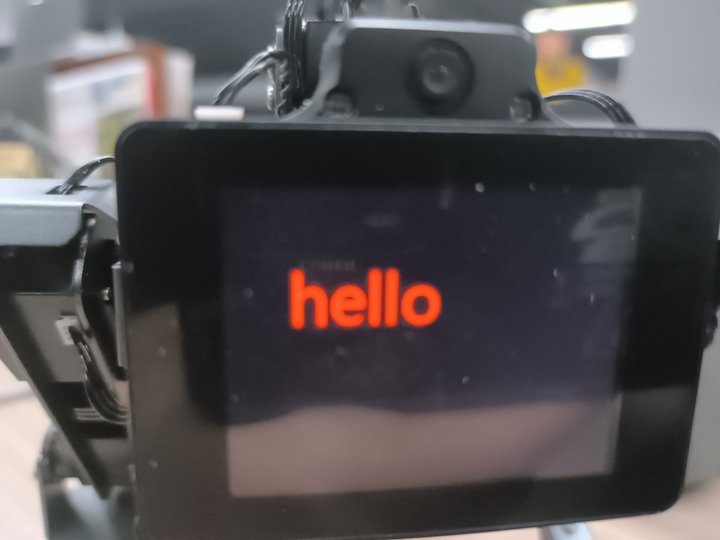
Display text
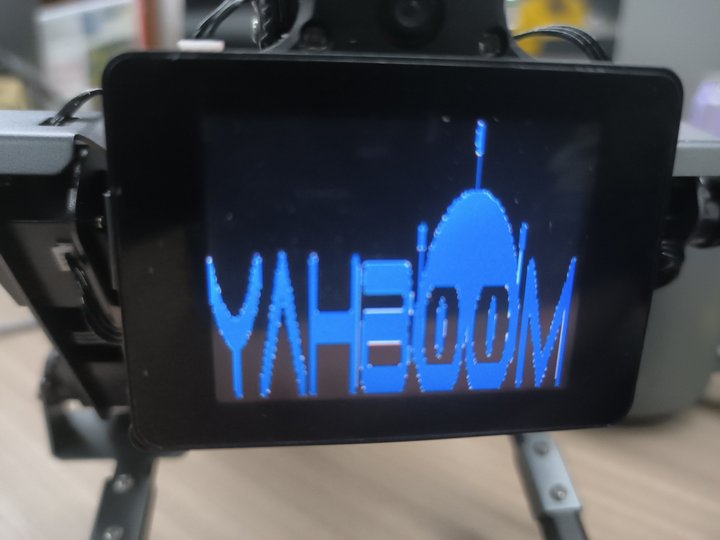
Show image
4. Analysis of main source code parameters
- Draw a straight line lcd_line(x1,y1,x2,y2,color=(r,g,b),width=width)
| Parameter name | Format | Input range | illustrate |
|---|---|---|---|
| x1,y1,x2,y2 | number | x1 x2:[0,320] y1 y2:[0,240] | x1, y1 are the initial point and x2, y2 are the ending point coordinates |
| color (optional) defaults to white | RGB tuple | rgb:[0,255] | Color is the line color |
| width (optional) defaults to 2 | number | / | Width is the line width |
- Draw a circle lcd_round(center_x, center_y, radius, color=(255, 255, 255), width=2)
| Parameter name | Format | Input range | illustrate |
|---|---|---|---|
| center_x, center_y | number | center_x:[0,320] center_y:[0,240] | center_x, center_y are the coordinates of the center of the circle |
| raduius | number | / | raduius is the radius |
| color (optional) defaults to white | RGB tuple | rgb:[0,255] | color is color |
| width (optional) defaults to 2 | number | / | Width is the arc width |
- Draw a rectangle lcd_rectangle(x1,y1,x2,y2,fill=None,outline=(255,255,255),width=2)
| Parameter name | Format | Input range | illustrate |
|---|---|---|---|
| x1,y1,x2,y2 | number | x1 x2:[0,320] y1 y2:[0,240] | x1, y1 are the initial point and x2, y2 are the ending point coordinates |
| fill (optional) default is none | RGB tuple | rgb:[0,255] | fill is the fill color |
| outline (optional) defaults to white | RGB tuple | rgb:[0,255] | outline is the line color |
| width (optional) defaults to 2 | number | / | Width is the line width |
- Display text lcd_text(x,y,content,color=(255,255,255),fontsize=15)
| Parameter name | Format | Input range | illustrate |
|---|---|---|---|
| x,y | number | xy:[0,320] | x,y are the initial point marks |
| content | String | / | content is the display content |
| color (optional) defaults to white | RGB tuple | rgb:[0,255] | color is the text color |
| fontsize (optional) defaults to 15 | number | / | fontsize is the font size |
- Display picture lcd_picture(filename)
| Parameter name | Format | illustrate |
|---|---|---|
| filename | String | The image file name needs to have a jpg extension, the image file display path is /home/pi/xgoPictures, and the image size is 320*240 |
If you want to display custom pictures, you need to put the pictures in the path of home/pi/xgoPictures.