Welcome to DOGZILLA-Lite repository
5.Picture to text
Picture to Text
Picture to TextFunction IntroductionFunction ExperienceProgram source codeHow to run this case in the terminalFunctional principle
Function Introduction
This case is about how to start the big program. You need to complete the configuration of the API-KEY related to the big model before you can use it normally. This function is to describe the on-site picture. The model platform used in the English version is: OpenRouter calls the free interface of meta This function needs to be connected to the Internet to work properly
Function Experience
- Turn on the robot dog first, press the button on the upper right of the "dog head" to enter the sample mode, and then select the function of image to text.
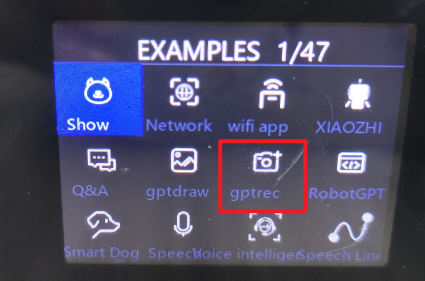
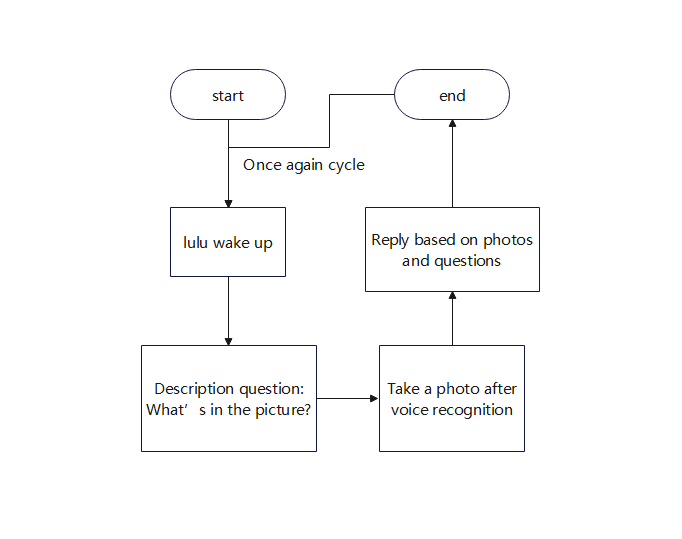
- After entering the function of image to text, wake up by voice first, "lulu".
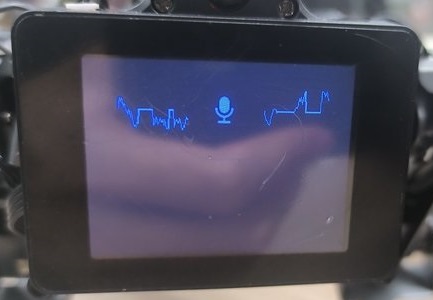
- When you hear a ding, you can say the question you want to ask.
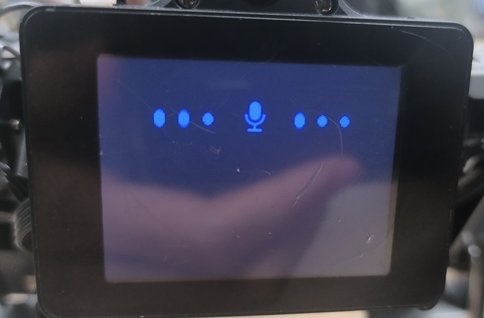
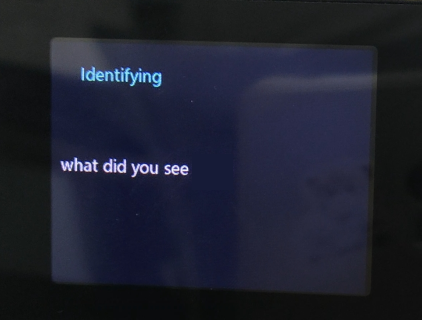
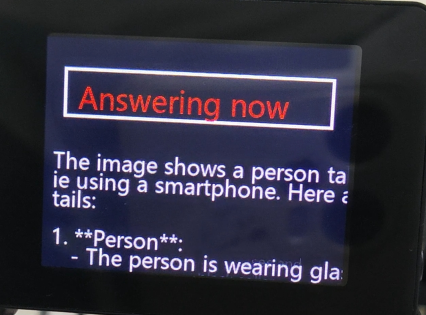
- The robot dog will record a picture of the scene based on the question and then answer.
Program source code
- First, log in to the robot dog system through VNC
- Then enter the terminal
x
#cm4 runcd /home/pi/RaspberryPi-CM4-main/demos/pic_comprehension/tree -L 1#cm5 runcd /home/pi/RaspberryPi-CM5/demos/pic_comprehension/tree -L 1- Directory structure description ├── anspeech_imageswer.mp3 #Reply audio ├── audio.py #Recording file ├── auto_platform.py #Recording file dependency environment ├── language_recognize.py #Speech recognition ├── libnyumaya.py #Speech wake-up ├── rec.jpg #Record the picture of the scene ├── sp_AI_Image.py #Main program file ├── xinghou_ImageAPI.py #Graphics file interface └── xinghou_tts.py #Speech synthesis file interface
- If you want to replace the model interface you want
- You can first use the python version of the platform corresponding to the interface program, and fill in the necessary information according to the platform interface and instructions.
- Then encapsulate the executable file into a function. You can refer to the method of "sp_AI_Image.py" and put it in the path /home/pi/RaspberryPi-CM4-main/demos/pic_comprehension. For example, the added file name is "mychatgpt.py"
- Open the file sp_AI_Image.py, and replace from xinghou_ImageAPI import * with the newly added from mychatgpt import * in the header
- Then find this place and replace it with the API function interface you encapsulated.
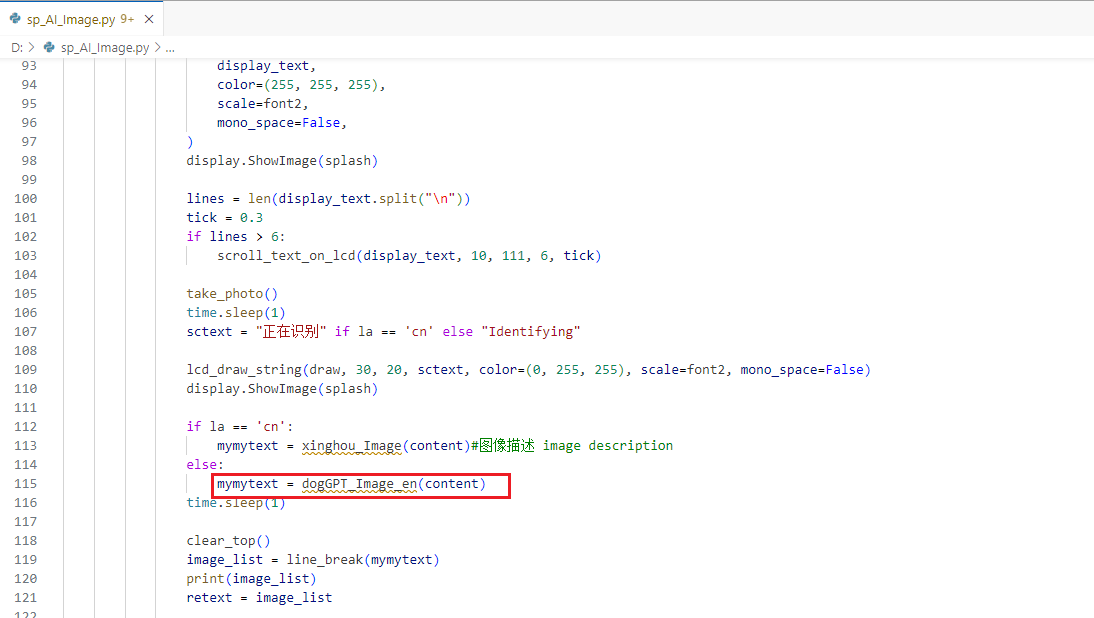
- Then restart the car and enter this function again, you can run the model platform you replaced. If it cannot run, it means there is an error. You need to check the syntax and logic of the newly added file yourself.
How to run this case in the terminal
- End the big program first to prevent the screen from being distorted. For how to end it, please go to the tutorial of ending the big program in Chapter 1. I will not describe it here.
- Enter the following command in the terminal
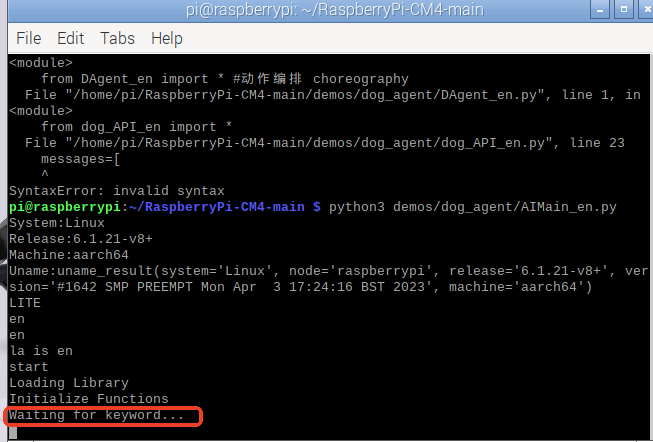
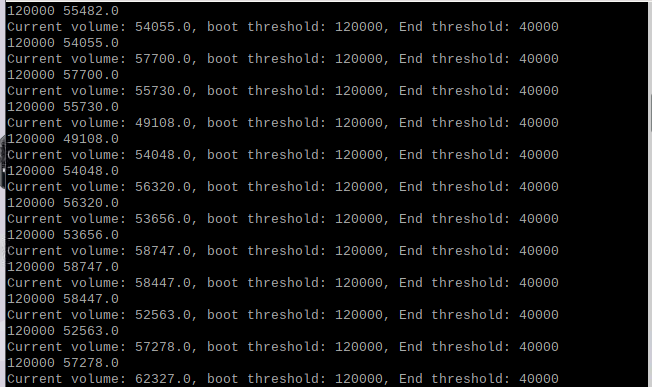
xxxxxxxxxx#cm4 runcd /home/pi/RaspberryPi-CM4-main#cm5 runcd /home/pi/RaspberryPi-CM5sudo python3 demos/pic_comprehension/sp_AI_Image.py- When waiting for keyword appears, wake up the robot dog with "lu lu". After a few seconds, a scrolling prompt "current volume, boot threshold, end threshold" will appear. You can then input voice to the robot dog.
Functional principle
The specific flow chart is as follows: