Welcome to DOGZILLA-Lite repository
7. Median Filter
7. Median Filtering
7.1. Median Filtering
Median filtering: Image smoothing can eliminate salt and pepper noise. The basic idea is to traverse the image through the filter and take the median of the pixel value in each filter area as the new pixel value.
The algorithm idea is as follows:
(1) Input the image and convert it to grayscale;
(2) Add salt and pepper noise to the grayscale image
(3) Traverse the pixels and put the pixel values in the filter area into a one-dimensional array;
(4) Select and sort the one-dimensional array and assign the middle value to the filter center, that is, change the traversed original image pixel point to the median of the filter area;
(5) Output the image after median filtering
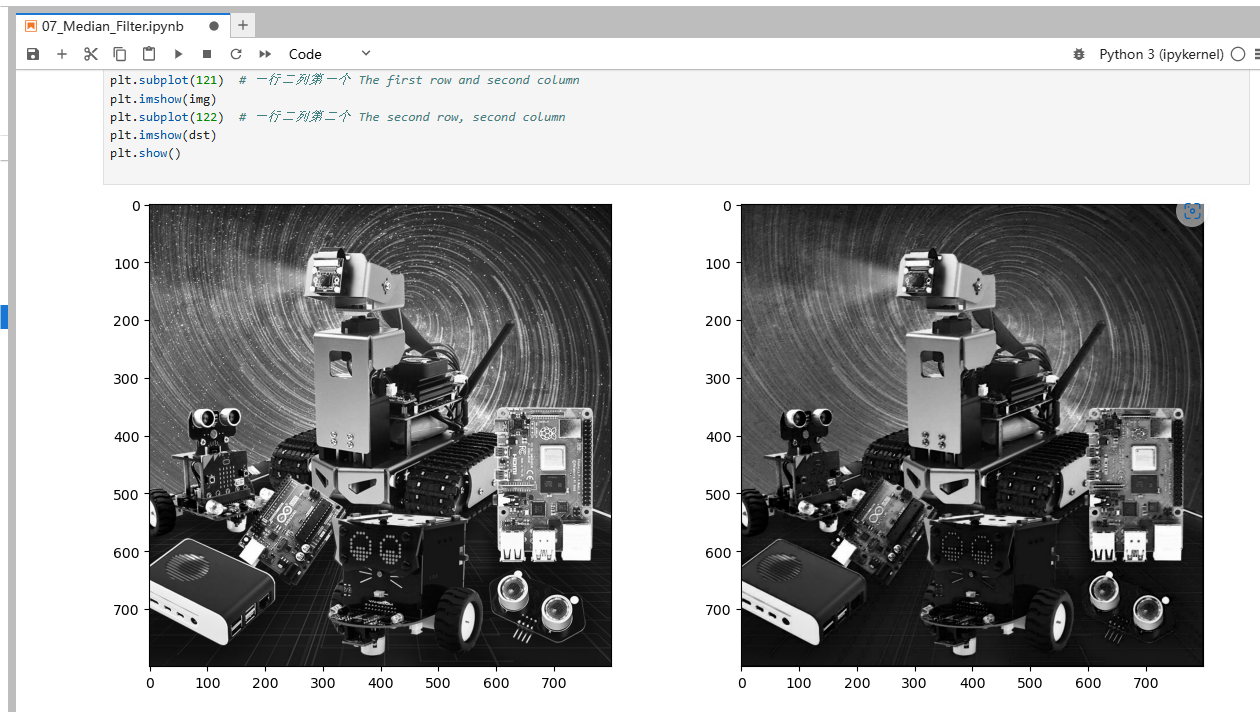
7.2 Actual effect display
Source code path:
/home/pi/DOGZILLA_Lite_class/4.Open Source CV/D.Image_Enhancement/07_Median_Filter.ipynb
ximport cv2import numpy as npimport matplotlib.pyplot as pltimg = cv2.imread('yahboom.jpg',1)imgInfo = img.shapeheight = imgInfo[0]width = imgInfo[1]img = cv2.cvtColor(img,cv2.COLOR_RGB2GRAY)# cv2.imshow('src',img)dst = np.zeros((height,width,3),np.uint8)collect = np.zeros(9,np.uint8)for i in range(1,height-1): for j in range(1,width-1): k = 0 for m in range(-1,2): for n in range(-1,2): gray = img[i+m,j+n] collect[k] = gray k = k+1 # 0 1 2 3 4 5 6 7 8 # 1 for k in range(0,9): p1 = collect[k] for t in range(k+1,9): if p1<collect[t]: mid = collect[t] collect[t] = p1 p1 = mid dst[i,j] = collect[4]# cv2.imshow('dst',dst)# cv2.waitKey(0)img = cv2.cvtColor(img, cv2.COLOR_BGR2RGB)dst = cv2.cvtColor(dst, cv2.COLOR_BGR2RGB)plt.figure(figsize=(14, 6), dpi=100) #设置绘图区域的大小和像素 Set the size and pixels of the drawing areaplt.subplot(121) # 一行二列第一个 The first row and second columnplt.imshow(img)plt.subplot(122) # 一行二列第二个 The second row, second columnplt.imshow(dst)plt.show()