Welcome to DOGZILLA-Lite repository
13. Calibration of the robot dog
Calibration of robot dog
If you find that your robot dog's posture is abnormal, such as when it is standing, one of its legs is seriously deviated so that all four legs cannot touch the ground at the same time or the body is obviously tilted, it is likely that the initial position deviates from the preset value due to loose screws or servo gear slippage. At this time, you can perform initial position calibration to recalibrate the robot dog's initial position preset value.
Download the xgo app from the Apple App Store. Android users can get it in the download area.
After turning on the location permission of your mobile phone, you can connect to the robot dog via Bluetooth to remotely control and calibrate the robot dog.
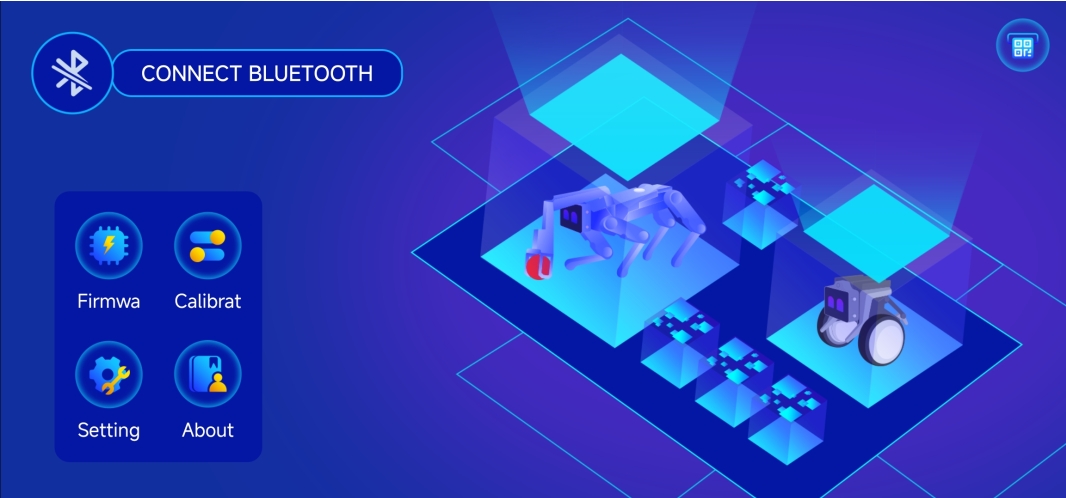
Click the Settings button, select Run this project as a developer on the page, and then return to the main page and click Calibrate.
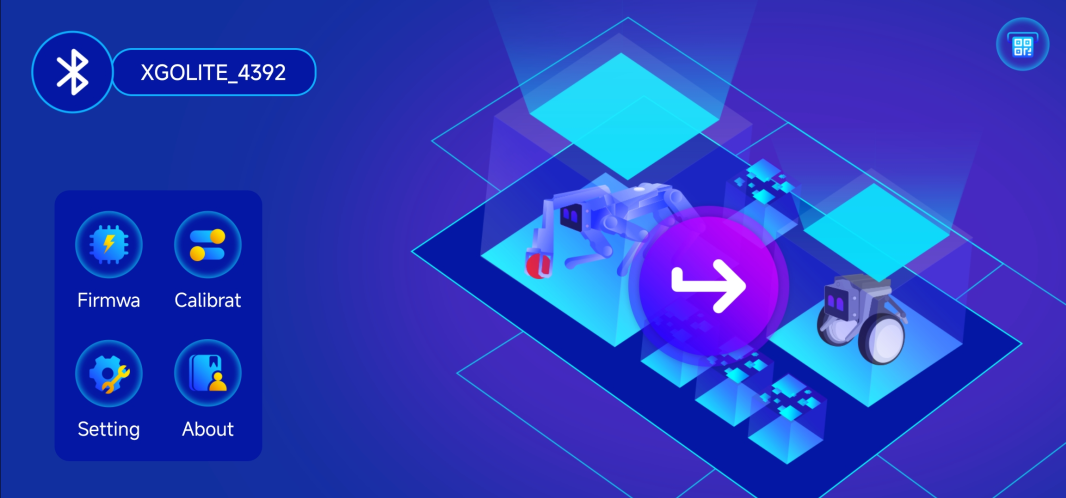
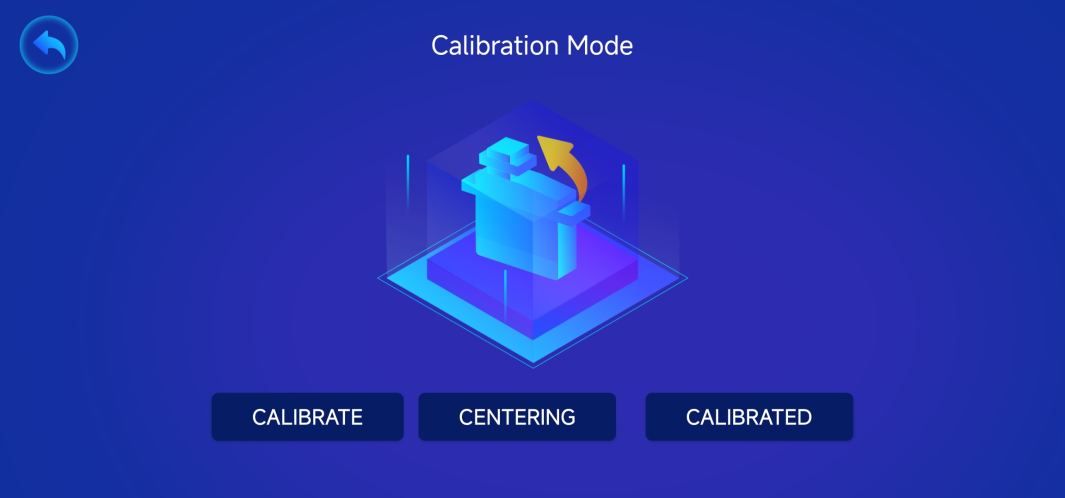
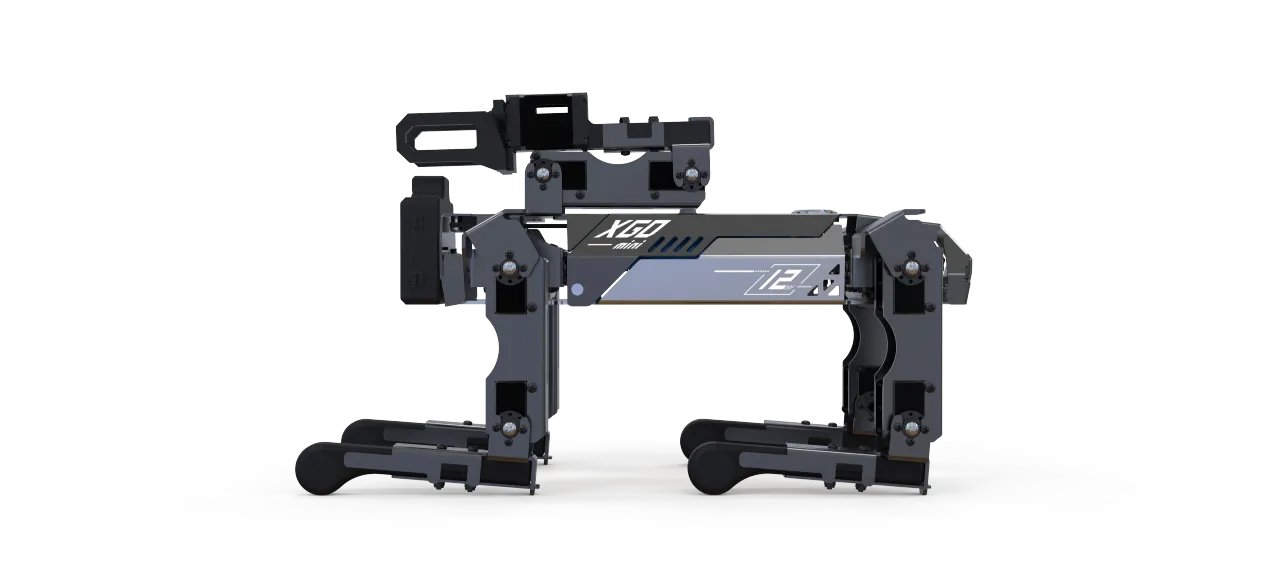
Click "CALIBRATE", and the robot dog's servos will no longer output torque, allowing you to rotate all joints. Place the robot dog as shown in the figure below. Note that the shoulders of each leg should be perpendicular to the body, the thighs should be perpendicular to the ground, and the calves should be perpendicular to the thighs. The mechanical arms should be folded and placed on the back. Whether the placement is vertical will directly affect the posture of the robot dog when working. After placing it as shown in the figure below and clicking "Complete Calibration", the robot dog will automatically stand up after about 10 seconds.