Welcome to Muto RS Robot repository
9.Custom wake-up response
Personalized Wake-up Response
1. Course Content
- Adding audio files to the muto_llm program's audio library allows you to customize the wake-up voice response.
[!NOTE]
- This section of the tutorial is only for users who need to customize their voice response; it does not affect normal use.
- If you do not need to customize your voice response, you can skip this section.
2. Preparing Audio Files
- You can prepare the audio material for the voice reply yourself.
- Alternatively, you can generate the voice using the system's built-in
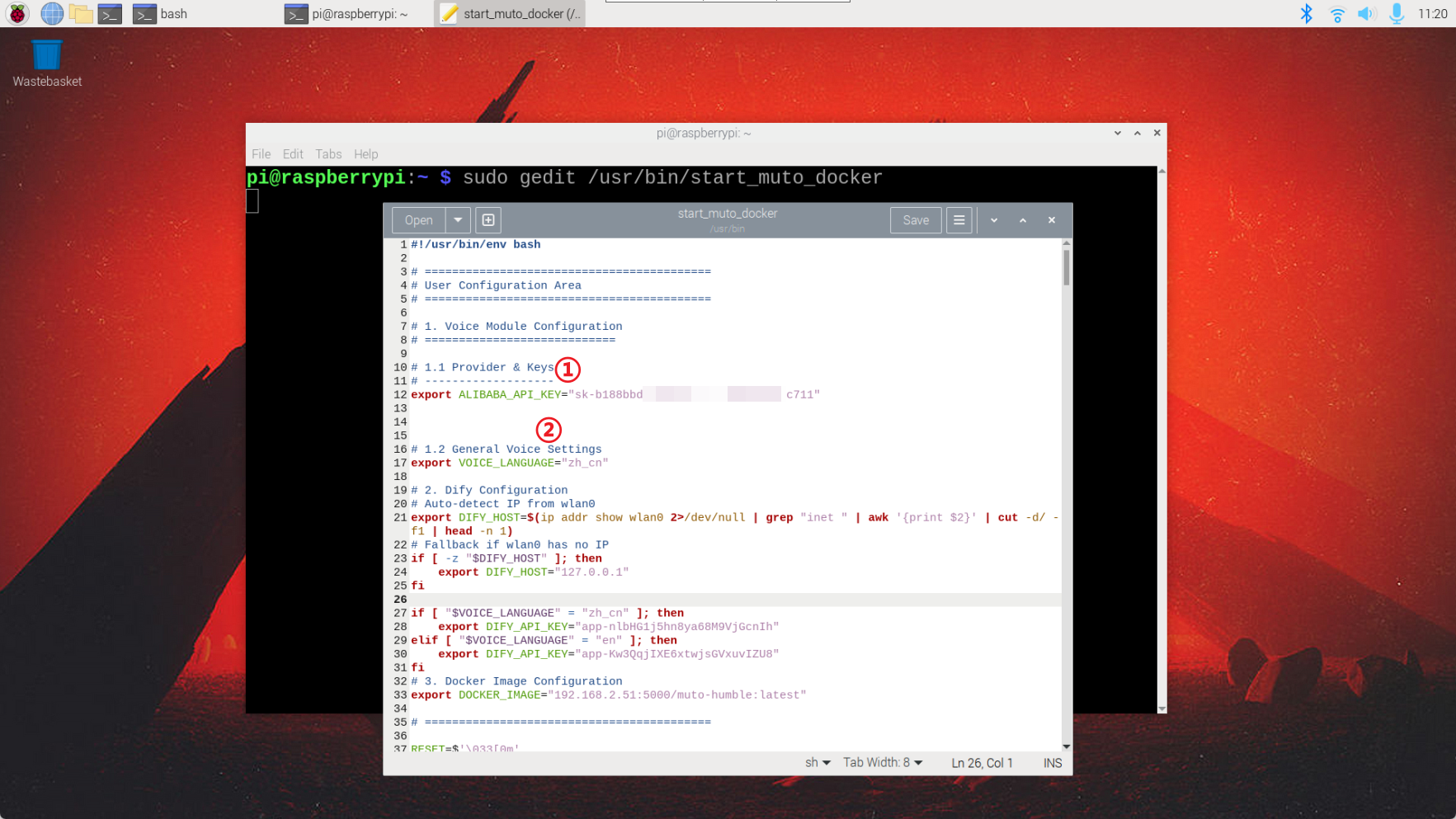
generate_voicecommand. The voice generation model uses the Bailian platform's speech synthesis model, so you need to configureALIBABA_API_KEYaccording to the tutorial in02-Configuring API-KEYof this chapter first. - Pre-configure Bailian API-KEY
- Run the command in the terminal
xgenerate_voice --text "hello"
- Where
--textis the startup parameter, and "hello" should be replaced with the content of the voice you want to synthesize.

- Audio files will be automatically saved in the
~/generate_voices/directory.
[!NOTE] Other optional startup parameters are as follows:
- --voice: Speaker, default
Cherry- --language_type: Language, default
Chinese- --save_path: Audio file save path, default
~/generate_voices/- --text: Text to be synthesized audio, default is empty
For available speakers and speech synthesis models, please refer to the dynamic notifications on the Bailian official website: https://bailian.console.aliyun.com/?spm=5176.29619931.J_SEsSjsNv72yRuRFS2VknO.2.74cd10d73l2Pw5&tab=doc#/doc/?type=model&url=2879134
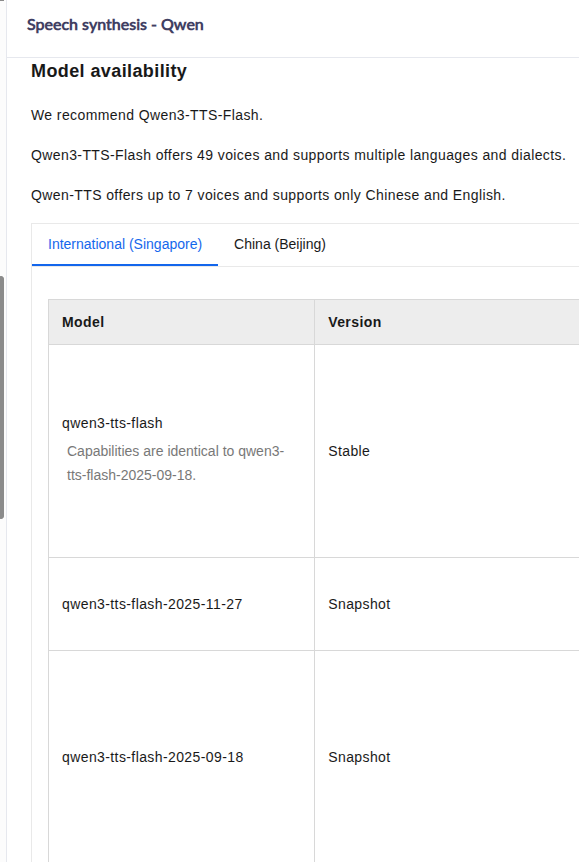
- Reference Model:
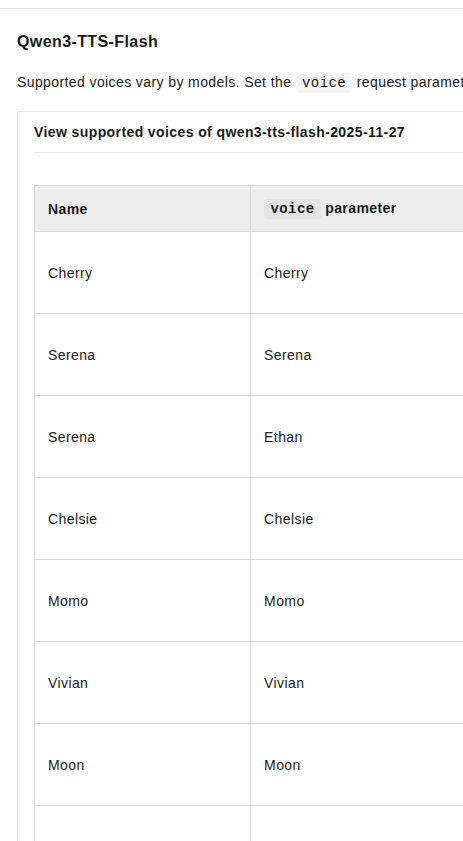
- Reference Timbre
- Supported Languages
Chinese, English, Spanish, Russian, Italian, French, Korean, Japanese, German, Portuguese
3. Loading Audio Files
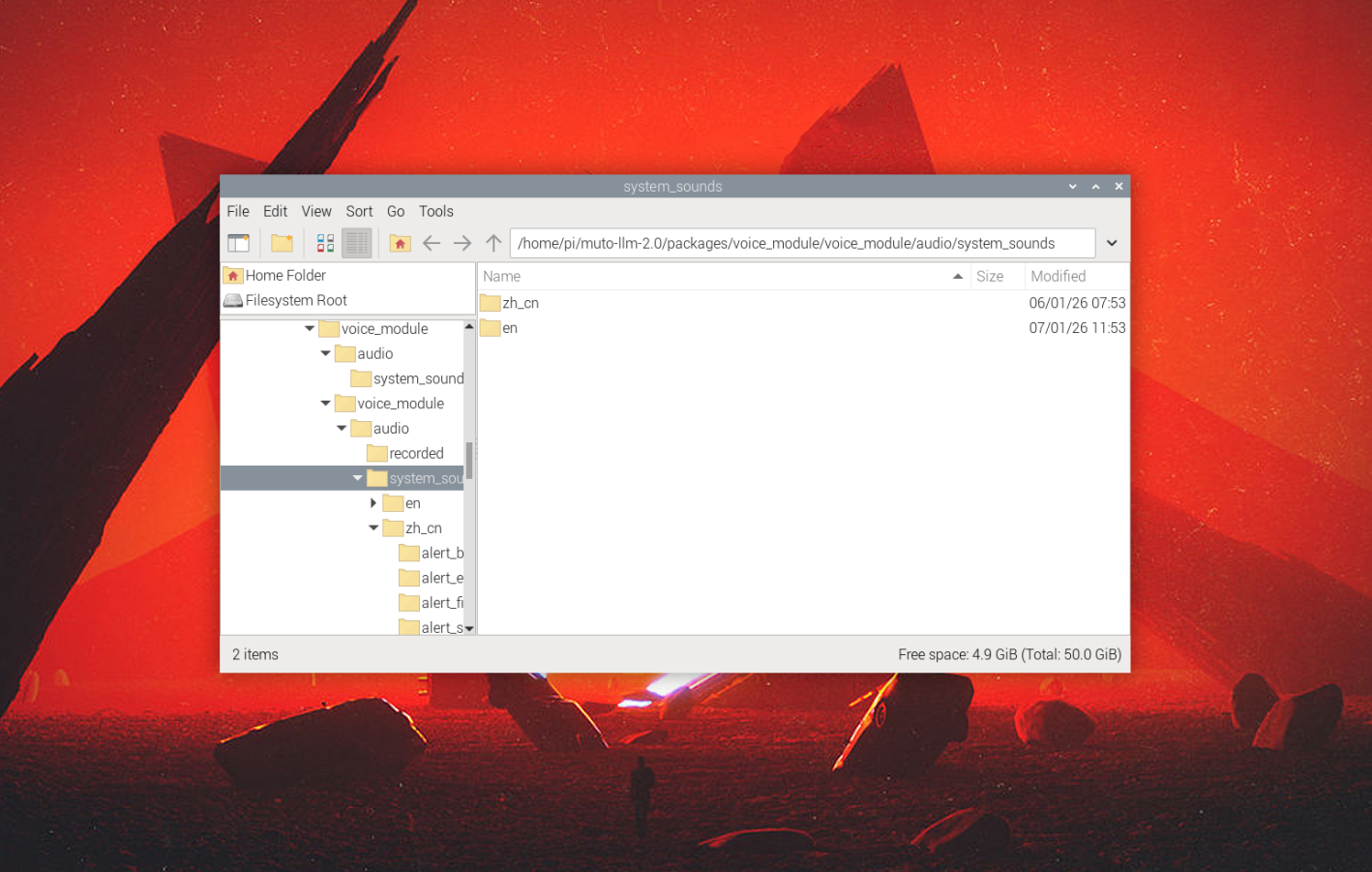
- muto-llm system audio path:
xxxxxxxxxx/root/muto-llm-2.0/packages/voice_module/voice_module/audio/system_sounds
- Where:
- en is the English response voice, suitable for international users. Place the prepared audio file in the following directory:
xxxxxxxxxx/home/pi/muto-llm-2.0/packages/voice_module/voice_module/audio/system_sounds/en/sentence_i_am_here
- When the muto-llm program is launched, the audio file in the corresponding directory will be automatically loaded, and a personalized response voice will be randomly played when the user wakes up.