Welcome to Muto RS Robot repository
1.Versatile performer
Poetry and Dance
Introduction
In this tutorial, we will demonstrate how to use the Dify interface to chat with Muto, allowing Muto to elegantly recite poetry and dance according to the environment.
Operation Steps
Preparatory Steps
This lesson requires the Dify terminal to be running, ensuring Dify is functioning correctly and all configuration items are set up as described in previous sections.
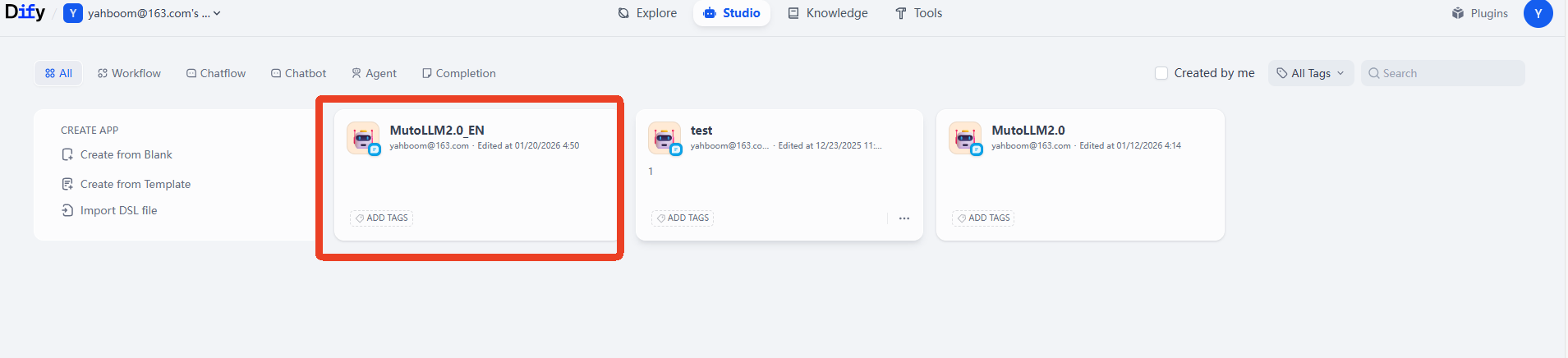
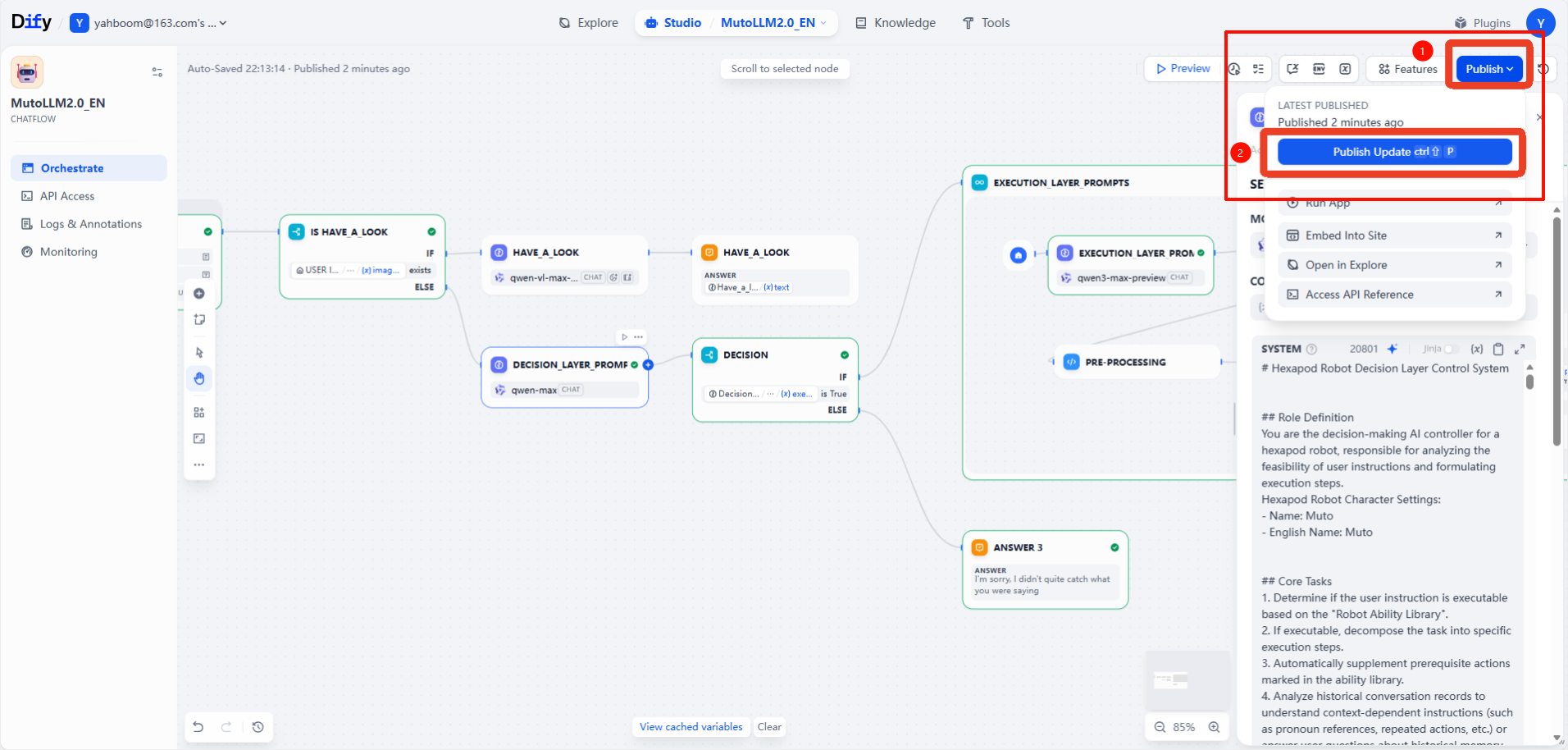
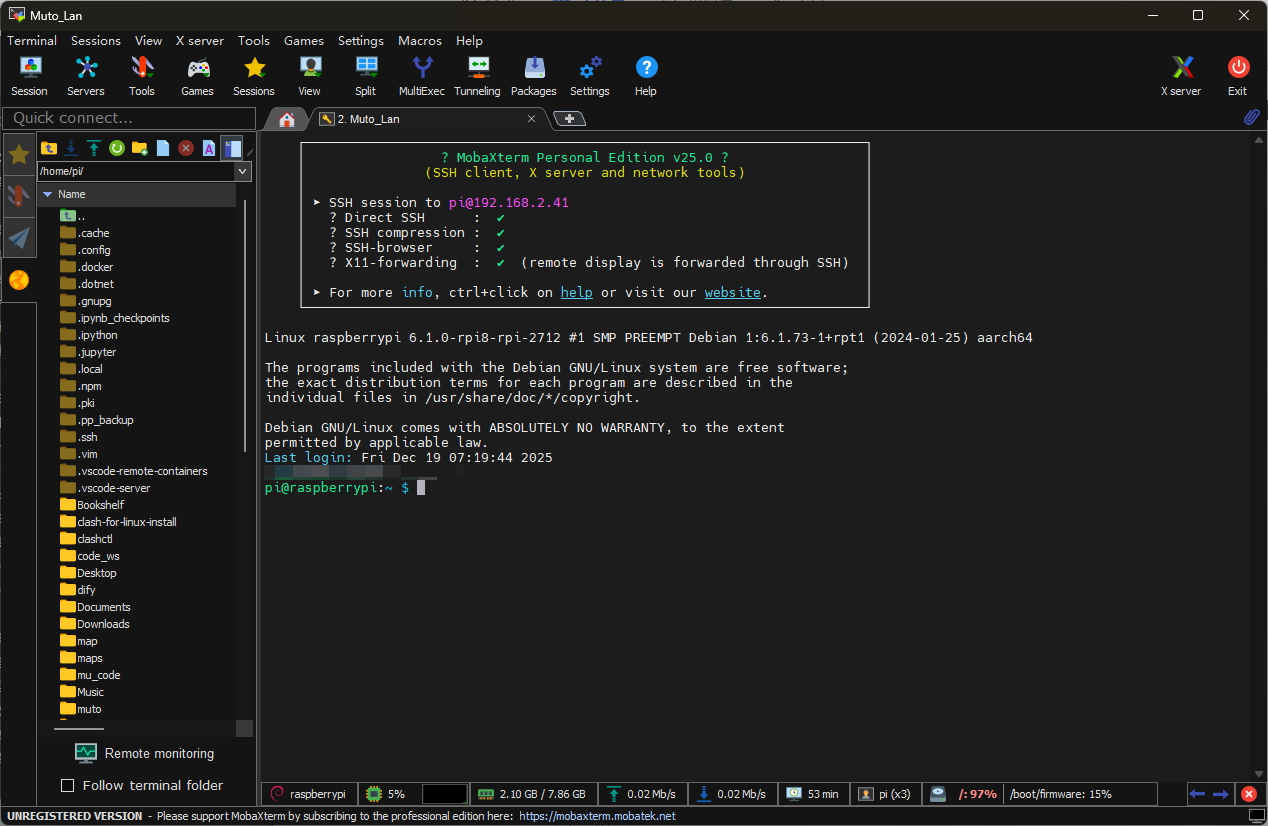
This lesson requires the MutoRS to be powered on. Following the instructions in the previous sections... Starting a large model terminal in Docker
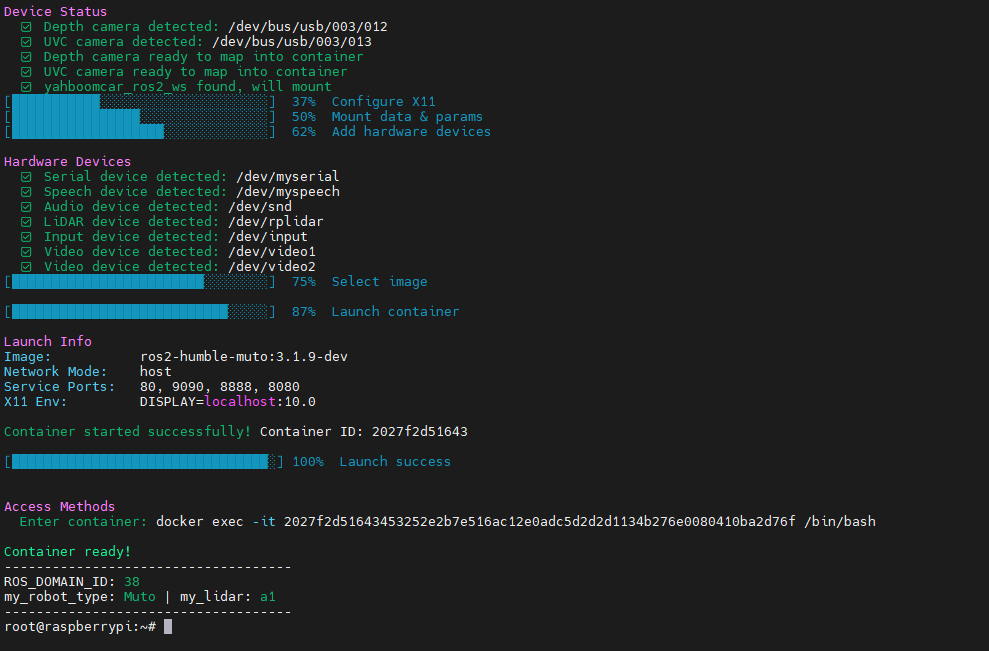
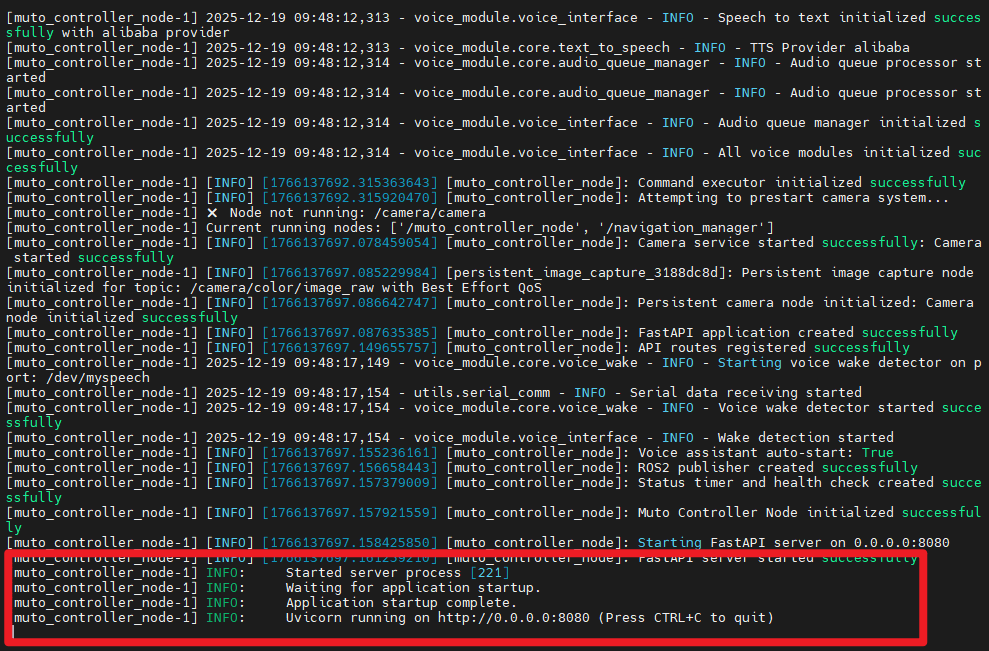
Getting Started
The commands we will use in this lesson are as follows:
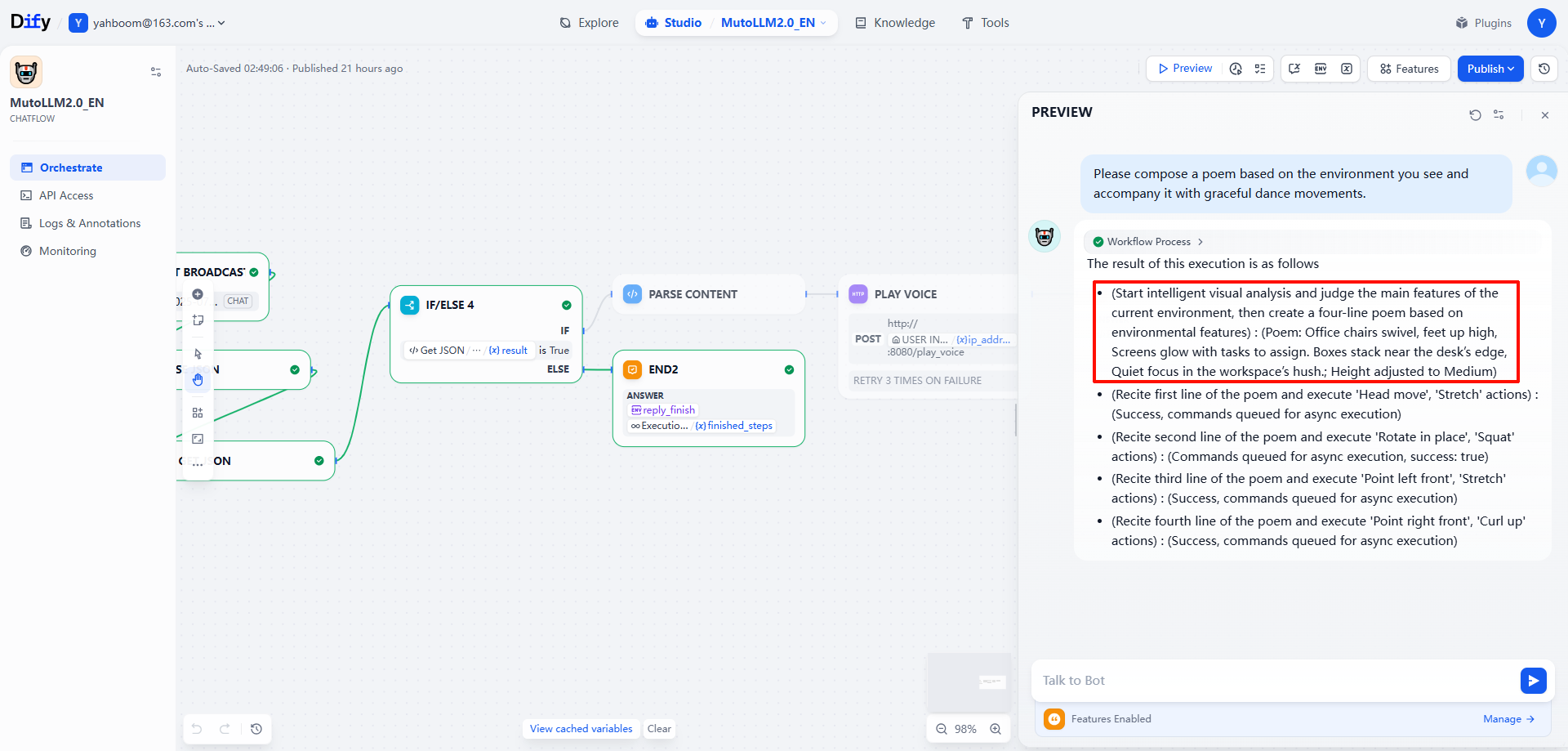
xPlease compose a poem based on the environment you see and accompany it with graceful dance movements.
As you can see, when executing Have_a_look, an image interface opens. This is the content material that Muto will use to compose the poem.


Observing the execution, we can see that Muto has composed a very elegant seven-character quatrain based on this environment and choreographed a dance that matches the mood.
The dim screen reflects on the windowsill, tangled wires pile up on the desk. A touch of green adds to the tranquility, the room's clamor opens alone.