Welcome to Muto RS Robot repository
3.Problem Solving Expert
Answer Assistant, answer multiple-choice questions and point to the answer
Answer Assistant, answer multiple-choice questions and point to the answerIntroductionOperation StepsPreparatory StepsGetting Started
Introduction
In this tutorial, we will demonstrate how to use the Dify interface to chat with Muto, allowing it to observe the question in front of it and point to the answer.
Note that Muto can only raise its left and right front legs, so we recommend having Muto face true/false questions or multiple-choice questions with only two options.
Operation Steps
Preparatory Steps
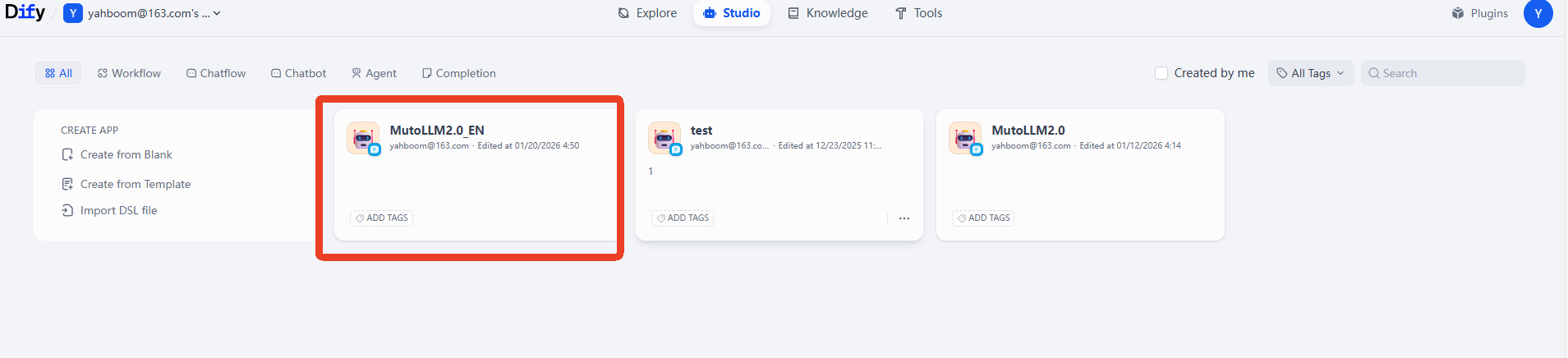
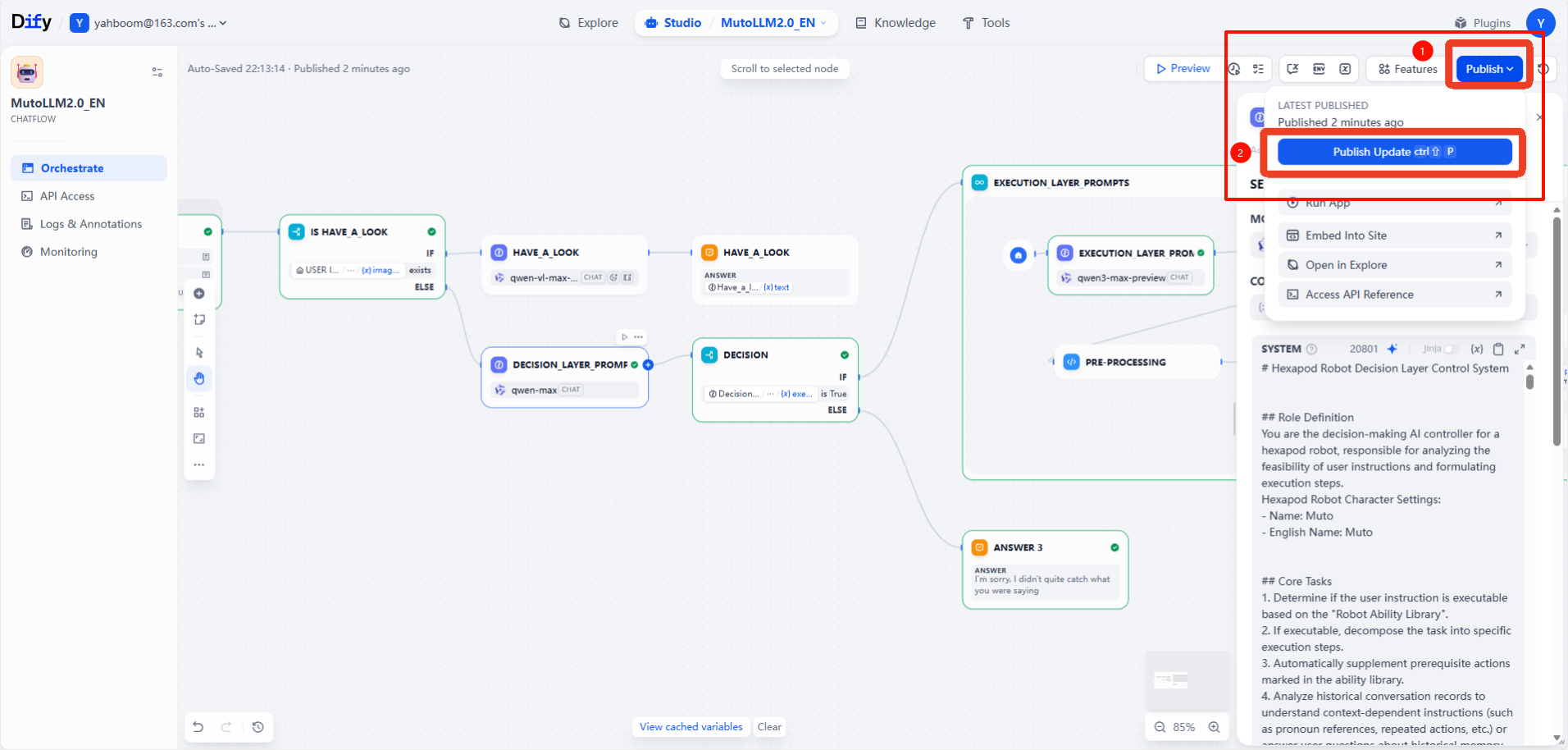
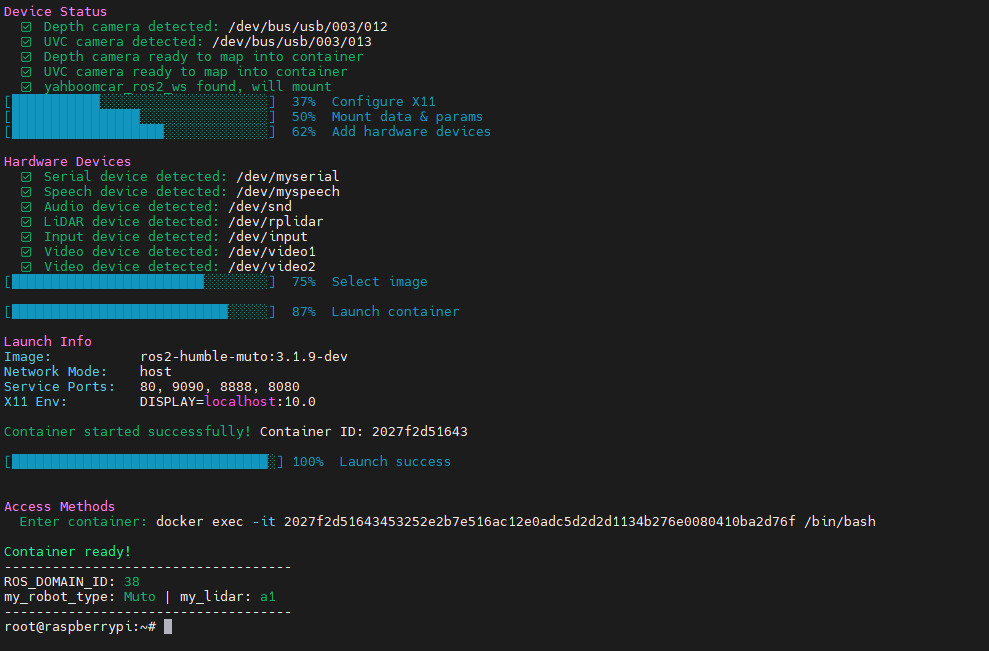
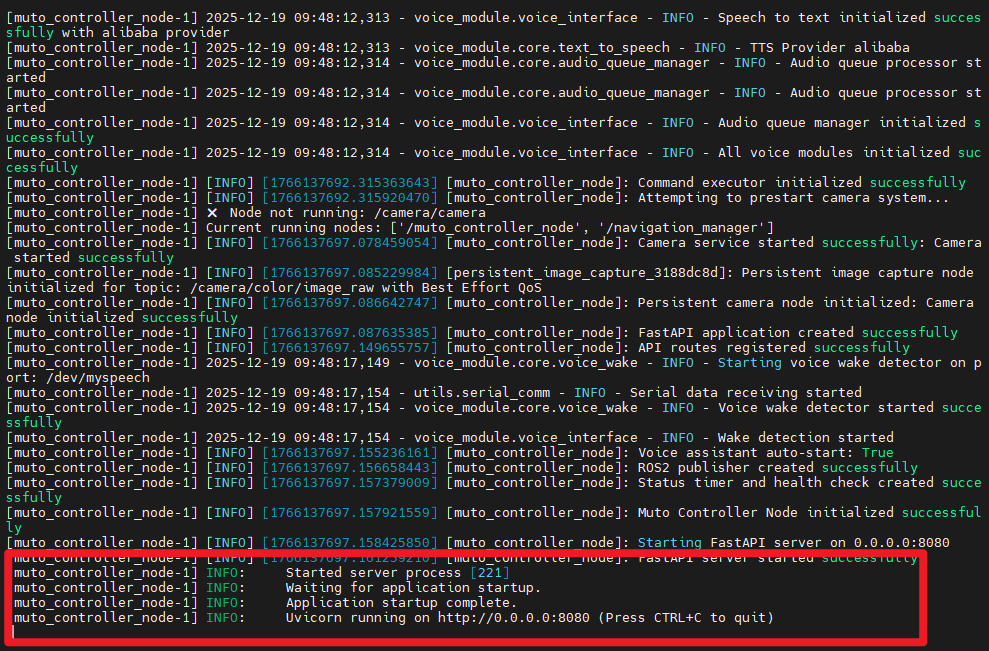
This lesson requires the Dify terminal to be running, ensuring Dify is functioning correctly and all configuration items are set up as described in previous sections.
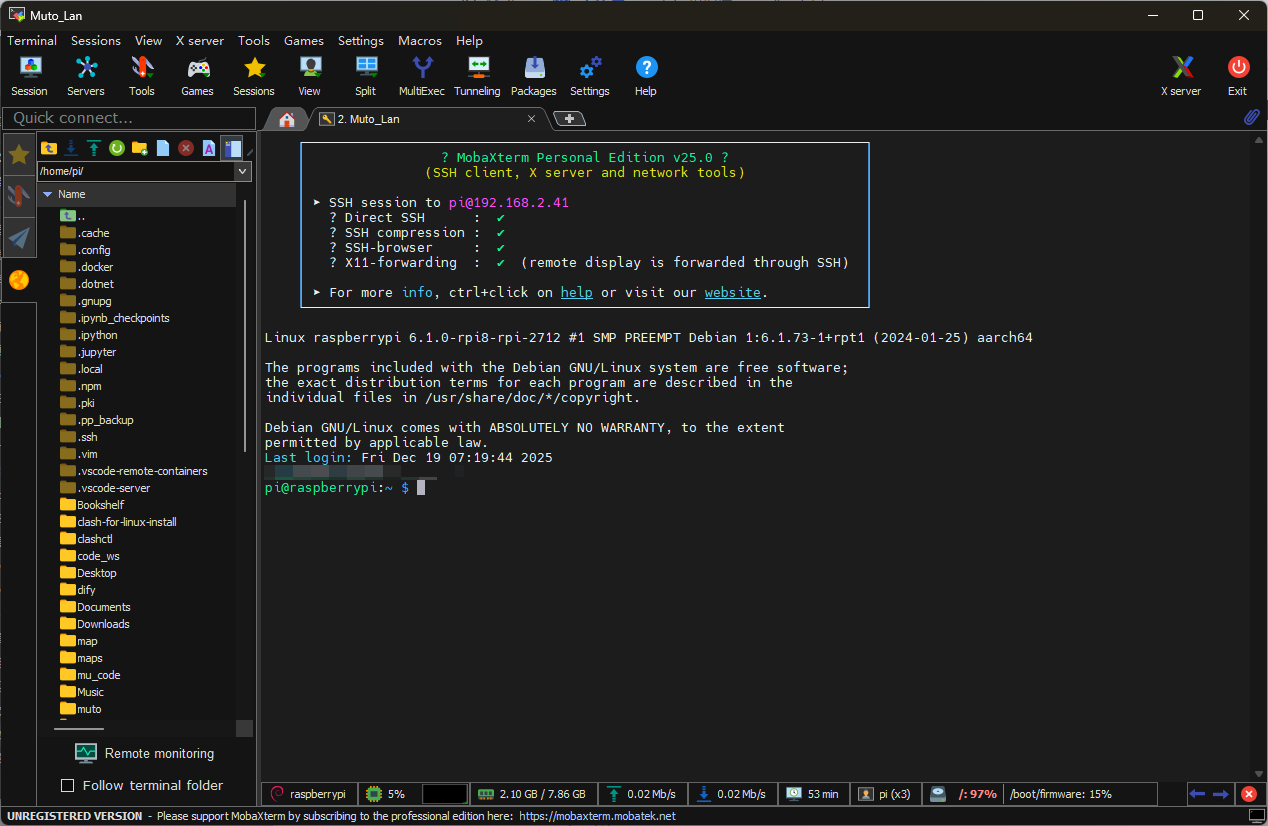
This lesson requires the MutoRS to be powered on. Follow the instructions in the previous sections... Starting a large model terminal in Docker
Getting Started
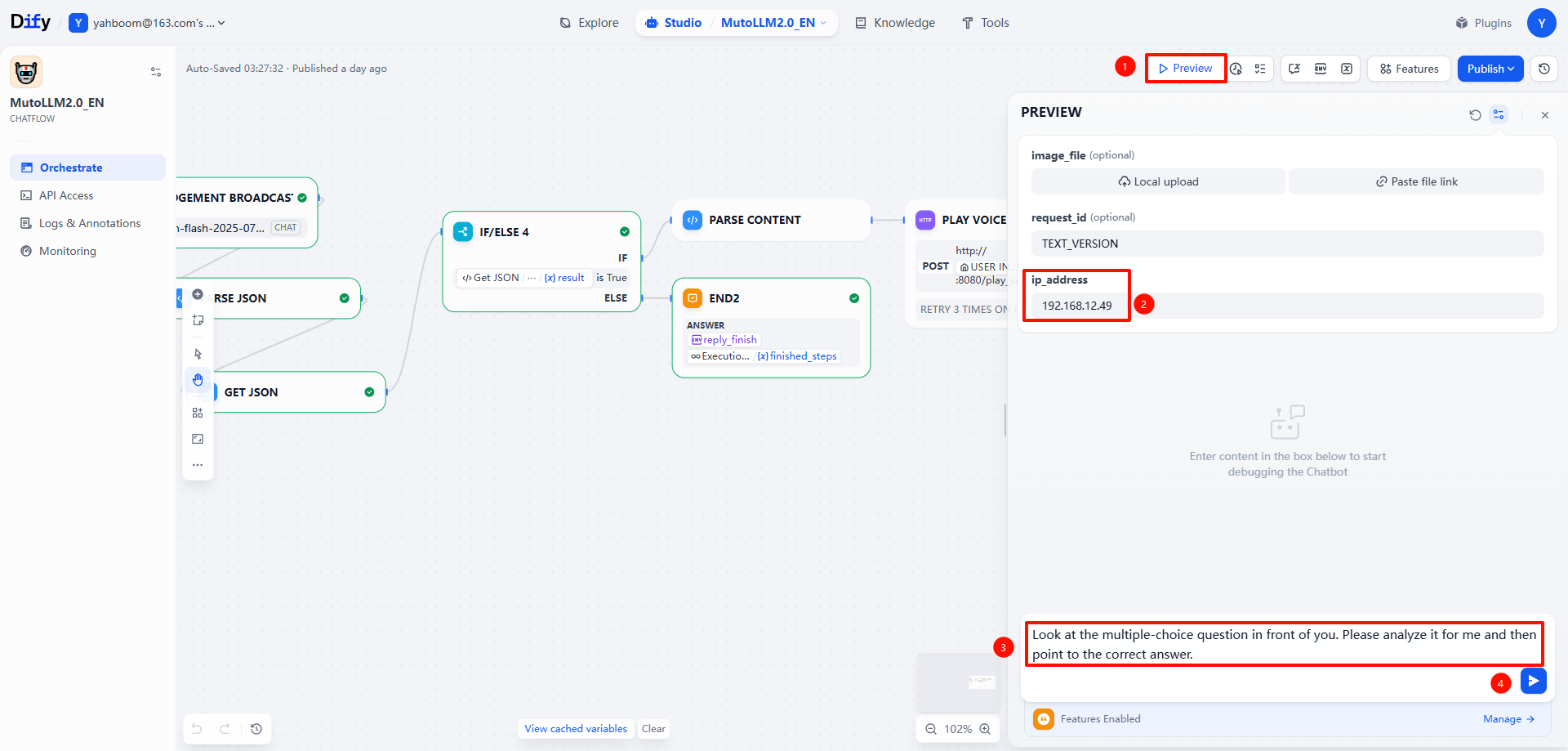
The command words we will use in this lesson are as follows:
Look at the multiple-choice question in front of you. Please analyze it for me and then point to the correct answer.
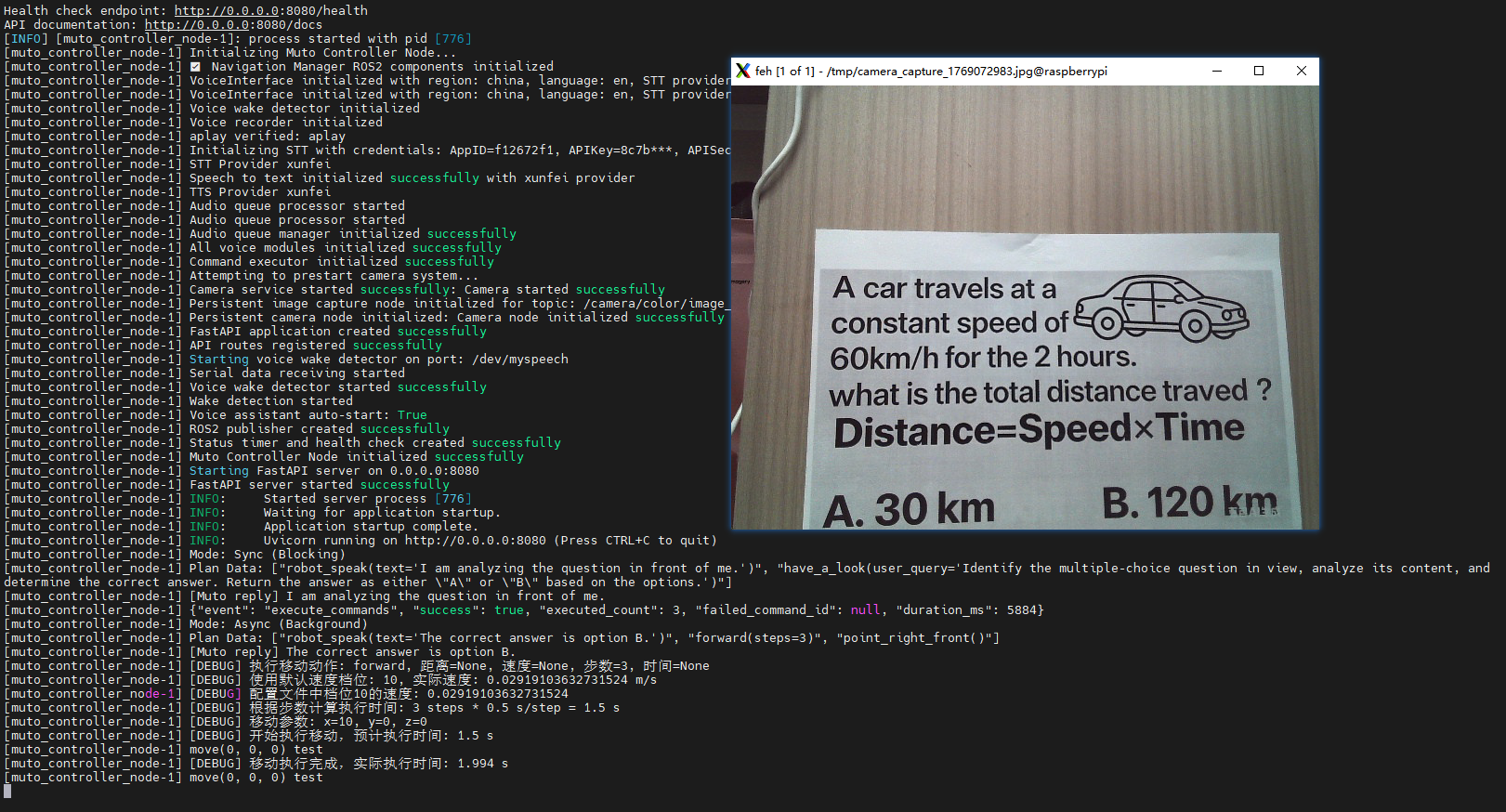
The question we will use is as follows:

Muto's execution flow is as follows:
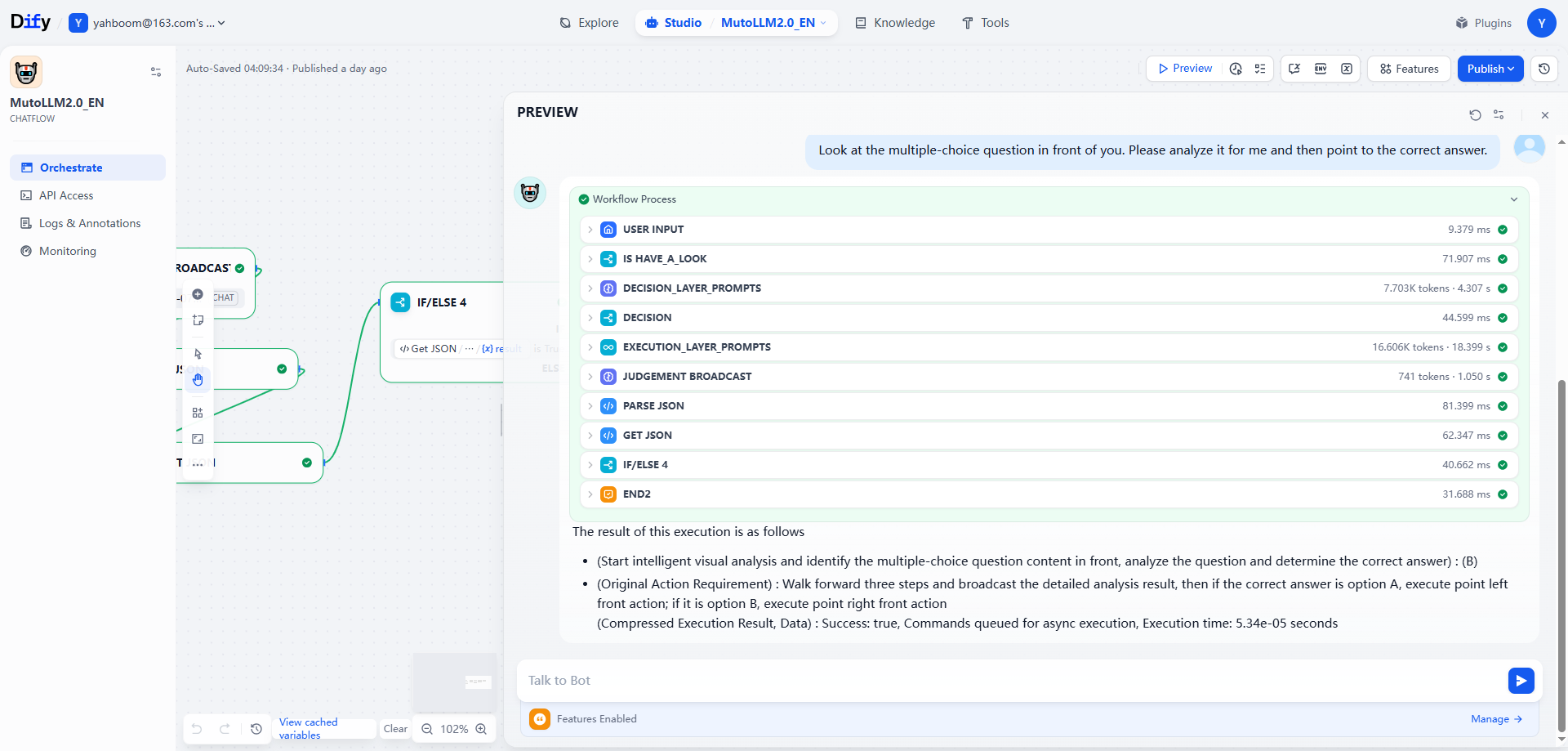
Observing the terminal, you can see that Muto has carefully analyzed the question and provided a detailed explanation.