Welcome to ROSMASTER X3 Plus repository
5.MoveIt cartesian path(VM)
5. MoveIt Cartesian path
This lesson takes the MoveIT simulation as an example. If you need to set the synchronization between the real machine and the simulation, please refer to the lesson [02, MoveIt Precautions and Controlling the Real Machine]. ! ! ! be careful! ! !
The effect demonstration is a virtual machine, and other masters are running (related to the performance of the master, depending on the actual situation).
5.1. Introduction
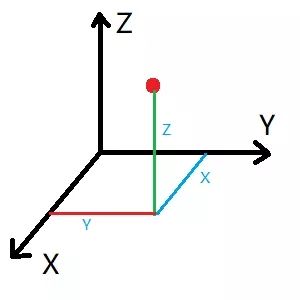
The Cartesian coordinate system is the collective name for the Cartesian coordinate system and the oblique coordinate system. A Cartesian path is actually a line connecting any two points in space.
5.2. Start
Start the MoveIT
roslaunch arm_moveit_demo x3plus_moveit_demo.launch sim:=true Start Cartesian Path Node
xxxxxxxxxxrosrun arm_moveit_demo 04_cartesian - C++ code examples
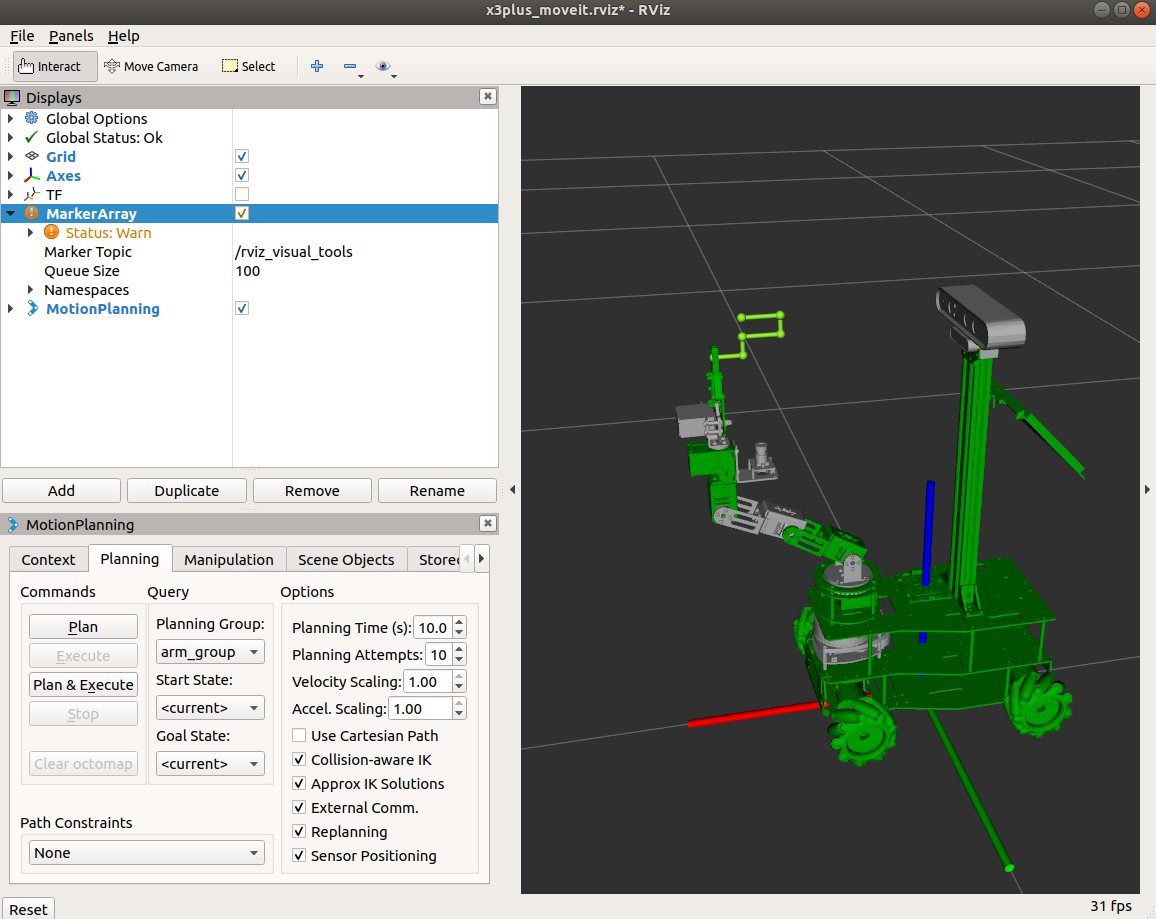
To view the trajectory, you need to add the [MarkerArray] plug-in and select the [/rviz_visual_tools] topic.
5.3. Source code
5.3.2、C++ files
Set specific location
xxxxxxxxxx ROS_INFO("Set Init Pose."); //Set specific location vector<double> pose{0, -0.69, -0.17, 0.86, 0}; yahboomcar.setJointValueTarget(pose);Add waypoint
xxxxxxxxxx //Initialize path point vector std::vector<geometry_msgs::Pose> waypoints; //Add initial pose to waypoint list waypoints.push_back(start_pose); start_pose.position.x -= 0.04; waypoints.push_back(start_pose); start_pose.position.z -= 0.02; waypoints.push_back(start_pose); start_pose.position.x += 0.04; waypoints.push_back(start_pose); start_pose.position.z -= 0.02; waypoints.push_back(start_pose); start_pose.position.x += 0.03; waypoints.push_back(start_pose);Waypoint planning
xxxxxxxxxxfraction = yahboomcar.computeCartesianPath(waypoints, eef_step, jump_threshold, trajectory);