Welcome to Jetson Orin NX Developer Kit repository
当製品の日本語版マニュアル資料は、こちらからご取得ください。
07.Jtop tool
Jtop tool usage
Jtop tool usage1. Install Jtop2. Maximum performance mode2.1. Enable MAXN mode2.2. Enable Jetson clocks3. Use Jtop
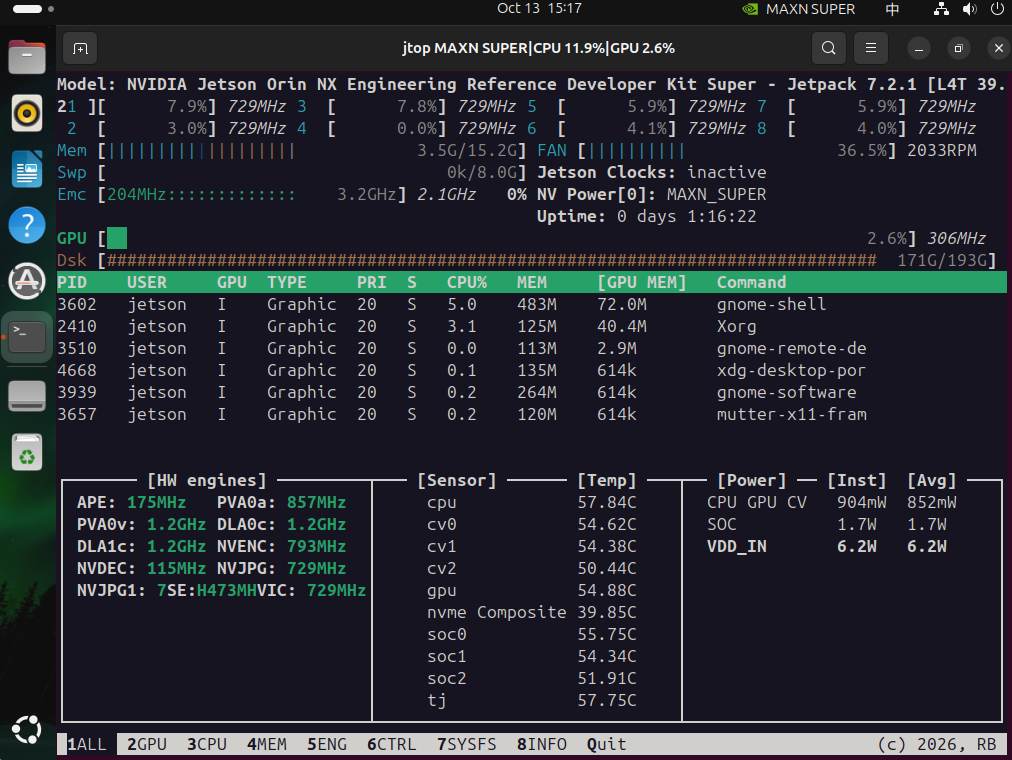
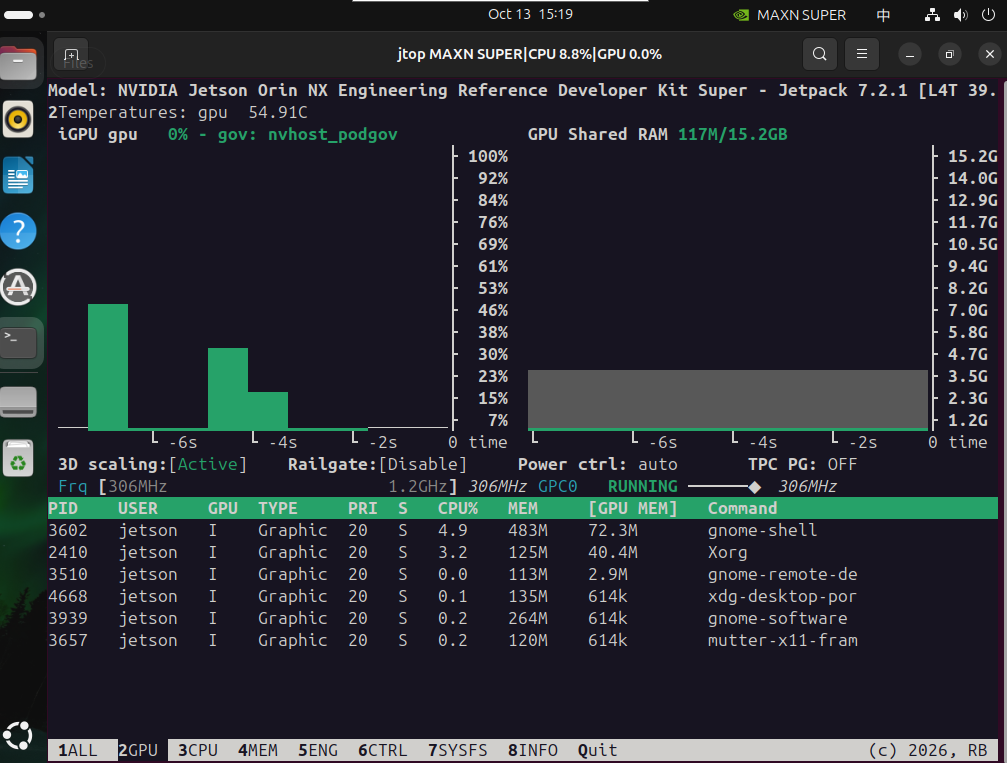
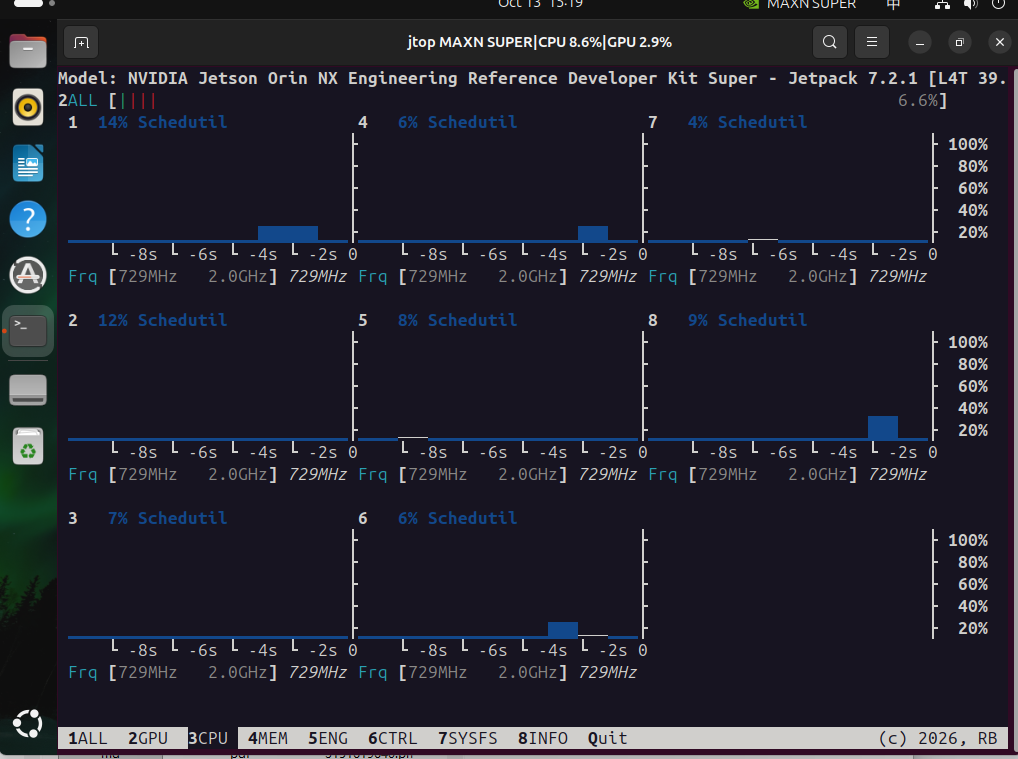
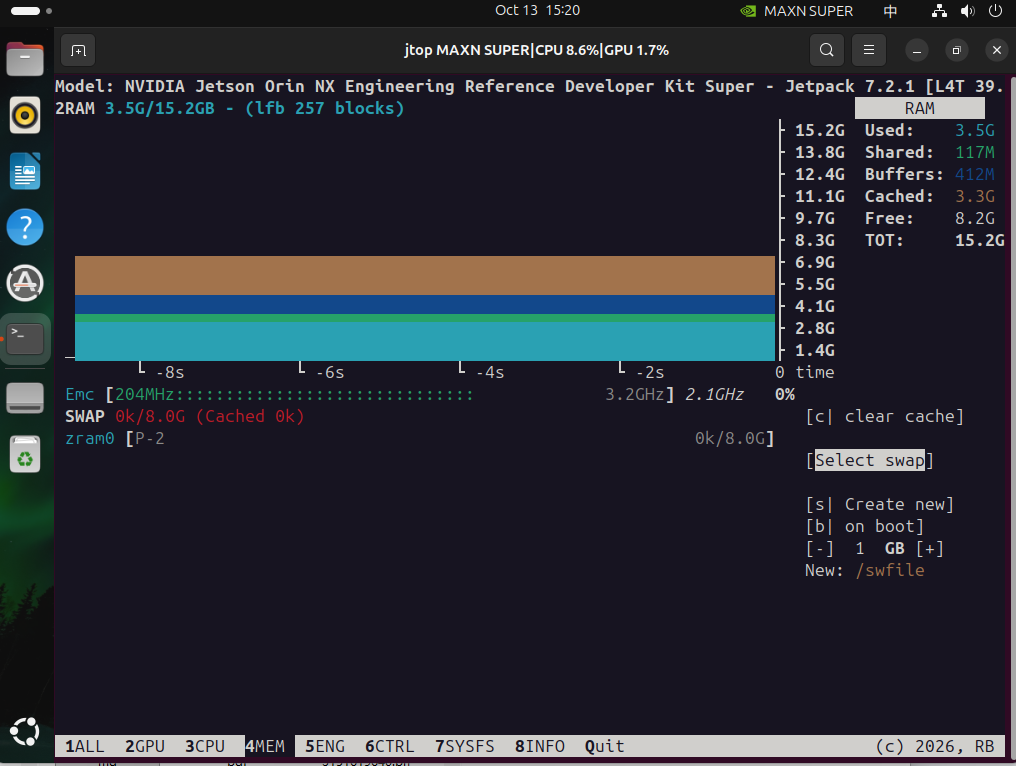
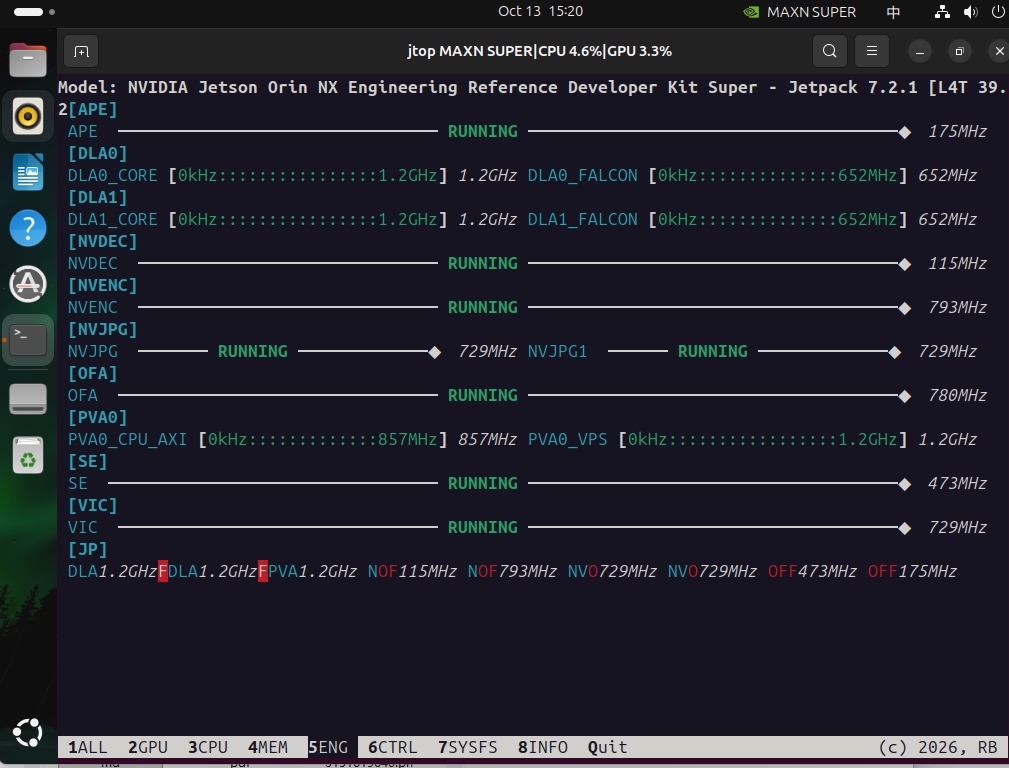
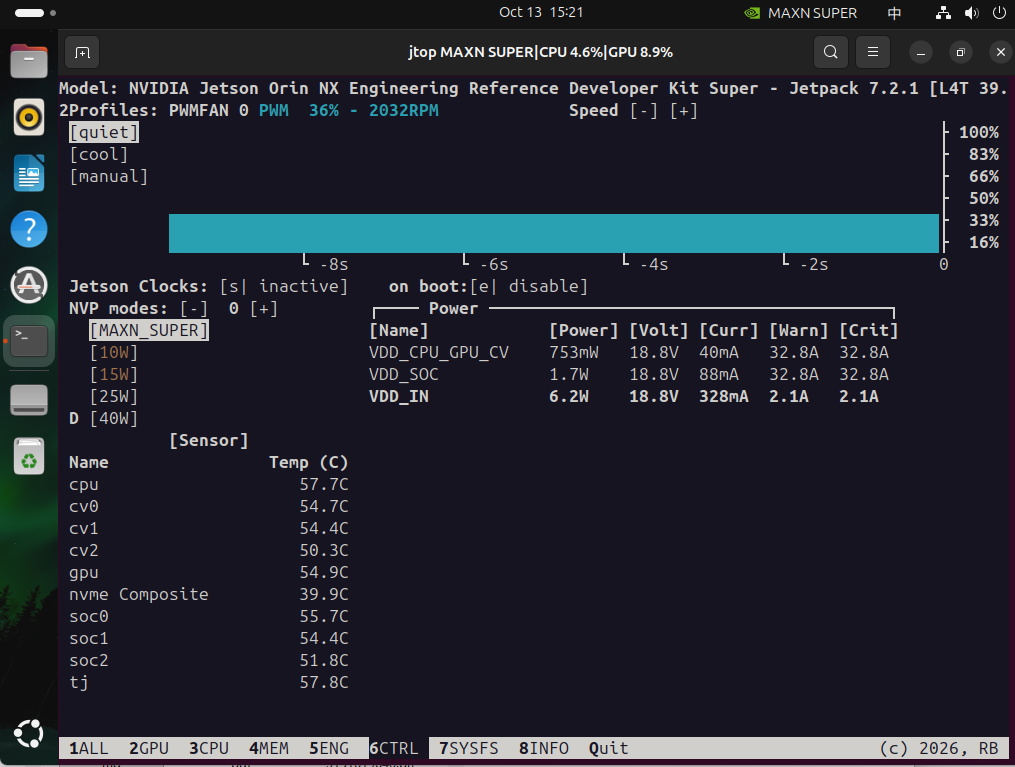
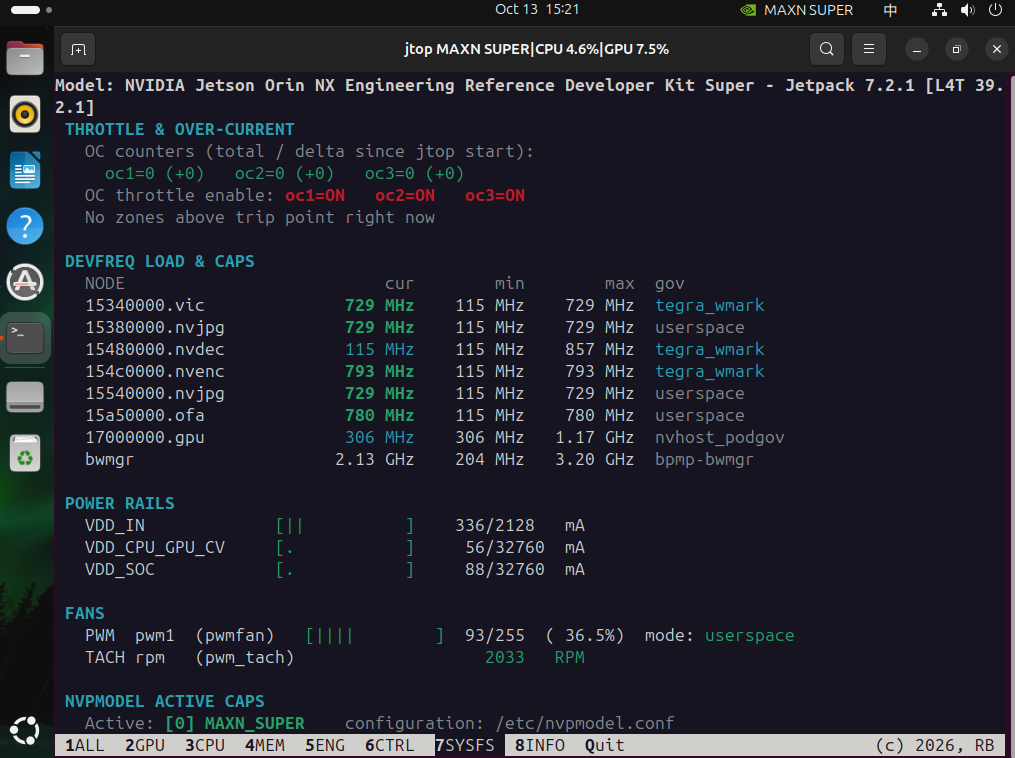
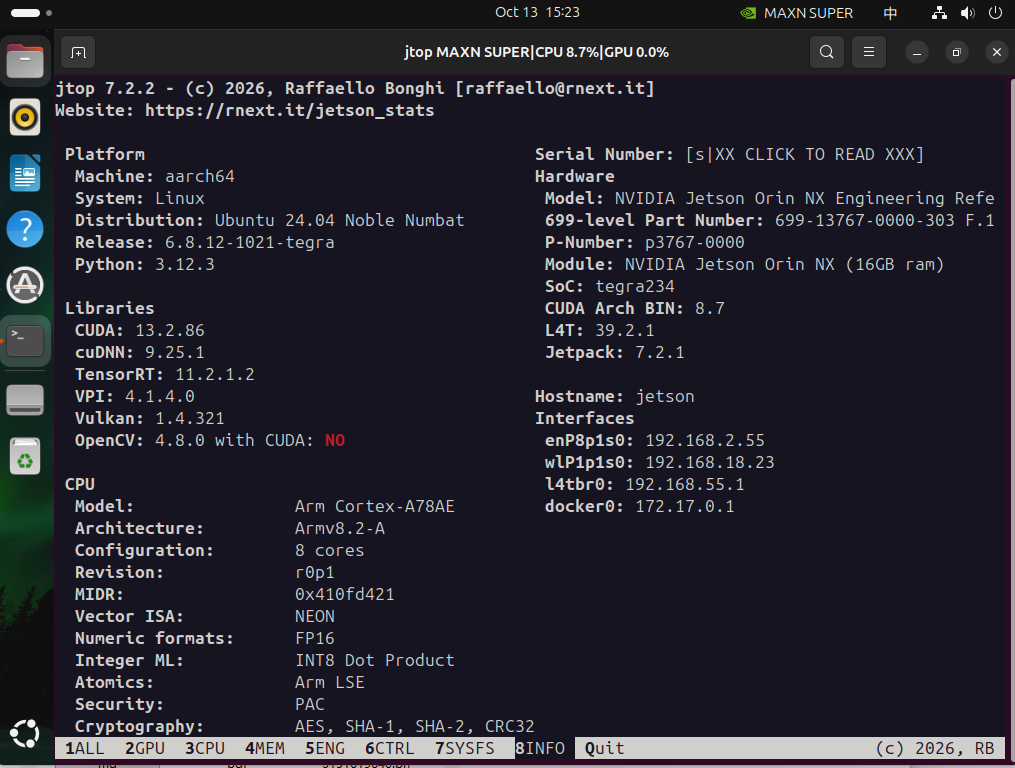
Jtop is a system monitoring tool developed for the NVIDIA Jetson series of devices. It shows the resource usage of every aspect of the Jetson device, such as CPU, GPU, memory, disk and network, and it can display in real time the temperature, power consumption and frequency of the different hardware.
1. Install Jtop
sudo apt updatesudo apt install python3-pip -ysudo pip3 install -U jetson-stats --break-system-packages
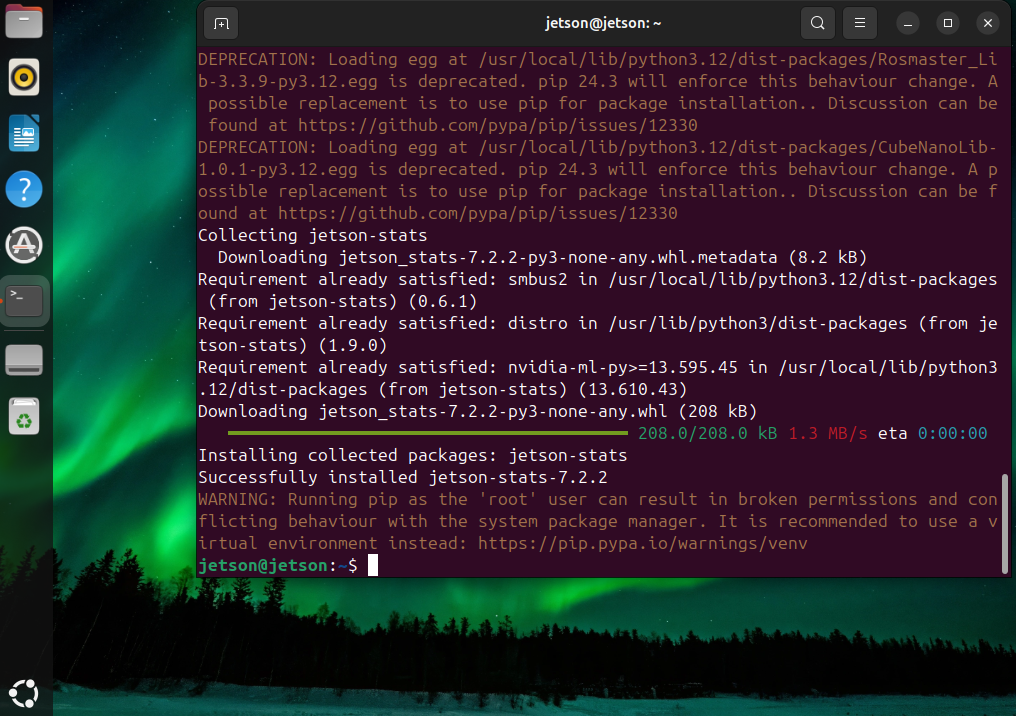
2. Maximum performance mode
2.1. Enable MAXN mode
Enabling MAXN Power Mode (maximum power mode) on the Jetson ensures that all the CPU and GPU cores are turned on:
xxxxxxxxxxsudo nvpmodel -m 0
2.2. Enable Jetson clocks
Enabling Jetson Clocks ensures that all the CPU and GPU cores run at the maximum frequency:
xxxxxxxxxxsudo jetson_clocks
3. Use Jtop
After the system reboots, you can enter the jtop command in the terminal to start the Jtop tool:
xxxxxxxxxxjtop
Note: the strongest performance parameters are only displayed when the mainboard power mode is set to MAXN!