Welcome to Jetson Orin NX Developer Kit repository
当製品の日本語版マニュアル資料は、こちらからご取得ください。
05.Image distortion processing
Isaac ROS Image distortion processing
Isaac ROS Image Pipeline official website link: https://nvidia-isaac-ros.github.io/repositories_and_packages/isaac_ros_image_pipeline/index.html
Overview
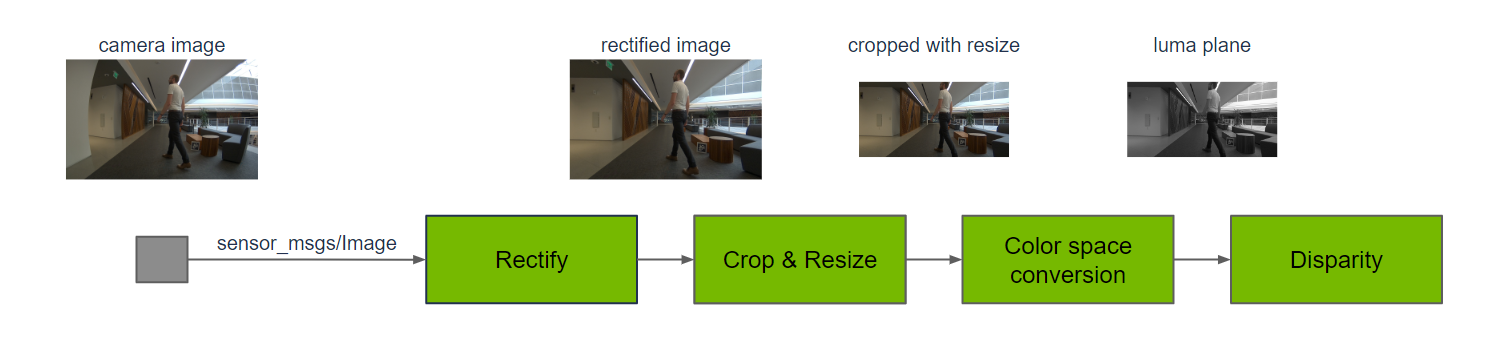
Isaac ROS Image Pipeline provides image preprocessing functions, including cropping, scaling, lens distortion correction, flipping and colour space conversion. For stereo cameras it can also generate disparity and point clouds from the left and right images.
Quick experience
First start the container with the following command
xxxxxxxxxx./run_isaac.sh
Then confirm the container on the host with docker ps, and open the container terminals with docker exec -it <container name> bash, for example:
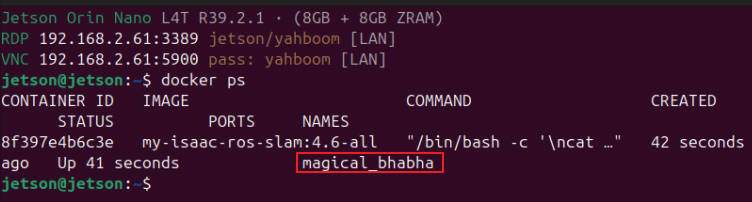
Each terminal has to use the same ROS/FastDDS environment. The processing chain takes /image and /camera_info as the input of RectifyNode, outputs /image_rect and /camera_info_rect, and then ResizeNode outputs /resize/image.
Note: all the terminals below are executed inside the container:
Terminal A: start the processing chain and RViz:
xxxxxxxxxxros2 launch /workspaces/isaac_ros-dev/launch/image_pipeline.launch.pyThe RViz configuration is /workspaces/isaac_ros-dev/rviz/image_pipeline.rviz, which displays /image, /image_rect and /resize/image.
Terminal B: play the input bag in a loop:
xxxxxxxxxxros2 bag play --loop --rate 0.5 \ /workspaces/isaac_ros-dev/isaac_ros_assets/isaac_ros_visual_slam/quickstart_bag \ --remap \ /front_stereo_camera/left/image_raw:=/image \ /front_stereo_camera/left/camera_info:=/camera_info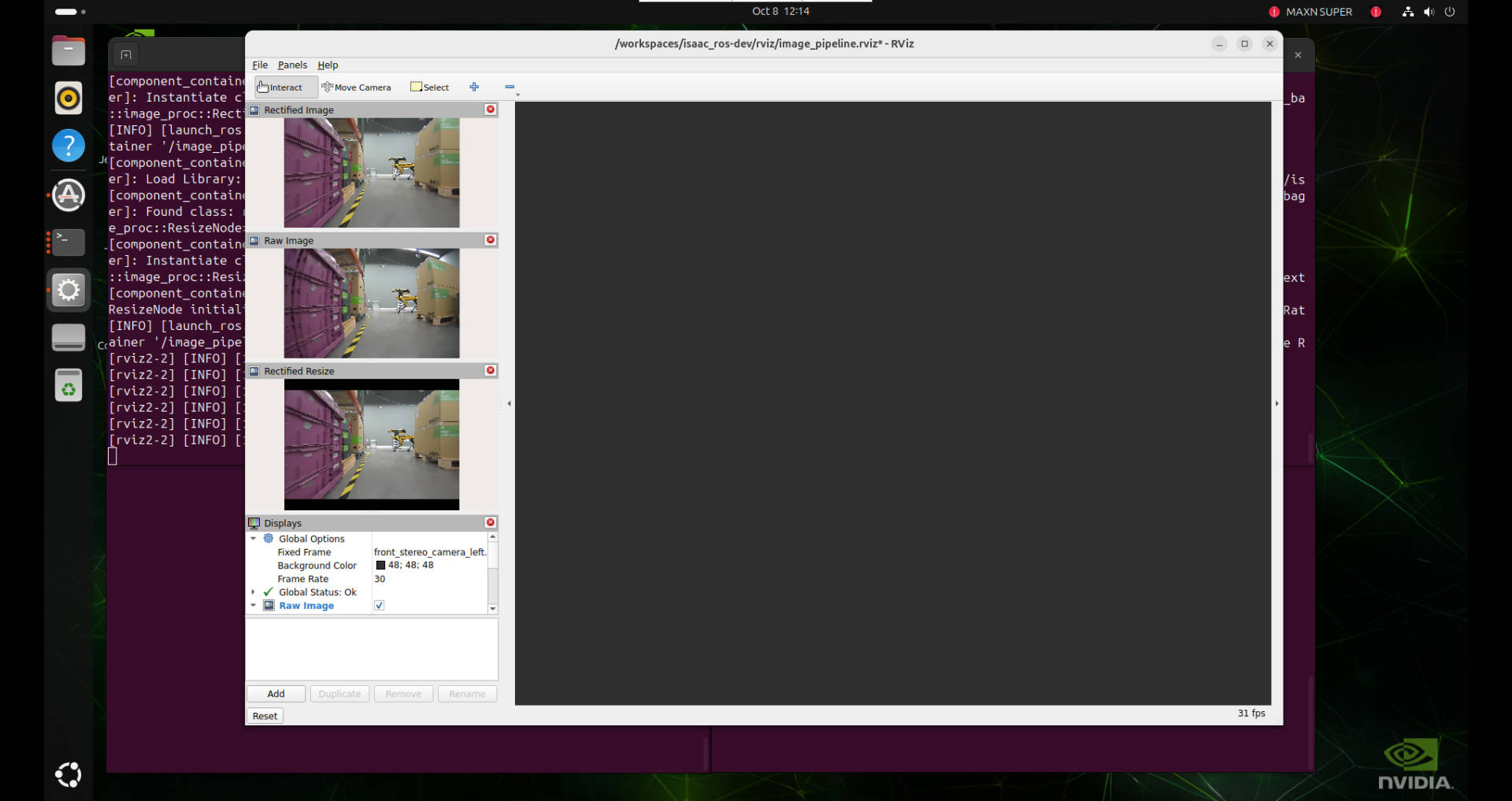
Terminal C: check the input, the undistorted output and the scaled output:
ros2 topic echo --once /image --field widthros2 topic echo --once /image_rect --field widthros2 topic echo --once /resize/image --field widthros2 topic echo --once /camera_info_rect --field d