Welcome to Jetson Orin NX Developer Kit repository
当製品の日本語版マニュアル資料は、こちらからご取得ください。
10.Model training conversion
Model training and conversion
After completing the tutorial content of the dataset annotation, we can use the mainboard to start training the model.
This tutorial only introduces the model training and conversion with the CLI; you can refer to the official website yourself to modify the Python case
1. Model training
Use the CLI command to train the model directly
xxxxxxxxxxcd /home/jetson/ultralytics/ultralytics/data/yahboom_data/orange_data
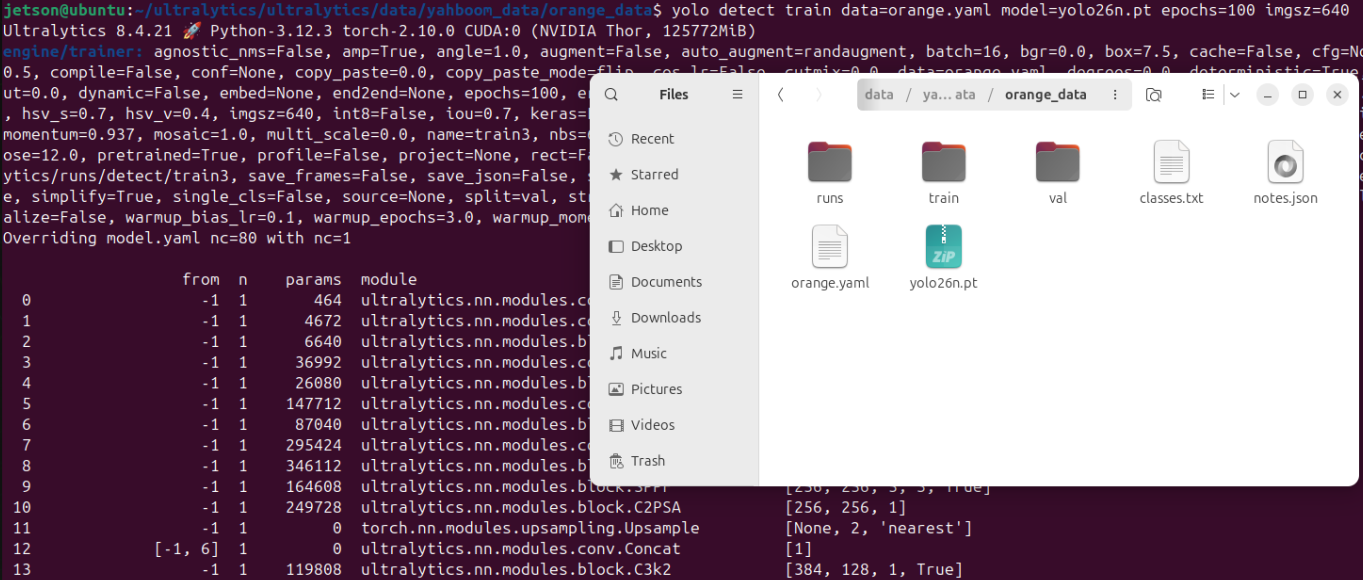
xxxxxxxxxxyolo detect train data=orange.yaml model=yolo26n.pt epochs=100 imgsz=640
data: the dataset configuration file
model: the pre-trained model file
epochs: the number of training epochs
imgsz: the specified input image size
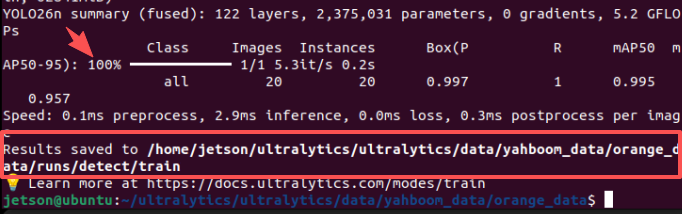
Finally, the printed model-related files after training are stored in the /home/jetson/ultralytics/ultralytics/data/yahboom_data/orange_data/runs/detect/train folder.
Note: each time the training is run, the number after train in the path automatically increases by 1; please record this path and use the new path of this model later.
2. Model conversion
The final model is generated under the runs folder: generally the best.pt file is chosen for use
xxxxxxxxxx/home/jetson/ultralytics/ultralytics/data/yahboom_data/orange_data/runs
Convert the model from the PyTorch format into TensorRT:
xxxxxxxxxxcd /home/jetson/ultralytics/ultralytics/data/yahboom_data/orange_data/runs/detect/train/weightsls
xxxxxxxxxxyolo export model=best.pt format=engine
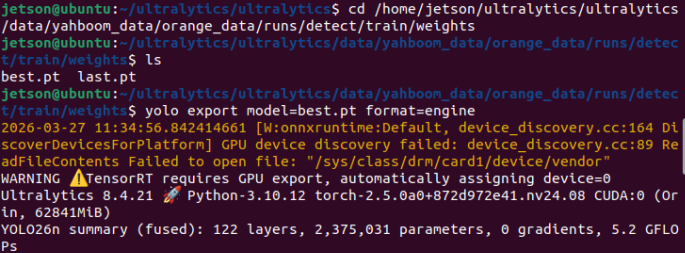
Wait for the model conversion to complete; the best.engine and best.onnx files are generated in the current directory.
xxxxxxxxxxls