Welcome to Jetson Orin NX Developer Kit repository
当製品の日本語版マニュアル資料は、こちらからご取得ください。
QR code recognition
QR code recognition
QR code recognition1. Install dependencies2. Create a QR code3. Parse the QR code3.1. The USB camera3.2. The CSI cameraFAQ'PIL.Image' has no attribute 'Resampling'
A QR code (Quick Response Code) is a matrix barcode composed of squares that can be used to store various information.
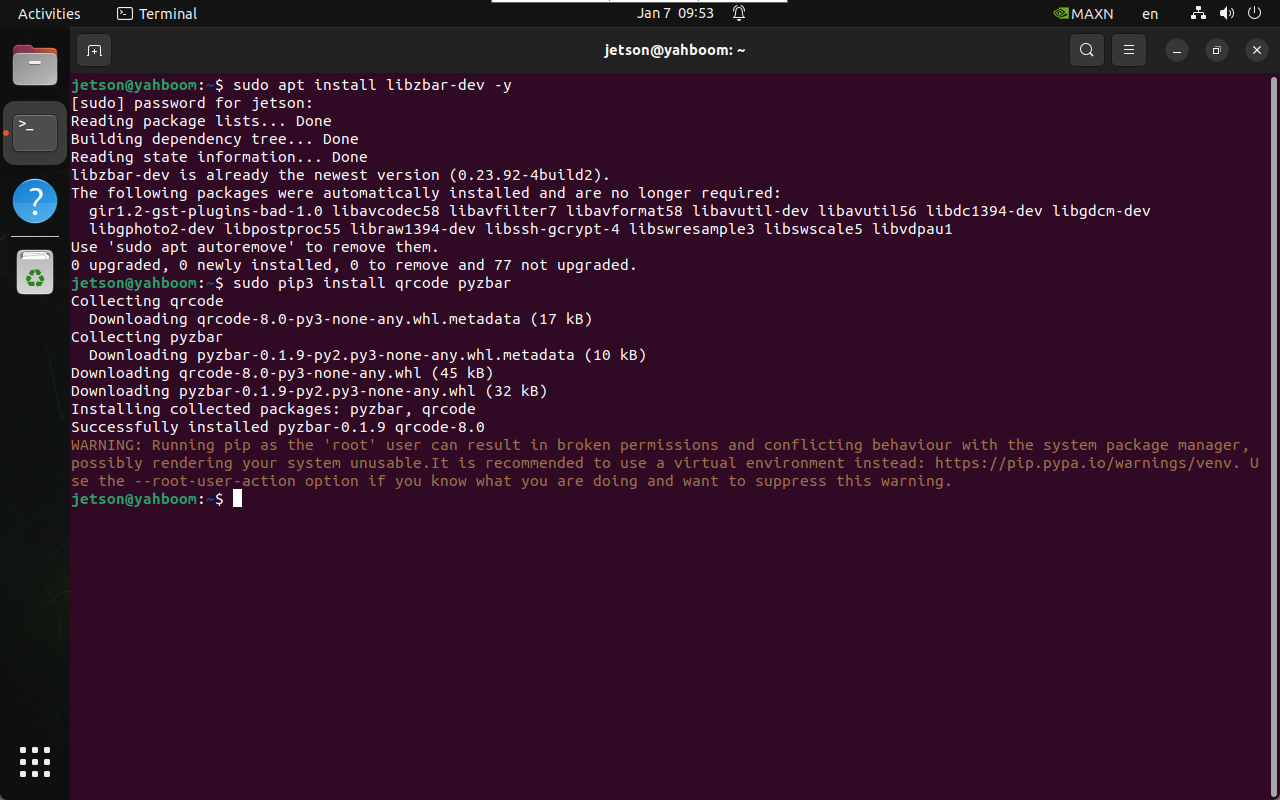
1. Install dependencies
sudo apt install libzbar-dev -ysudo pip3 install qrcode pyzbar --break-system-packages
2. Create a QR code
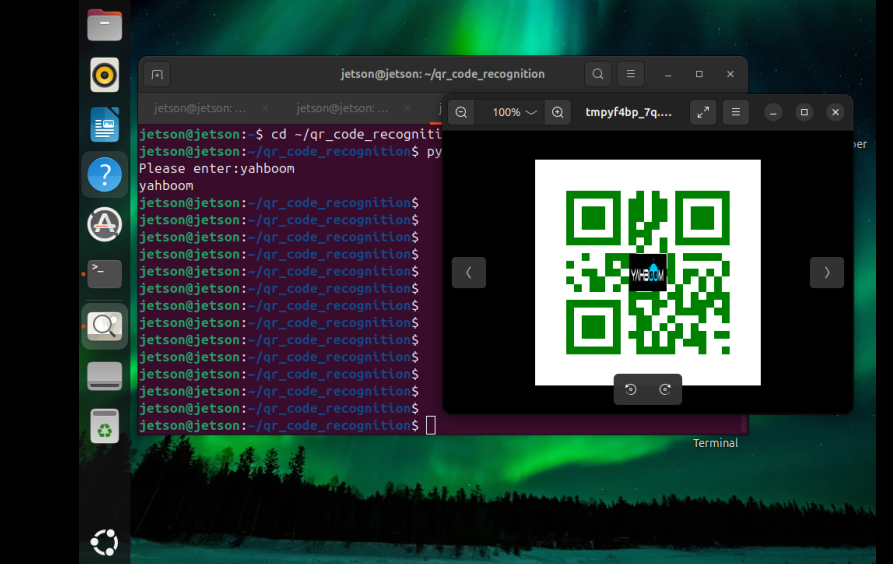
xxxxxxxxxxcd ~/qr_code_recognition
xxxxxxxxxxpython3 qrcode_create.py
After running the command, enter the information hidden in the QR code: the generated image is located in the /home/jetson/qr_code_recognition/figures folder
3. Parse the QR code
3.1. The USB camera
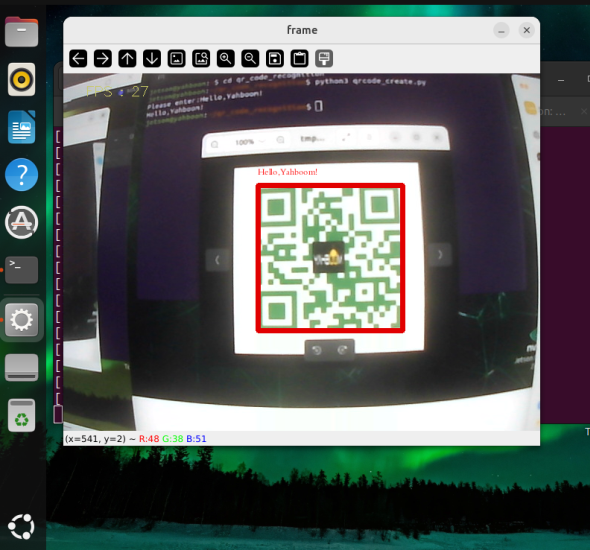
xxxxxxxxxxcd ~/qr_code_recognition
xxxxxxxxxxpython3 qrcode_parsing_usb.py
3.2. The CSI camera
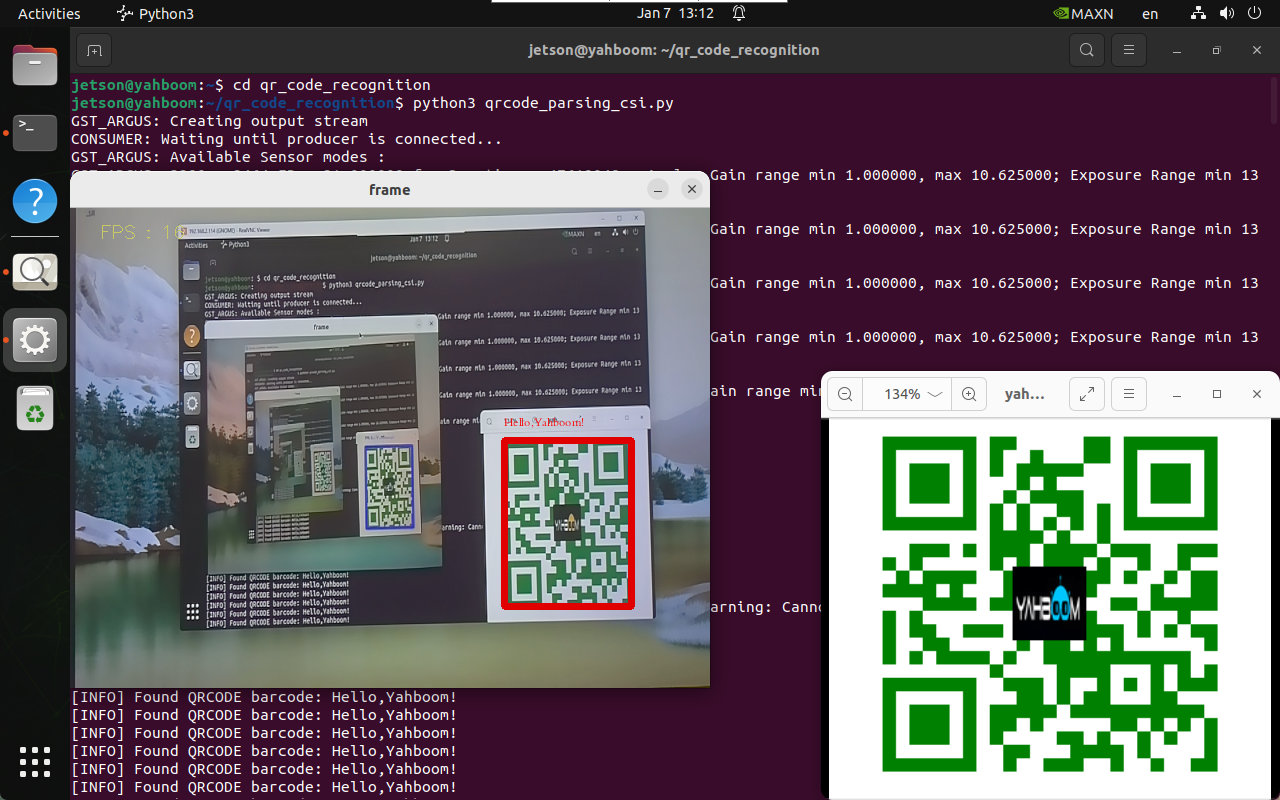
xxxxxxxxxxcd ~/qr_code_recognition
xxxxxxxxxxpython3 qrcode_parsing_csi.py
FAQ
'PIL.Image' has no attribute 'Resampling'
xxxxxxxxxxsudo pip3 install --upgrade pillow