Welcome to Jetson Orin NX Developer Kit repository
当製品の日本語版マニュアル資料は、こちらからご取得ください。
03.Torchvision
Torchvision environment setup
Torchvision environment setup1. System information2. Install the dependencies3. Install Torchvision3.1. Offline installation3.2. Online installation3.3. Source code compilation4. Verify the installationReferences
pip installation note: Under PEP 668, Ubuntu 24.04 marks the system Python as "externally managed", so installing directly with pip may report
externally-managed-environment.--break-system-packagesallows pip to install packages in that environment; virtual environments usually do not need this parameter, but it is kept in this tutorial so that the commands stay consistent.
The factory system already has the relevant environment set up, so the installation steps can be skipped.
Torchvision provides computer vision datasets, models and image transformations for PyTorch.
1. System information
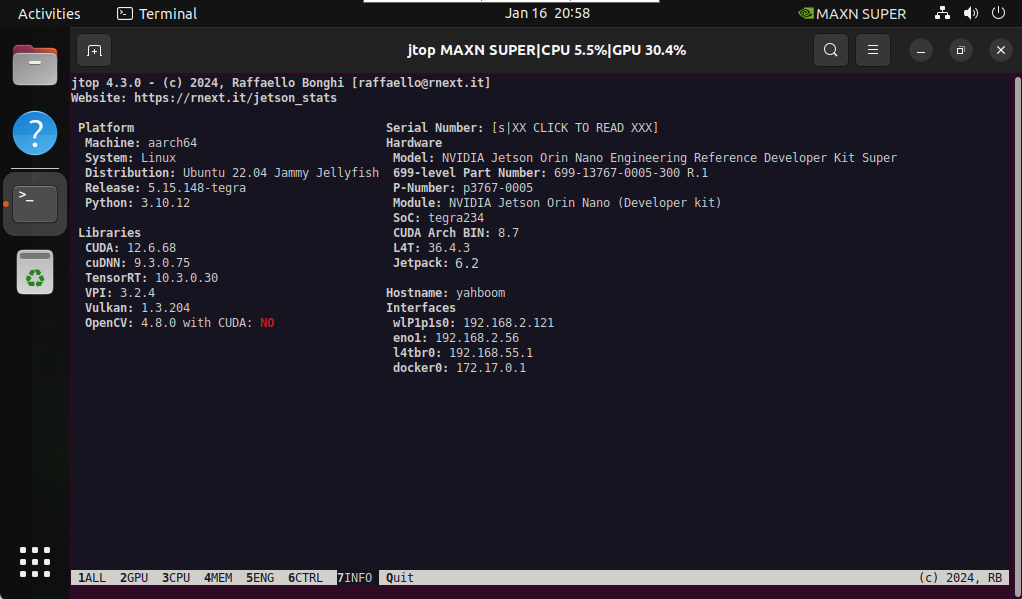
The current environment uses PyTorch 2.8.0, Torchvision 0.23.0 and Python 3.12. Torchvision 0.23.0 corresponds to PyTorch 2.8.0.
2. Install the dependencies
sudo apt updatesudo apt install ninja-build libwebp-dev libjpeg-dev -y3. Install Torchvision
According to the version correspondence between PyTorch and Torchvision, PyTorch 2.8 uses Torchvision 0.23, which supports Python 3.9 to 3.13. When installing, use a version that fits Jetson ARM64, Python 3.12 and the current PyTorch.
3.1. Offline installation
Prepare in advance the Torchvision 0.23.0 wheel file that matches the current environment, and copy it to the Jetson. Do not use the 0.20.0a0 / cp310 wheel from the old tutorial.
xxxxxxxxxxcd Downloads/python3 -m pip install --user --break-system-packages ./<Torchvision-0.23.0 ARM64 wheel file name>3.2. Online installation
Install from the PyTorch Vision v0.23.0 source on a networked device. This method uses the currently installed PyTorch and does not automatically replace its dependencies:
xxxxxxxxxxpython3 -m pip install --user --break-system-packages --no-deps --no-build-isolation "git+https://github.com/pytorch/vision.git@v0.23.0"3.3. Source code compilation
Download the v0.23.0 source:
https://github.com/pytorch/vision/tree/v0.23.0
Enter the source directory and then install:
xxxxxxxxxxcd vision-0.23.0python3 -m pip install --user --break-system-packages --no-deps --no-build-isolation .4. Verify the installation
xxxxxxxxxxpython3 -c "import torch, torchvision; print(f'Torch: {torch.__version__}'); print(f'Torchvision: {torchvision.__version__}'); print('CUDA:', torch.cuda.is_available())"