Welcome to Jetson Orin NX Developer Kit repository
当製品の日本語版マニュアル資料は、こちらからご取得ください。
01.TensorFlow
TensorFlow environment setup
TensorFlow environment setup
System information
Install TensorFlow
2.1. Offline installation
2.2. Online installation
2.3. Install Numpy
Verify the installation
References
TensorFlow is an end-to-end machine learning and deep learning framework developed and open-sourced by Google, used to build and train various types of machine learning models.
1. System information
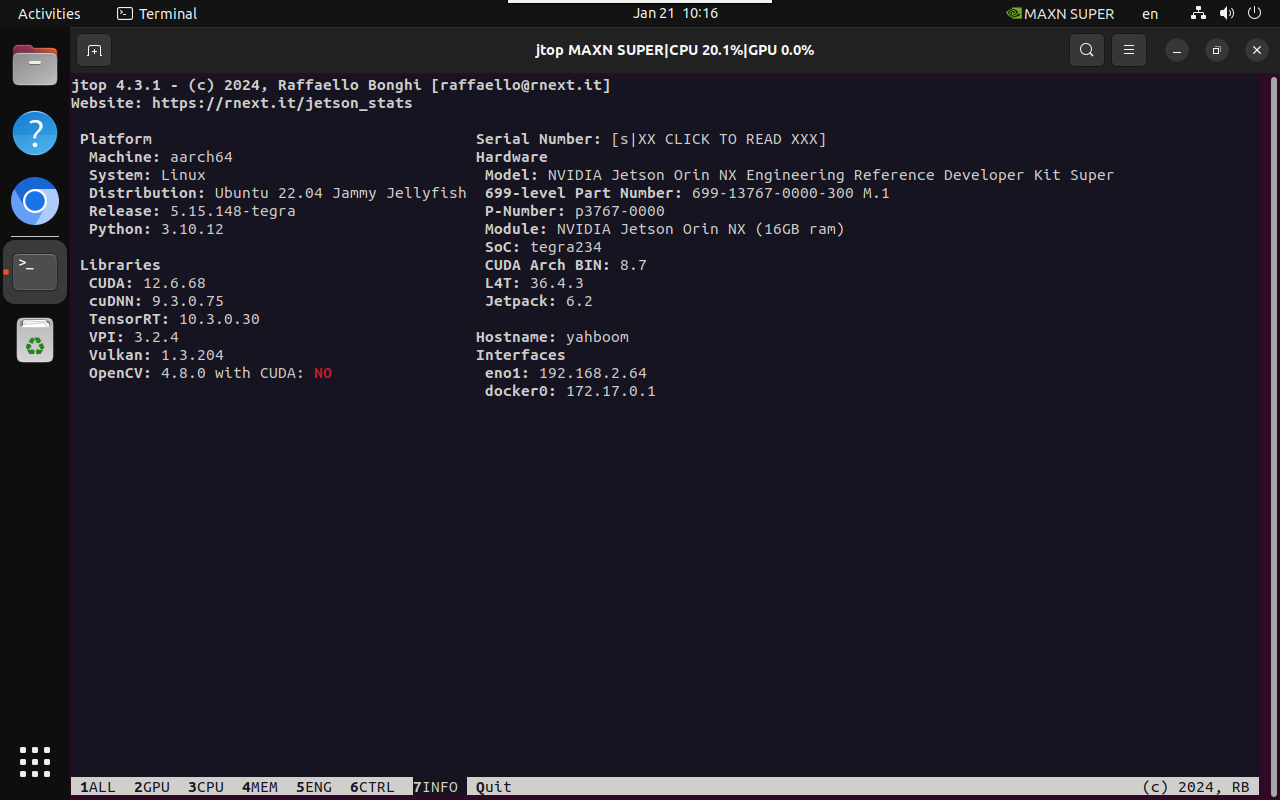
Query the CUDA version
nvcc --version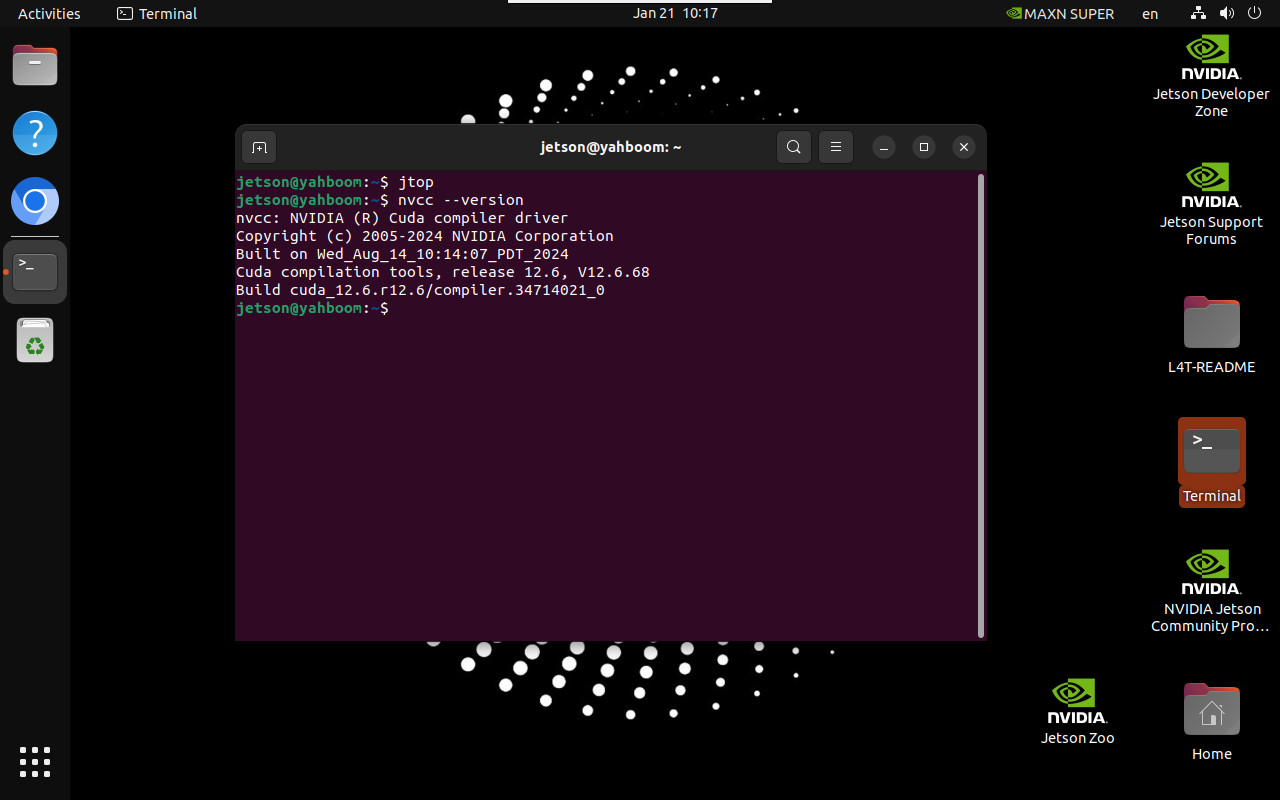
2. Install TensorFlow
Choose either the offline or the online method to install TensorFlow!
2.1. Offline installation
Manually open the download website to download the specified TensorFlow version.
Download URL: https://developer.download.nvidia.com/compute/redist/jp/v61/tensorflow/
xxxxxxxxxxcd Downloads/xxxxxxxxxxsudo pip3 install tensorflow-2.16.1+nv24.08-cp310-cp310-linux_aarch64.whl2.2. Online installation
xxxxxxxxxxsudo pip3 install --extra-index-url https://developer.download.nvidia.com/compute/redist/jp/v61 tensorflow==2.16.1+nv24.082.3. Install Numpy
Install the specified version of Numpy: the later YOLO11 also requires this version of Numpy
xxxxxxxxxxsudo pip install numpy==1.23.53. Verify the installation
xxxxxxxxxxpython3 -c "import tensorflow as tf; print(f'TensorFlow: {tf.__version__}')"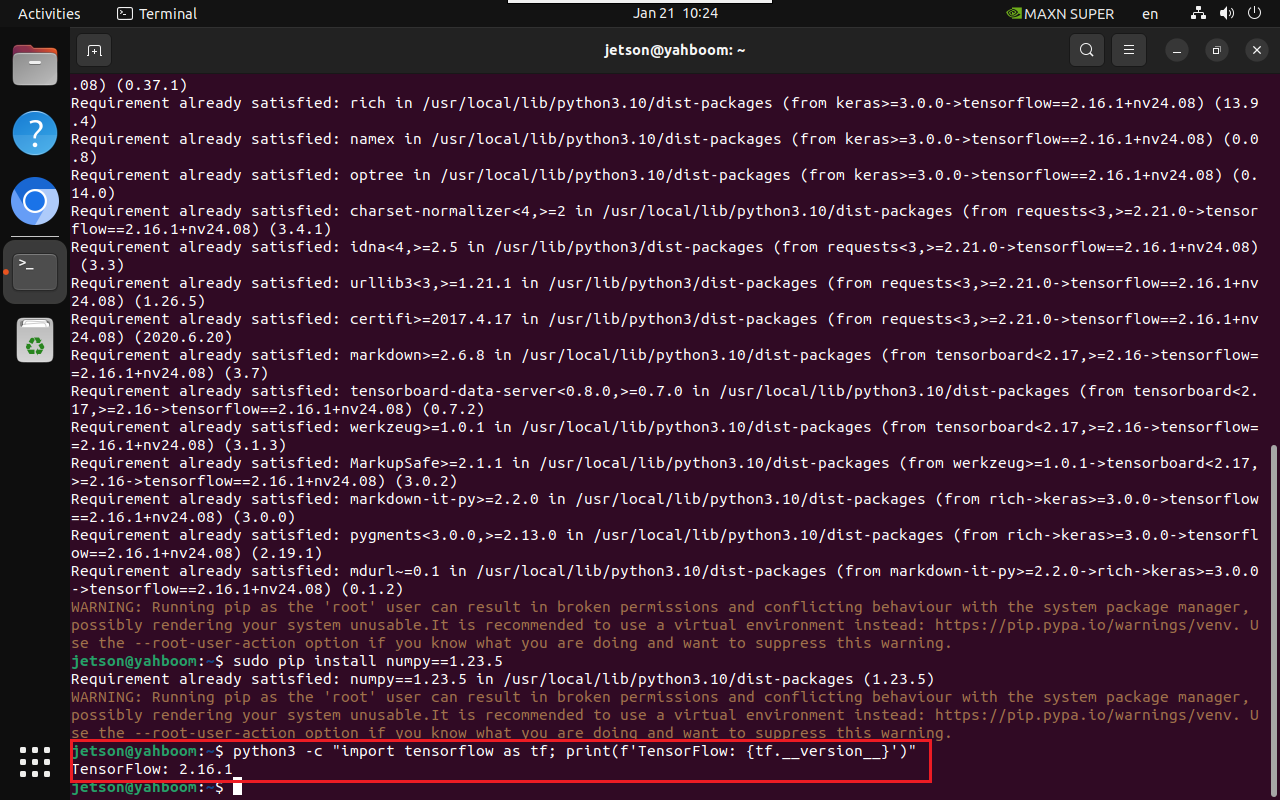
References
https://docs.nvidia.com/deeplearning/frameworks/install-tf-jetson-platform/index.html