Welcome to Jetson Orin NX Developer Kit repository
当製品の日本語版マニュアル資料は、こちらからご取得ください。
07.3D scene reconstruction and mapping
Isaac ROS 3D scene reconstruction and mapping
Isaac ROS Nvblox official website link: https://nvidia-isaac-ros.github.io/repositories_and_packages/isaac_ros_nvblox/index.html
Overview
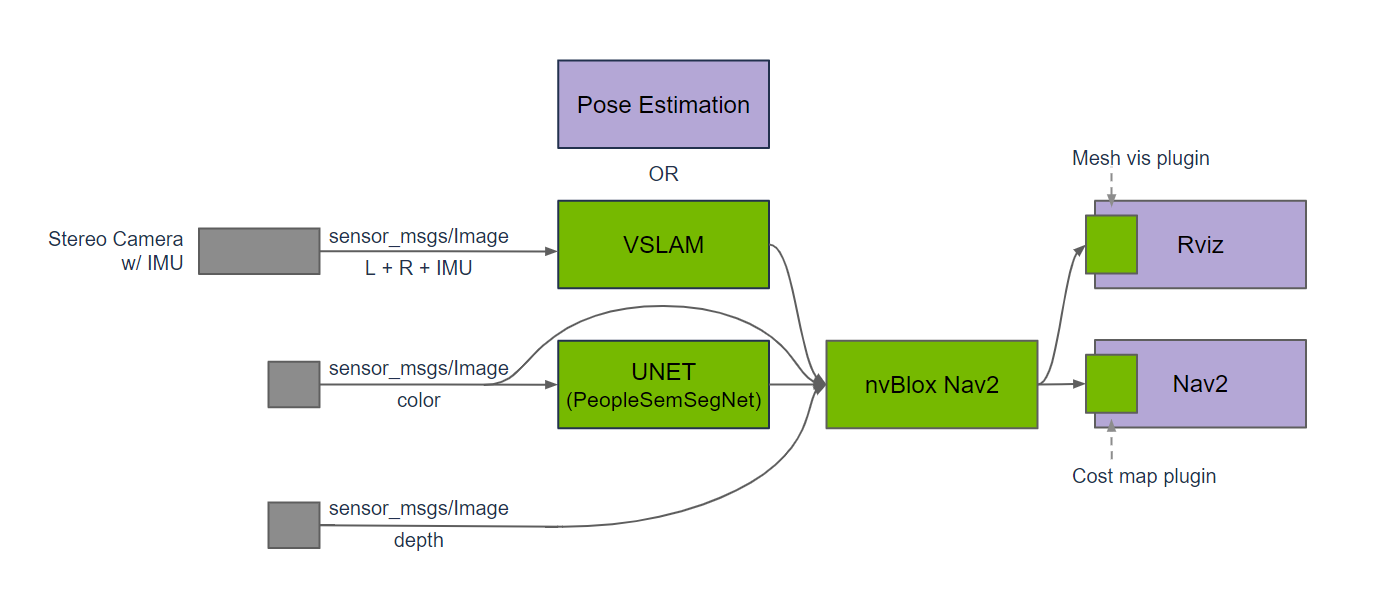
Nvblox reconstructs 3D scenes in real time from depth and pose data, and can output a 2D cost map for Nav2. It works with a depth camera or a 3D LiDAR and provides an environmental representation for robot navigation.
Quick experience
First start the container with the following command
xxxxxxxxxx./run_isaac.sh
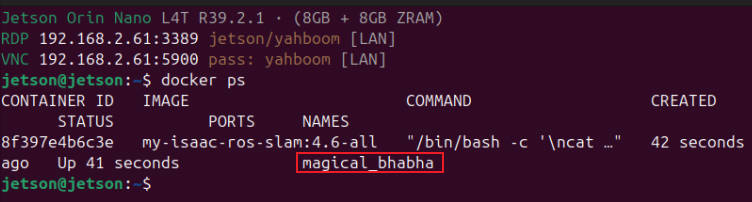
Then confirm the container on the host with docker ps, and open the container terminals with docker exec -it <container name> bash. Each terminal has to use the same ROS/FastDDS environment, for example:
Note: all the terminals below are executed inside the container:
Terminal A: start Nvblox:
xxxxxxxxxxros2 run nvblox_ros nvblox_node --ros-args \ --params-file /opt/ros/jazzy/share/nvblox_examples_bringup/config/nvblox/nvblox_base.yaml \ --params-file /opt/ros/jazzy/share/nvblox_examples_bringup/config/nvblox/specializations/nvblox_sim.yaml \ -p use_sim_time:=false \ -p global_frame:=odom \ -p map_clearing_radius_m:=-1.0 \ -p layer_visualization_exclusion_radius_m:=0.0 \ -p decay_tsdf_rate_hz:=0.0 \ -p num_cameras:=1 \ -r camera_0/depth/image:=/front_stereo_camera/depth/ground_truth \ -r camera_0/depth/camera_info:=/front_stereo_camera/left/camera_info \ -r camera_0/color/image:=/front_stereo_camera/left/image_raw \ -r camera_0/color/camera_info:=/front_stereo_camera/left/camera_infoTerminal B: open the dedicated RViz configuration:
xxxxxxxxxxrviz2 -d /workspaces/isaac_ros-dev/rviz/nvblox_nano.rvizThe configuration displays /nvblox_node/mesh, /nvblox_node/color_layer and the ESDF.
Terminal C: play the quickstart bag only once:
xxxxxxxxxxros2 bag play /workspaces/isaac_ros-dev/isaac_ros_assets/isaac_ros_nvblox/quickstart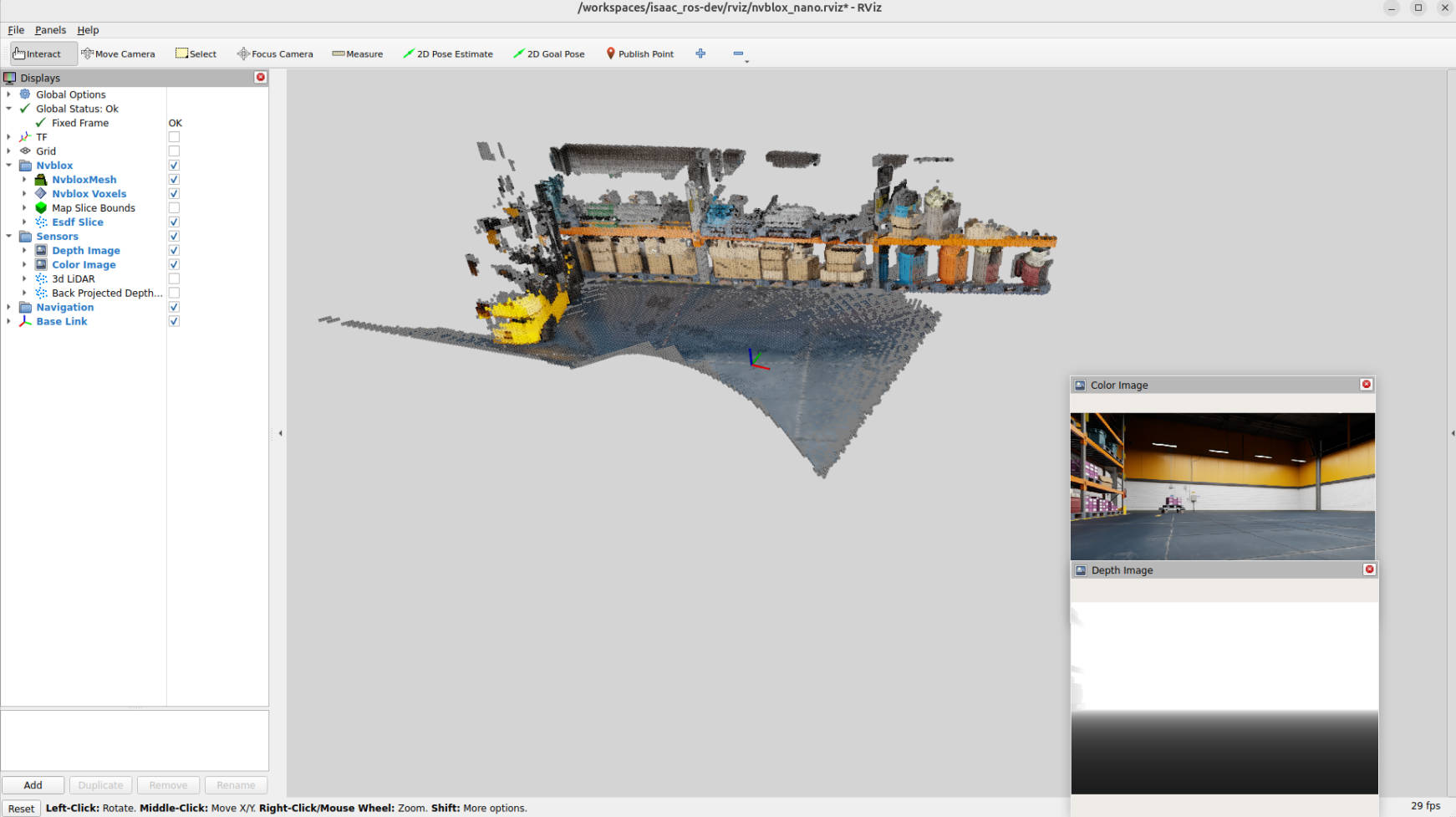
After the playback finishes, the bag exits on its own; Nvblox and RViz keep running, the image stays on the last frame, and the map in memory continues to be displayed. You can open another terminal to check:
ros2 topic echo --once /nvblox_node/meshros2 topic echo --once /nvblox_node/static_map_slice