Welcome to Jetson Orin NX Developer Kit repository
当製品の日本語版マニュアル資料は、こちらからご取得ください。
18.ROS2 rqt toolbox
18. ROS2 Rqt Toolbox
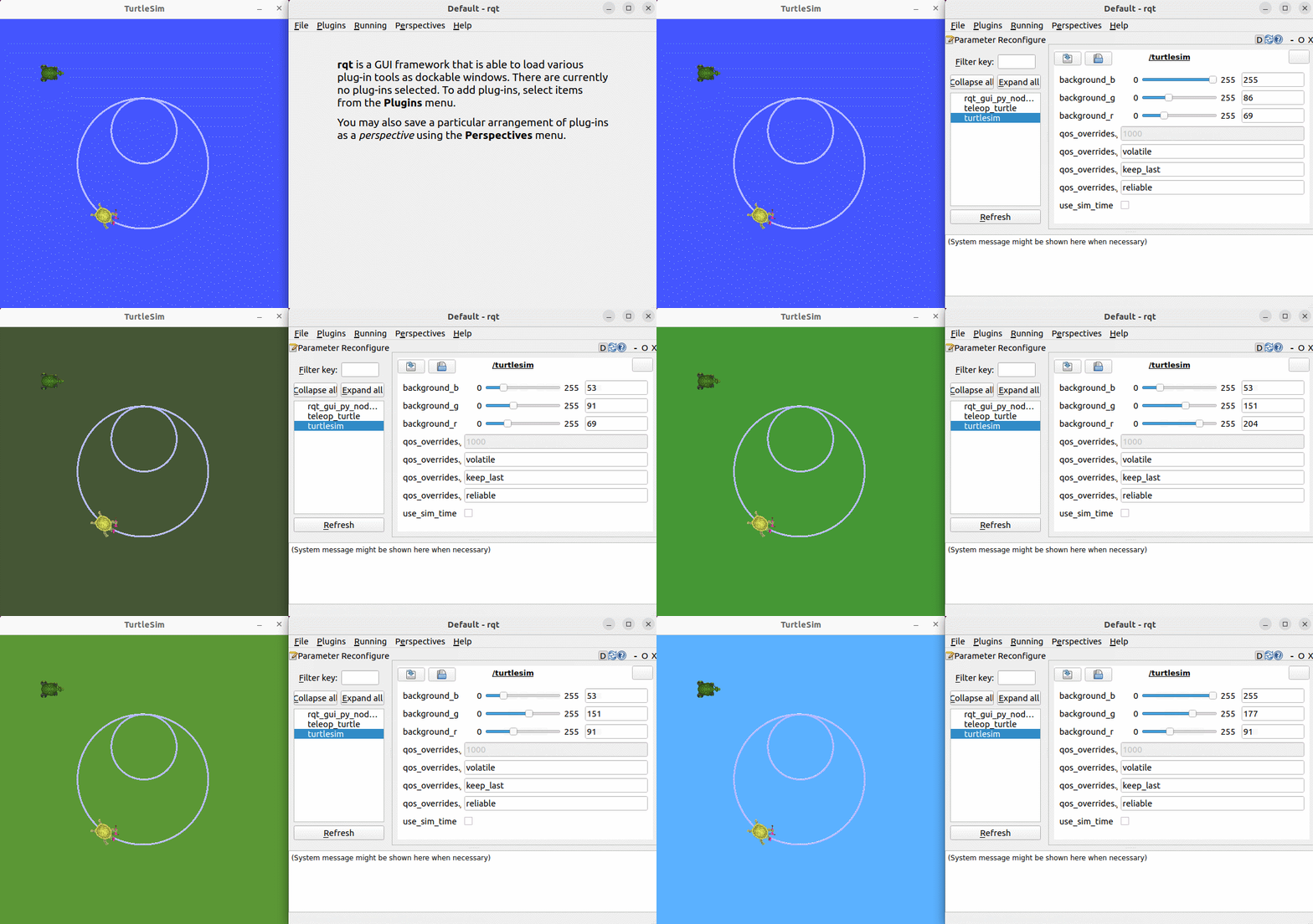
The folder of this section contains a demo animation in git, so you can intuitively see the operation flow of the cases in this section
1. Introduction to Rqt
Rqt is another modular visualization tool provided by ROS. Just as its name suggests, like Rviz it is also developed on top of the QT visualization toolkit. Before using it, we need to install it with the following command, and then it can be started and used with the rqt command.
2. Installation
Generally, as long as the desktop version is installed, the rqt toolbox is installed by default;
If ROS was not installed as the full version, you can install it in the following way
sudo apt install ros-${ROS_DISTRO}-rqt*
3. Startup
The common rqt startup commands are:
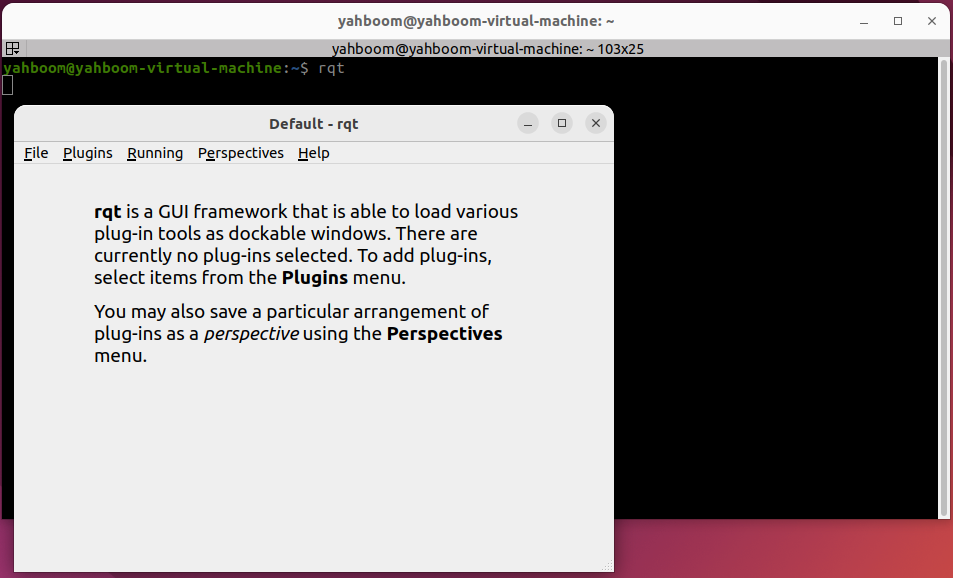
Method 1:
rqt
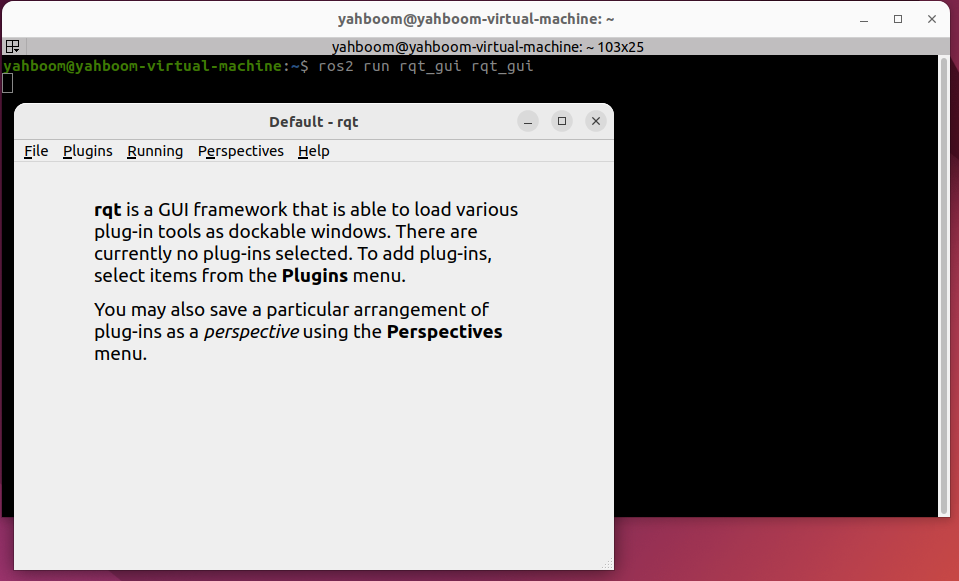
Method 2:
ros2 run rqt_gui rqt_gui
4. Using the Plugins
After rqt has started, you can add the plugins you need through plugins:
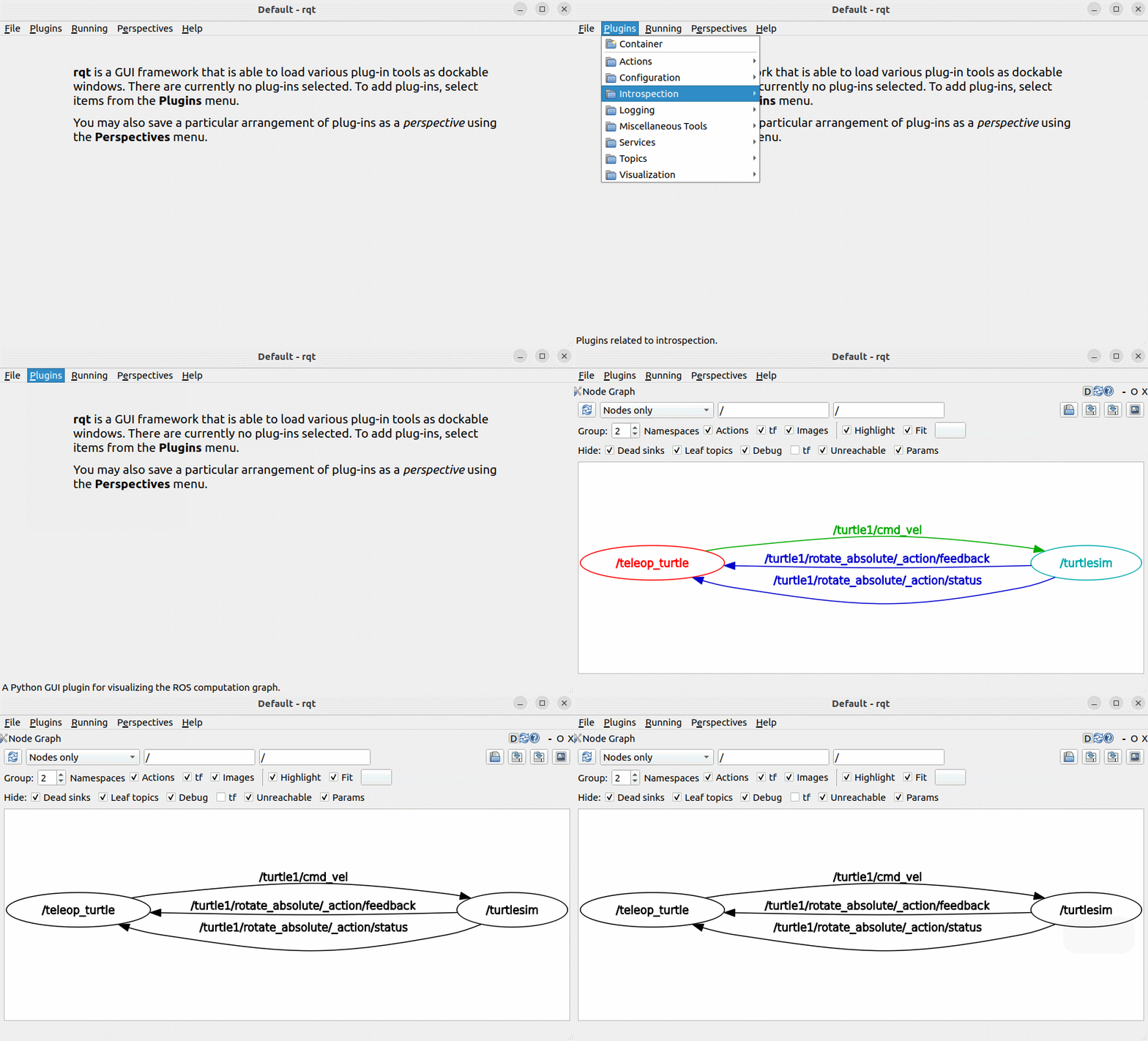
The plugins include the ones related to topics, services, actions, parameters, logs, and so on. You can select them as needed, which makes it convenient to debug ROS2 programs. The usage examples are as follows.
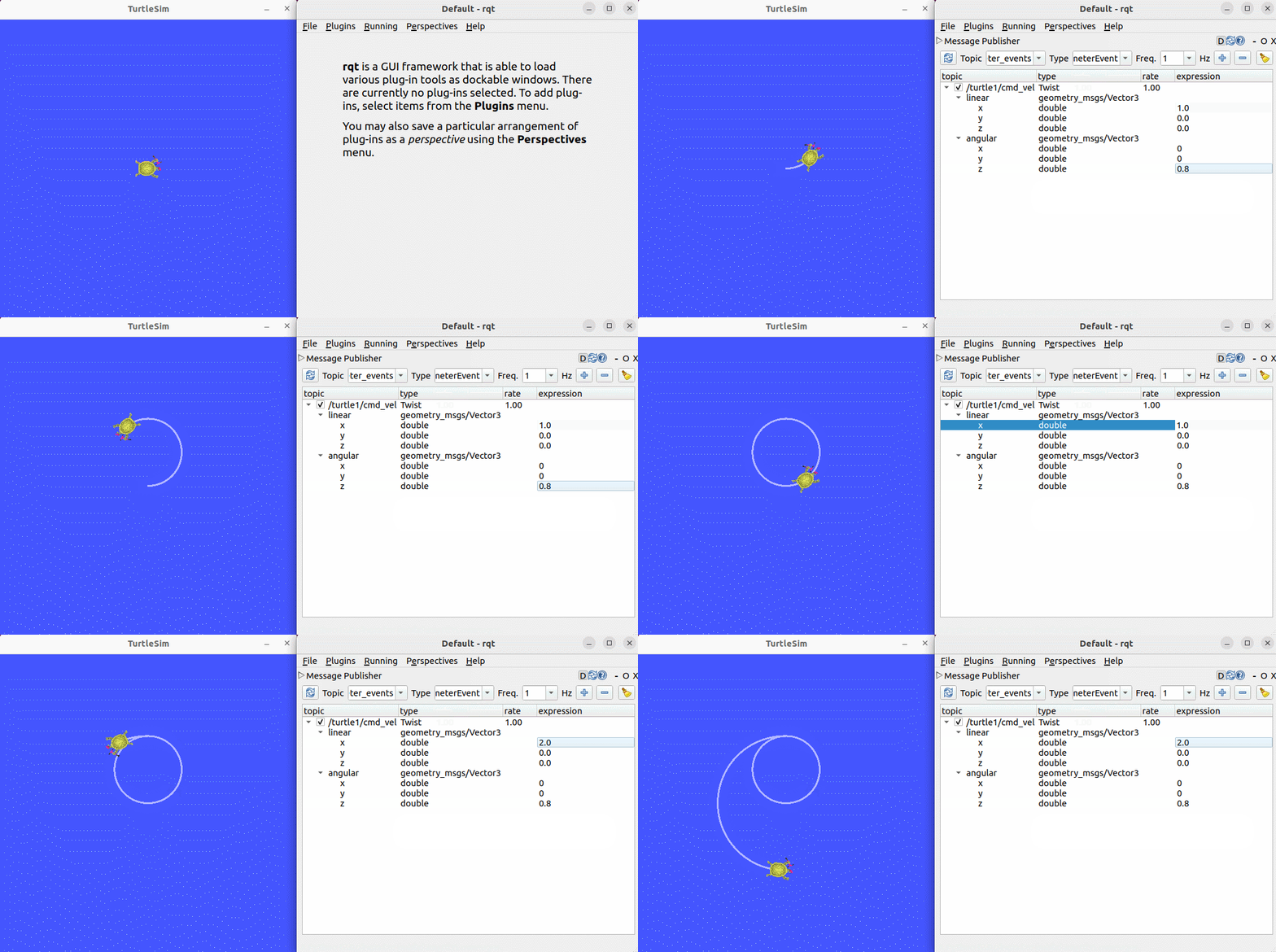
4.1. The topic plugin
Add the topic plugin and send a velocity command to control the movement of the turtle.
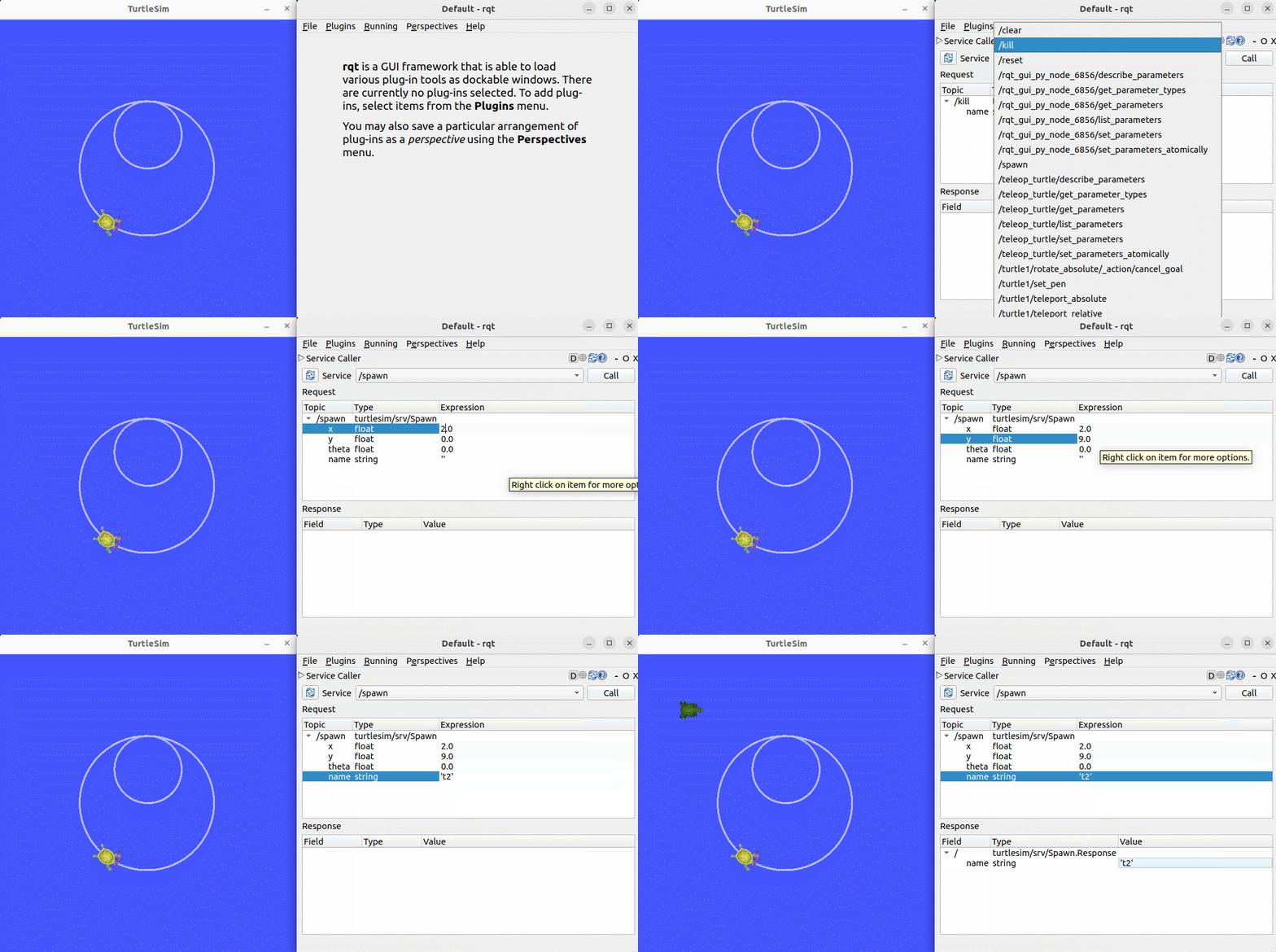
4.2. The service plugin
Add the service plugin and send a request to spawn a turtle at the specified position.
4.3. The parameter plugin
Dynamically modify the background color of the turtle window through the parameter plugin.