Welcome to Jetson Orin NX Developer Kit repository
当製品の日本語版マニュアル資料は、こちらからご取得ください。
02.OpenClaw Application - Camera
OpenClaw Application: Camera
Ensure that openclaw has been configured.
Interact via the TUI terminal:
openclaw tui
Enter the interactive command:
A camera has already been plugged into the mainboard. Please use this camera to take a photo, and put the captured image on the desktop of the mainboard.
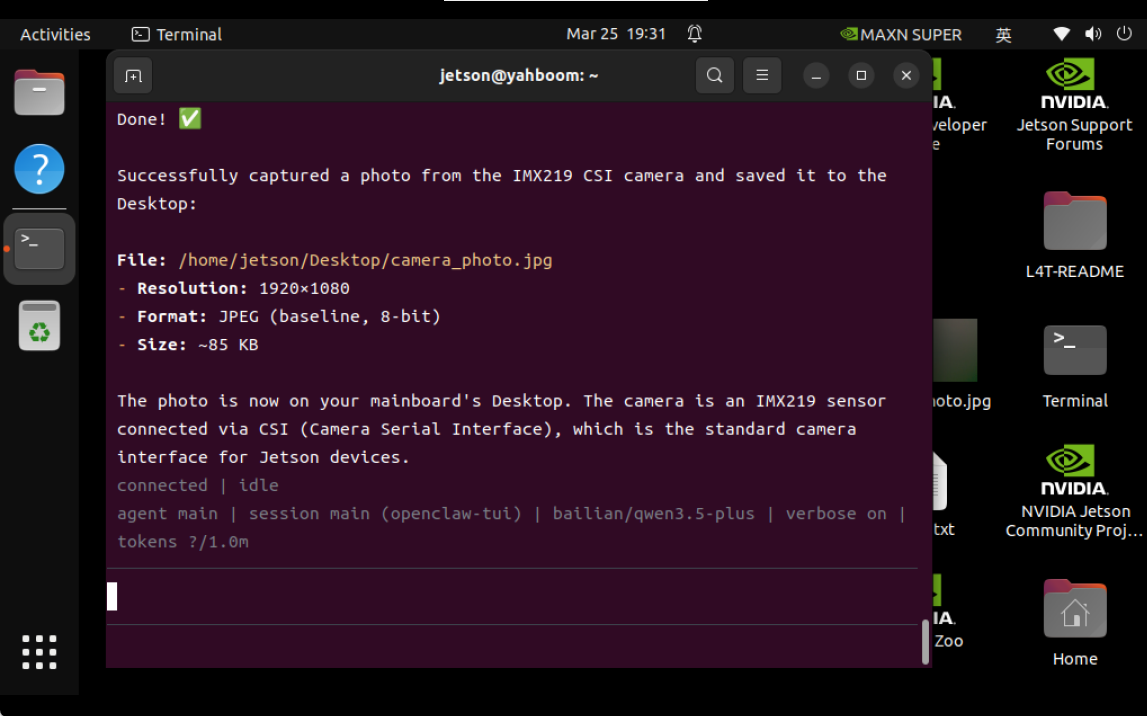
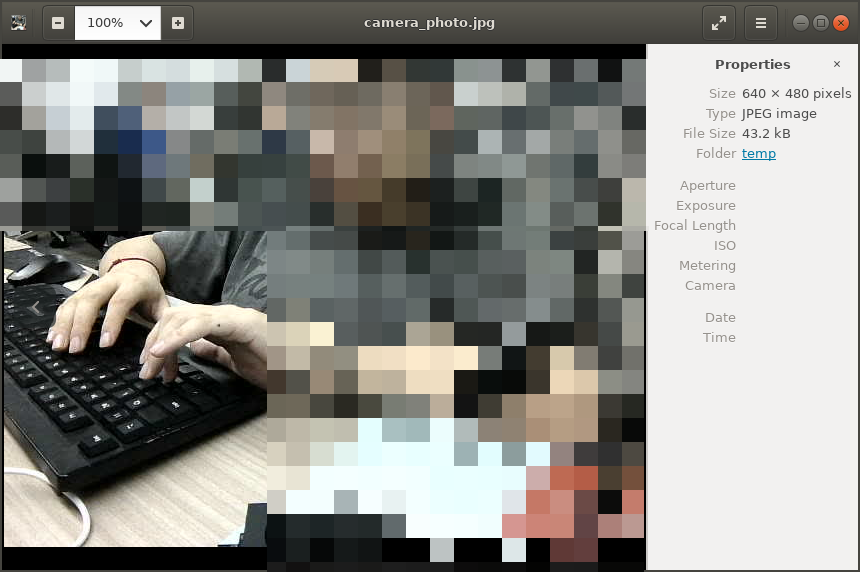
We can move the photo to a convenient place to open it (for example, the ~/temp/ directory of the docker version, and then open it with an image viewer)