Welcome to Jetson Orin NX Developer Kit repository
当製品の日本語版マニュアル資料は、こちらからご取得ください。
03.SSH remote login
SSH remote login
SSH remote login1. MobaXterm2. MobaXterm installation2.1. Download MobaXterm2.2. Install MobaXterm3. Use MobaXterm4. MobaXterm: SSH remote
1. MobaXterm
MobaXterm is a powerful remote tool that integrates SHH, VNC, FTP and other remote tools.
2. MobaXterm installation
Official website: https://mobaxterm.mobatek.net/
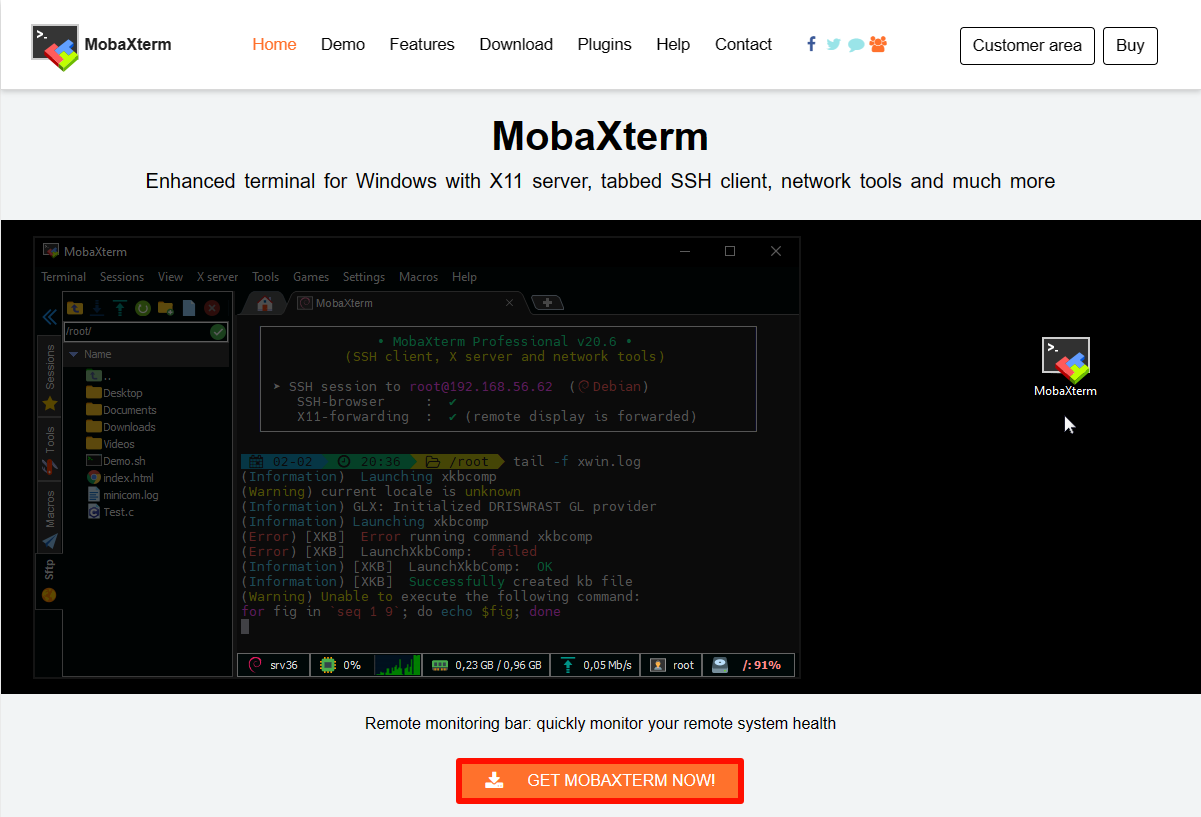
2.1. Download MobaXterm
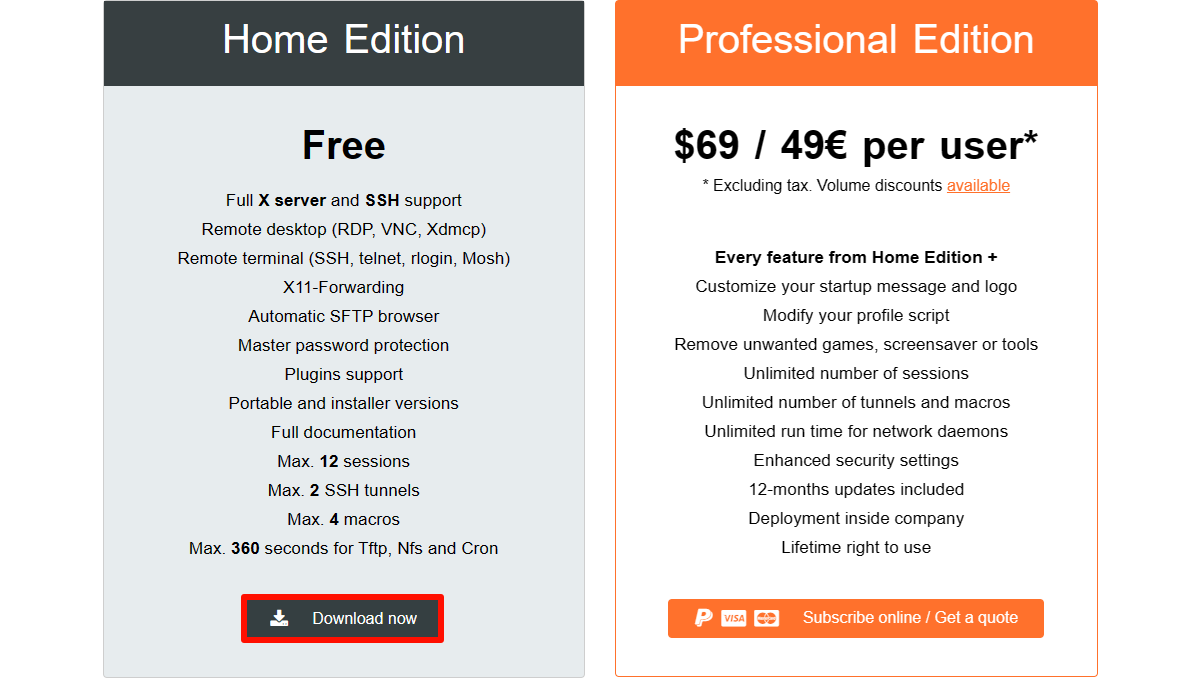
Select the free version to download:
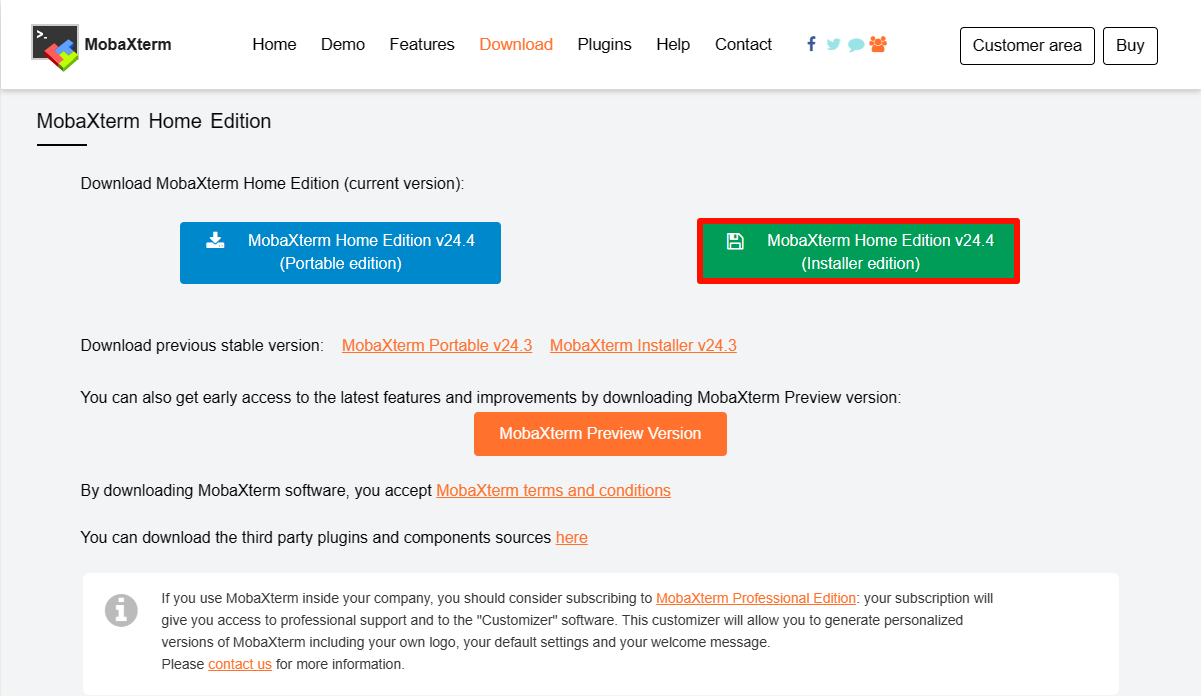
Select the installation version to download:
2.2. Install MobaXterm
Unzip the compressed package downloaded from the official website, and open the MobaXterm_installer_24.4.msi file to install:
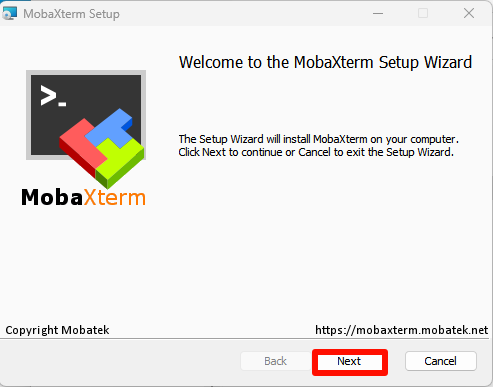
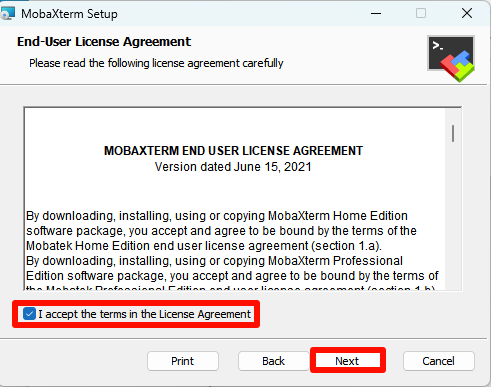
Agree to the agreement:
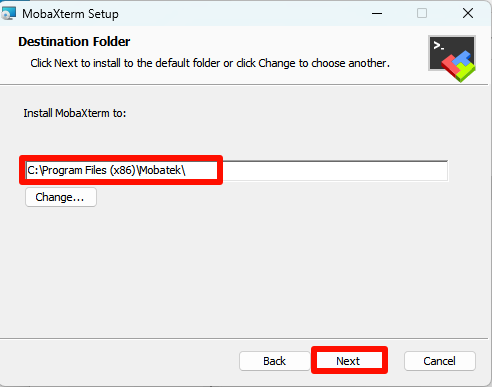
Select the software installation location: the default location is recommended
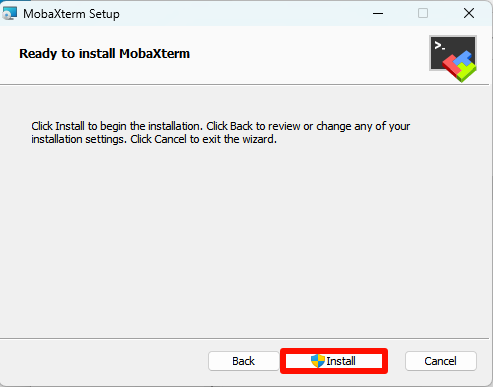
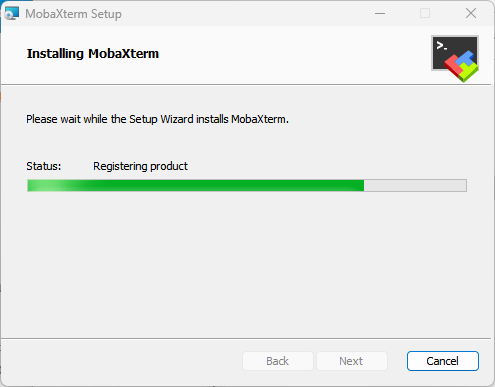
Official installation:
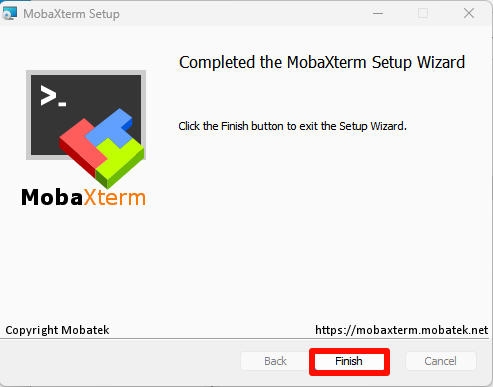
Complete the installation:
3. Use MobaXterm
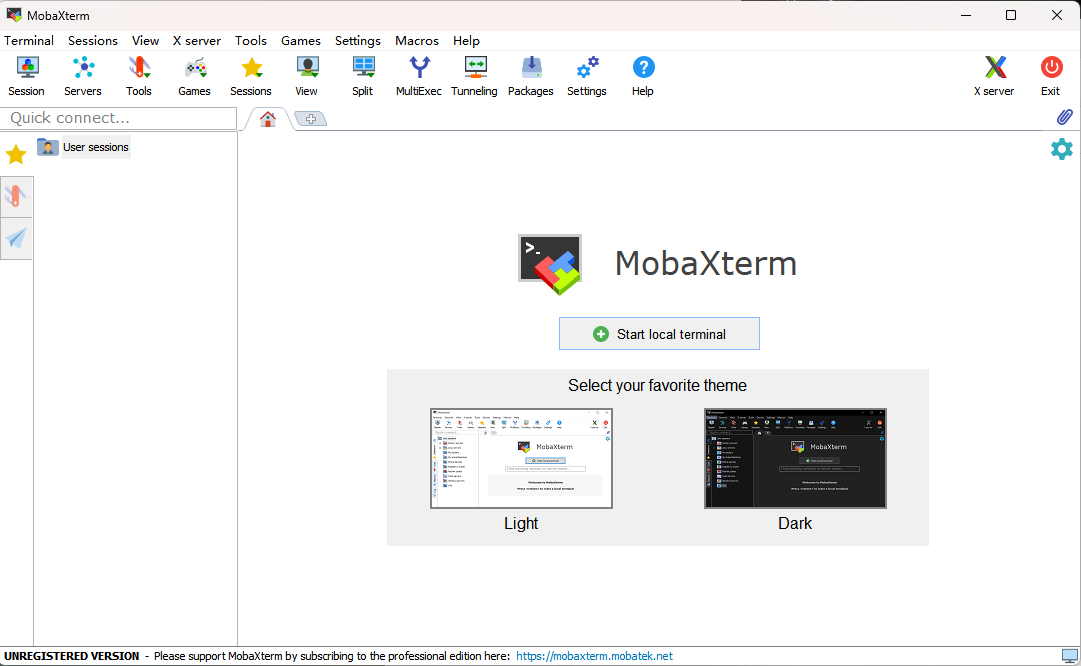
Find the MobaXterm icon on the desktop and open it:

4. MobaXterm: SSH remote
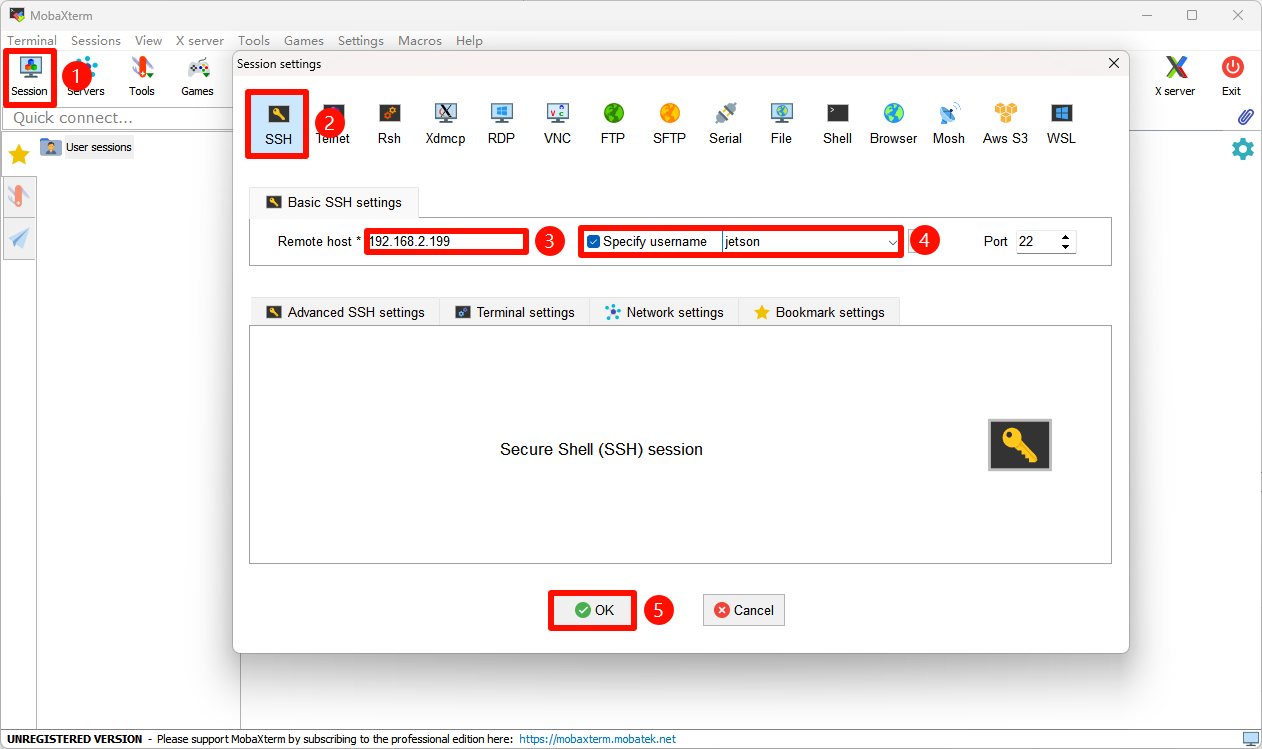
Select Session → SSH : fill in the IP address and username of the remote device
Default information of the Jetson mainboard:Username: jetsonPassword: yahboom
Note: when MobaXterm is used for SSH remote, it automatically uses SFTP to log in remotely in the sidebar
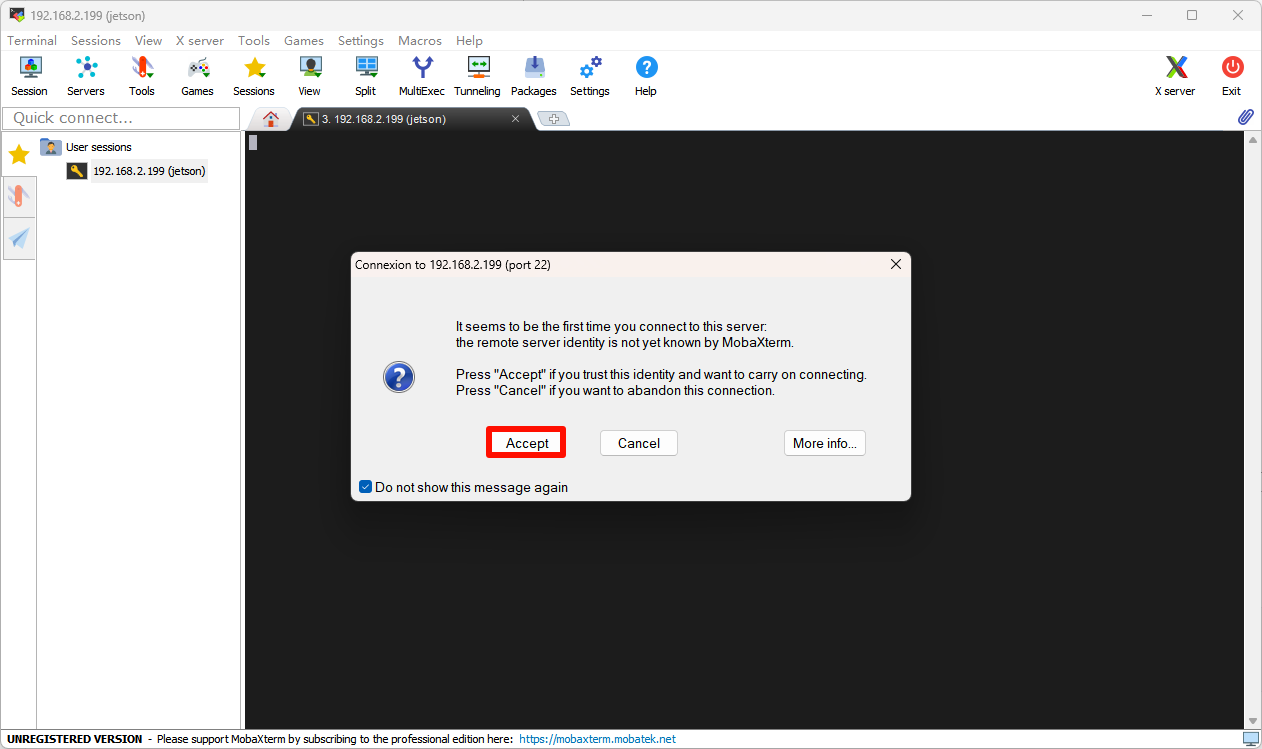
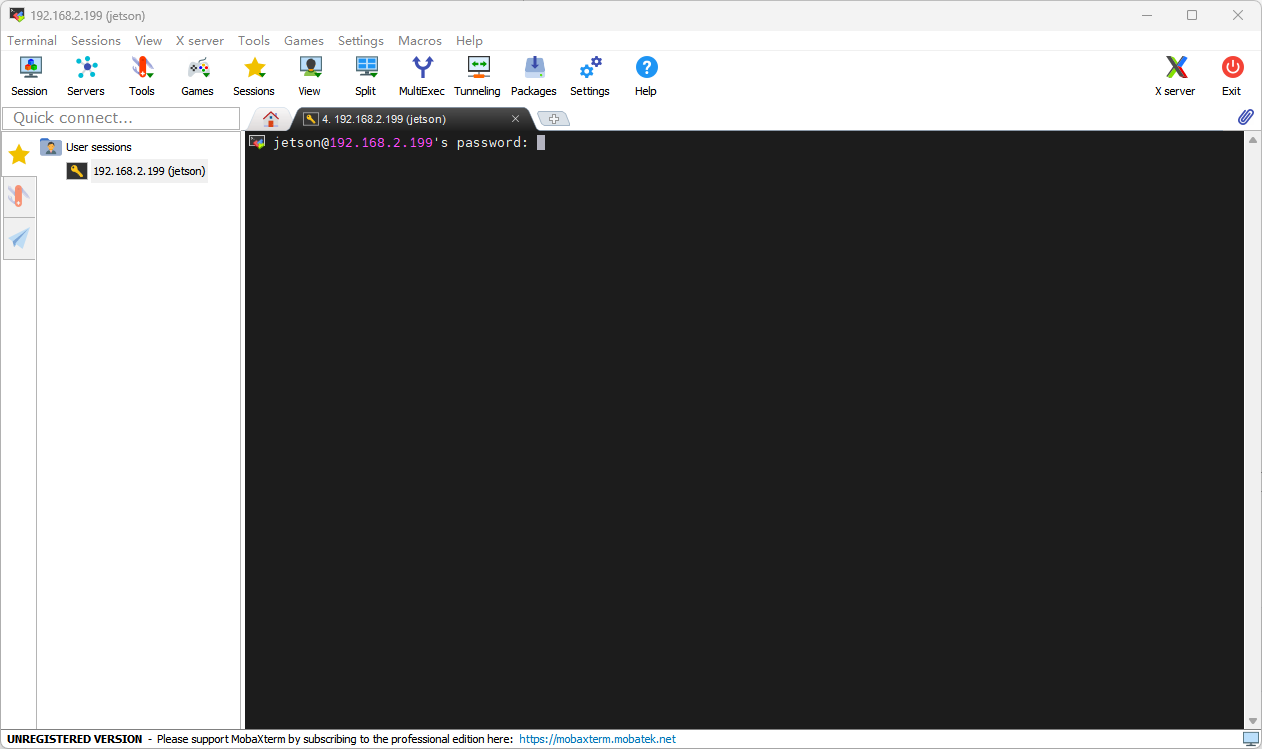
Enter the user password: the password is not displayed in the session window, press Enter after entering it!
Save password: it is recommended not to save it
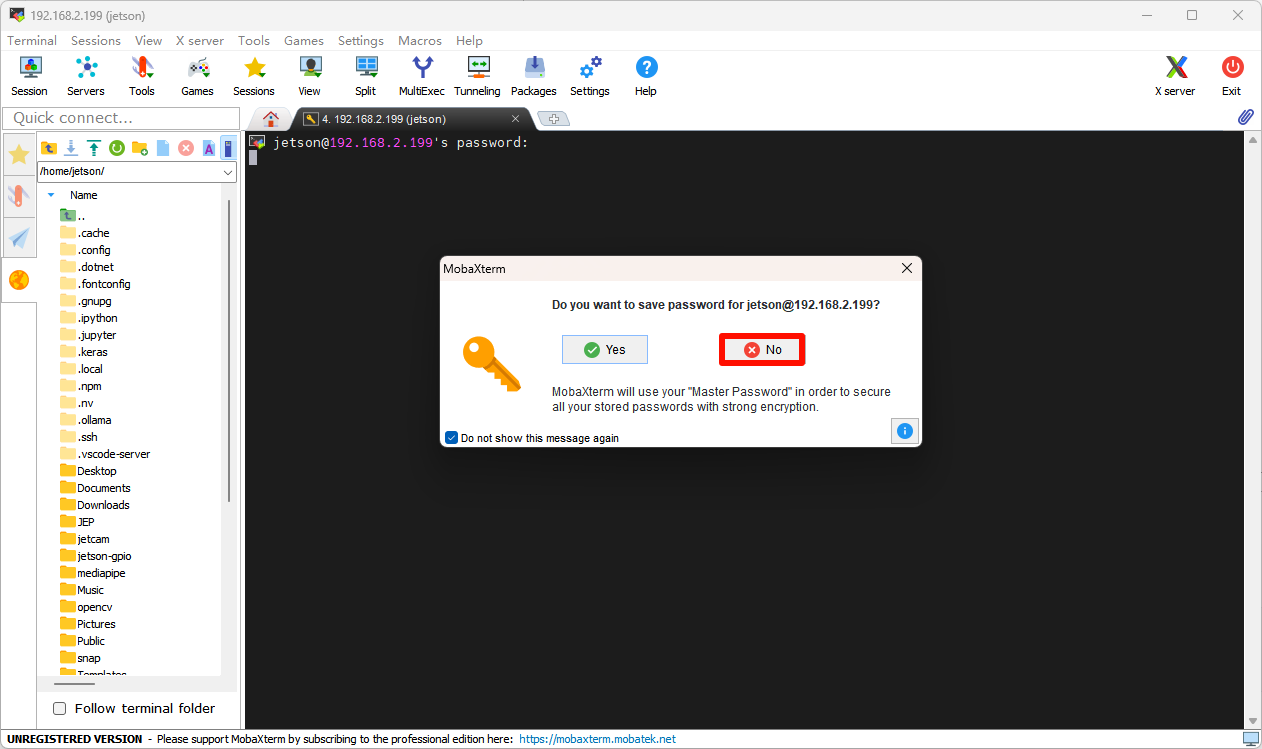
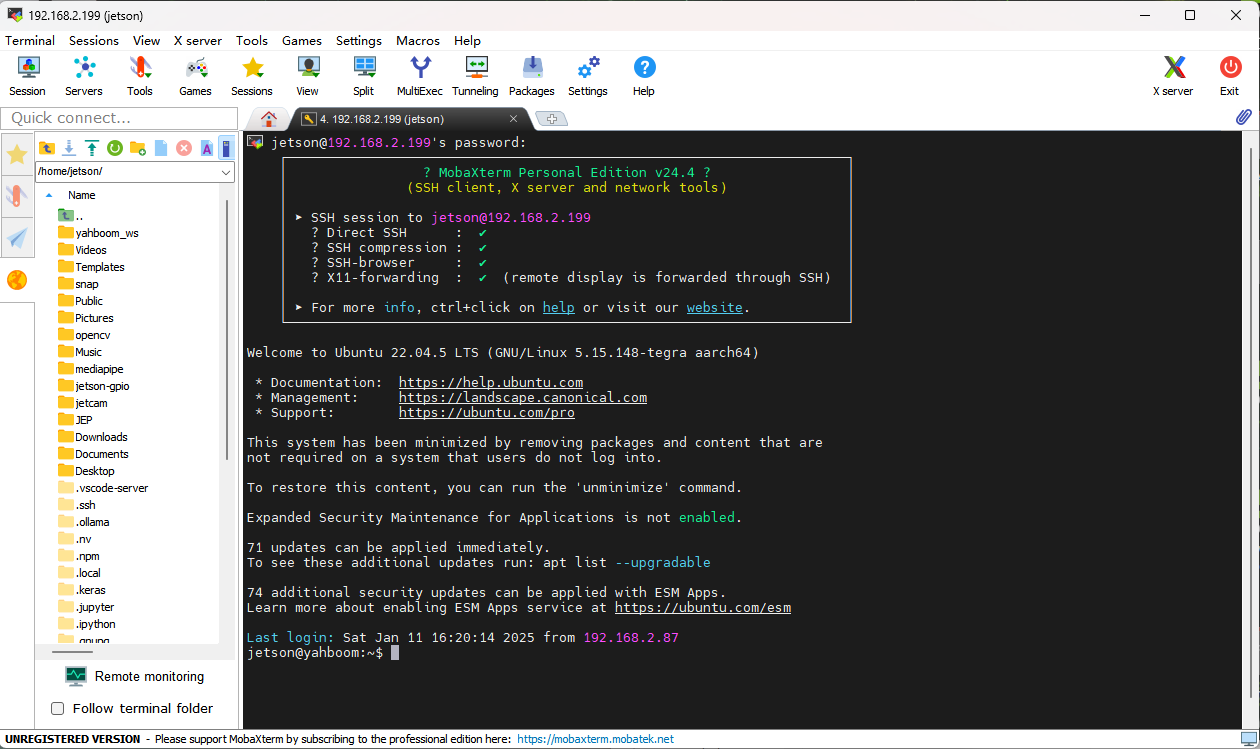
Complete the SSH remote connection: