Welcome to Jetson Orin NX Developer Kit repository
当製品の日本語版マニュアル資料は、こちらからご取得ください。
02.GPIO library installation
GPIO library installation
GPIO library installation1. Installing the Jetson.GPIO library1.1. Automatic installation1.2. Manual installation2. Setting the user permissions3. Custom rule file3.1. Copy the rule file3.2. Reload the udev rules4. Setting the mainboard model5. Reference material
1. Installing the Jetson.GPIO library
The Jetson.GPIO library is installed by default on the system, so this step can be skipped.
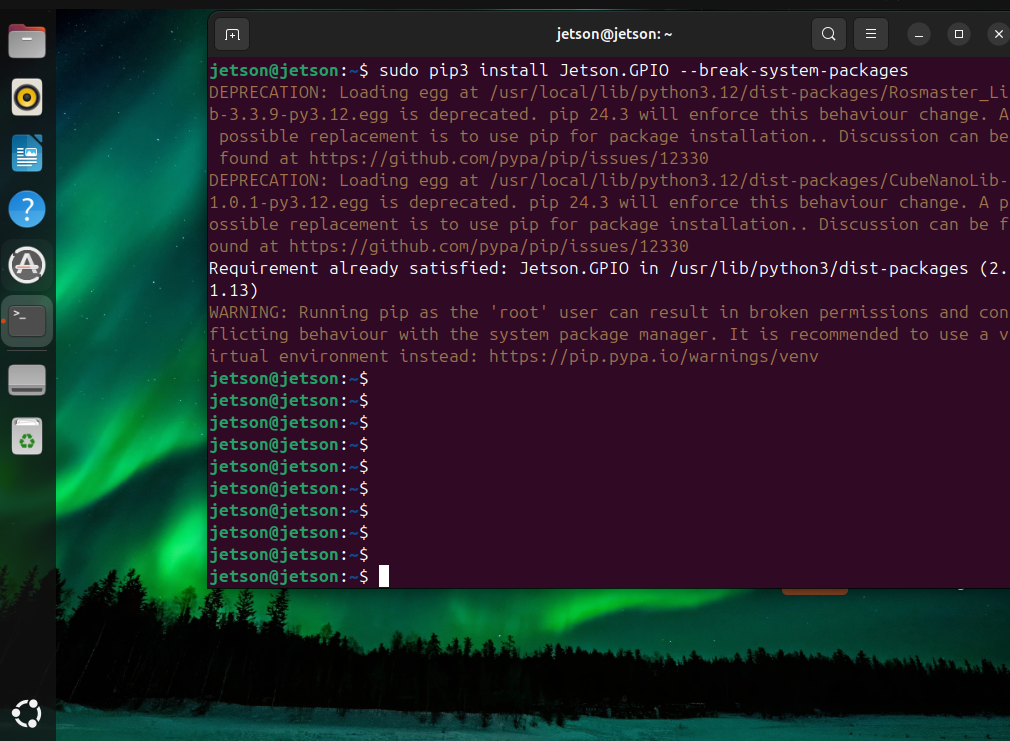
1.1. Automatic installation
sudo pip3 install Jetson.GPIO --break-system-packages
1.2. Manual installation
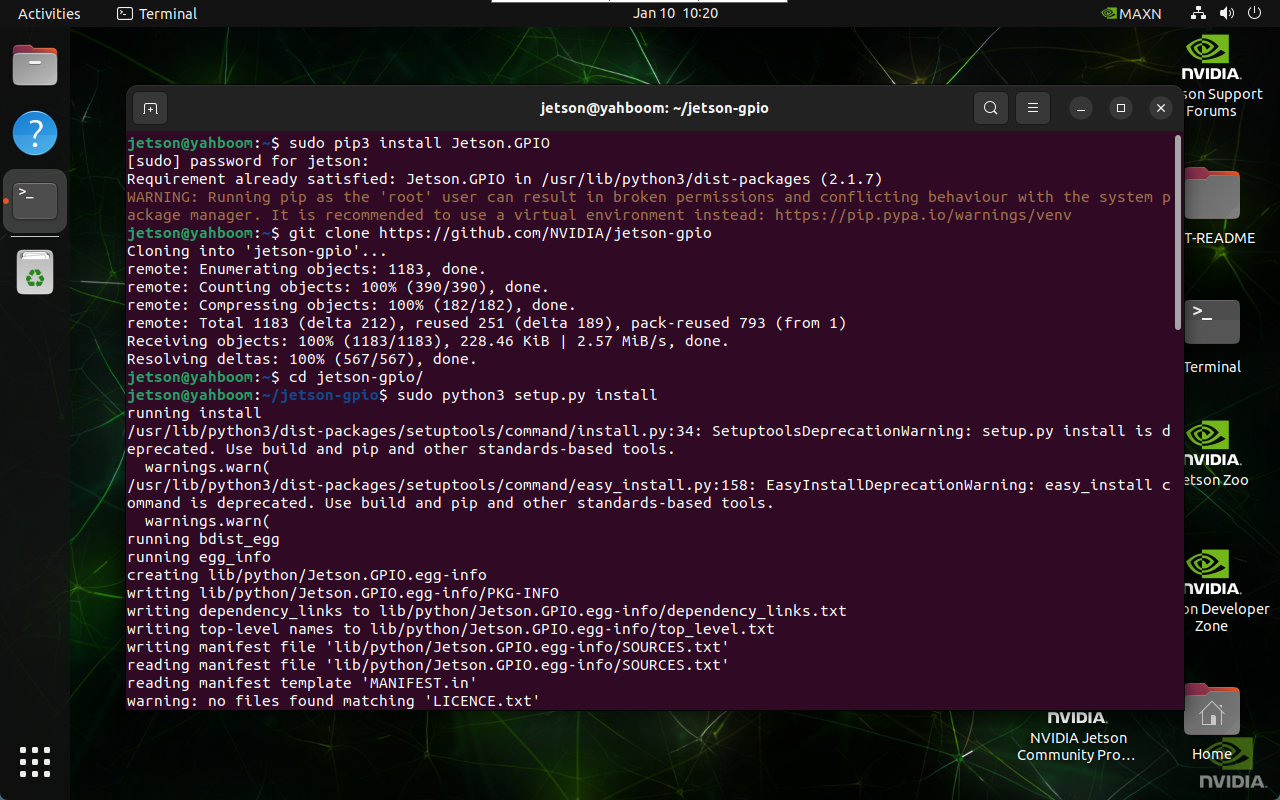
It is recommended to use the automatic installation method, because the manual installation may not be the latest version.
xxxxxxxxxxgit clone https://github.com/NVIDIA/jetson-gpio
xxxxxxxxxxcd ~/jetson-gpio/
xxxxxxxxxxsudo python3 setup.py install
2. Setting the user permissions
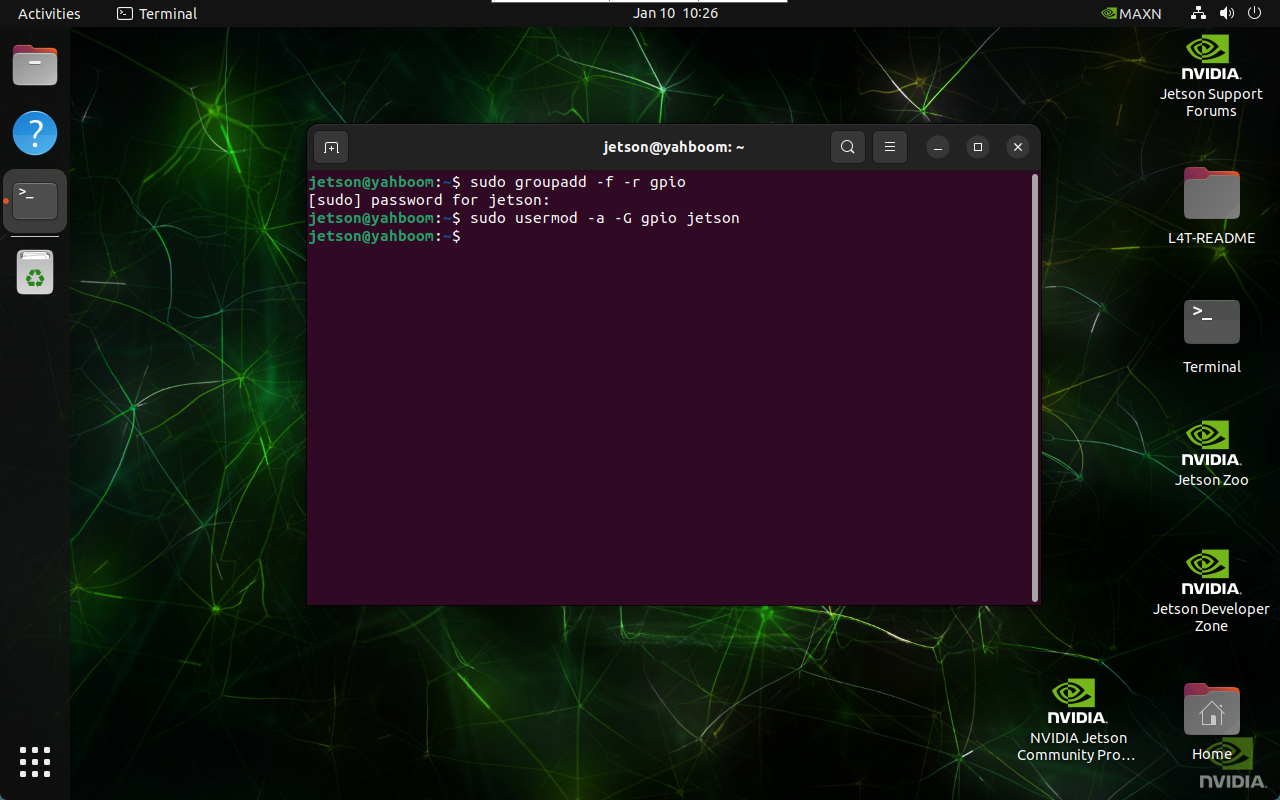
Allow the current system user to access and use the Jetson.GPIO library: here jetson is the system user name.
xxxxxxxxxxsudo groupadd -f -r gpiosudo usermod -a -G gpio jetson
3. Custom rule file
3.1. Copy the rule file
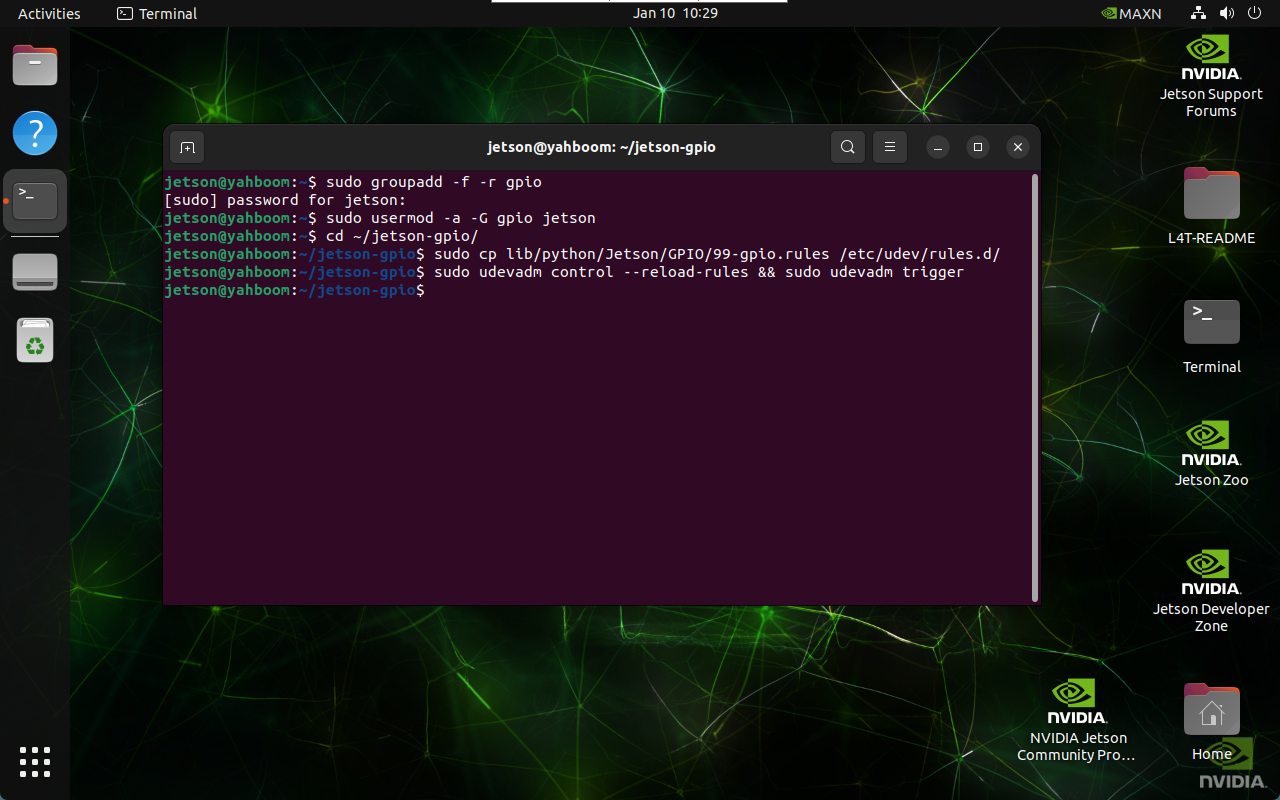
xxxxxxxxxxcd ~/jetson-gpio/sudo cp lib/python/Jetson/GPIO/99-gpio.rules /etc/udev/rules.d/
3.2. Reload the udev rules
xxxxxxxxxxsudo udevadm control --reload-rules && sudo udevadm trigger
4. Setting the mainboard model
Before controlling the GPIO, the mainboard model needs to be set in the terminal:
xxxxxxxxxxexport JETSON_MODEL_NAME=JETSON_ORIN_NX