Welcome to Jetson Orin NX Developer Kit repository
当製品の日本語版マニュアル資料は、こちらからご取得ください。
09.3D attitude estimation
Isaac ROS 3D Pose estimation
Isaac ROS CenterPose official website link: https://nvidia-isaac-ros.github.io/repositories_and_packages/isaac_ros_pose_estimation/isaac_ros_centerpose/index.html
Overview
Isaac ROS provides several object pose estimation solutions. CenterPose uses GPU-accelerated inference to predict the 3D position and pose of objects of known classes, and the result can be displayed together with the image and the camera information.
| Package | Characteristics |
|---|---|
isaac_ros_foundationpose | Supports new objects without retraining |
isaac_ros_dope | Pose estimation for known objects |
isaac_ros_centerpose | Pose estimation that supports the TAO workflow |
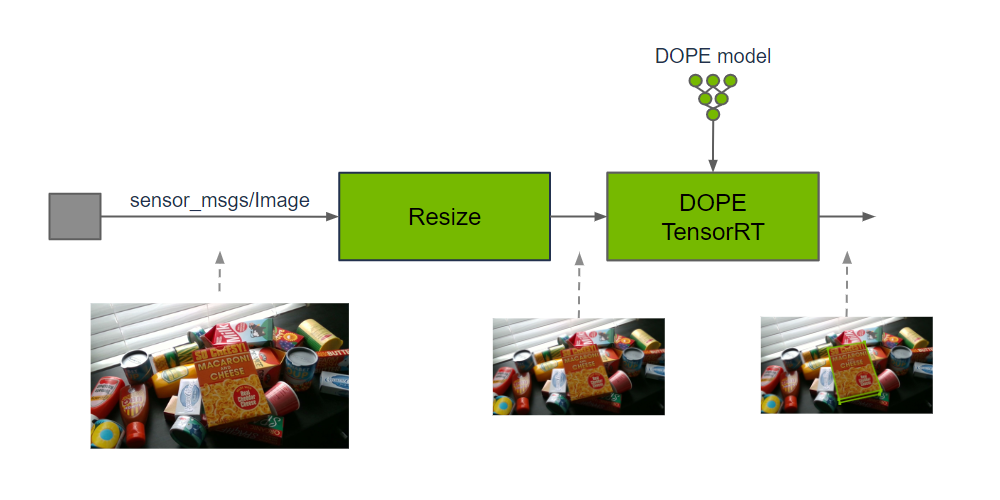
Precision choice of the NX model
On the Jetson Orin NX and in the current TensorRT environment, this case uses the FP32 engine: /workspaces/isaac_ros-dev/isaac_ros_assets/centerpose_shoe_fp32.plan. The script scripts/centerpose_launch.sh that comes with this tutorial already specifies centerpose_shoe.onnx and that FP32 plan, and sets force_engine_update:=False; a normal run does not require moving files between the model directories, and you must not switch to FP16.
Before starting, you can confirm the model file and the choice made by the script:
xxxxxxxxxxls -lh /workspaces/isaac_ros-dev/isaac_ros_assets/centerpose_shoe.onnx /workspaces/isaac_ros-dev/isaac_ros_assets/centerpose_shoe_fp32.planrg -n 'model_file_path|engine_file_path|force_engine_update' /workspaces/isaac_ros-dev/scripts/centerpose_launch.shIf the FP32 plan is missing, do not substitute FP16 or force a rebuild of the engine; contact the course provider for the model files that match this environment, and then run the case.
Quick experience
First start the container with the following command
xxxxxxxxxx./run_isaac.sh
Then confirm the container on the host with docker ps, and open the container terminals with docker exec -it <container name> bash. Each terminal has to use the same ROS/FastDDS environment, for example:
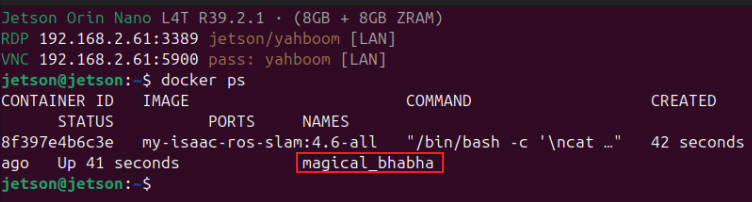
Note: all the terminals below are executed inside the container:
Terminal A: start the inference:
xxxxxxxxxxbash /workspaces/isaac_ros-dev/scripts/centerpose_launch.shTerminal B: start the two bag streams needed for the inference and the display:
xxxxxxxxxxbash /workspaces/isaac_ros-dev/scripts/centerpose_playback.shTerminal C: start the Python pose box visualisation and rqt:
xxxxxxxxxxbash /workspaces/isaac_ros-dev/scripts/centerpose_view.sh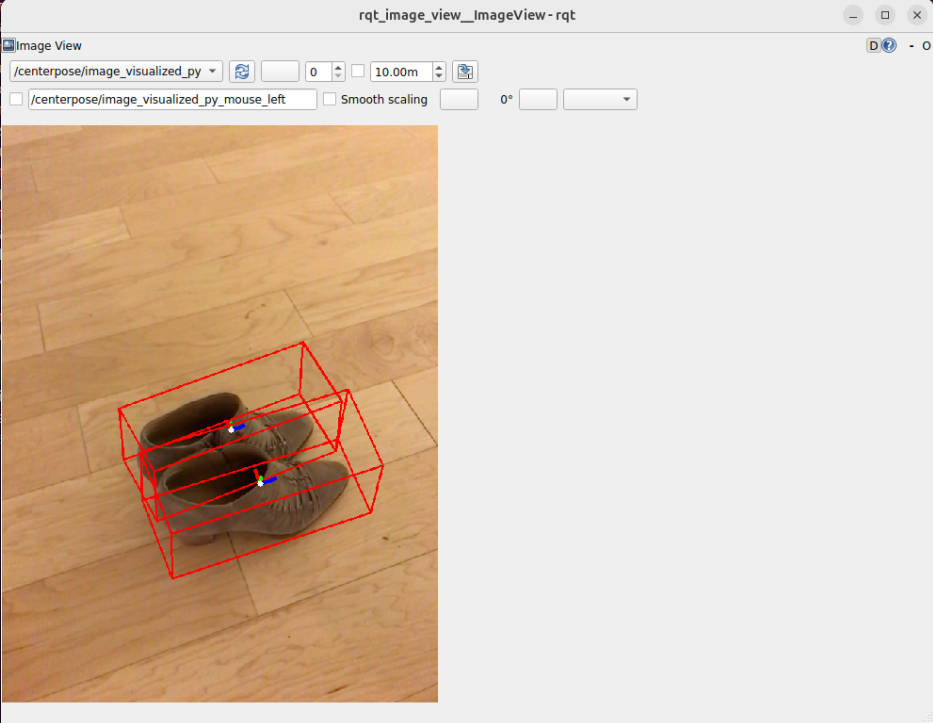
Select the topic /centerpose/image_visualized_py in rqt. To check the output, run:
ros2 topic info /centerpose/detections -vros2 topic echo /centerpose/detections --onceros2 topic hz /centerpose/image_visualized_py