Welcome to Jetson Orin NX Developer Kit repository
当製品の日本語版マニュアル資料は、こちらからご取得ください。
02.USB camera preview
USB camera preview
USB camera preview1. View the video devices2. GUVCView2.1. GUVCView installation2.2. GUVCView usage3. VLC3.1. VLC installation3.2. VLC usage
1. View the video devices
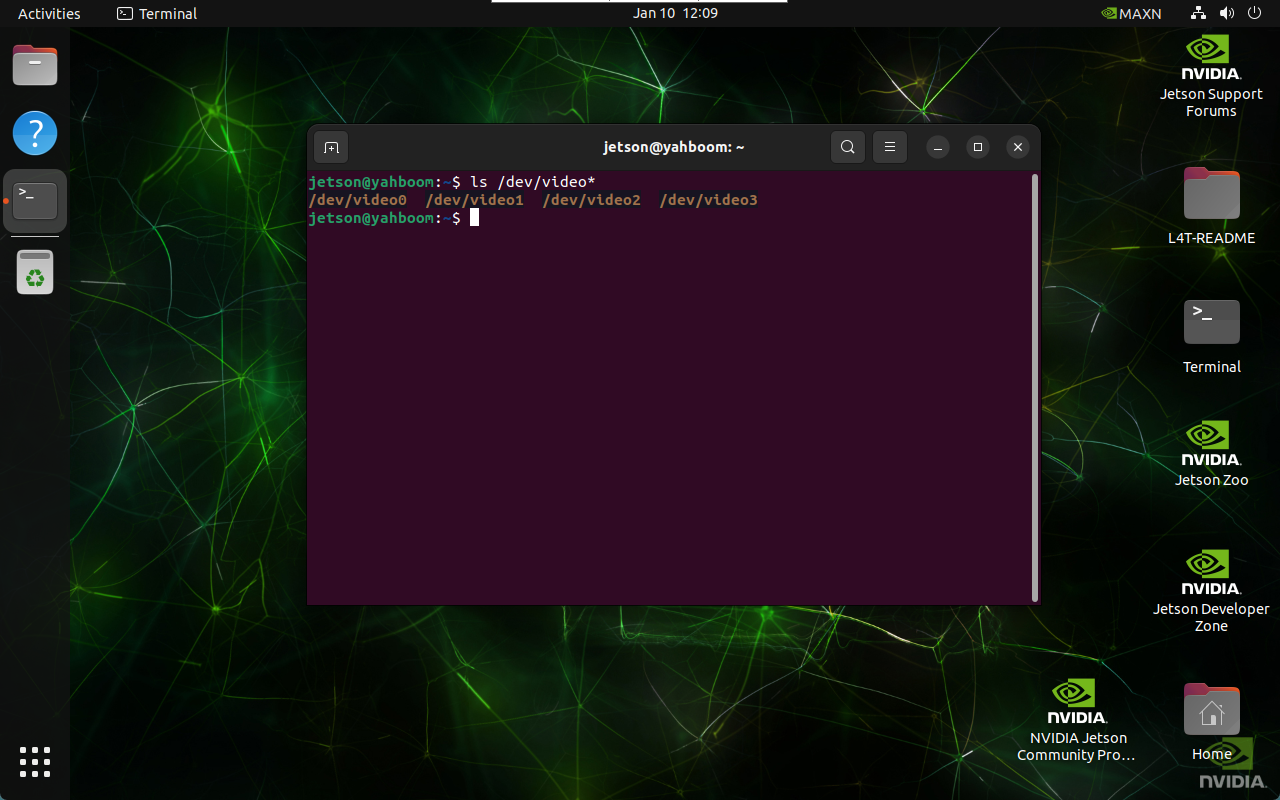
ls /dev/video*
The result shown in the image is the result of connecting two CSI cameras and one USB camera: generally a CSI camera shows one video device, while a USB camera shows two video devices. For the USB camera, select the newly added /dev/video2 with the smaller number (connecting the USB camera adds the /dev/video2 and /dev/video3 device numbers to the system).
2. GUVCView
GUVCView is open source software for Linux systems used to capture and record video and images, mainly for Webcam cameras.
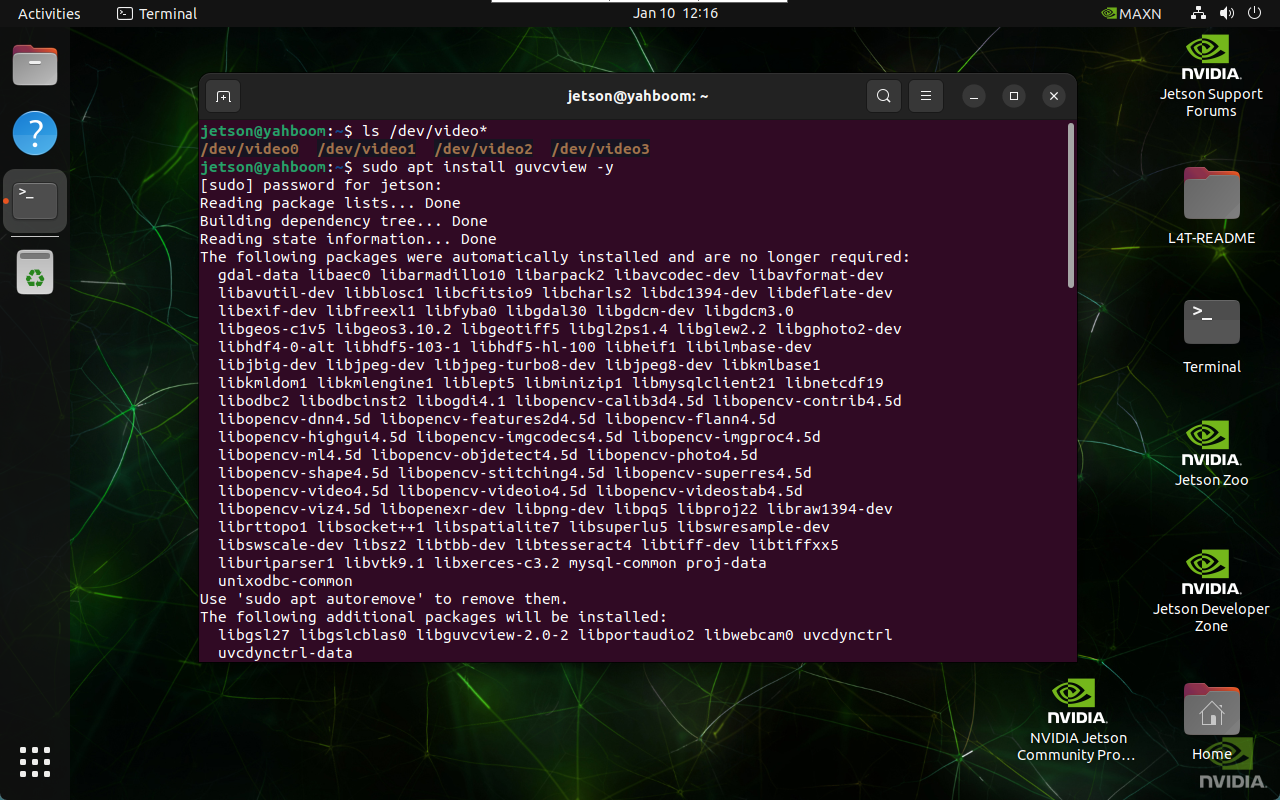
2.1. GUVCView installation
xxxxxxxxxxsudo apt updatesudo apt install guvcview -y
2.2. GUVCView usage
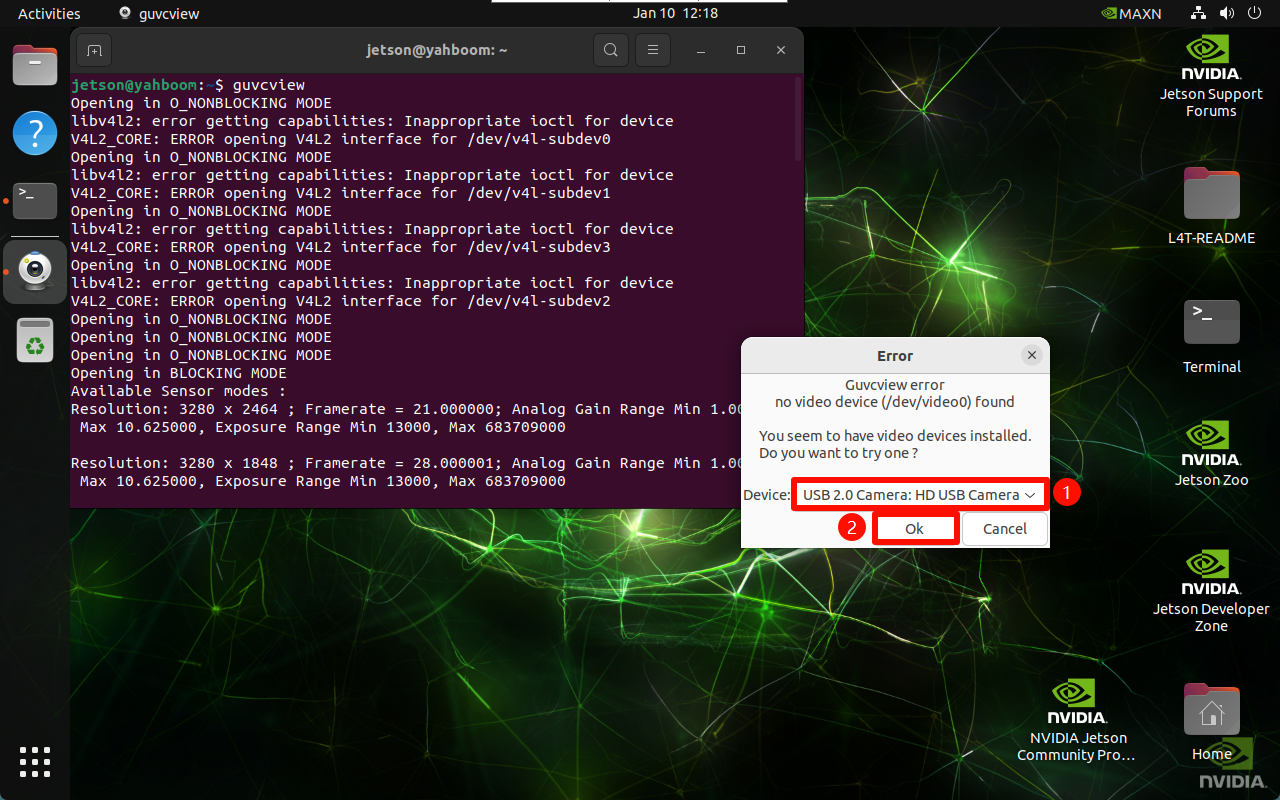
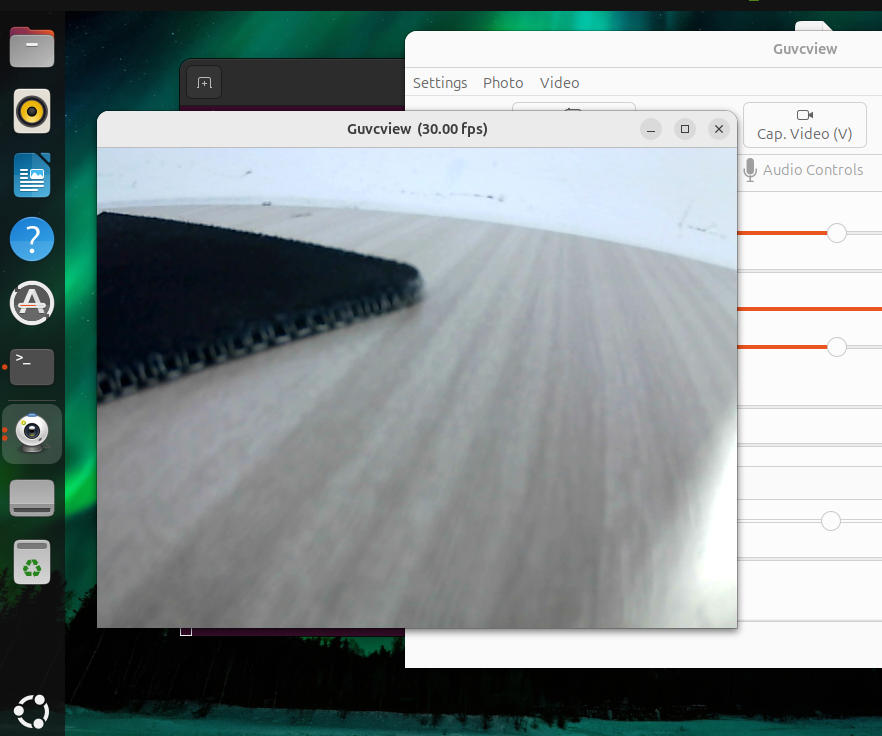
Enter the application menu bar and click the guvcview icon, or enter the startup command in the terminal: select the USB camera; the CSI camera shows no preview image.
xxxxxxxxxxguvcview
3. VLC
VLC media player is a free and open source multimedia player that supports many audio and video formats as well as DVD, audio CD, VCD and various streaming protocols.
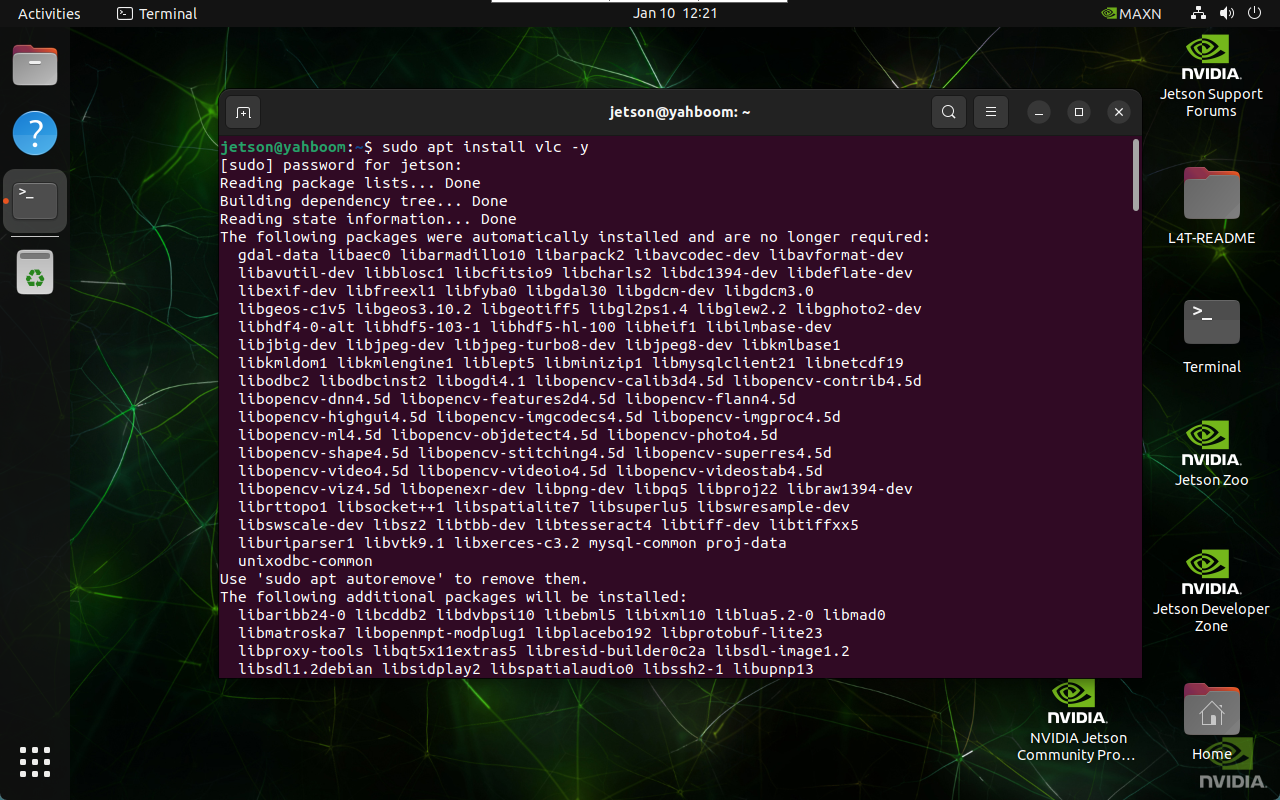
3.1. VLC installation
xxxxxxxxxxsudo apt updatesudo apt install vlc -y
3.2. VLC usage
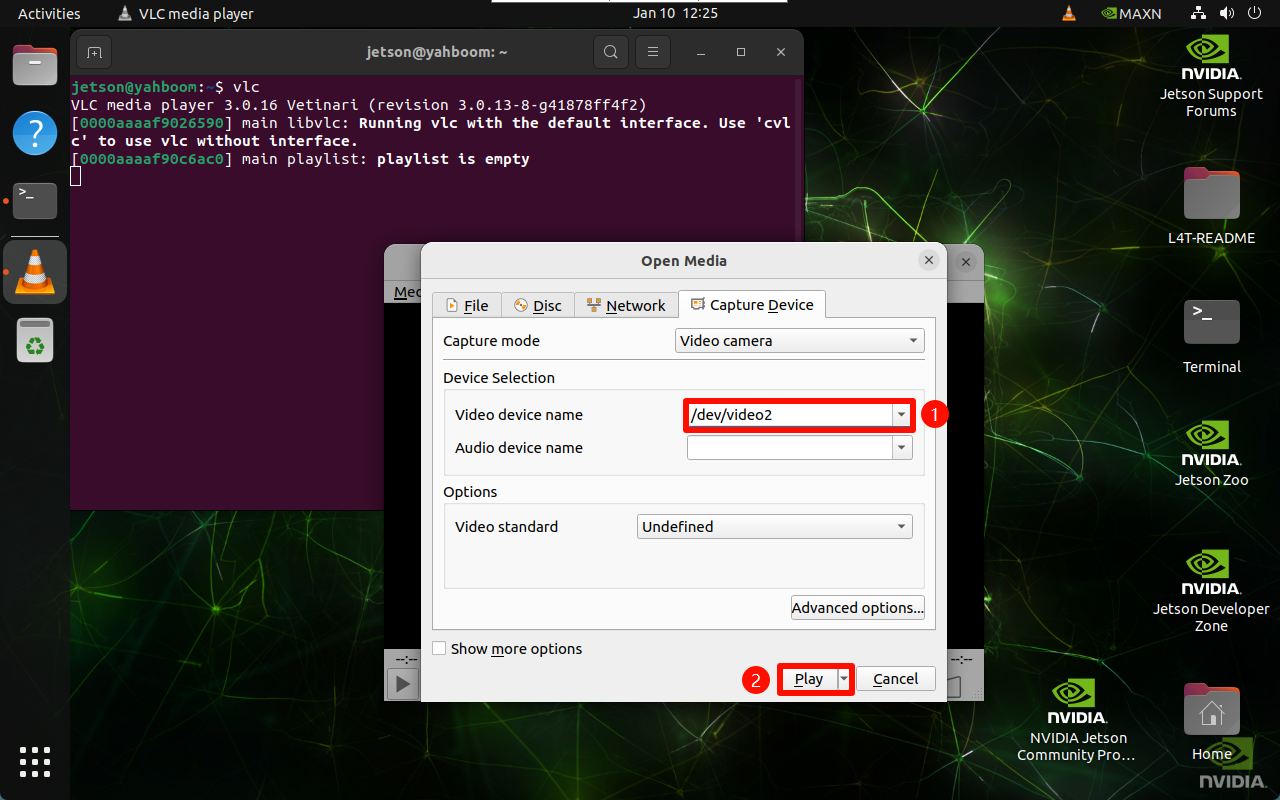
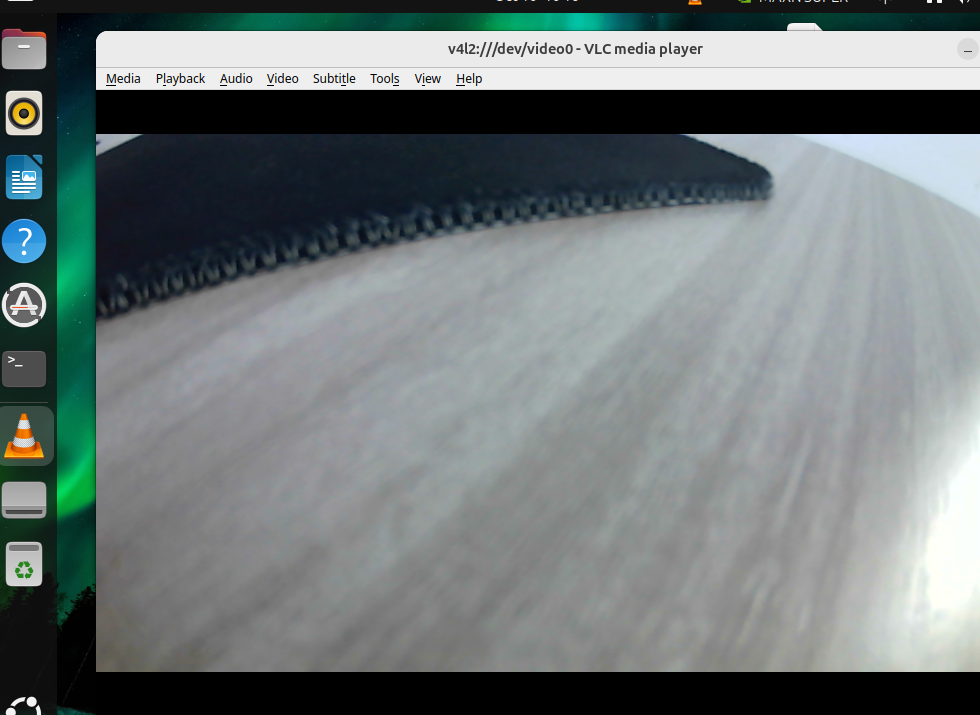
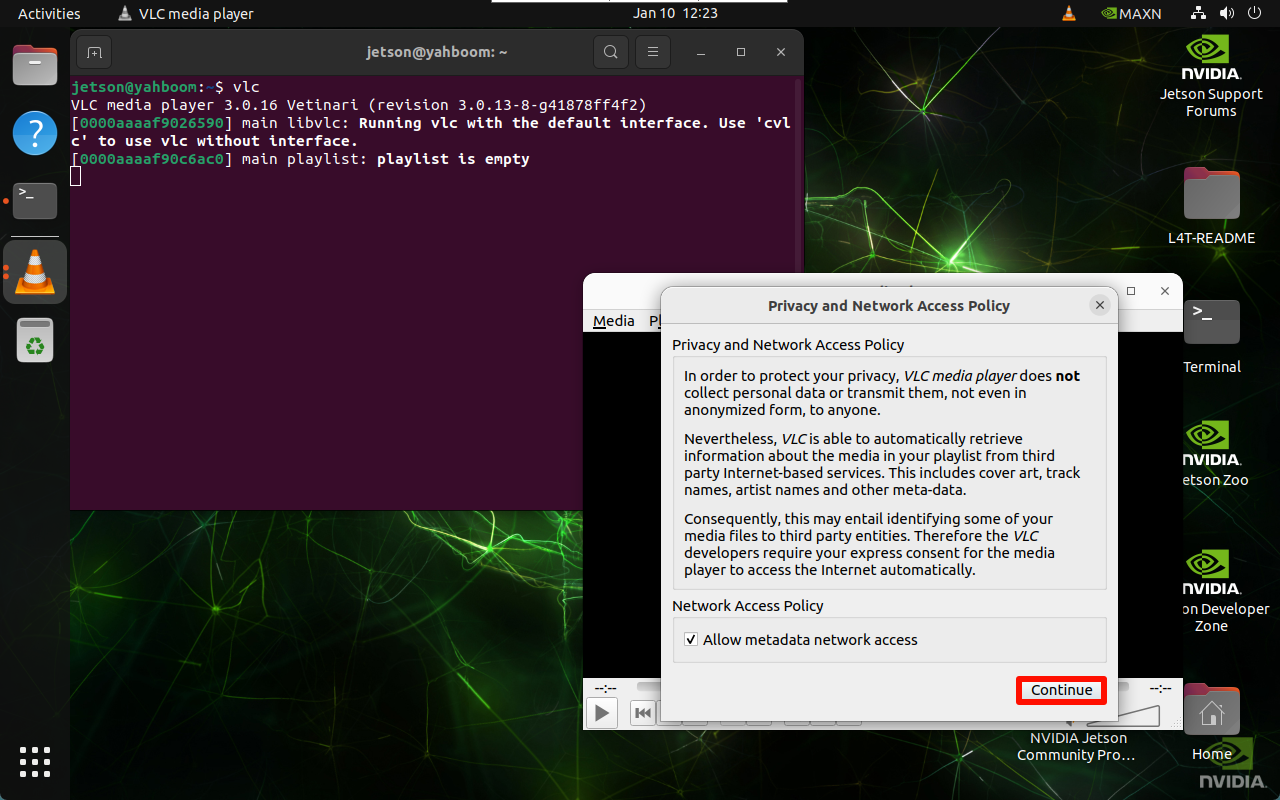
Enter the application menu bar and click the VLC media player icon, or enter the startup command in the terminal: select the USB camera; the CSI camera shows no preview image.
xxxxxxxxxxvlc
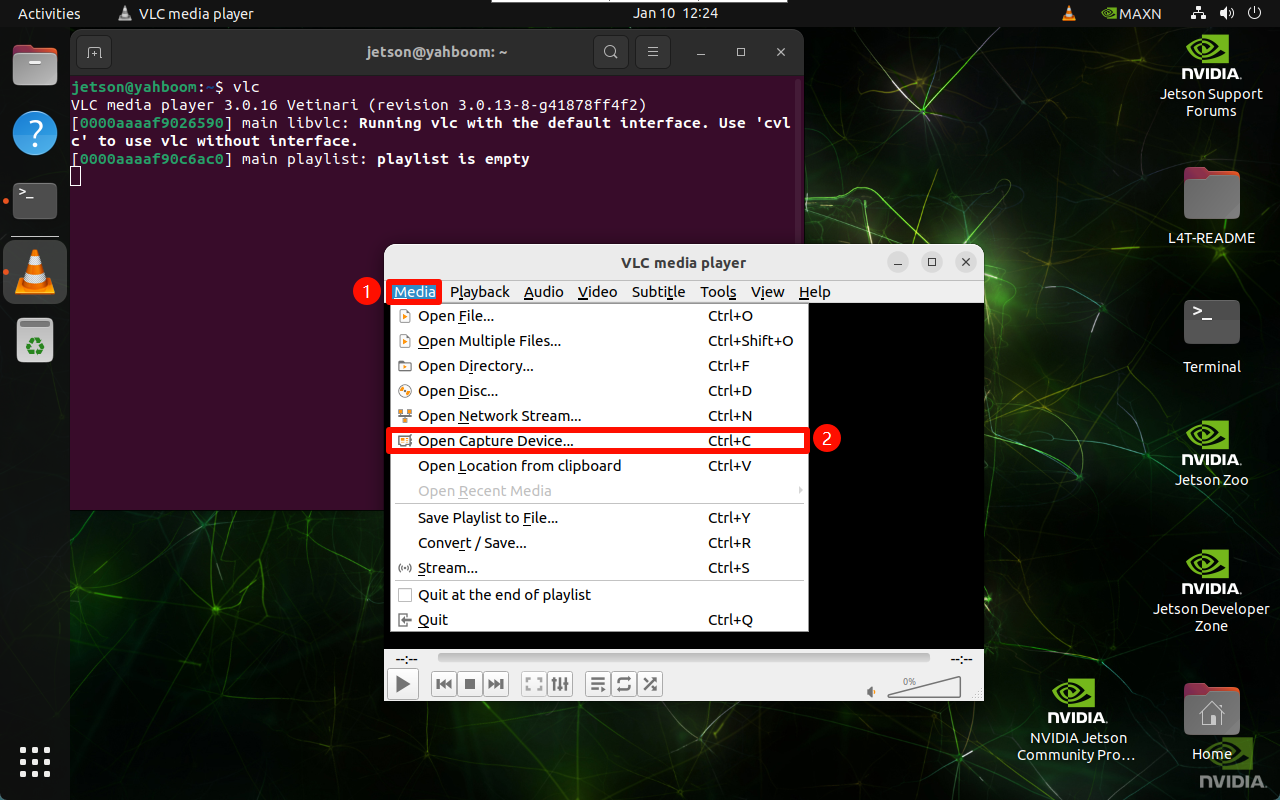
Select the device number that corresponds to the USB camera: