Welcome to Jetson Orin NX Developer Kit repository
当製品の日本語版マニュアル資料は、こちらからご取得ください。
01.YOLO environment construction
YOLO environment construction
YOLO environment construction1. The system information2. Download the files3. Install Ultralytics4. Configure the GPU acceleration5. Verify the installationReferences
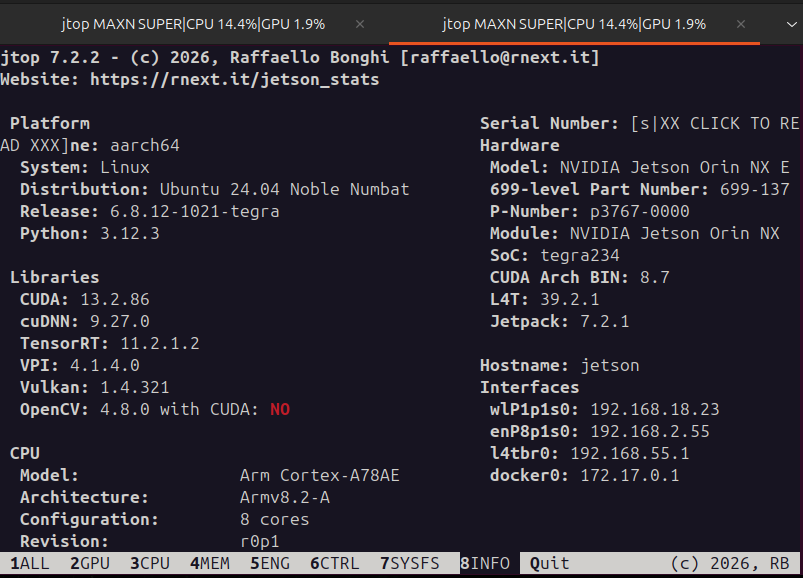
1. The system information
2. Download the files
Note: if the environment has already been built following YOLO11, the ultralytics folder of the home directory has to be renamed first, and then the files are downloaded.
Here, downloading ultralytics-v8.4.21 is taken as an example
cd ~/git clone https://github.com/ultralytics/ultralytics.git -b v8.4.21 --depth=1
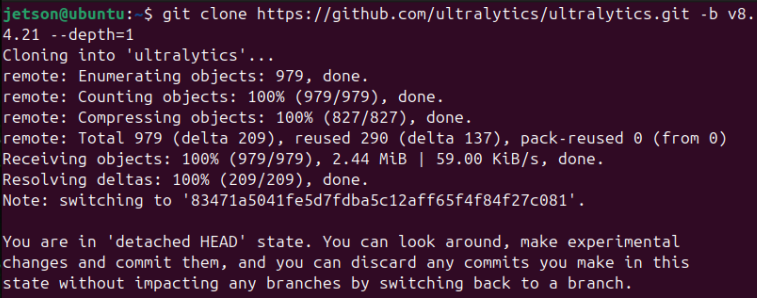
If the repository cannot be cloned due to network problems, you can go to the following URL to download the archive file, and then extract it.
xxxxxxxxxxhttps://github.com/ultralytics/ultralytics/releases/tag/v8.4.21
3. Install Ultralytics
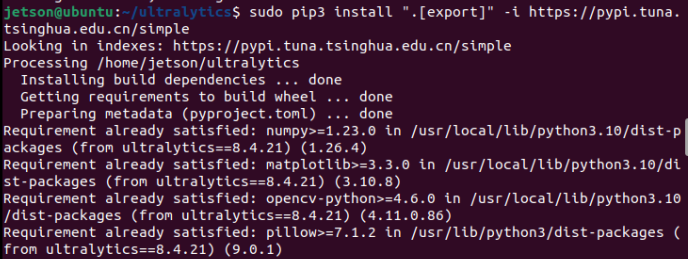
xxxxxxxxxxcd ~/ultralyticssudo pip3 install ".[export]" -i https://pypi.tuna.tsinghua.edu.cn/simple
4. Configure the GPU acceleration
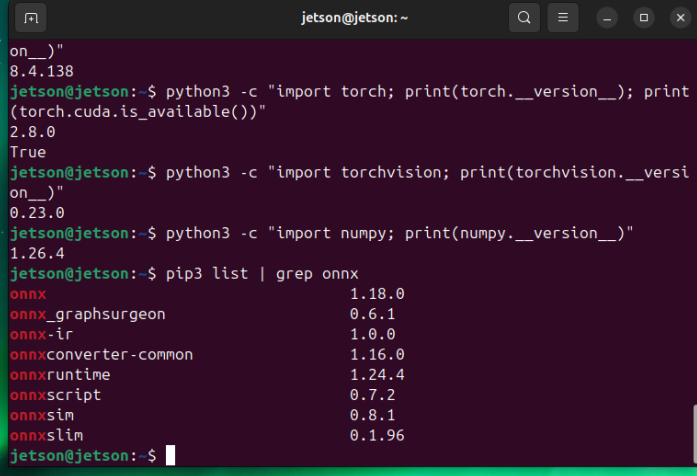
Since torch, torchvision and onnxruntime-gpu have already been installed in our previous tutorials, there is no need to run the installation commands here.
torch
torchvision
onnxruntime-gpu
5. Verify the installation
Verify Ultralytics
xxxxxxxxxxpython3 -c "import ultralytics; print(ultralytics.__version__)"
Verify Torch
xxxxxxxxxxpython3 -c "import torch; print(torch.__version__); print(torch.cuda.is_available())"
Verify Torchvision
xxxxxxxxxxpython3 -c "import torchvision; print(torchvision.__version__)"
Verify Numpy
xxxxxxxxxxpython3 -c "import numpy; print(numpy.__version__)"
Verify onnxruntime-gpu
xxxxxxxxxxpip3 list | grep onnx