Welcome to Jetson Orin NX Developer Kit repository
当製品の日本語版マニュアル資料は、こちらからご取得ください。
08.Object detection
Isaac ROS Object detection
Isaac ROS Object Detection official website link: https://nvidia-isaac-ros.github.io/repositories_and_packages/isaac_ros_object_detection/index.html
Overview
Isaac ROS provides GPU-accelerated detection models such as RT-DETR, DetectNet and YOLOv8, which predict the object classes and 2D bounding boxes from the input image.
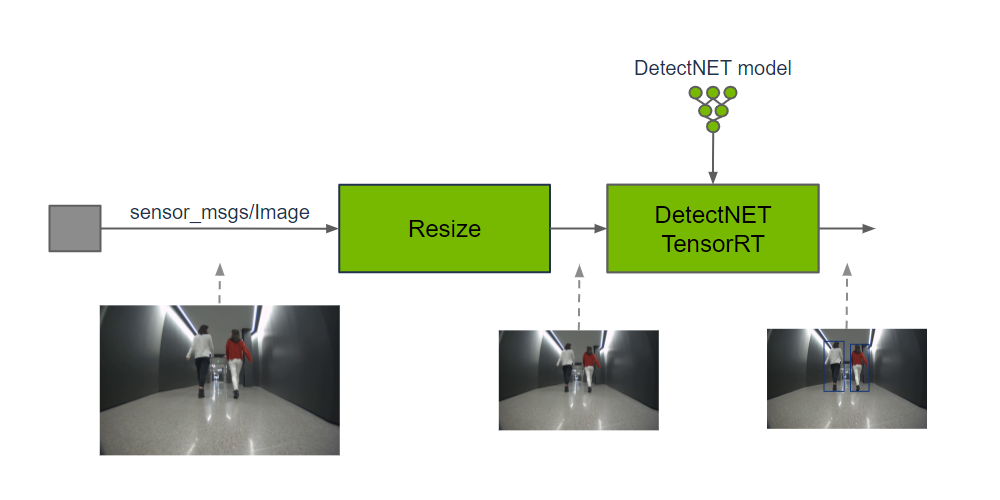
Quick experience
First start the container with the following command
xxxxxxxxxx./run_isaac.sh
Then confirm the container on the host with docker ps, and open the container terminals with docker exec -it <container name> bash. Each terminal has to use the same ROS/FastDDS environment, for example:
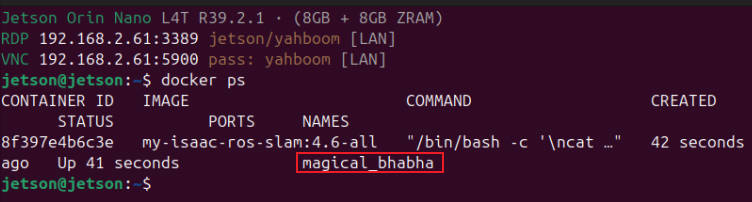
Note: all the terminals below are executed inside the container:
Terminal A: start DetectNet, the synchronized visualization node and RViz:
xxxxxxxxxxros2 launch /workspaces/isaac_ros-dev/launch/detectnet_all.launch.pyThe RViz configuration is /workspaces/isaac_ros-dev/rviz/detectnet.rviz, which shows /detectnet_processed_image.
Terminal B: play the detection bag in a loop at 0.25 times the speed:
xxxxxxxxxxros2 bag play /workspaces/isaac_ros-dev/isaac_ros_assets/isaac_ros_detectnet/rosbags/detectnet_rosbag \ --loop --rate 0.25 \ --remap /image:=/image_rect /camera_info:=/camera_info_rect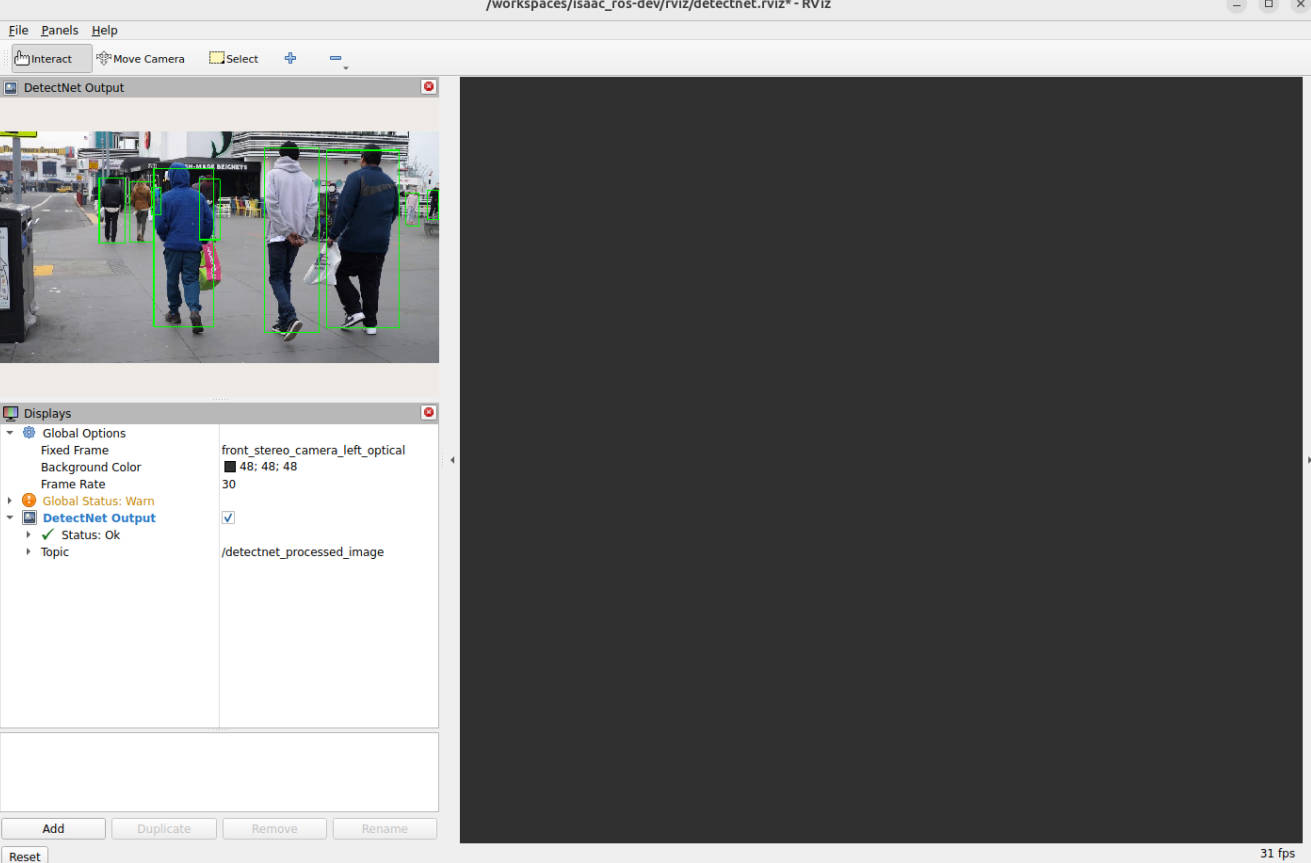
Terminal C: check the detection and the drawn image output:
timeout 8 ros2 topic hz /detectnet/detectionstimeout 8 ros2 topic hz /detectnet_processed_imageros2 topic info -v /detectnet_processed_image