Welcome to Jetson Orin NX Developer Kit repository
当製品の日本語版マニュアル資料は、こちらからご取得ください。
02.Docker installation
Docker installation
Docker installation1. Update the system software2. Official script installation2.1. Install curl2.2. Download the script2.3. Run the script3. Installation via the Tsinghua mirror3.1. Install the dependencies3.2. Add the Docker source3.3. Install Docker4. Add access permissions
The tutorial demonstrates both the script installation and the manual installation of Docker. The official Docker script is not recommended for users in China.
Pulling Docker images online may not be possible in China at present, the tutorial is for demonstration only
1. Update the system software
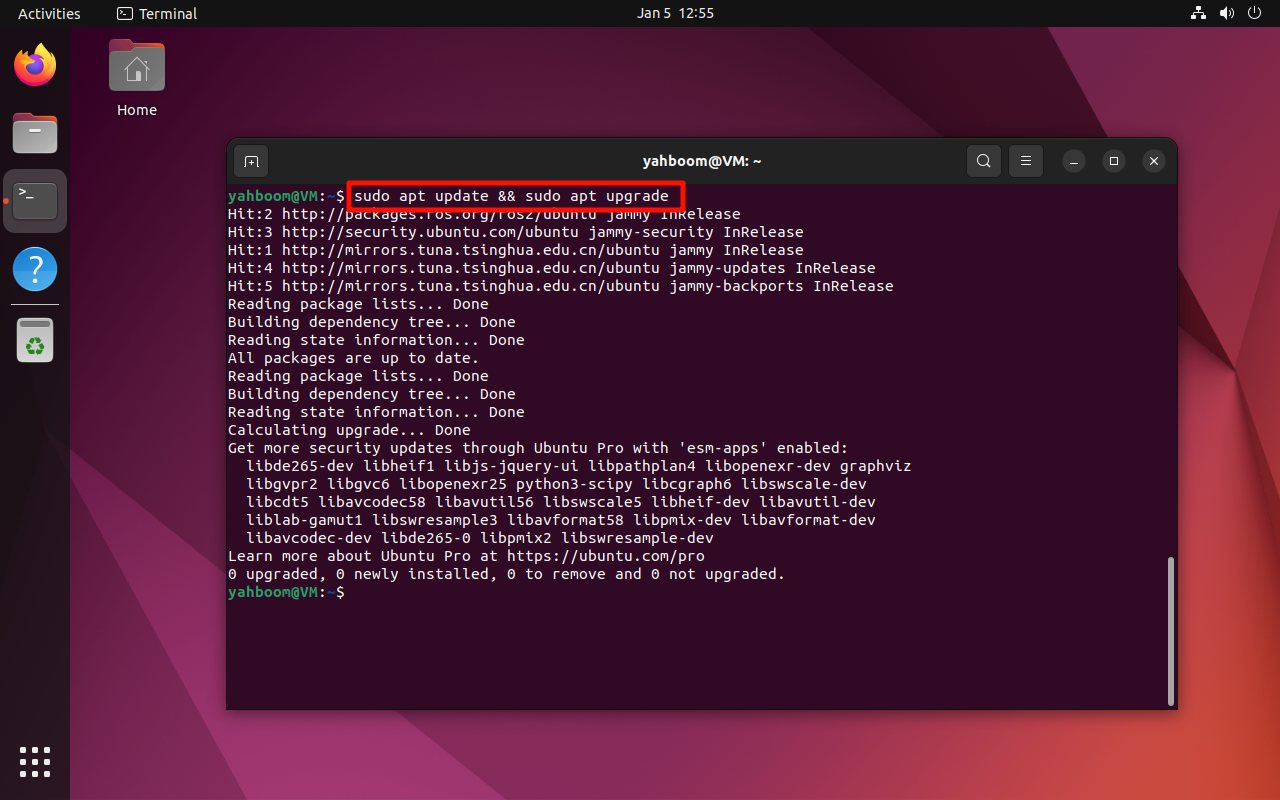
Make sure the system packages are up to date: if the system environment has version dependency problems, it is enough to update the package source list.
xxxxxxxxxxsudo apt update && sudo apt upgrade
2. Official script installation
2.1. Install curl
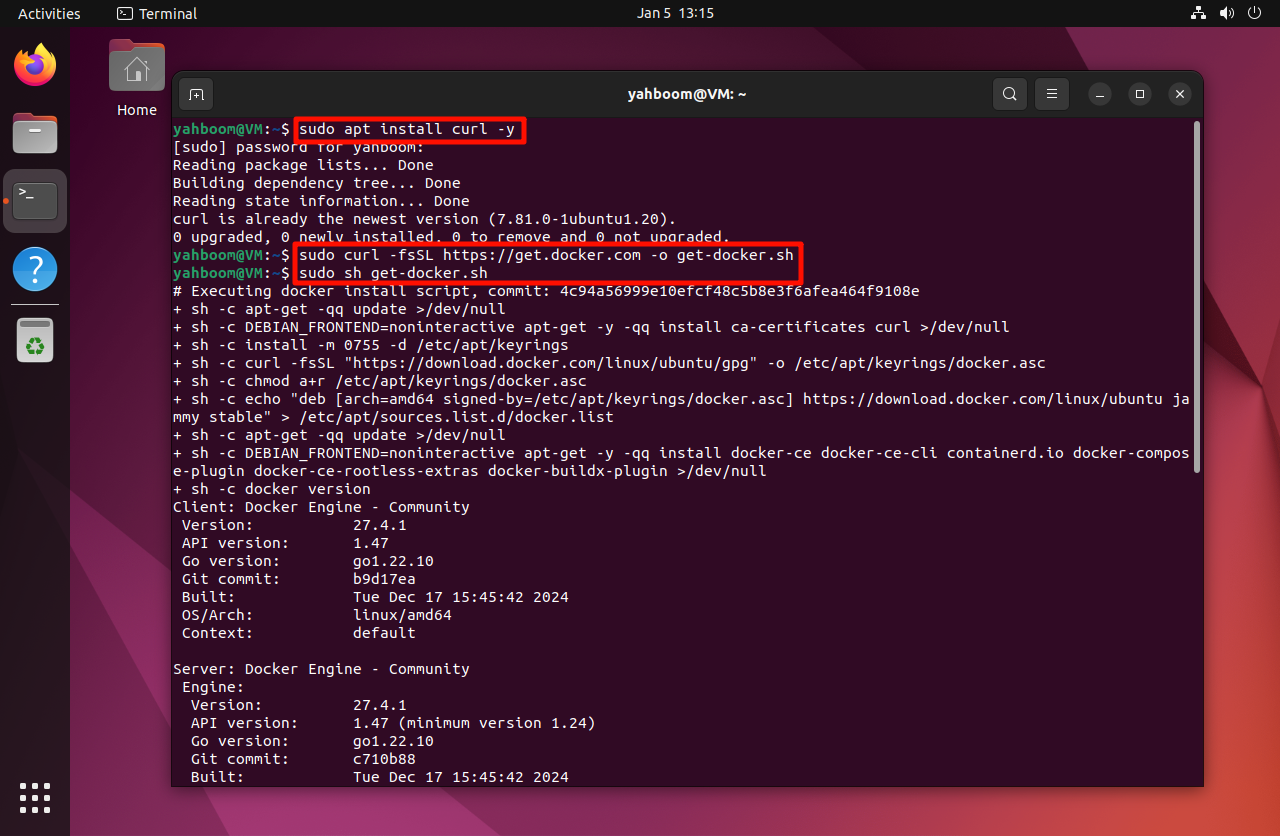
xxxxxxxxxxsudo apt install curl -y
2.2. Download the script
xxxxxxxxxxsudo curl -fsSL https://get.docker.com -o get-docker.sh
2.3. Run the script
xxxxxxxxxxsudo sh get-docker.sh
3. Installation via the Tsinghua mirror
Users in China can try installing Docker from the Tsinghua University mirror.
3.1. Install the dependencies
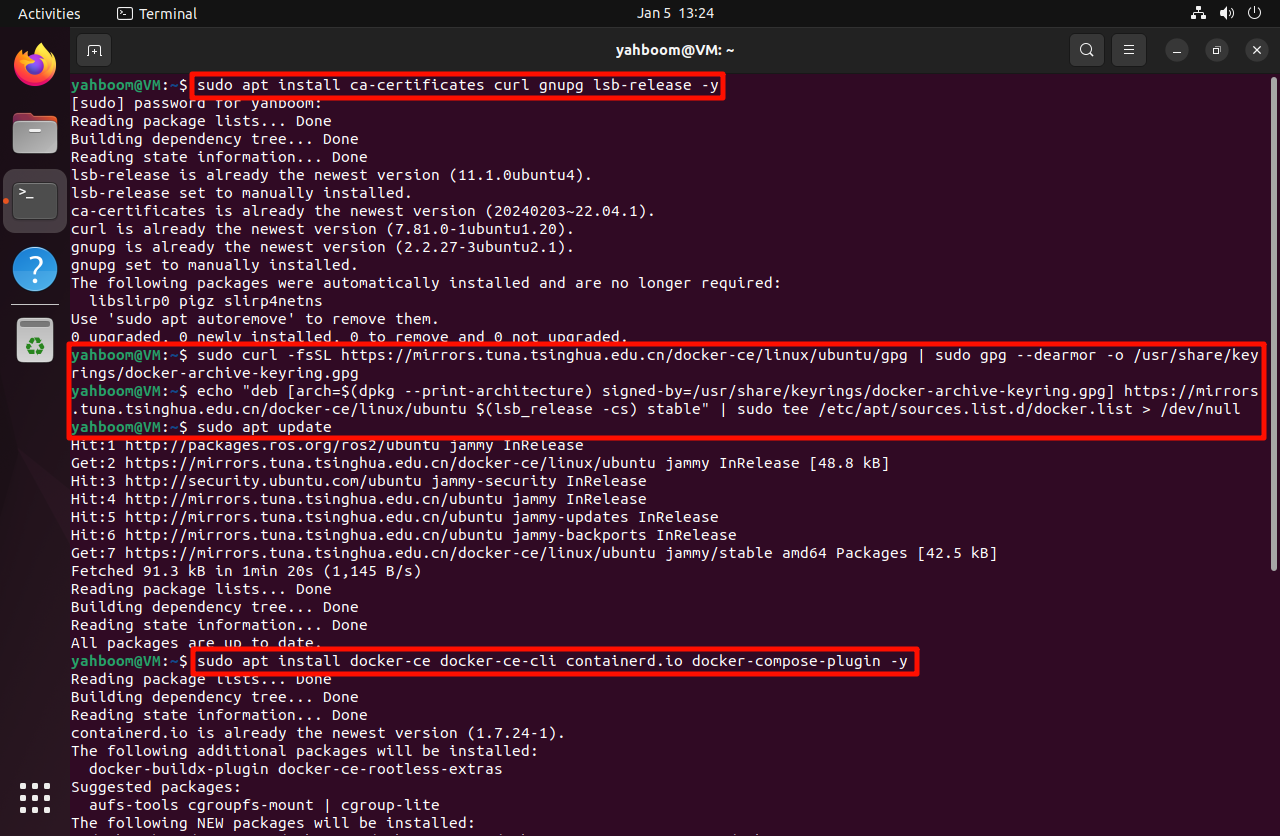
xxxxxxxxxxsudo apt install ca-certificates curl gnupg lsb-release -y
3.2. Add the Docker source
xxxxxxxxxxsudo curl -fsSL https://mirrors.tuna.tsinghua.edu.cn/docker-ce/linux/ubuntu/gpg | sudo gpg --dearmor -o /usr/share/keyrings/docker-archive-keyring.gpg
xxxxxxxxxxecho "deb [arch=$(dpkg --print-architecture) signed-by=/usr/share/keyrings/docker-archive-keyring.gpg] https://mirrors.tuna.tsinghua.edu.cn/docker-ce/linux/ubuntu $(lsb_release -cs) stable" | sudo tee /etc/apt/sources.list.d/docker.list > /dev/null
3.3. Install Docker
xxxxxxxxxxsudo apt updatesudo apt install docker-ce docker-ce-cli containerd.io docker-compose-plugin -y
4. Add access permissions
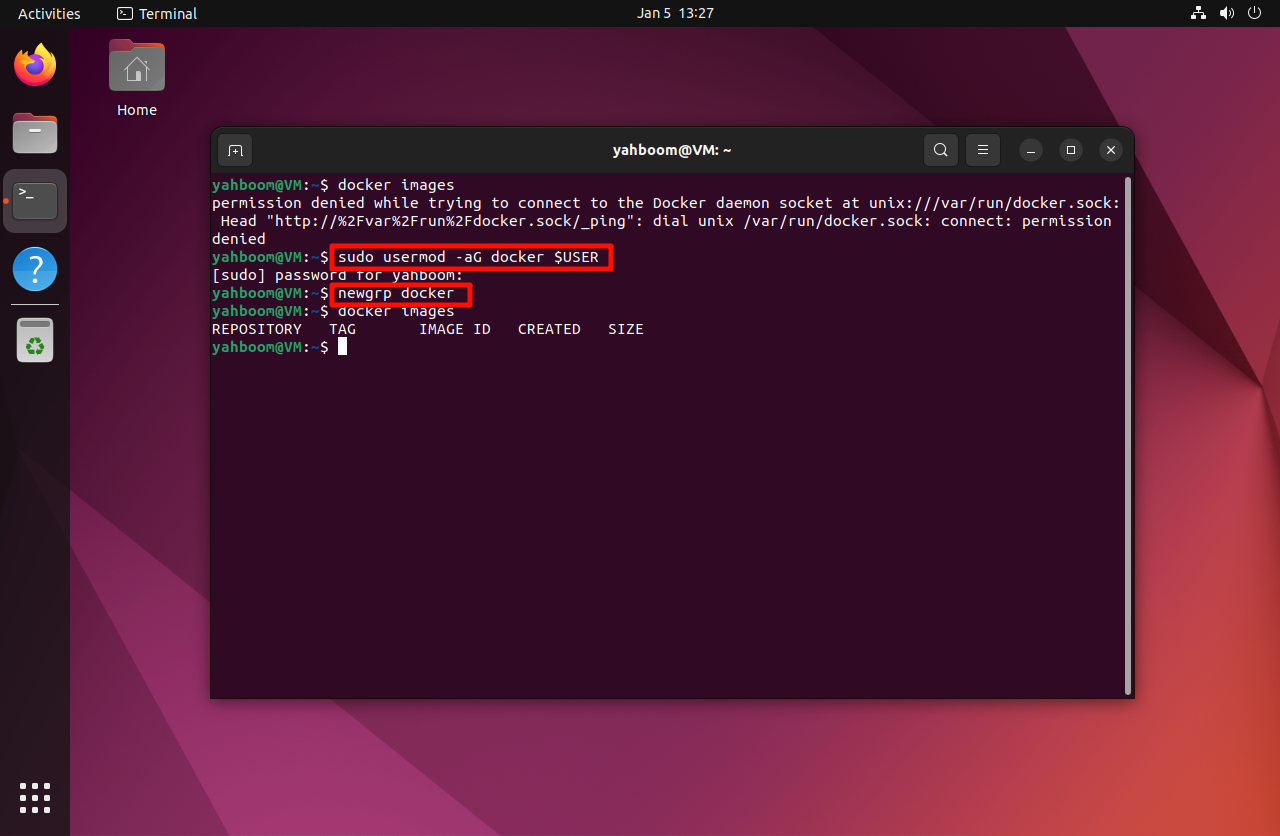
Give the current system user access to the Docker daemon, so that Docker commands can be used without the sudo command:
xxxxxxxxxxsudo usermod -aG docker $USERnewgrp docker