Welcome to K230 Vision Module repository
3. Video Recording
Video Recording
Introduction to the results of routine experiments
In this section, we will learn how to use the camera on K230 to record video.
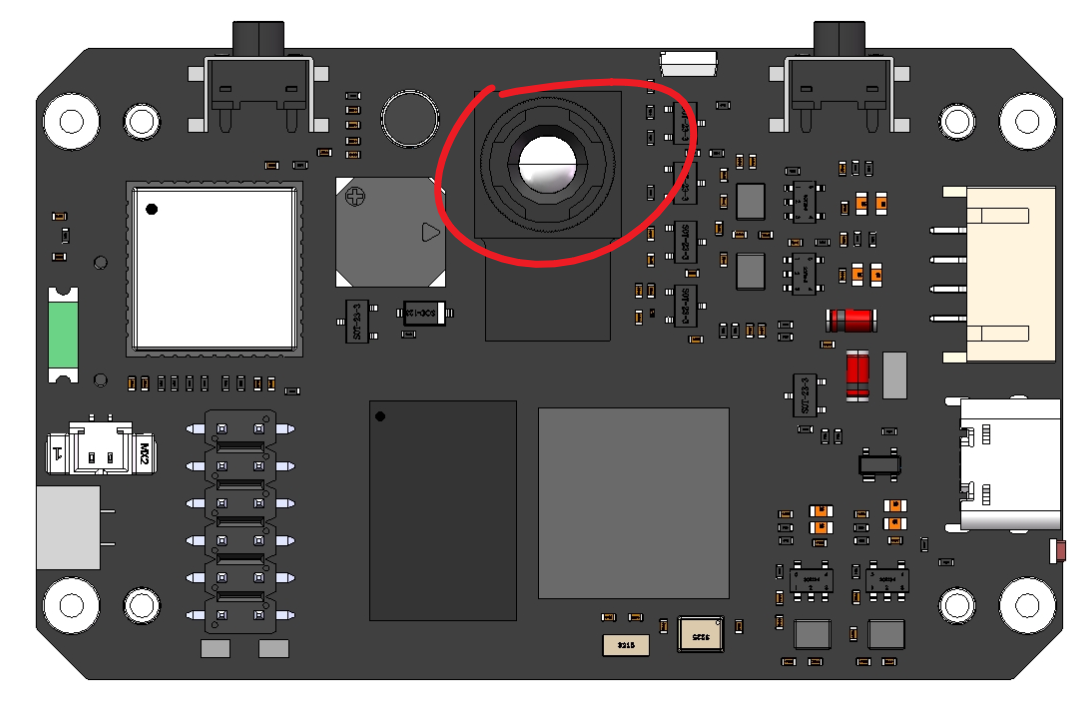
The example code for this section is located in: [Source Code/10.Media/04.record_video.py]
We use CanMV IDE to open the sample code and connect K230 to the computer via USB.
Click the Run button in the lower left corner of CanMV IDE, K230 will start recording 500 frames of video, and the recording results will be saved as
【/data/video/test.mp4】 (You can also modify it yourself)
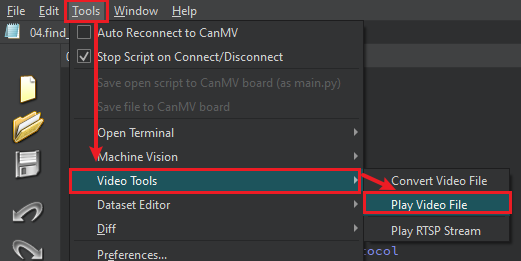
Note 1: If the built-in player of Windows cannot open the recorded video normally, you can use a third-party player with better compatibility such as VLC Player or PotPlayer, or use the code in the next section [Video Playback] tutorial to watch the video in the frame buffer of CanMV IDE
Note 2: During recording, the K230 screen will not display anything.
2025.2 Revision: The video player included in CanMV IDE can open the recorded video normally. It is recommended to use this
Code Explanation
Code structure
This example implements an MP4 recording class based on K230
- The overall structure of the class
MP4RecorderThe class is the core class and contains the following main methods:__init__: Initialization methodstart_recording: Start recordingstop_recording: Stop recording__del__: Destructor
- Key Attribute Management
def __init__(self, width=640, height=480, max_record_time=10):self.width = widthself.height = heightself.max_record_time = max_record_timeself.mp4_muxer = Noneself.frame_count = 0- Manage video parameters (width, height)
- Control recording duration
- Maintaining MP4 muxer instances
- Keep track of the number of frames processed
- Recording process control
def start_recording(self, file_path):# 初始化阶段# initself.mp4_muxer = Mp4Container()mp4_cfg = Mp4CfgStr(self.mp4_muxer.MP4_CONFIG_TYPE_MUXER)# 录制循环 recode loopwhile True:self.mp4_muxer.Process()# 时长检查和退出控制 check time and exit- Resource management mechanism
- Use
try-finallyto ensure resource release - Implementing
__del__destructors as a fallback cleanup mechanism stop_recordingMethod handles resource release
- Error handling
try:# 录制逻辑# ... recording ...except BaseException as e:print(f"录制过程出错 Recording error: {e}")finally:self.stop_recording()- Example Usage
def main():recorder = MP4Recorder(width=640, height=480, max_record_time=10)recorder.start_recording("/data/video/test.mp4")