Welcome to Jetson Orin NANO Developer Kit repository
05.Restore initial image system
Restoring the Factory Image System
Restoring the Factory Image System1. Formatting the SSD1.1. Downloading DiskGenius1.2. Using DiskGenius2. Restoring the Factory Image2.1. Installing Win32DiskImager2.2. Using Win32DiskImager3. Description
Note: Users need to prepare an SSD enclosure in advance, install the SSD into the SSD enclosure, and connect it to the computer for formatting and system writing.
1. Formatting the SSD
Before restoring the factory image, the SSD needs to be formatted into exFAT format.
1.1. Downloading DiskGenius
Download URL: https://www.diskgenius.com/
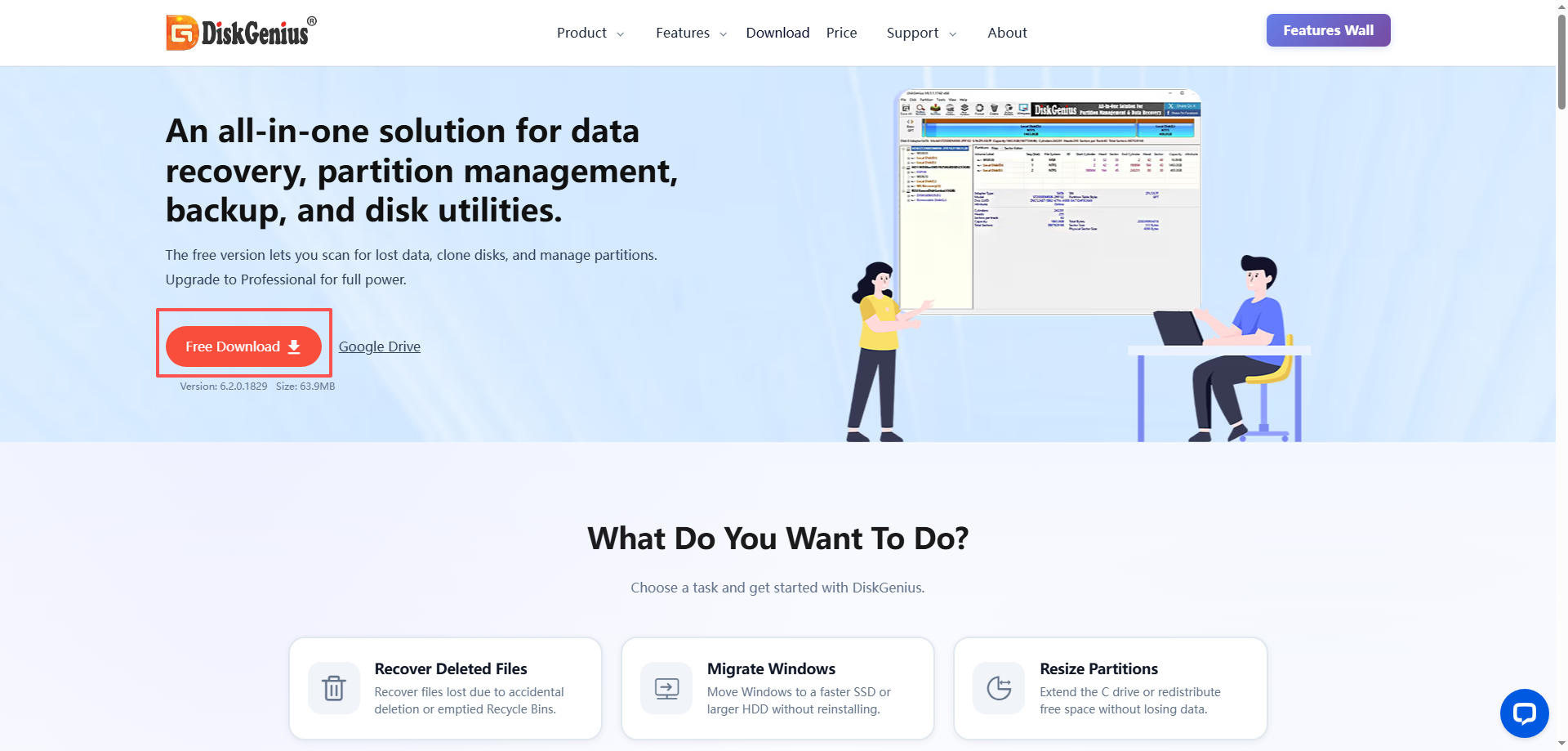
Decompress the downloaded archive to open and use DiskGenius.exe:
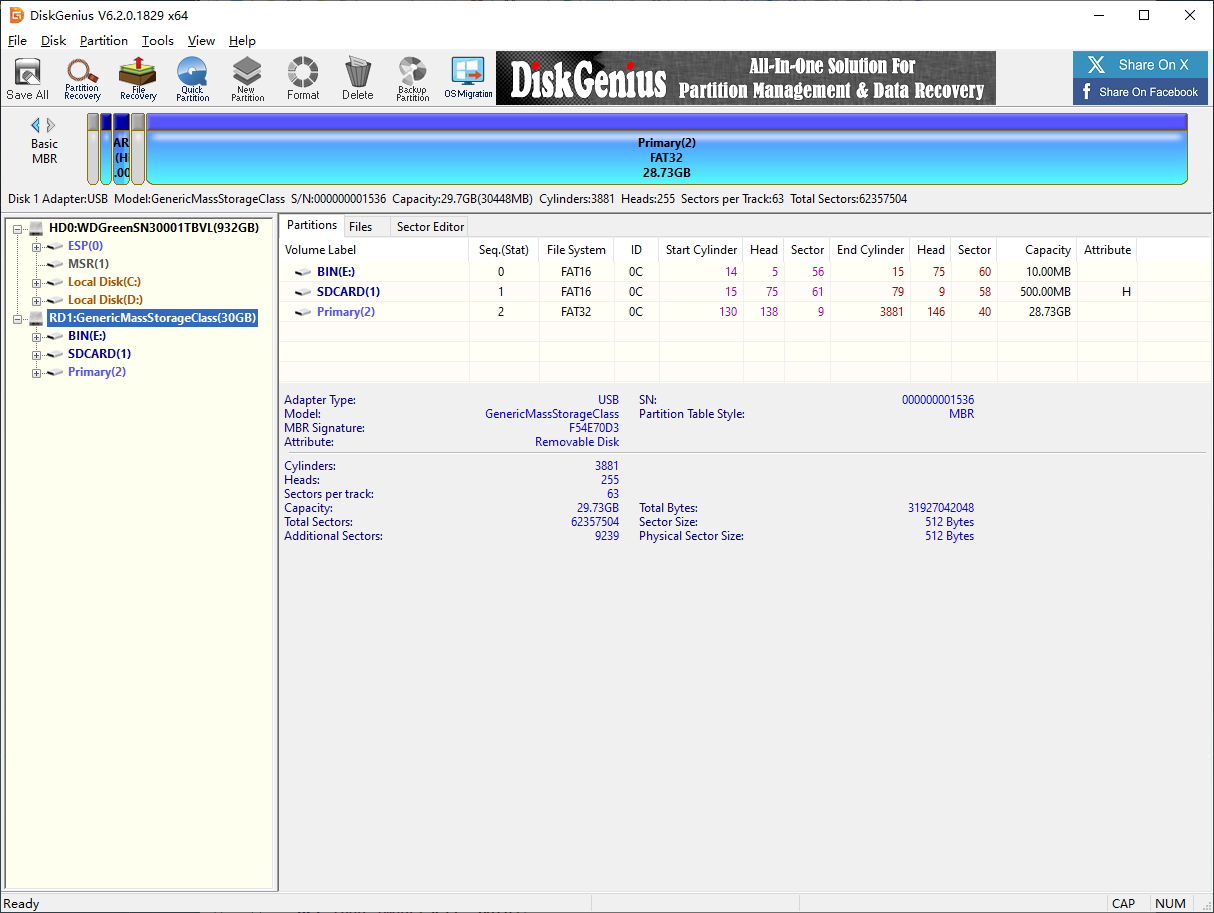
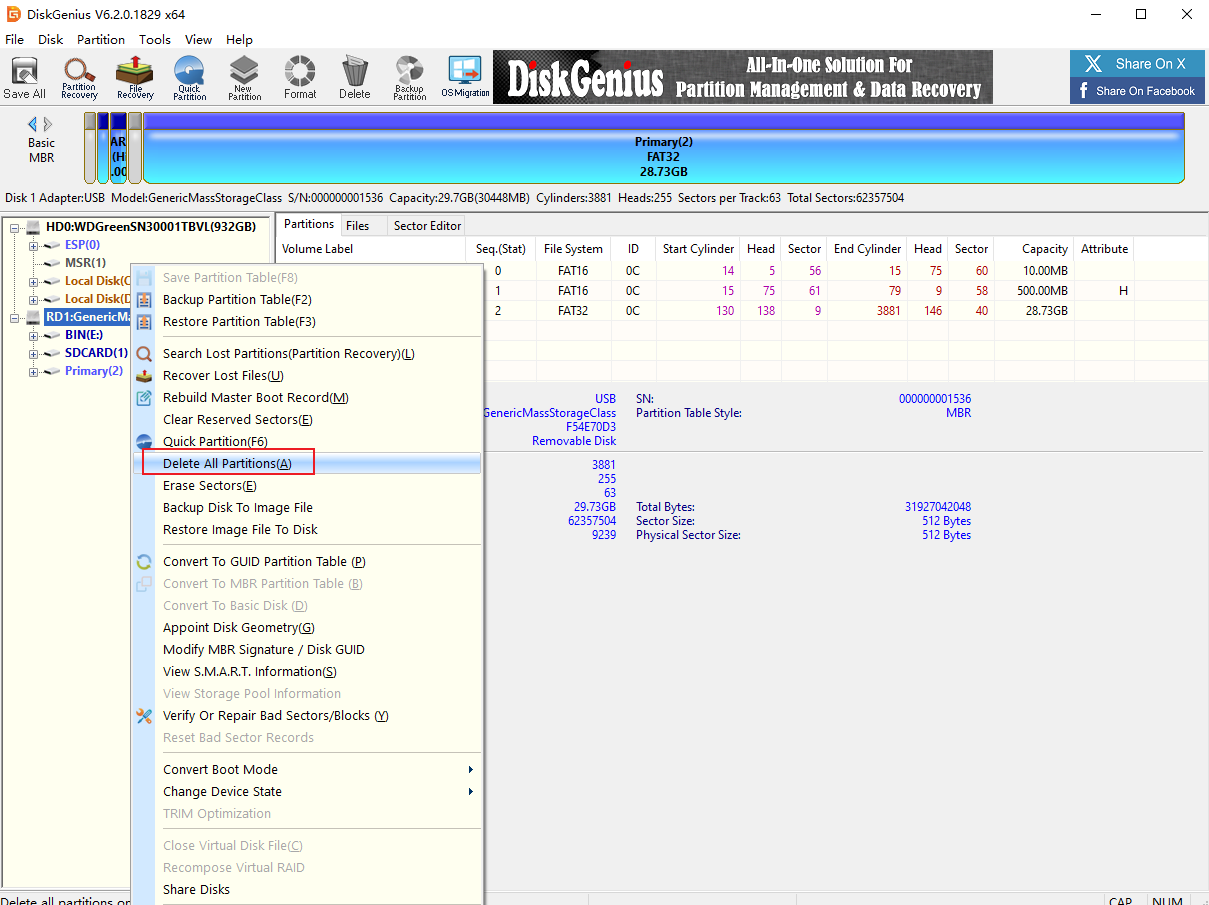
1.2. Using DiskGenius
Deleting a partition will clear the disk data. Confirm that the drive letter is the disk to be formatted before confirming the operation: you can judge by the disk size and the drive letter newly added after the disk is connected
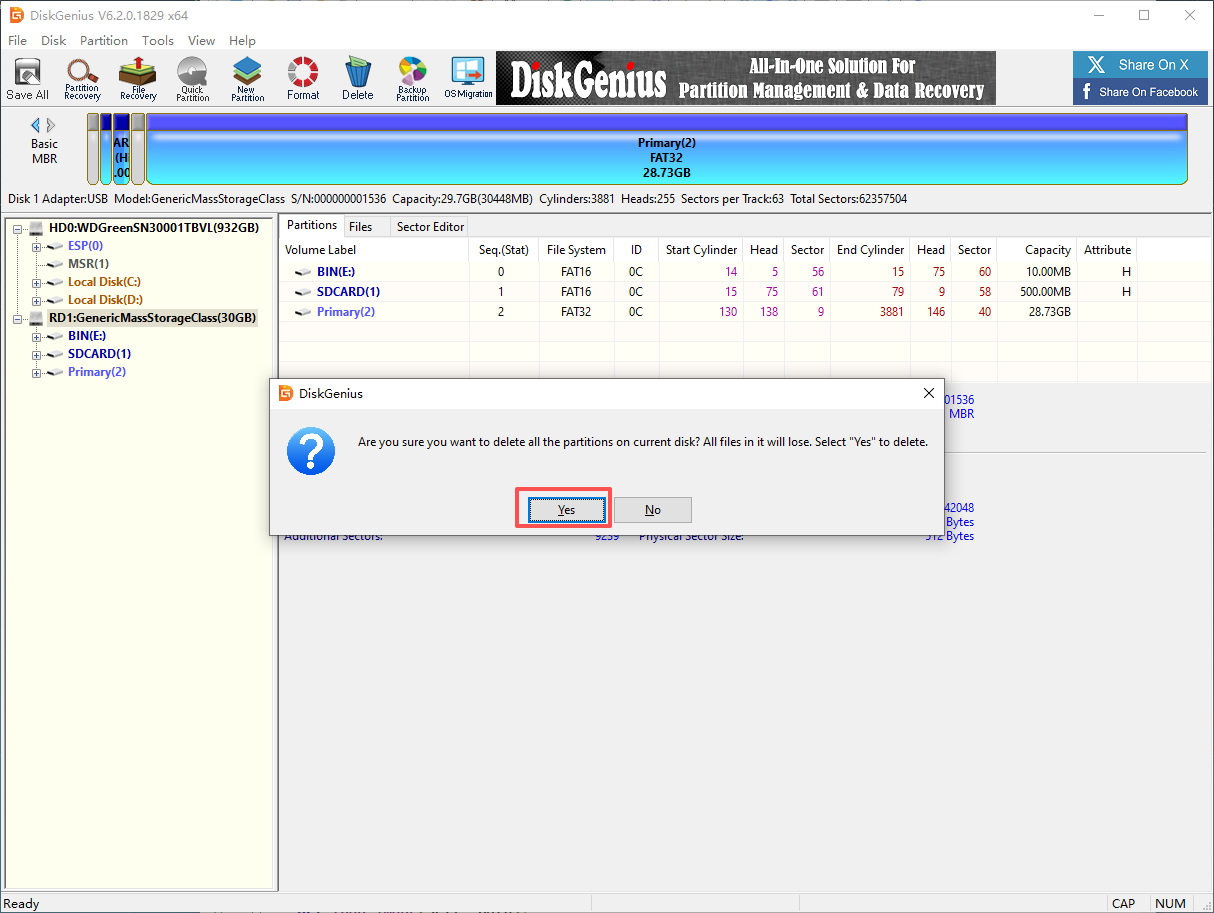
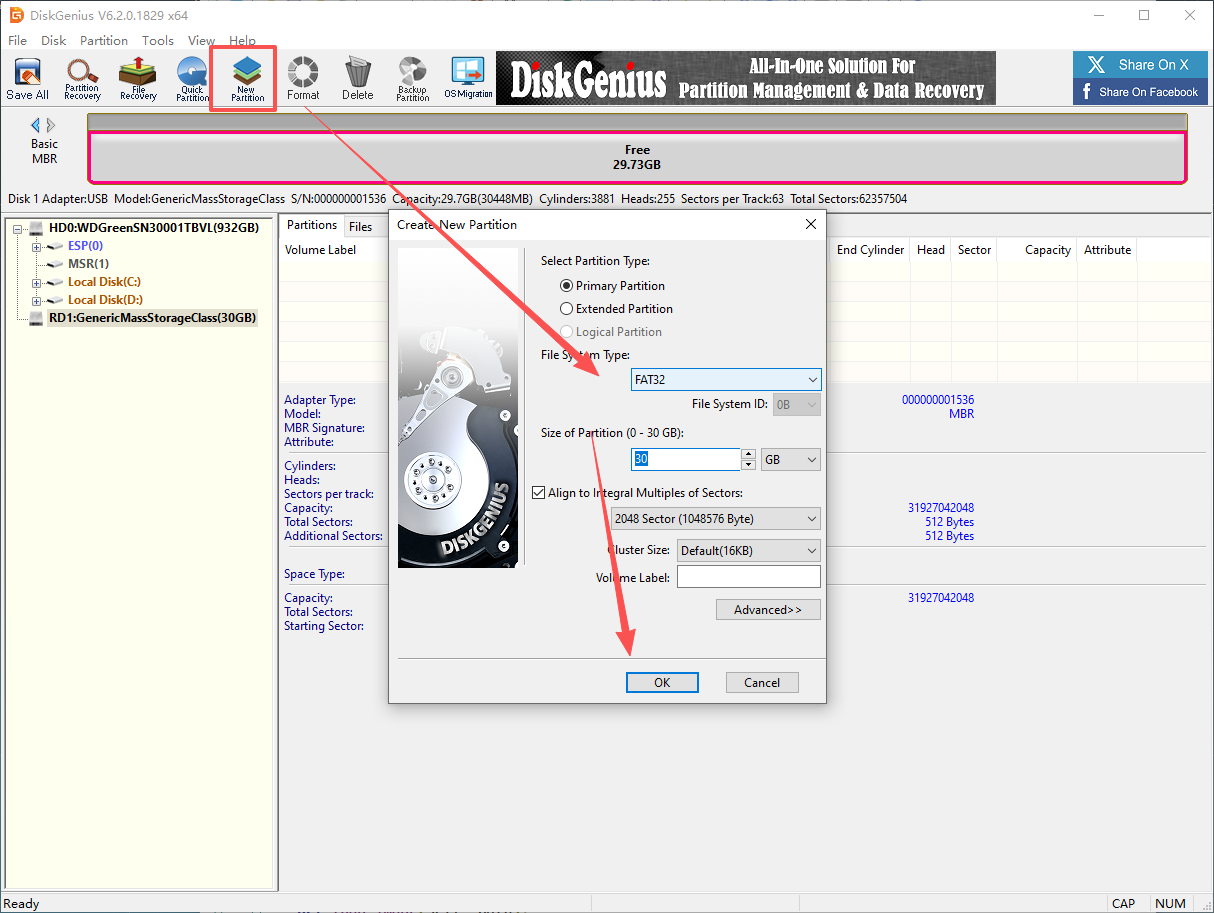
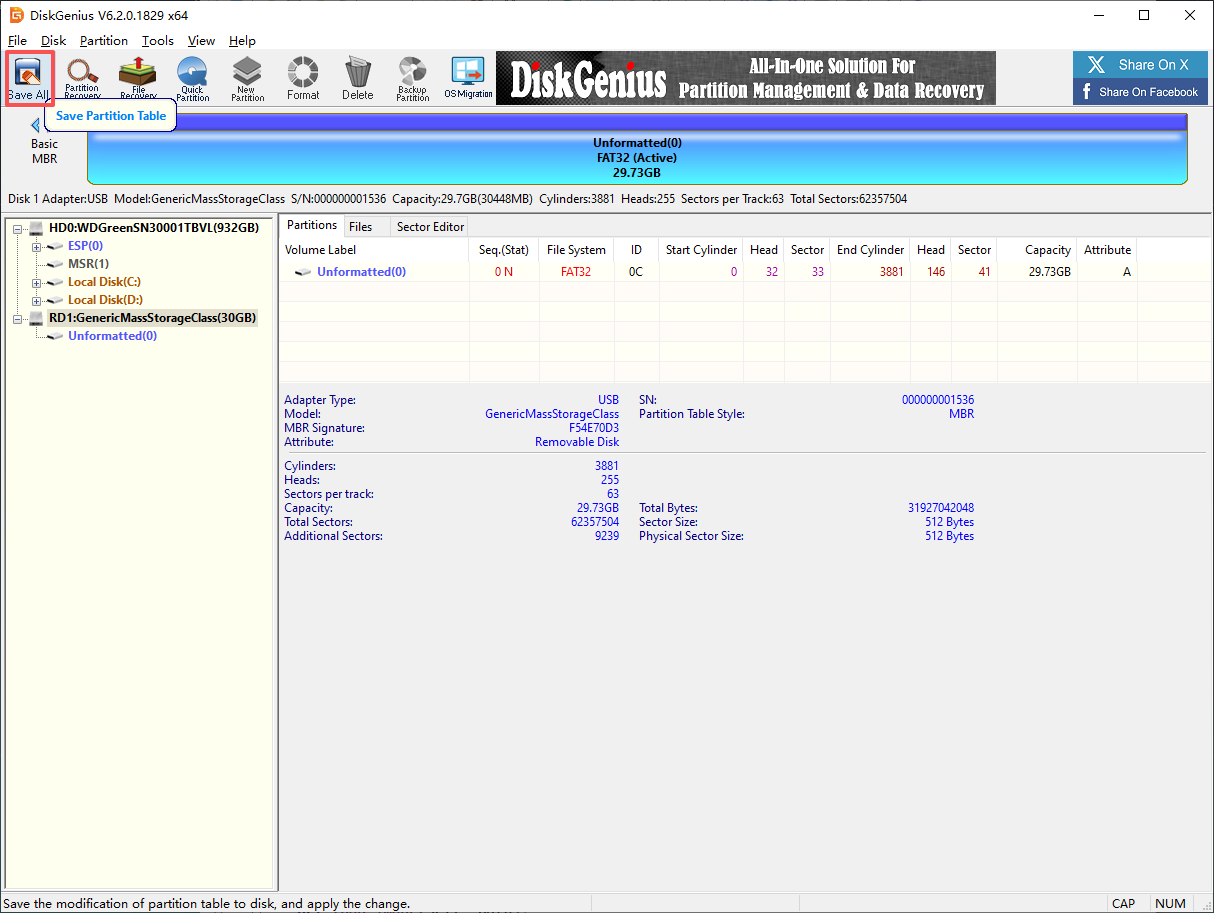
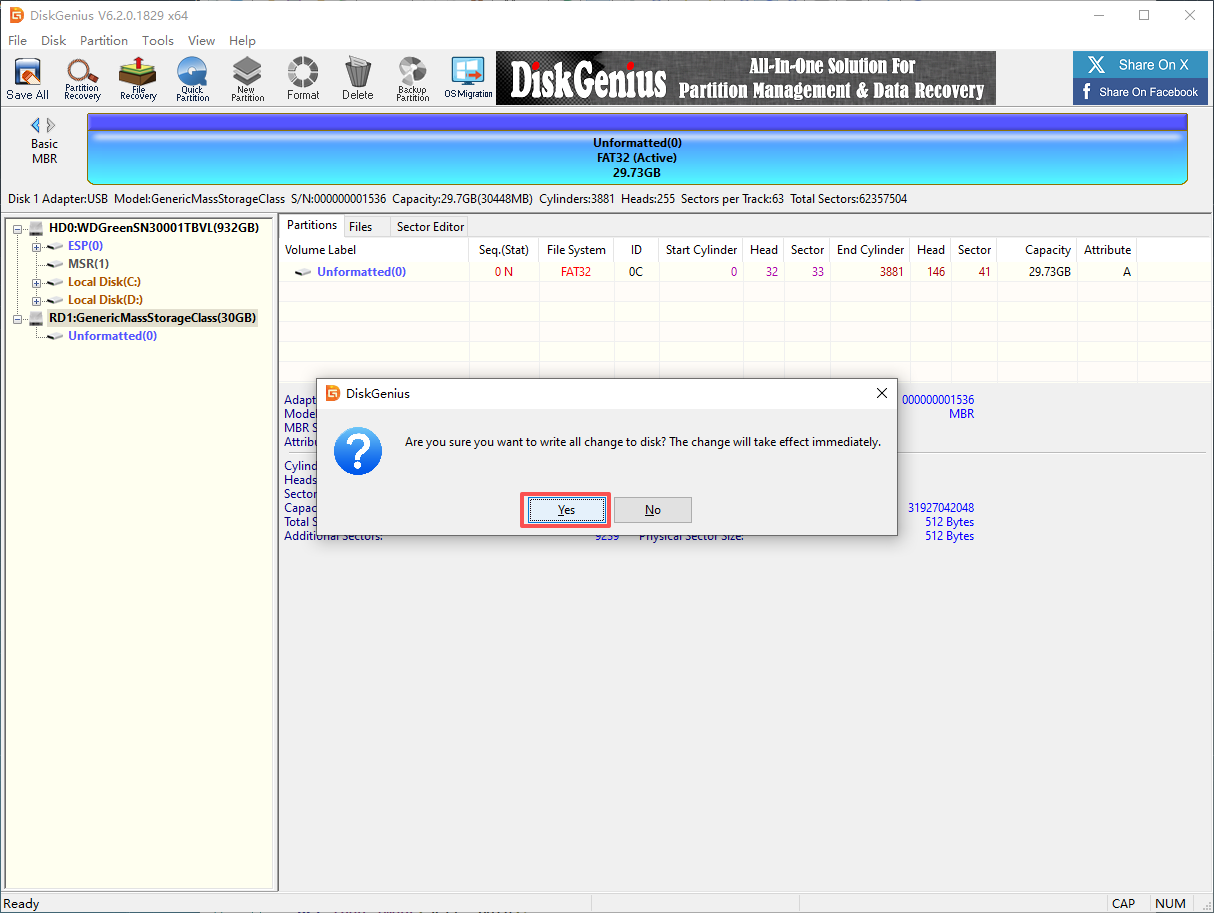
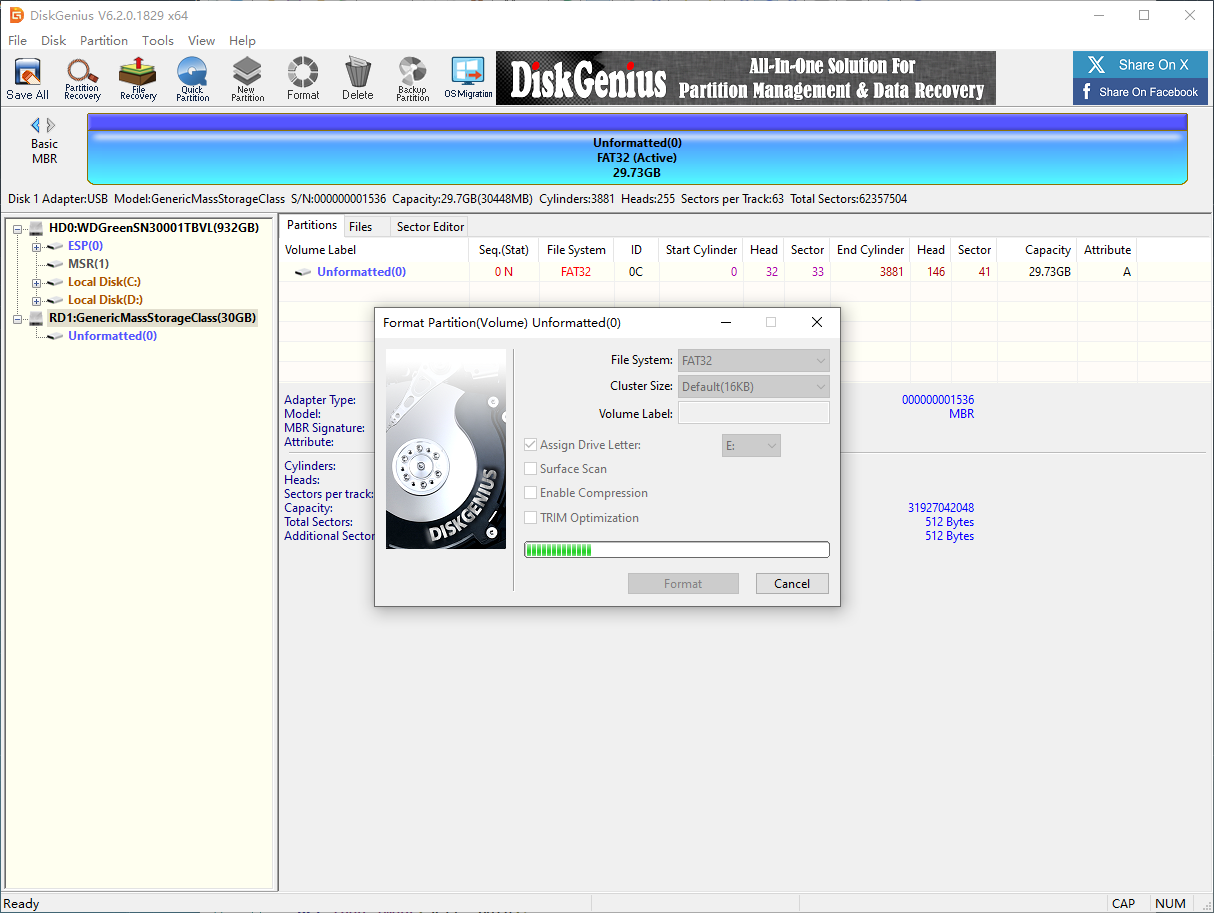
The drive letter can be seen after formatting.
2. Restoring the Factory Image
The factory image system in the materials needs to be downloaded and decompressed locally in advance.
Note: Close DiskGenius before use. If DiskGenius is running while writing the system, an error will be reported!!
2.1. Installing Win32DiskImager
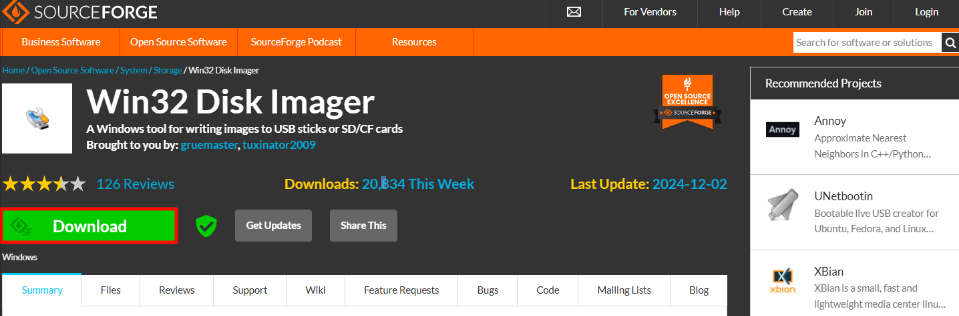
Download URL: https://sourceforge.net/projects/win32diskimager/
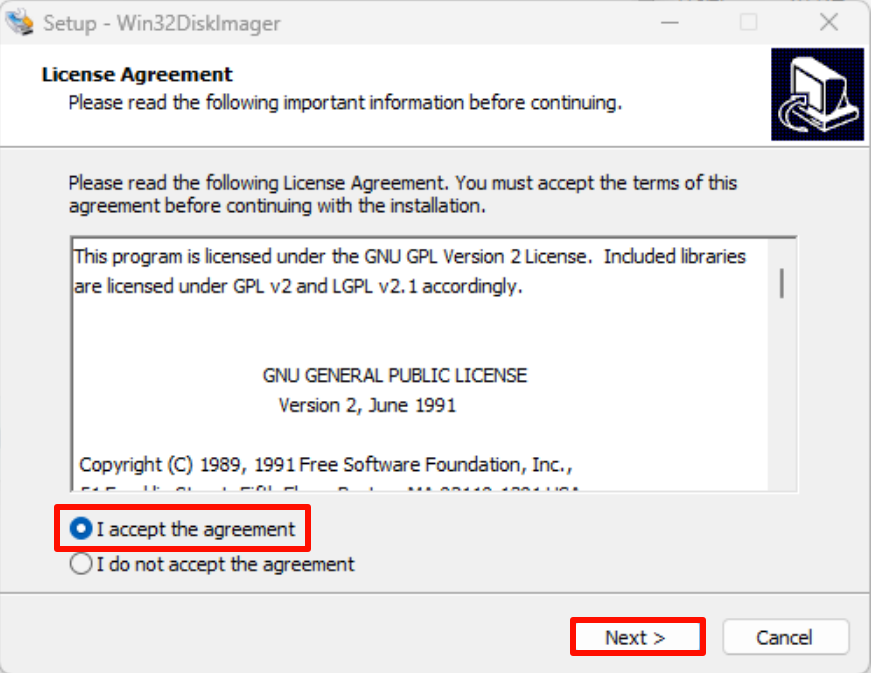
Open the win32diskimager-1.0.0-install.exe installation package as an administrator and accept the agreement:
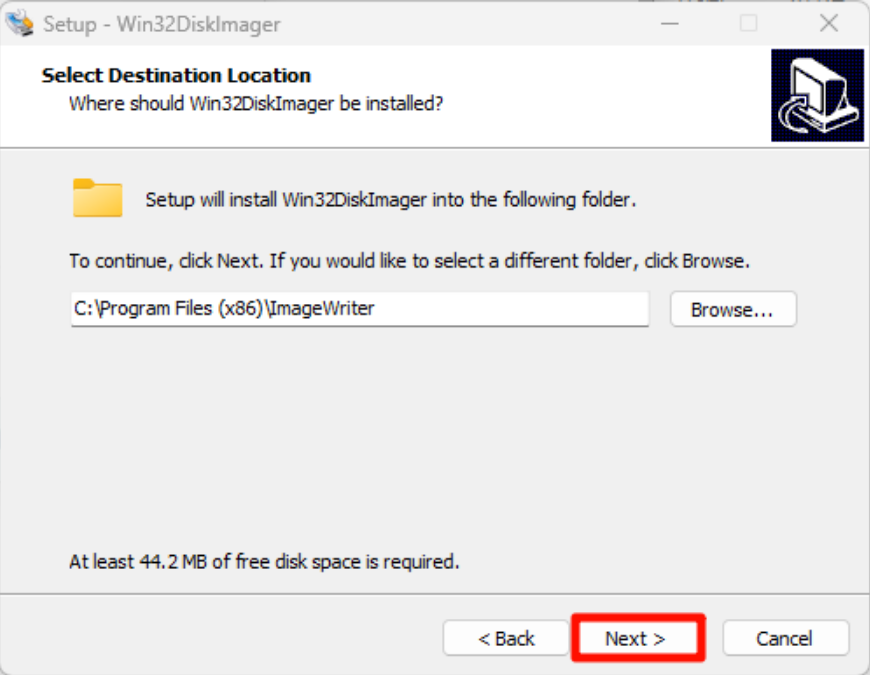
Installation location: The default location is recommended
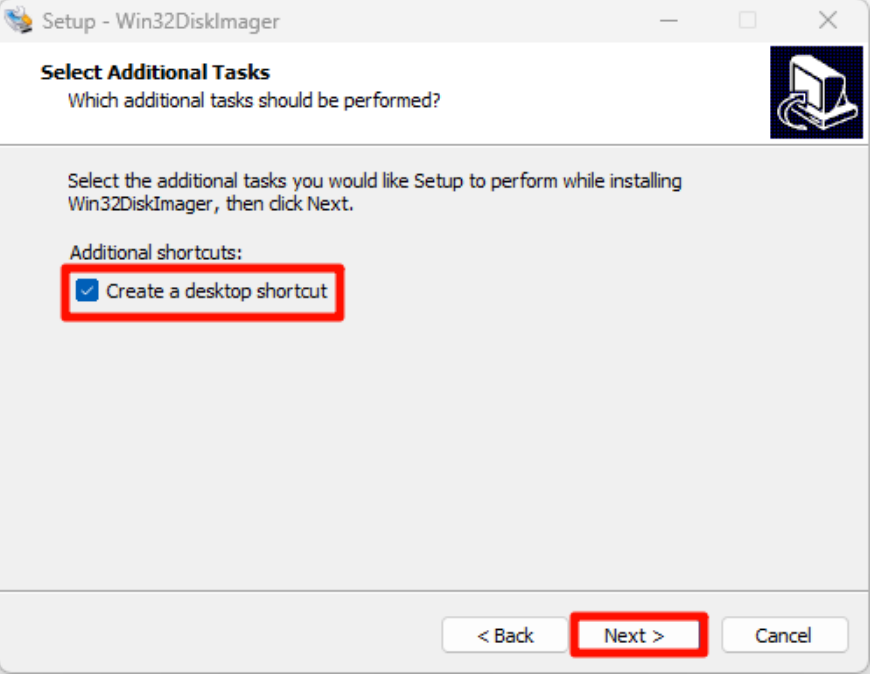
Installation options:
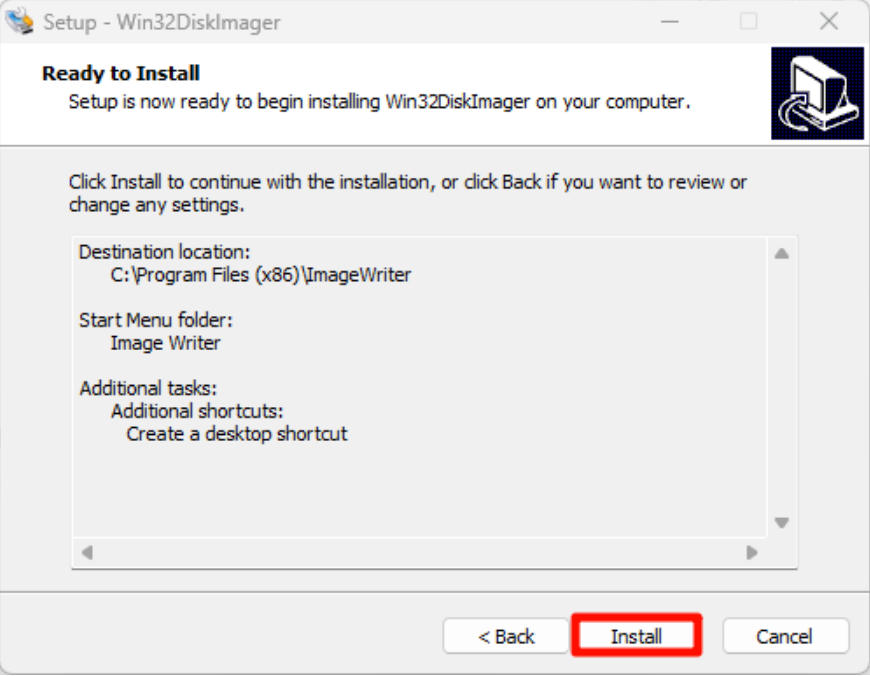
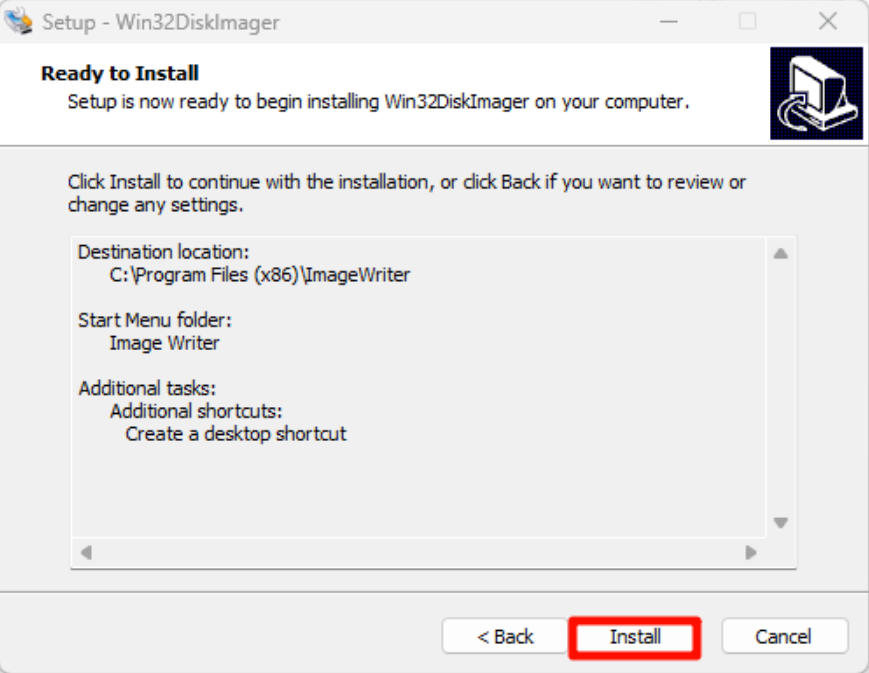
Start the installation:
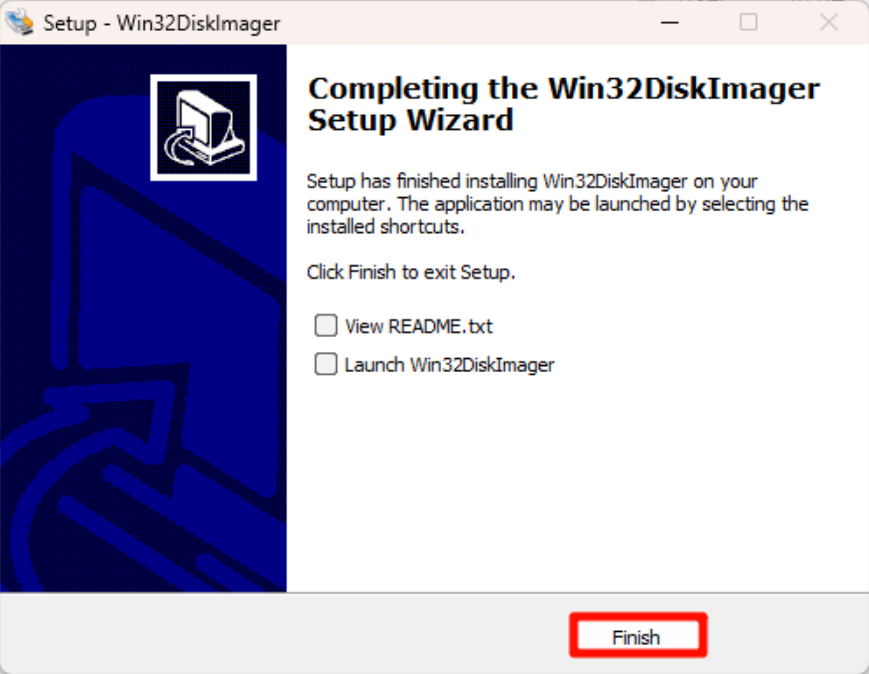
Complete the installation:
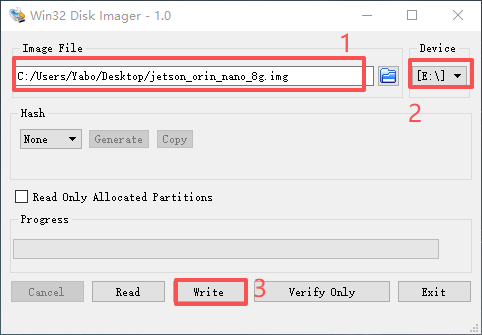
2.2. Using Win32DiskImager
①: Select the factory image file (*.img) in the materials
②: Select the drive letter corresponding to the SSD
③: Write the factory image to the SSD
Confirm writing to the system:
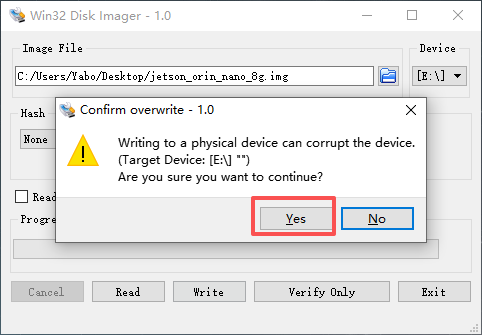
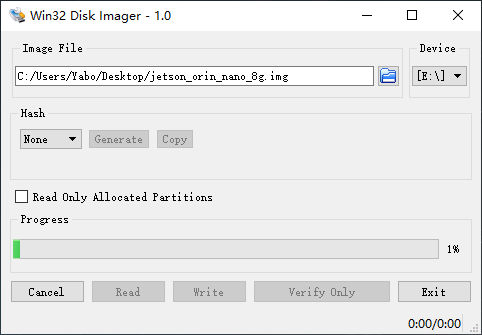
Wait for the system to be written successfully:
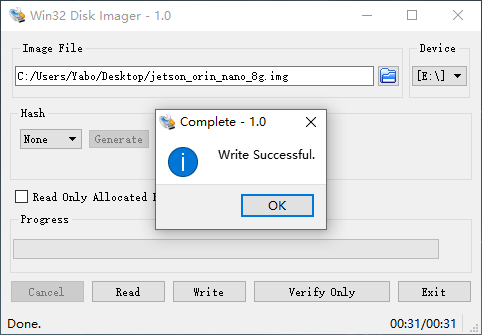
After the system writing is complete, close the program and install the SSD into the Jetson Orin mainboard!
3. Description
Whether the Jetson mainboard can start the system normally depends on the Jetpack version of the system; generally only systems of the same version can start!