Welcome to Jetson Orin NANO Developer Kit repository
08.Image grayscale conversion
Image Grayscale Conversion
1. Implementation Principle
Use the cv2.cvtColor() function to convert the color space.
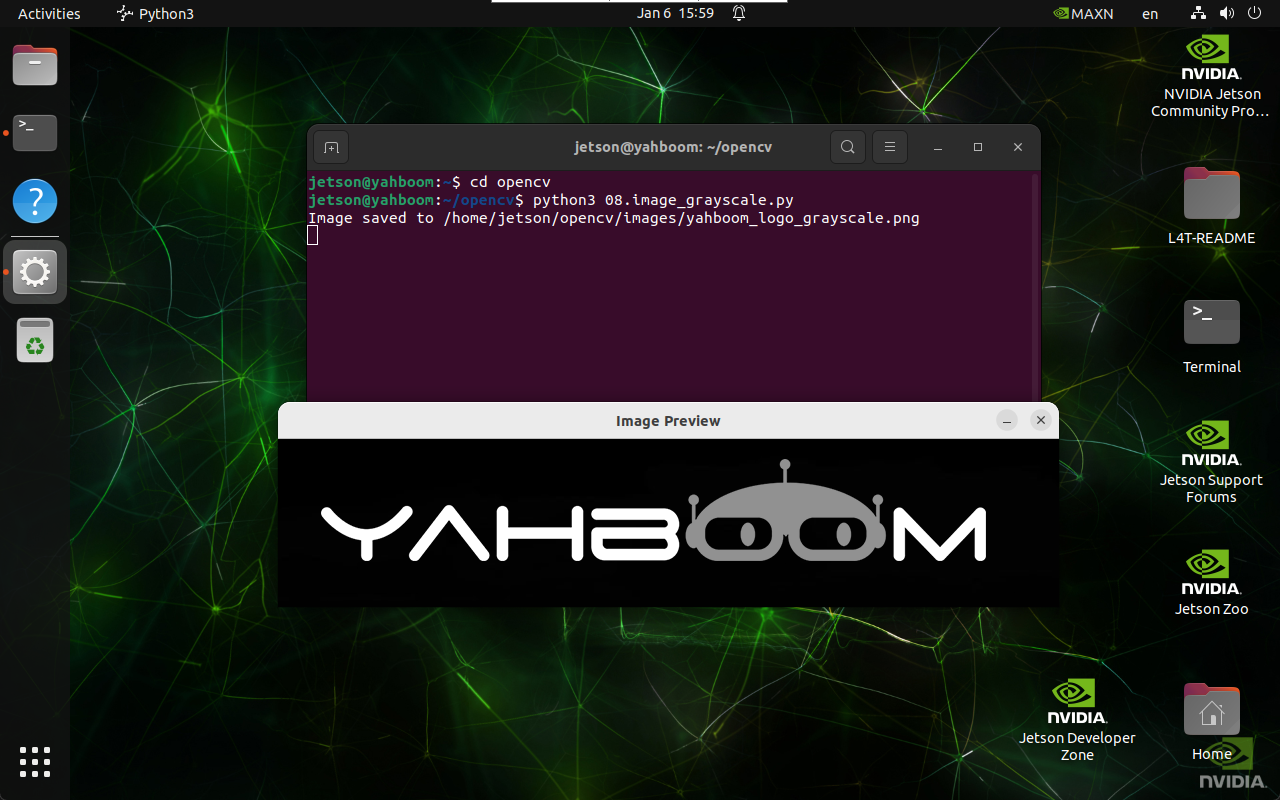
2. Implementation Effect
xxxxxxxxxxcd ~/opencv
xxxxxxxxxxpython3 08.image_grayscale.py
Note: click the image window and press any key to exit.
3. Implementation Code
import cv2def grayscale_image(input_path, output_path):image = cv2.imread(input_path)if image is None:print("Error: Unable to open image file.")returngray_image = cv2.cvtColor(image, cv2.COLOR_BGR2GRAY)if cv2.imwrite(output_path, gray_image):print(f"Image saved to {output_path}")cv2.imshow('Image Preview', cv2.imread(output_path))cv2.waitKey(0)cv2.destroyAllWindows()else:print("Error: Unable to save image file.")grayscale_image('/home/jetson/opencv/images/yahboom_logo.png', \'/home/jetson/opencv/images/yahboom_logo_grayscale.png')