Welcome to Jetson Orin NANO Developer Kit repository
03.OpenClaw WhatsApp Plugin Application
2. OpenClaw and WhatsApp Plugin Application
2. OpenClaw and WhatsApp Plugin ApplicationPreparations Before Use1. Configure Bot2. Interact with Bot
Preparations Before Use
Important: confirm that OpenClaw is configured and responds normally.
If the bot does not respond normally, the following steps will not work.
1. Configure Bot
Enter configuration mode
openclaw onboard --install-daemon
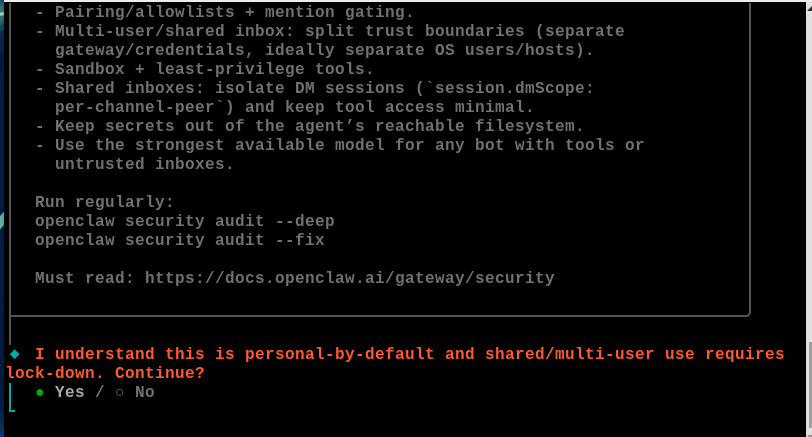
Select QuickStart
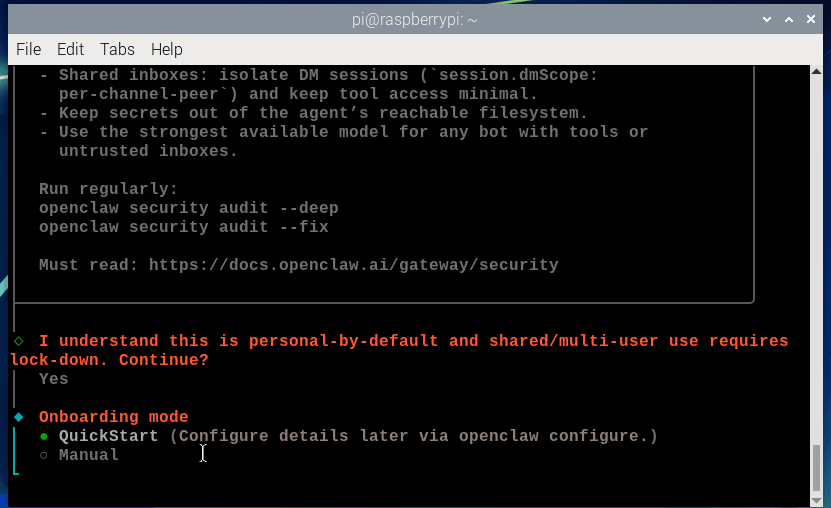
Select Use existing values
Select Skip for now
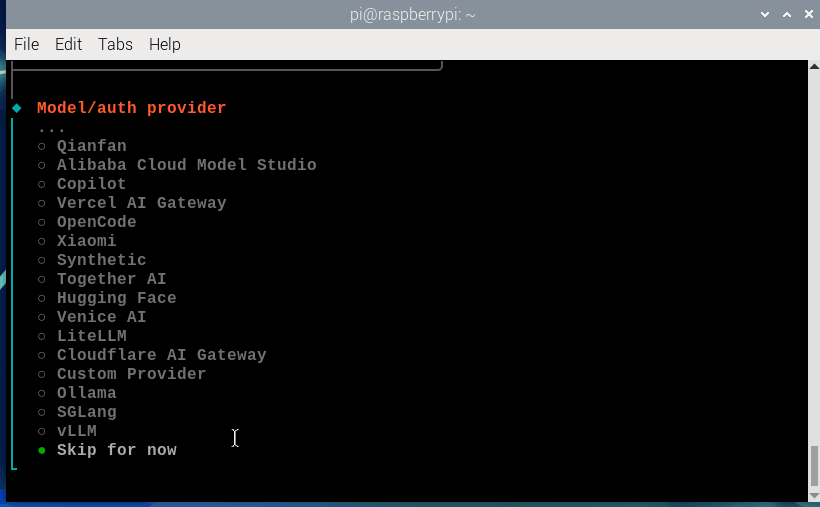
Select All providers
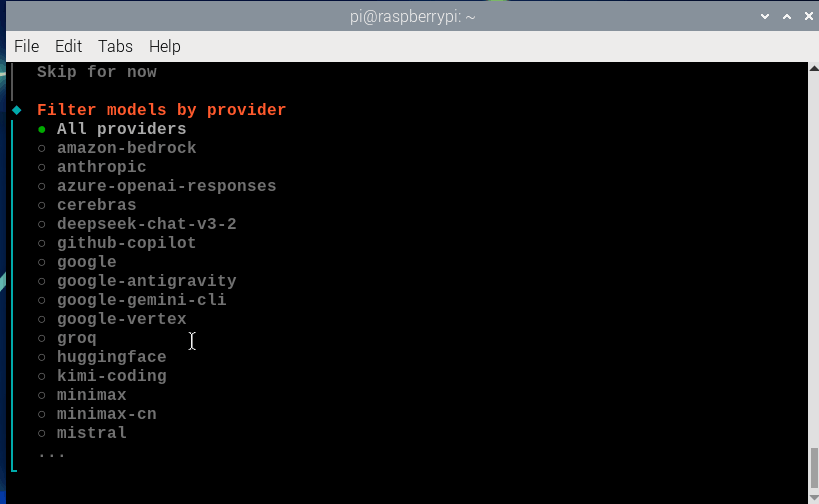
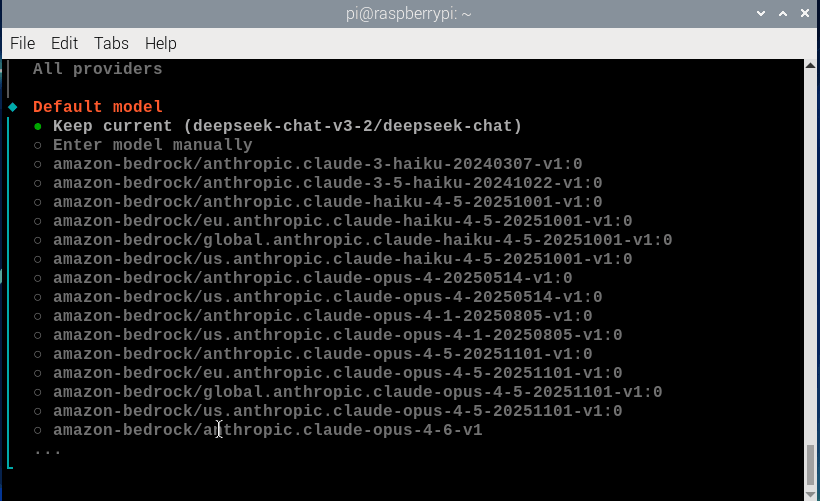
Select Keep current. Note: The content in parentheses is the model you configured yourself
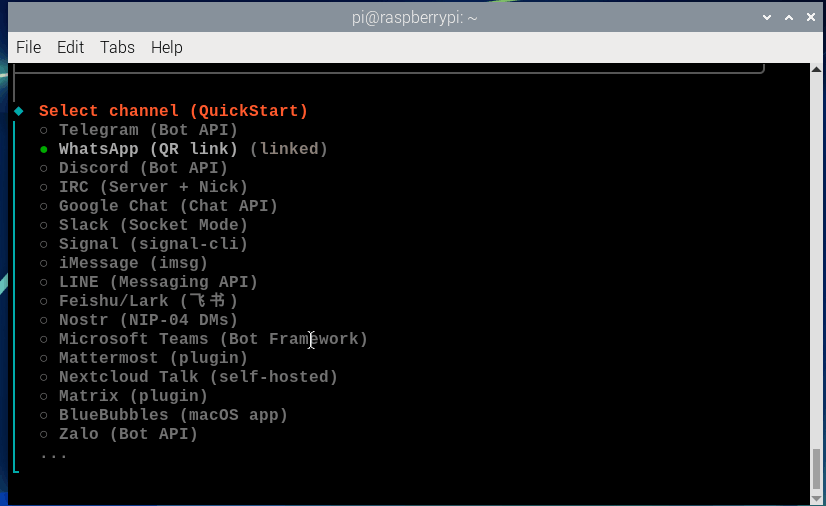
Select WhatsApp (QR link)
Note: If you encounter a "Failed to install" error at this stage, it is most likely caused by an incompatibility between the older OpenClaw core and the newer WhatsApp plugin. Please follow the instructions below to resolve this:
x# Remove the Tavily dependency symlink that triggers out-of-bounds scanningp=~/.openclaw/npm/projects/openclaw-tavily-plugin-8ad843922d/node_modules/@openclaw/tavily-plugin/node_modules/openclaw[ -L "$p" ] && rm "$p"
# Remove the WhatsApp plugin directoryrm -rf ~/.openclaw/npm/node_modules/@openclaw/whatsapp
# Add whatsapp to the original allowlistopenclaw config set plugins.allow '["board-control","feishu","openclaw-qqbot","openrouter","qqbot","whatsapp"]'
# Confirm the OpenClaw versionopenclaw --version
# Install the version compatible with OpenClawopenclaw plugins install @openclaw/whatsapp@2026.5.7openclaw gateway restartopenclaw onboard --install-daemonIf you prefer to use the latest version, you can also upgrade OpenClaw. Choose either of the two methods.
Once the instructions have been completed, run the following again:
xxxxxxxxxxopenclaw onboard --install-daemon
Select Link WhatsApp now (QR)
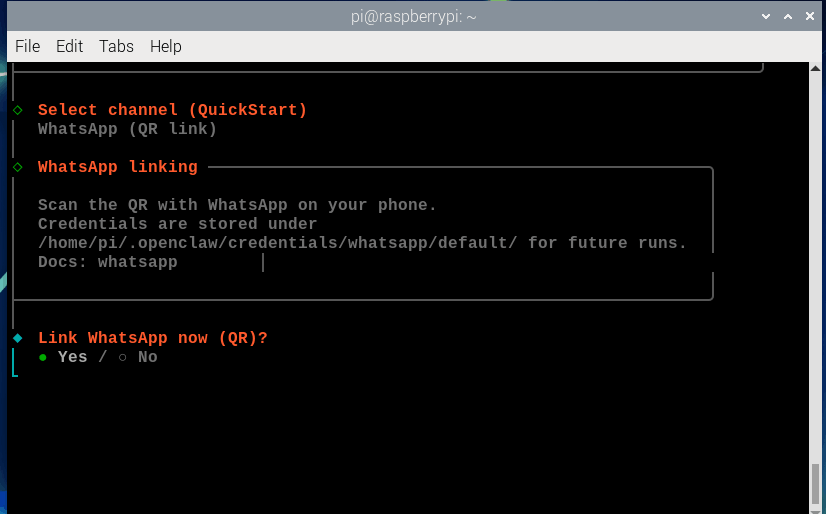
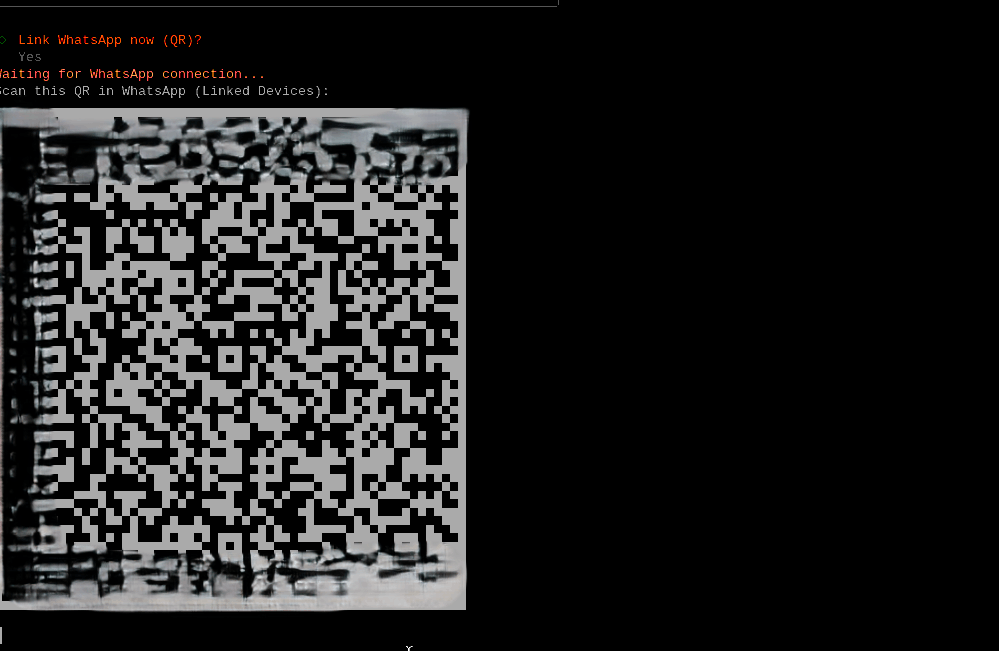
Then a connection QR code will appear
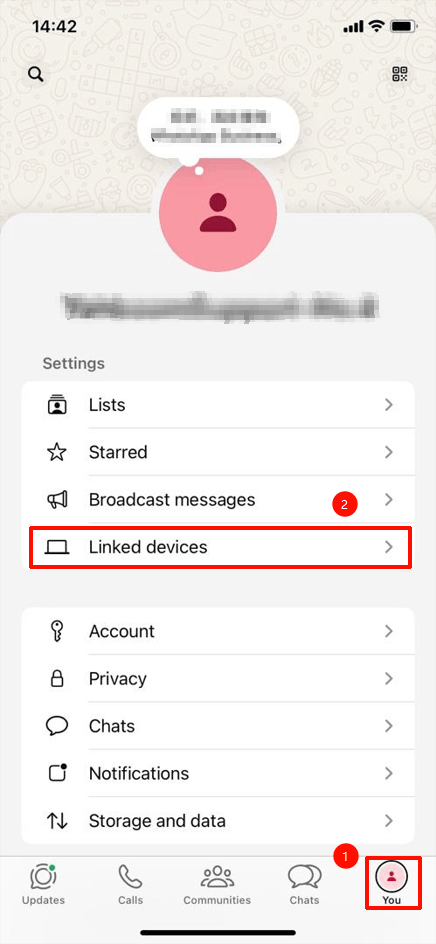
Open WhatsApp on your phone, click You ---- Linked devices
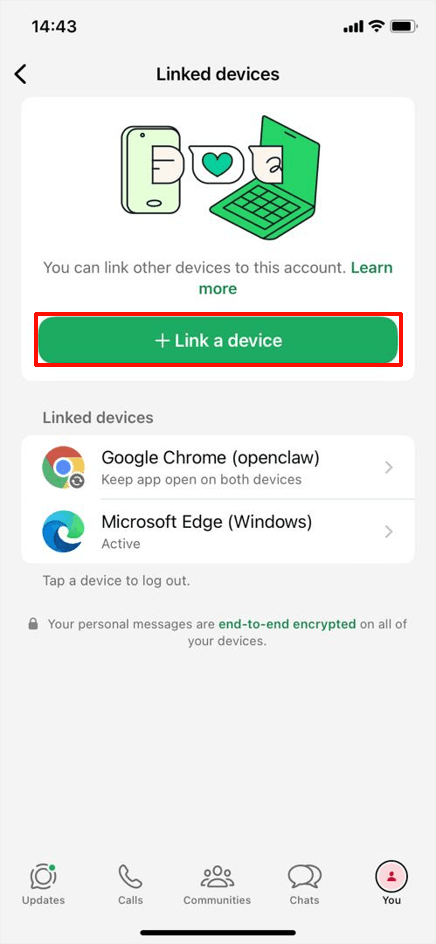
Click Link a device, then scan the OpenClaw QR code
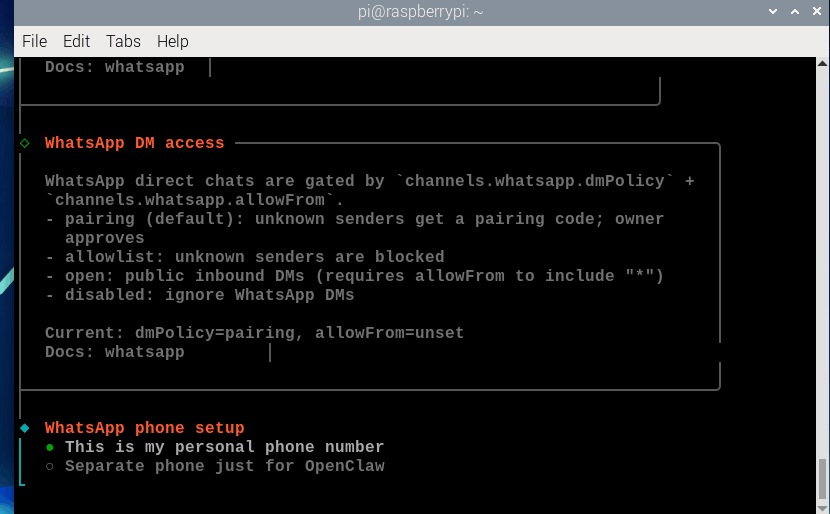
After scanning, wait for the connection to succeed. After successful connection, the following figure appears, select This Is my personal phone number
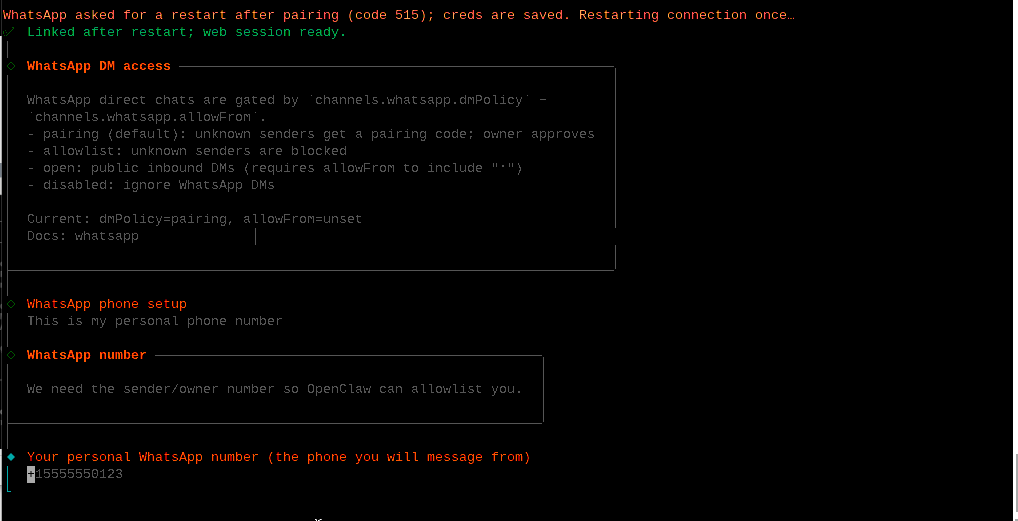
Enter your phone number, which needs to include the country code
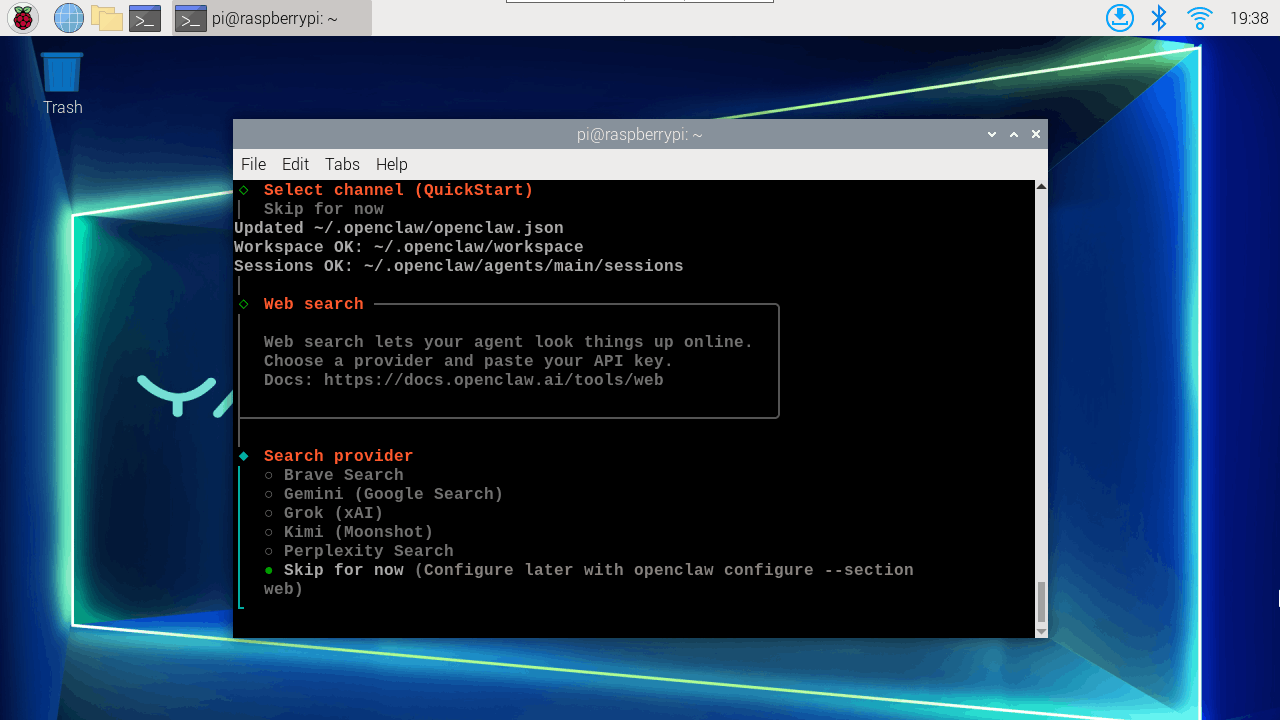
Skip Search provider
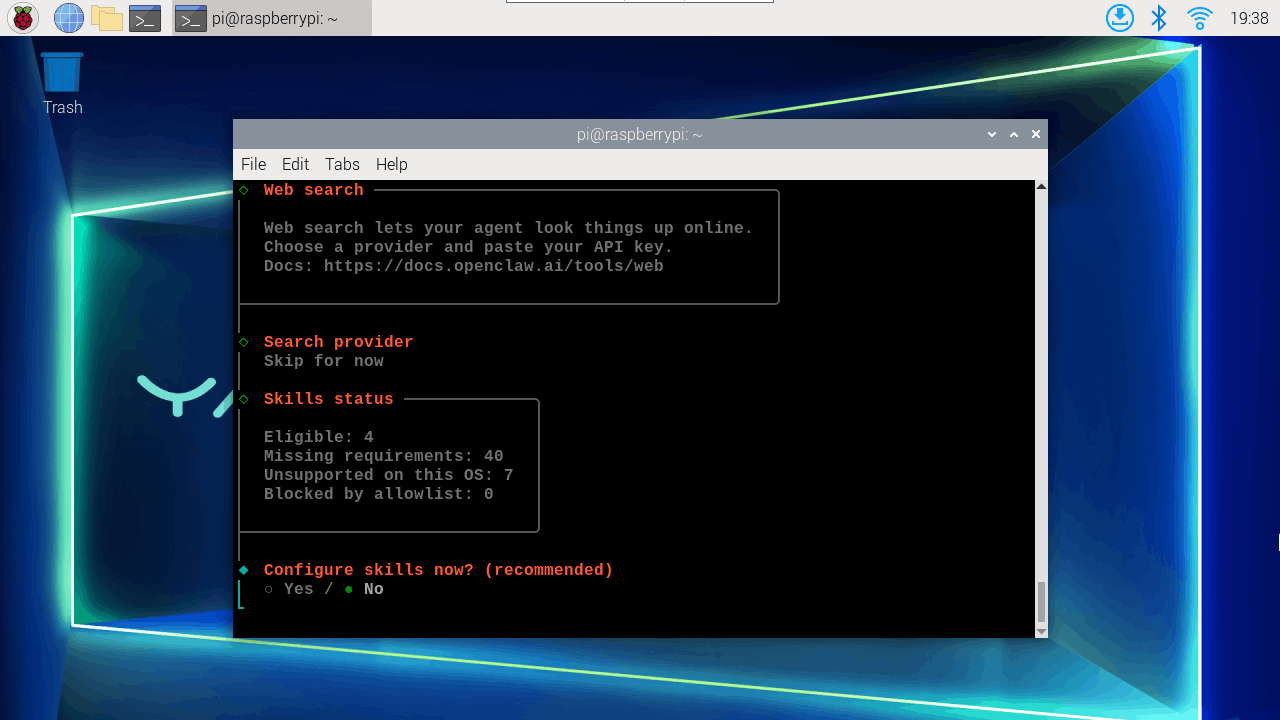
Also skip Skills, install them later as needed
Also skip hooks, select Skip for now, then press space to select, then press Enter
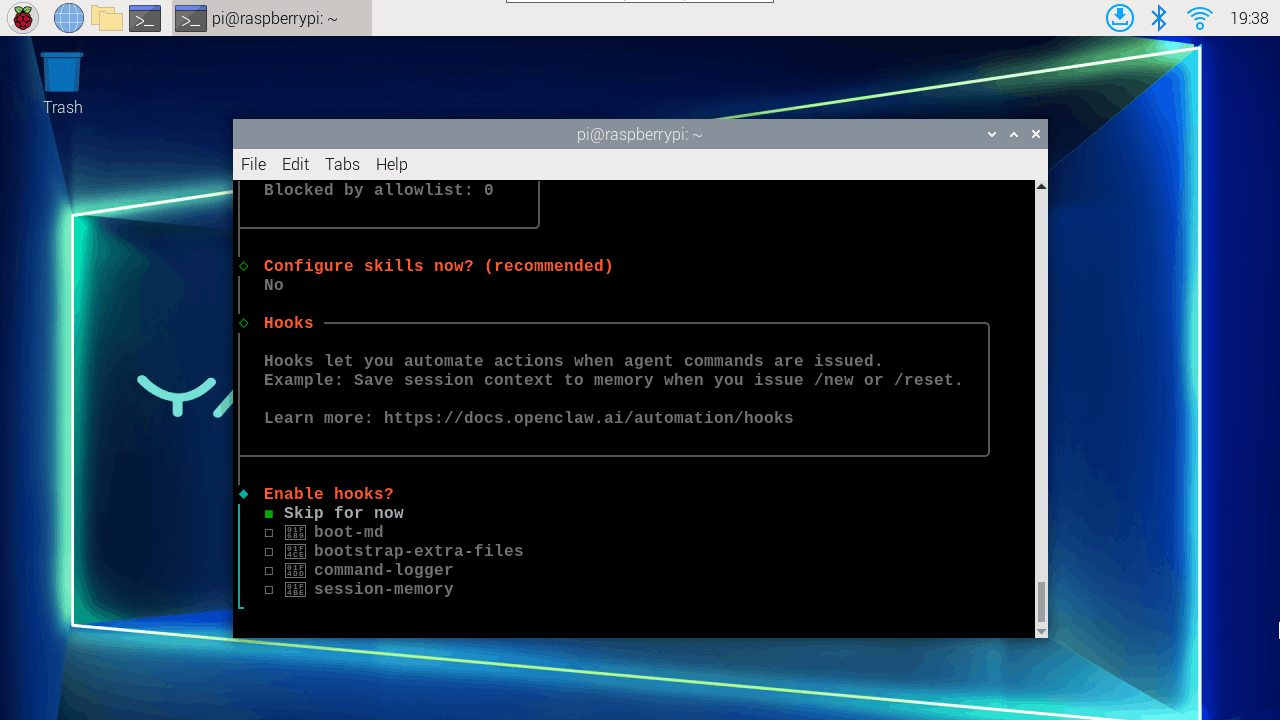
Select restart gateway.
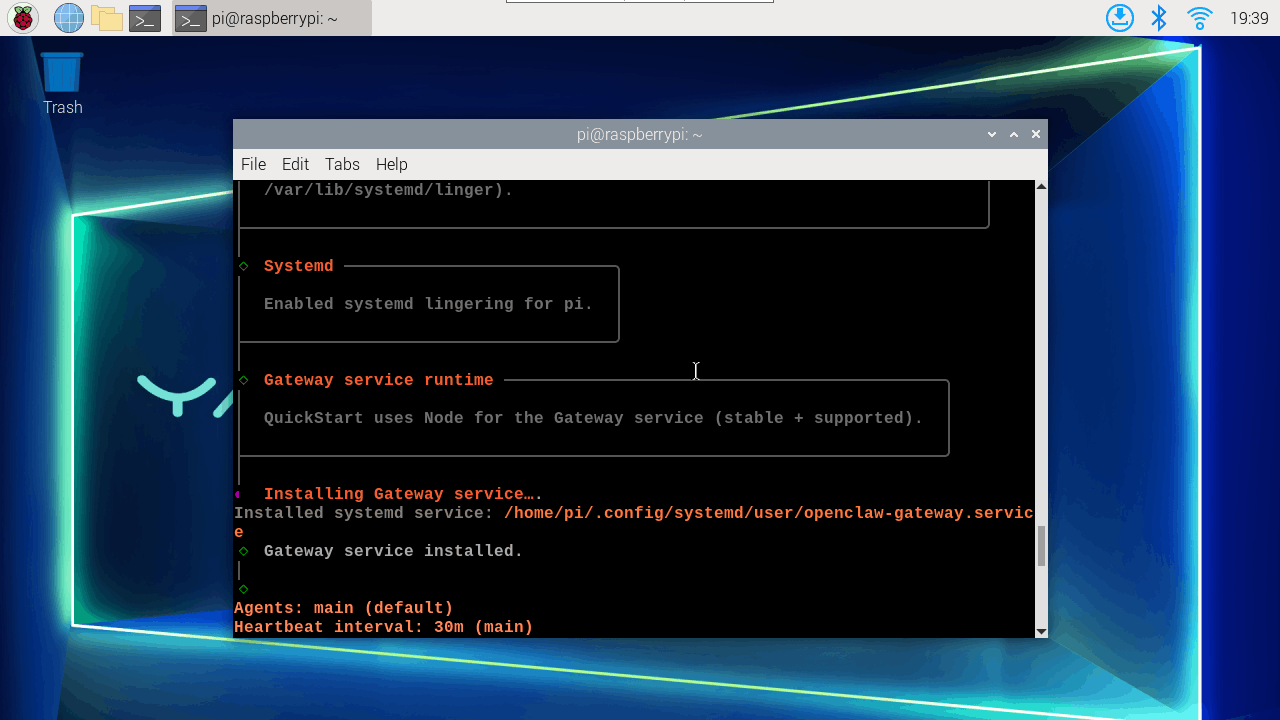
You can choose TUI interaction interface or Do this later.
2. Interact with Bot
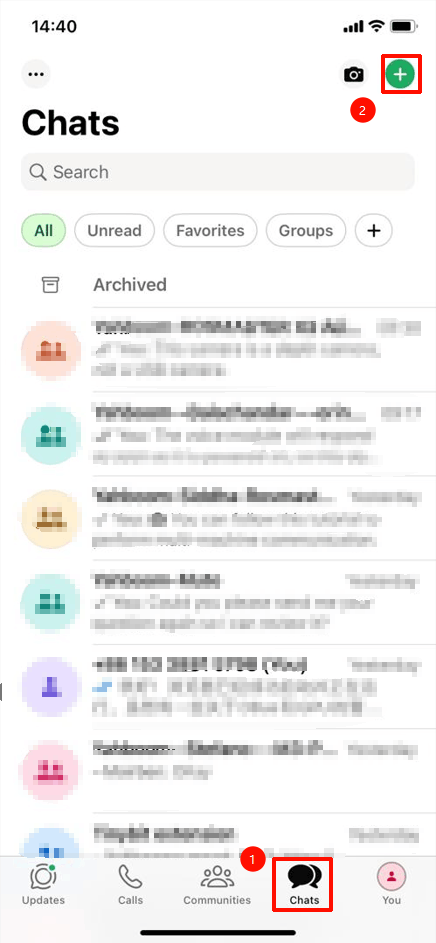
Open WhatsApp, click Chat ---- "+"
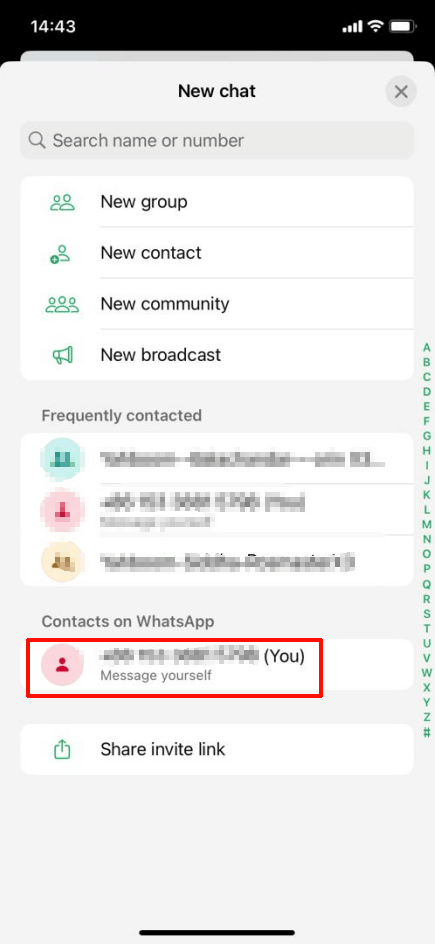
Click to send message to yourself
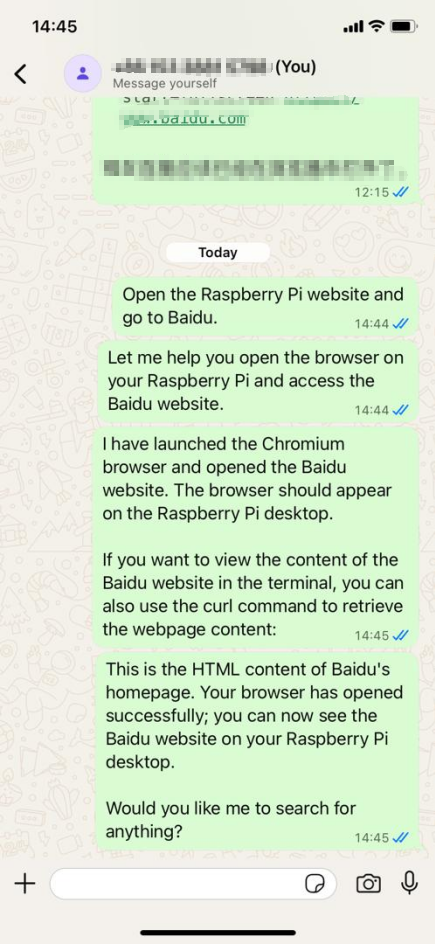
Just send the content you want to interact with.