Welcome to Jetson Orin NANO Developer Kit repository
02.OpenClaw Application - Camera
OpenClaw Application - Camera
Confirm that OpenClaw has been configured.
Interact in the TUI terminal.
openclaw tui
Enter the interactive command.
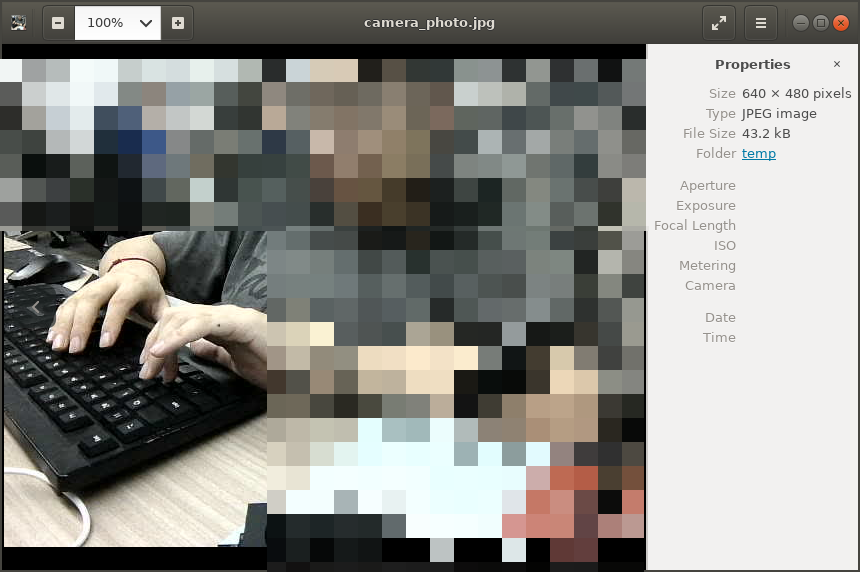
A camera has already been plugged into the mainboard. Please take a photo with this camera, and put the photo on the Desktop of the mainboard.
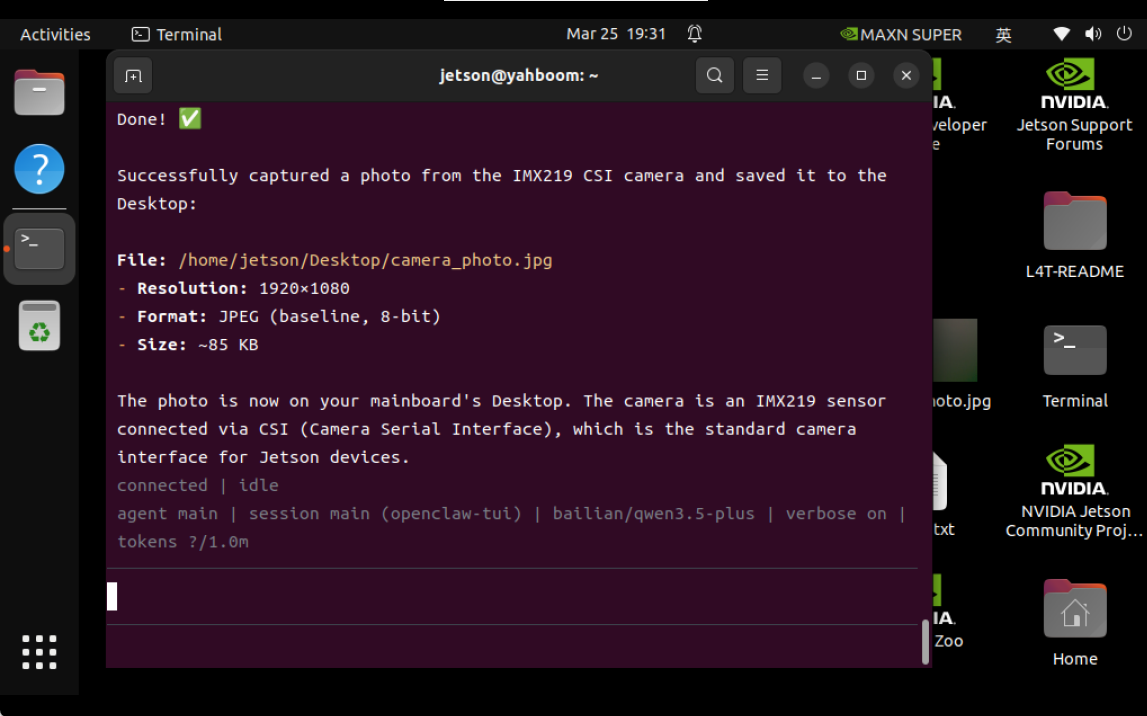
We can move the photo to a place that is convenient to open (for example, the ~/temp/ directory in the docker version, and then open it with an image viewer).