Welcome to Jetson Orin NANO Developer Kit repository
09.3D attitude estimation
Isaac ROS 3D Pose Estimation
Isaac ROS CenterPose official website link: https://nvidia-isaac-ros.github.io/repositories_and_packages/isaac_ros_pose_estimation/isaac_ros_centerpose/index.html
Overview
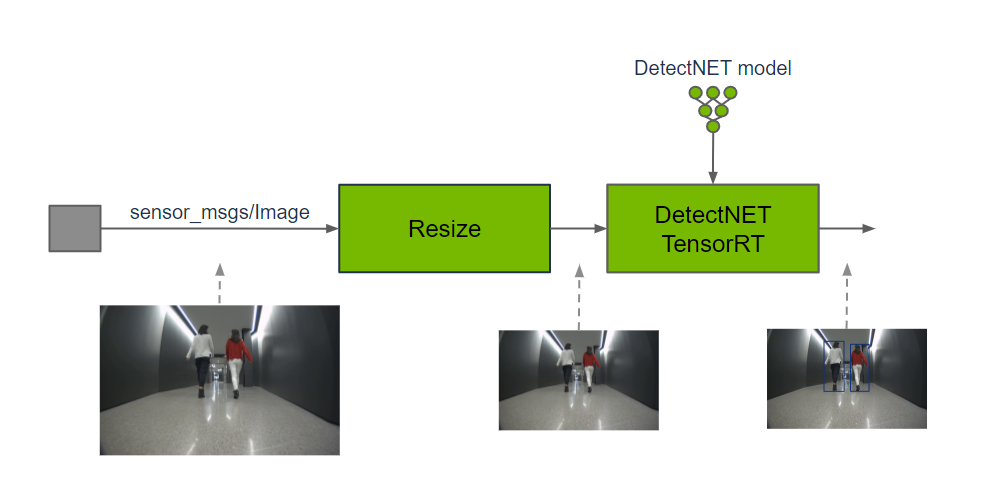
Isaac ROS provides several object pose estimation solutions. CenterPose uses GPU-accelerated inference to predict the 3D position and pose of objects of known classes, and the results can be displayed together with the image and camera information.
| Package | Feature |
|---|---|
isaac_ros_foundationpose | Supports new objects without retraining |
isaac_ros_dope | Pose estimation for known objects |
isaac_ros_centerpose | Pose estimation that supports the TAO workflow |
Nano Model Precision Selection
On the Jetson Orin Nano and under the current TensorRT environment, this case uses the FP32 engine: /workspaces/isaac_ros-dev/isaac_ros_assets/centerpose_shoe_fp32.plan. The companion script of this tutorial, scripts/centerpose_launch.sh, already specifies centerpose_shoe.onnx and this FP32 plan, and sets force_engine_update:=False; normal operation does not require moving files between model directories, and do not switch to FP16.
Before starting, the model files and the script selection can be confirmed:
xxxxxxxxxxls -lh /workspaces/isaac_ros-dev/isaac_ros_assets/centerpose_shoe.onnx /workspaces/isaac_ros-dev/isaac_ros_assets/centerpose_shoe_fp32.planrg -n 'model_file_path|engine_file_path|force_engine_update' /workspaces/isaac_ros-dev/scripts/centerpose_launch.shIf the FP32 plan is missing, do not replace it with FP16 or force a rebuild of the engine; contact the course provider to obtain the model files that match this environment, and then run the case.
Quick Experience
First use the command below to start the container
xxxxxxxxxx./run_isaac.sh
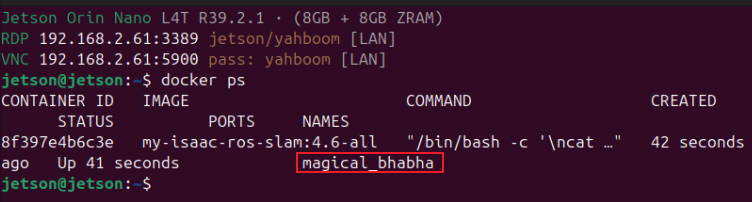
Then confirm the container on the host with docker ps, and open container terminals with docker exec -it <container name> bash; each terminal should use the same ROS/FastDDS environment, for example:
Note: The terminals below all execute inside the container:
After the power mode is set to MAXN, an overcurrent warning may pop up when running the case; ignore it.
Terminal A: Start inference:
xxxxxxxxxxbash /workspaces/isaac_ros-dev/scripts/centerpose_launch.shTerminal B: Start the two bags required for inference and display:
xxxxxxxxxxbash /workspaces/isaac_ros-dev/scripts/centerpose_playback.shTerminal C: Start the Python pose box visualization and rqt:
xxxxxxxxxxbash /workspaces/isaac_ros-dev/scripts/centerpose_view.sh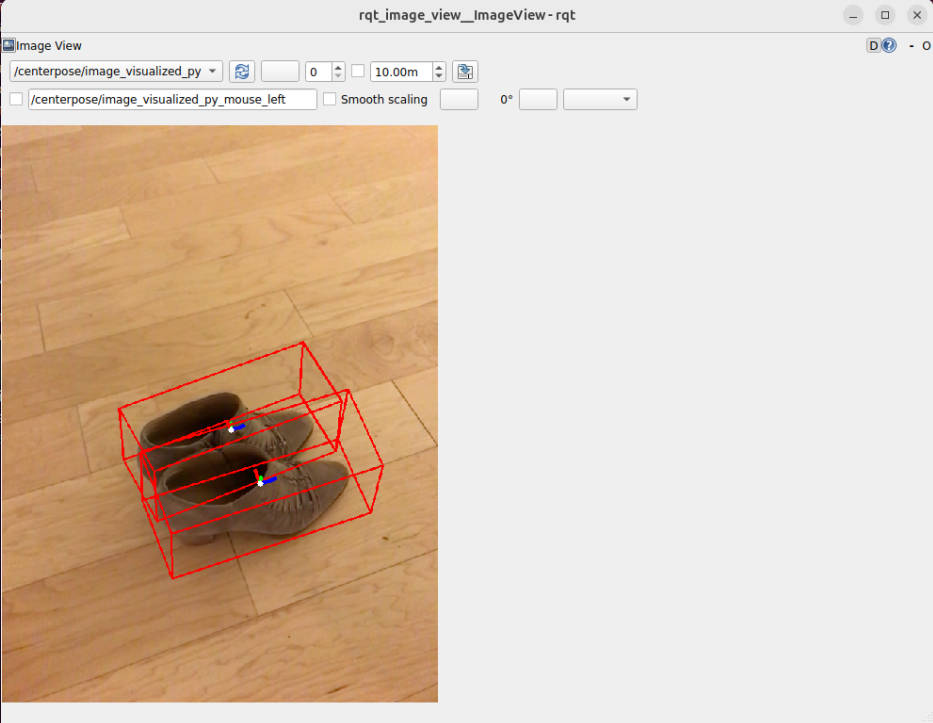
Select /centerpose/image_visualized_py in Topic of rqt. To check the output, run:
ros2 topic info /centerpose/detections -vros2 topic echo /centerpose/detections --onceros2 topic hz /centerpose/image_visualized_py