Welcome to Jetson Orin NANO Developer Kit repository
02.GPIO library installation
GPIO Library Installation
GPIO Library Installation1. Install the Jetson.GPIO Library1.1. Automatic Installation1.2. Manual Installation2. Set User Permissions3. Custom Rule File3.1. Copy the Rule File3.2. Reload udev Rules4. Set the Mainboard Model5. References
pip Installation Note: Ubuntu 24.04 marks the system Python as "externally managed" according to PEP 668, so installing directly with pip may report
externally-managed-environment.--break-system-packagesallows pip to install packages in that environment; a virtual environment usually does not need this parameter, but this tutorial keeps it to keep the commands consistent.
1. Install the Jetson.GPIO Library
The Jetson.GPIO library is installed by default in the system, so this step can be skipped.
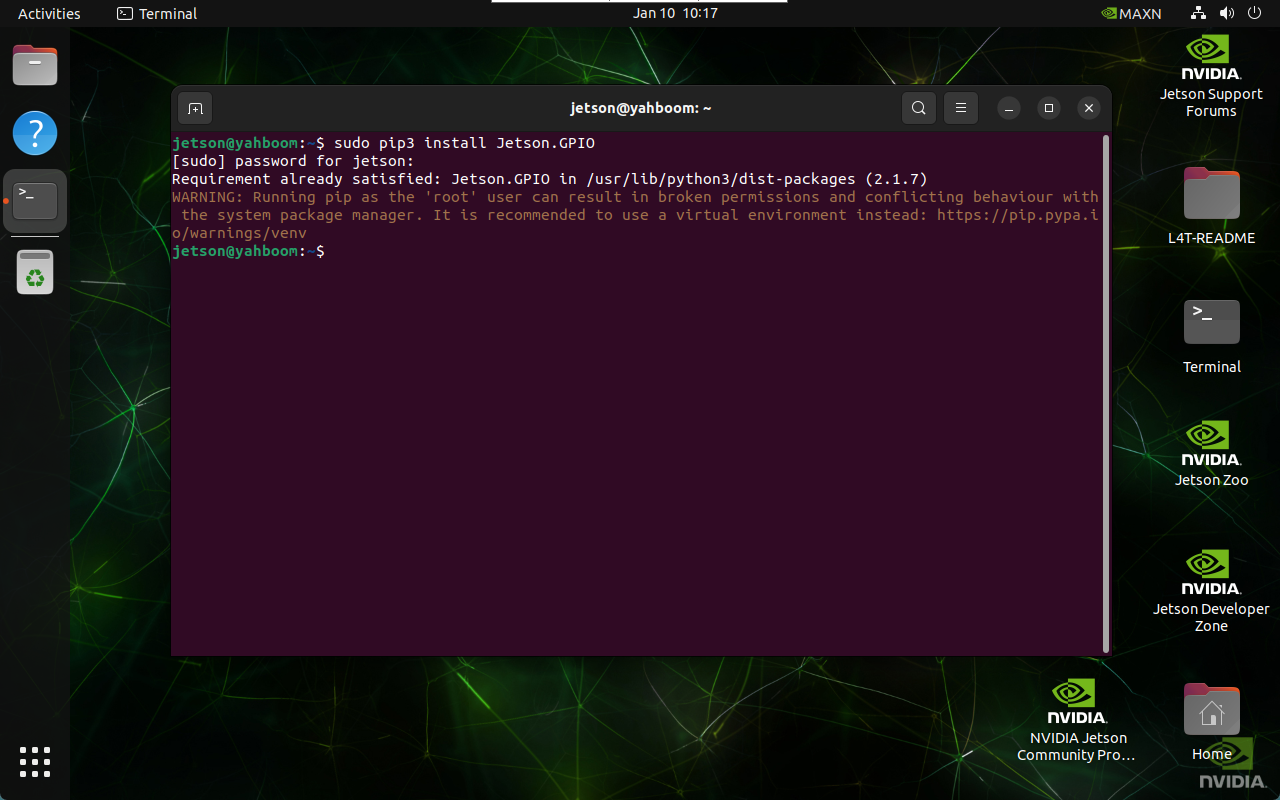
1.1. Automatic Installation
sudo pip3 install Jetson.GPIO --break-system-packages
1.2. Manual Installation
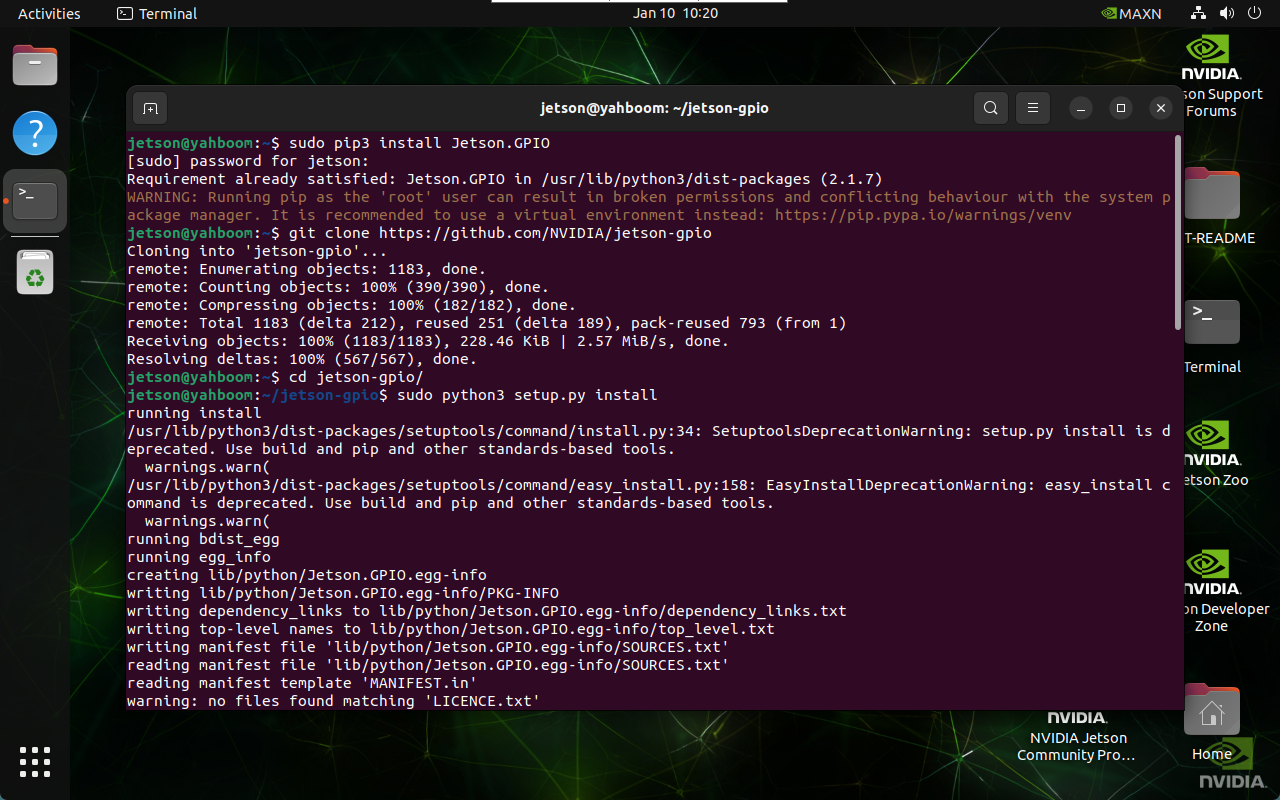
The automatic installation method is recommended; a manual installation may not be the latest version.
xxxxxxxxxxgit clone https://github.com/NVIDIA/jetson-gpio
xxxxxxxxxxcd ~/jetson-gpio/
xxxxxxxxxxsudo python3 setup.py install
2. Set User Permissions
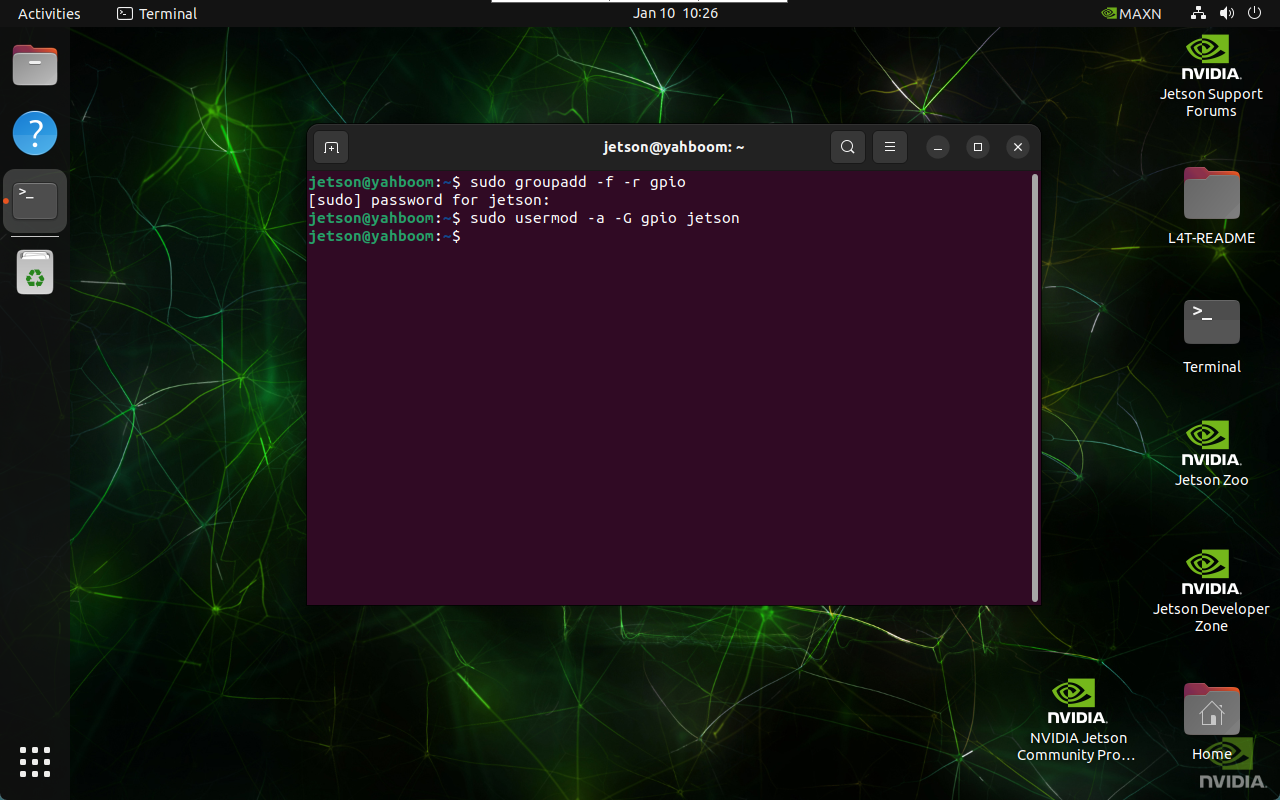
Allow the current system user to access and use the Jetson.GPIO library: where jetson is the system user name
xxxxxxxxxxsudo groupadd -f -r gpiosudo usermod -a -G gpio jetson
3. Custom Rule File
3.1. Copy the Rule File
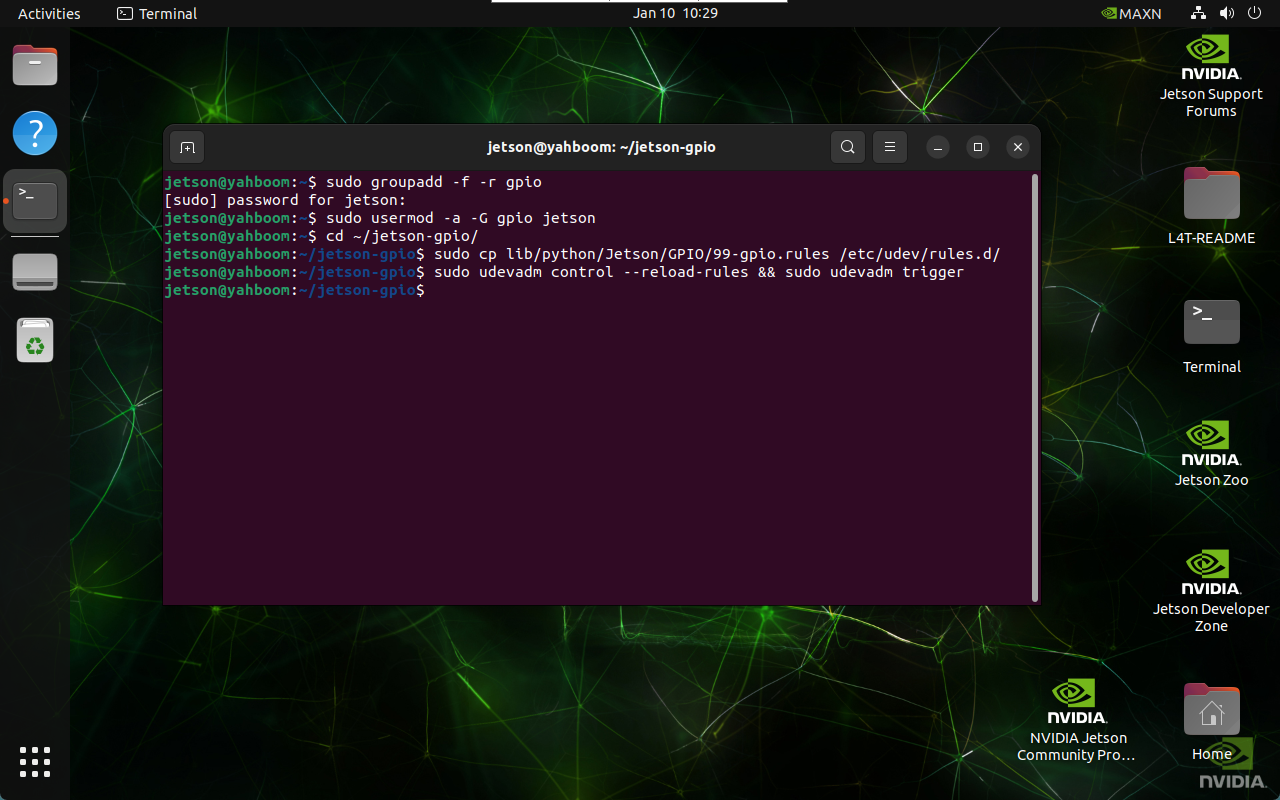
xxxxxxxxxxcd ~/jetson-gpio/sudo cp lib/python/Jetson/GPIO/99-gpio.rules /etc/udev/rules.d/
3.2. Reload udev Rules
xxxxxxxxxxsudo udevadm control --reload-rules && sudo udevadm trigger
4. Set the Mainboard Model
Before controlling GPIO, the mainboard model needs to be set in the terminal:
xxxxxxxxxxexport JETSON_MODEL_NAME=JETSON_ORIN_NANO