Welcome to Jetson Orin NANO Developer Kit repository
10.Model training conversion
Model Training and Conversion
After completing the dataset annotation tutorial, we can use the mainboard to start training the model.
This tutorial only covers model training and conversion with the CLI; you can refer to the official website to adapt the Python examples yourself
1. Model Training
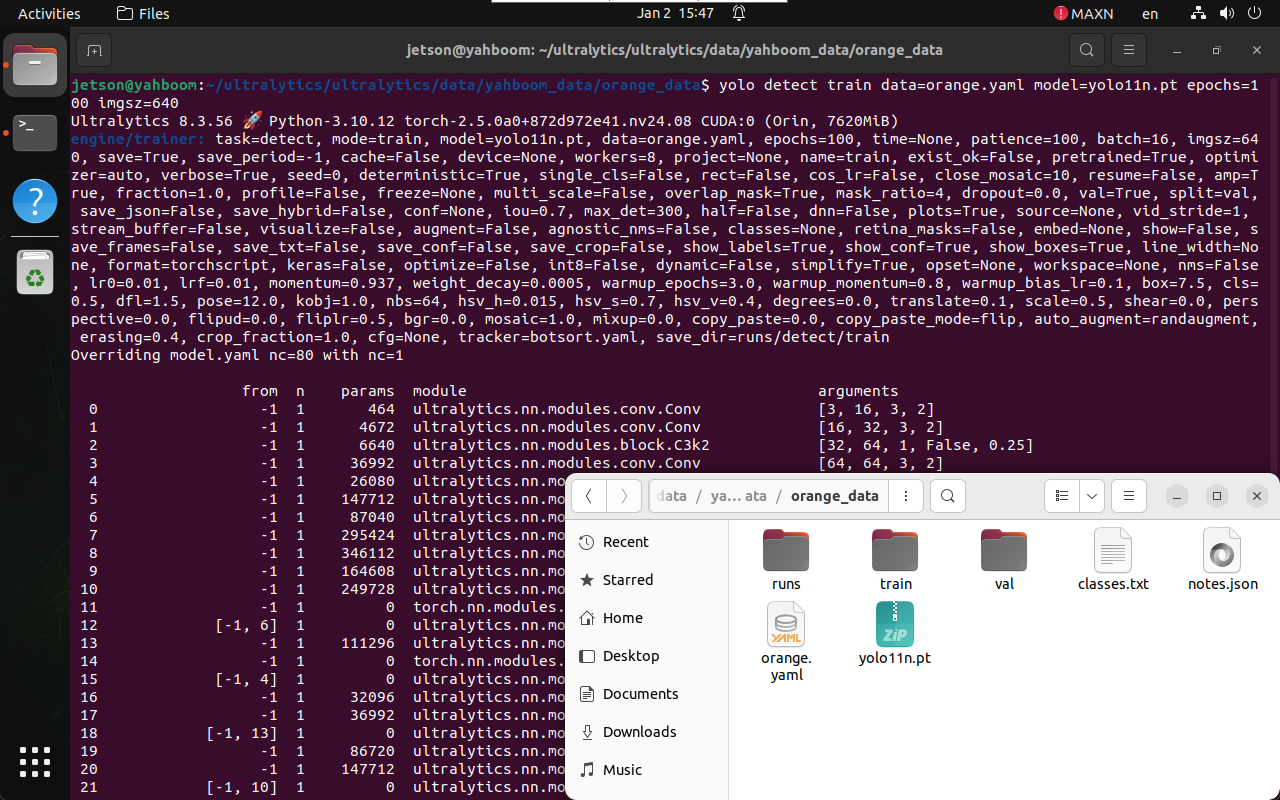
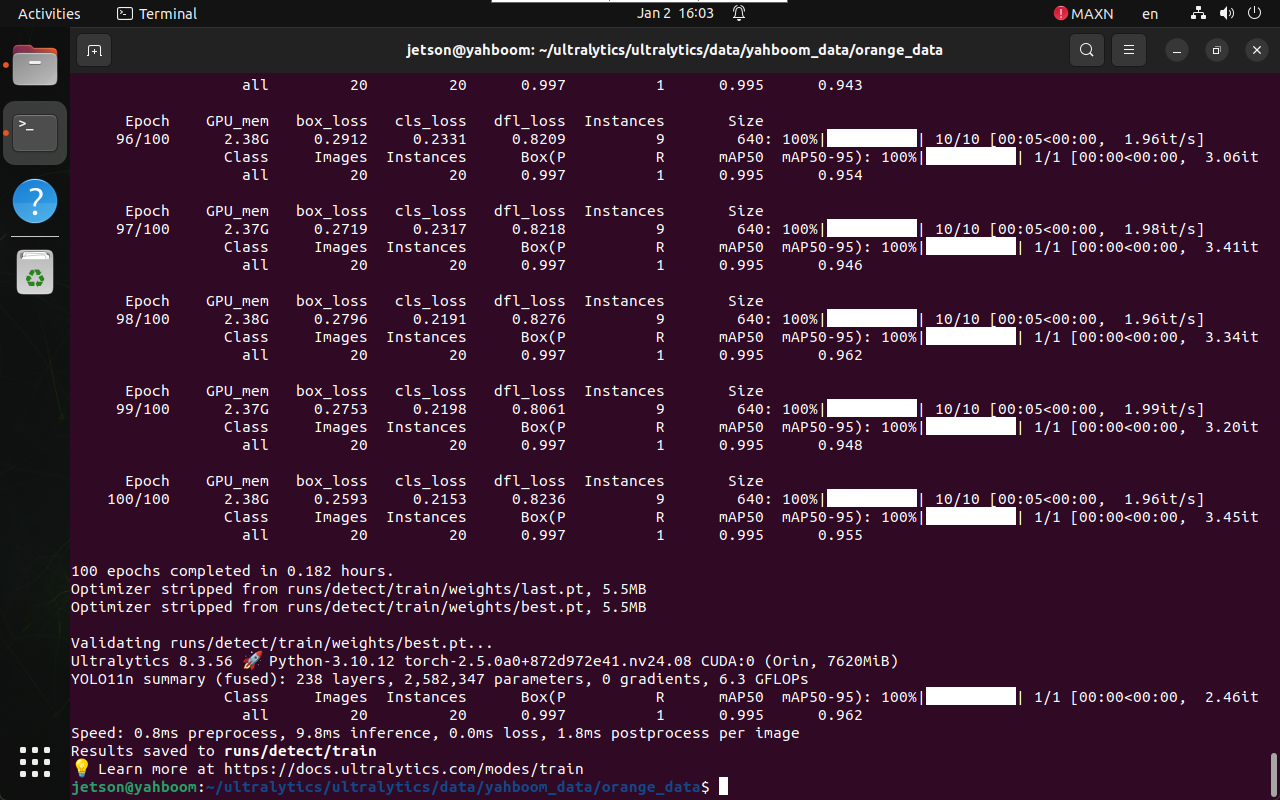
Train the model directly with a CLI command: copy the yolo11n.pt file to the directory where the configuration file is located, then open a terminal in that directory:
xxxxxxxxxxcd /home/jetson/ultralytics/ultralytics/data/yahboom_data/orange_data
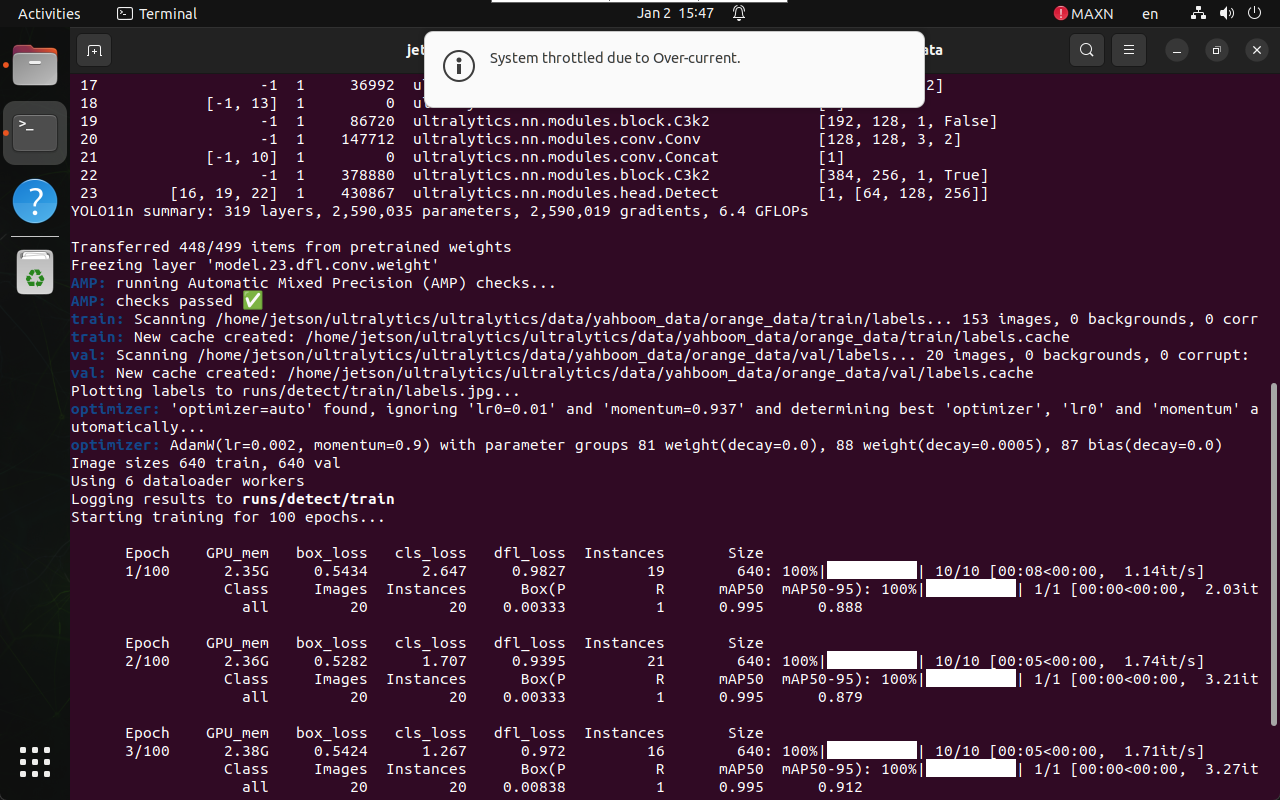
xxxxxxxxxxyolo detect train data=orange.yaml model=yolo11n.pt epochs=100 imgsz=640
data: dataset configuration file
model: pre-trained model file
epochs: number of training epochs
imgsz: specifies the input image size
2. Model Conversion
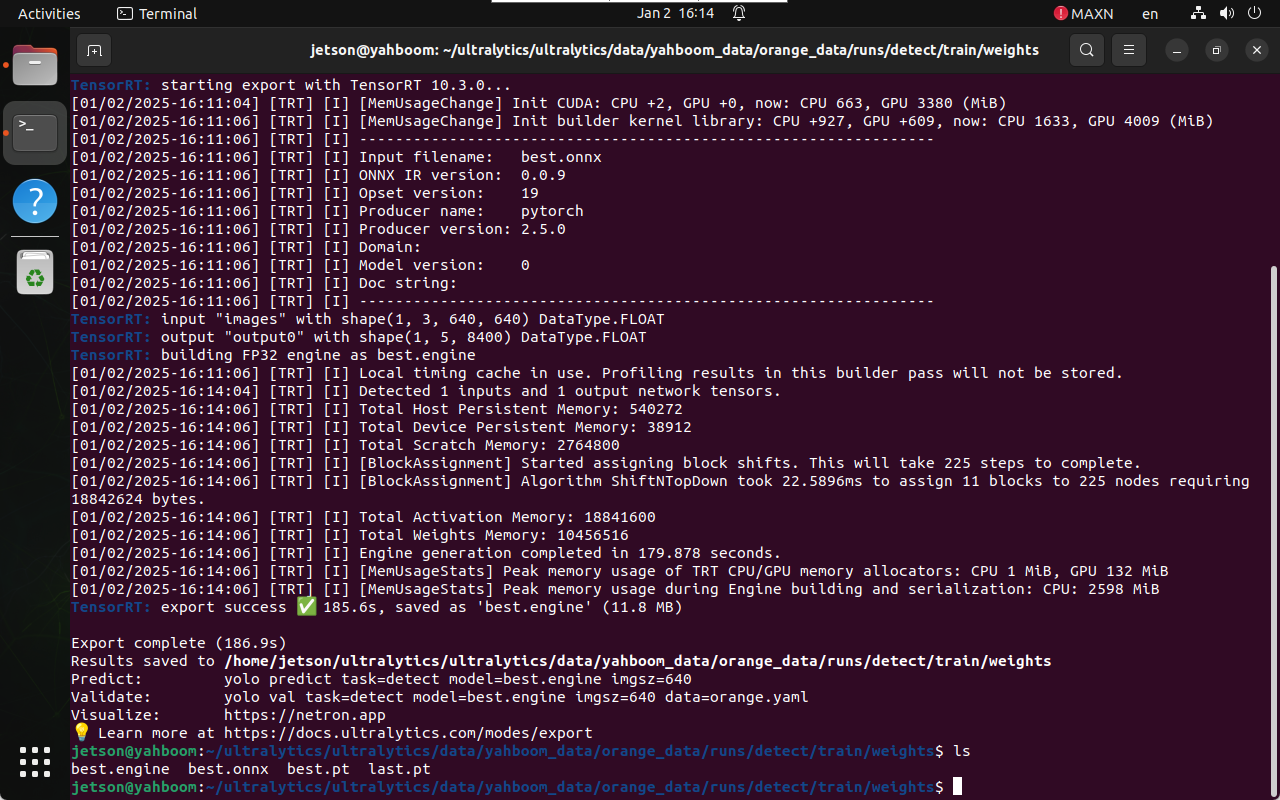
The final model is generated under the runs folder: generally choose the best.pt file for use
xxxxxxxxxx/home/jetson/ultralytics/ultralytics/data/yahboom_data/orange_data/runs/detect/train/weights
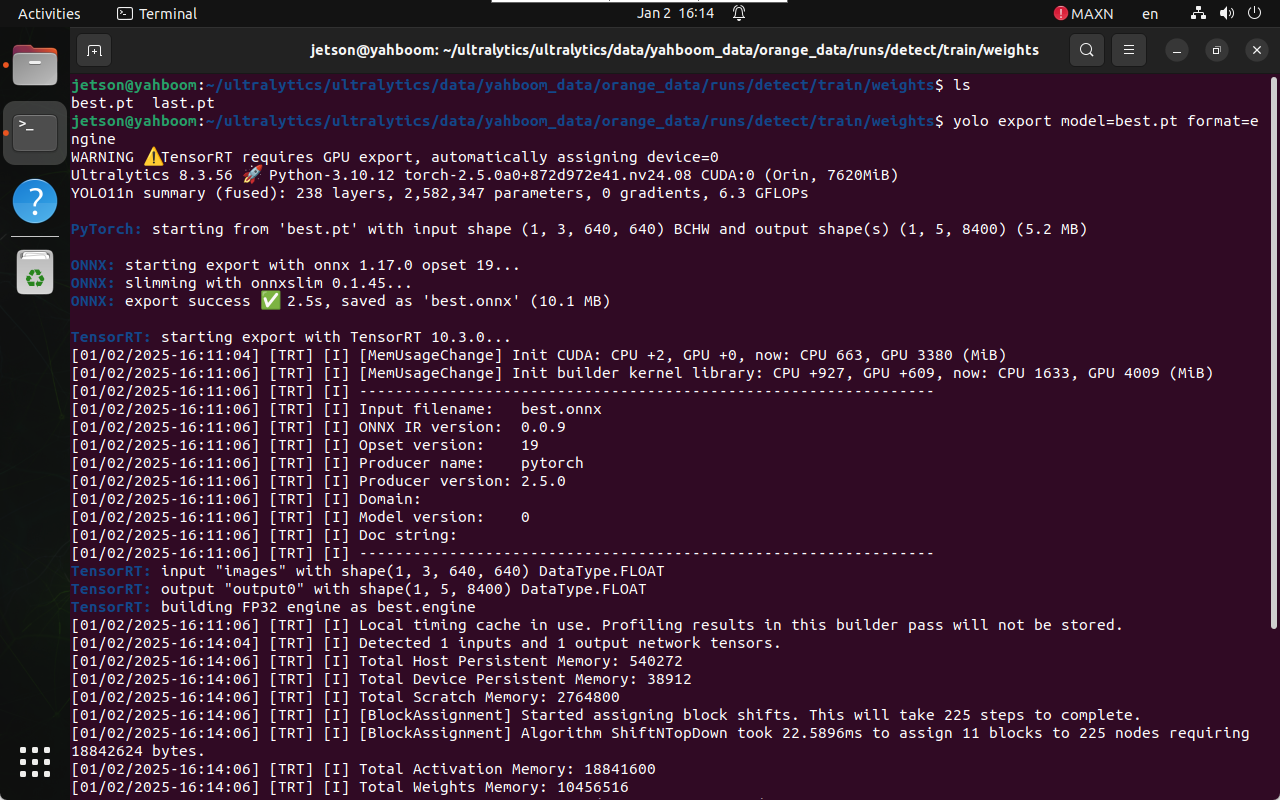
Convert the model in PyTorch format to TensorRT:
xxxxxxxxxxcd /home/jetson/ultralytics/ultralytics/data/yahboom_data/orange_data/runs/detect/train/weights
xxxxxxxxxxyolo export model=best.pt format=engine