Welcome to ROSMASTER M1 PRO repository
14.Synchronous Mapping And Navigation
Synchronous Mapping and Navigation
Synchronous Mapping and Navigation1. Course Content2. Scenario Introduction3. Running the Cases3.1 Starting the Mapping Navigation Node3.2 Saving the Map4. Source Code Analysis4.1 Viewing the TF Tree4.2 Launch File
1. Course Content
Run the example program to perform mapping and navigation simultaneously in an unknown environment without a grid map.
2. Scenario Introduction
Suitable for scenarios where the map does not need to be saved long-term and the task only needs to be completed once, (after the task is completed, the map can be saved via
map_saver_clifor later reuse).Suitable for scenarios where the robot enters an environment that has not been pre-mapped for the first time; by giving a goal pose, it autonomously builds an environment map and completes traversal of a specified area and arrival at the goal point.
3. Running the Cases
3.1 Starting the Mapping Navigation Node
xxxxxxxxxxros2 launch yahboomcar_bringup nav2.launch.py slam:=True
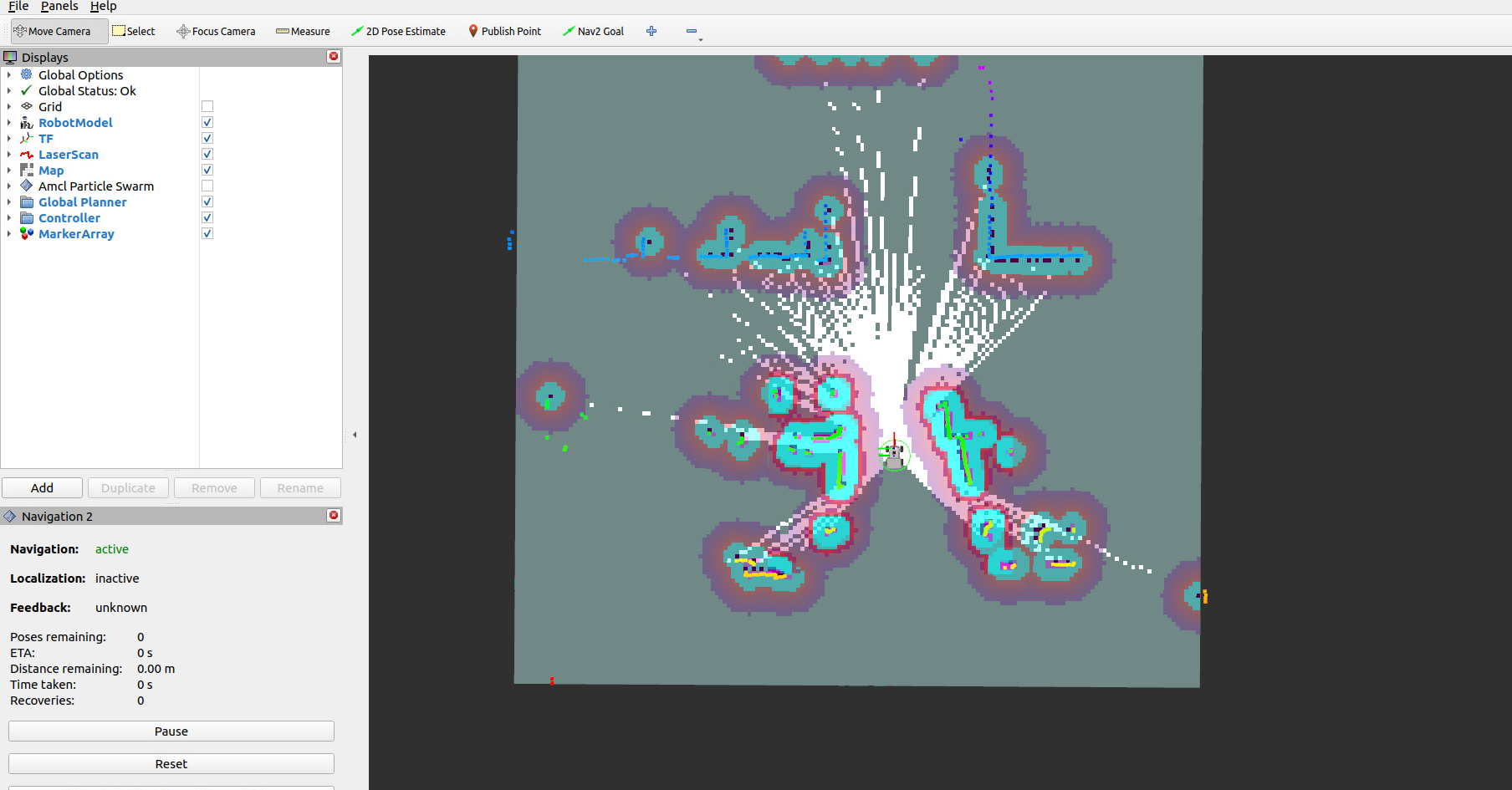
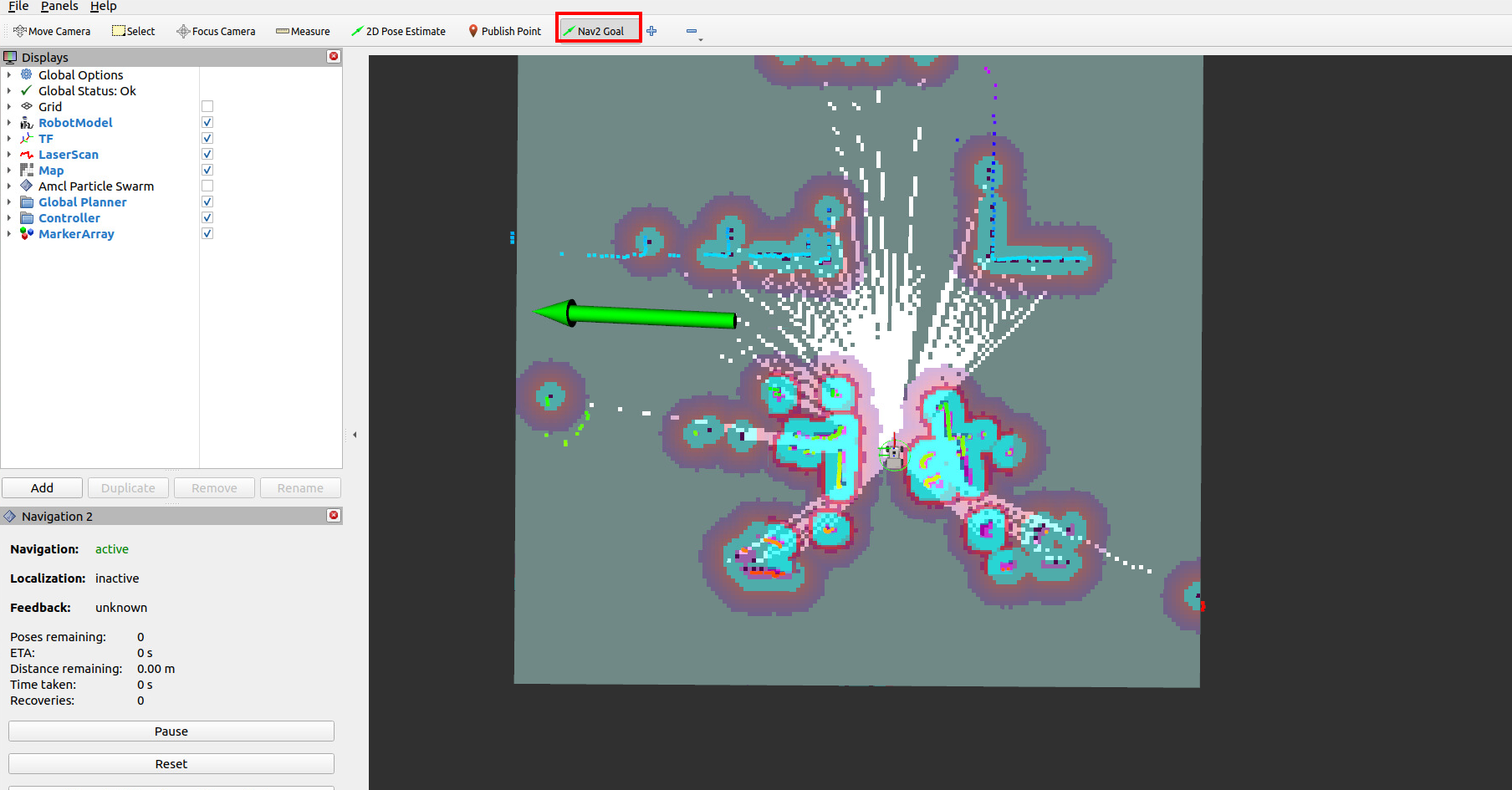
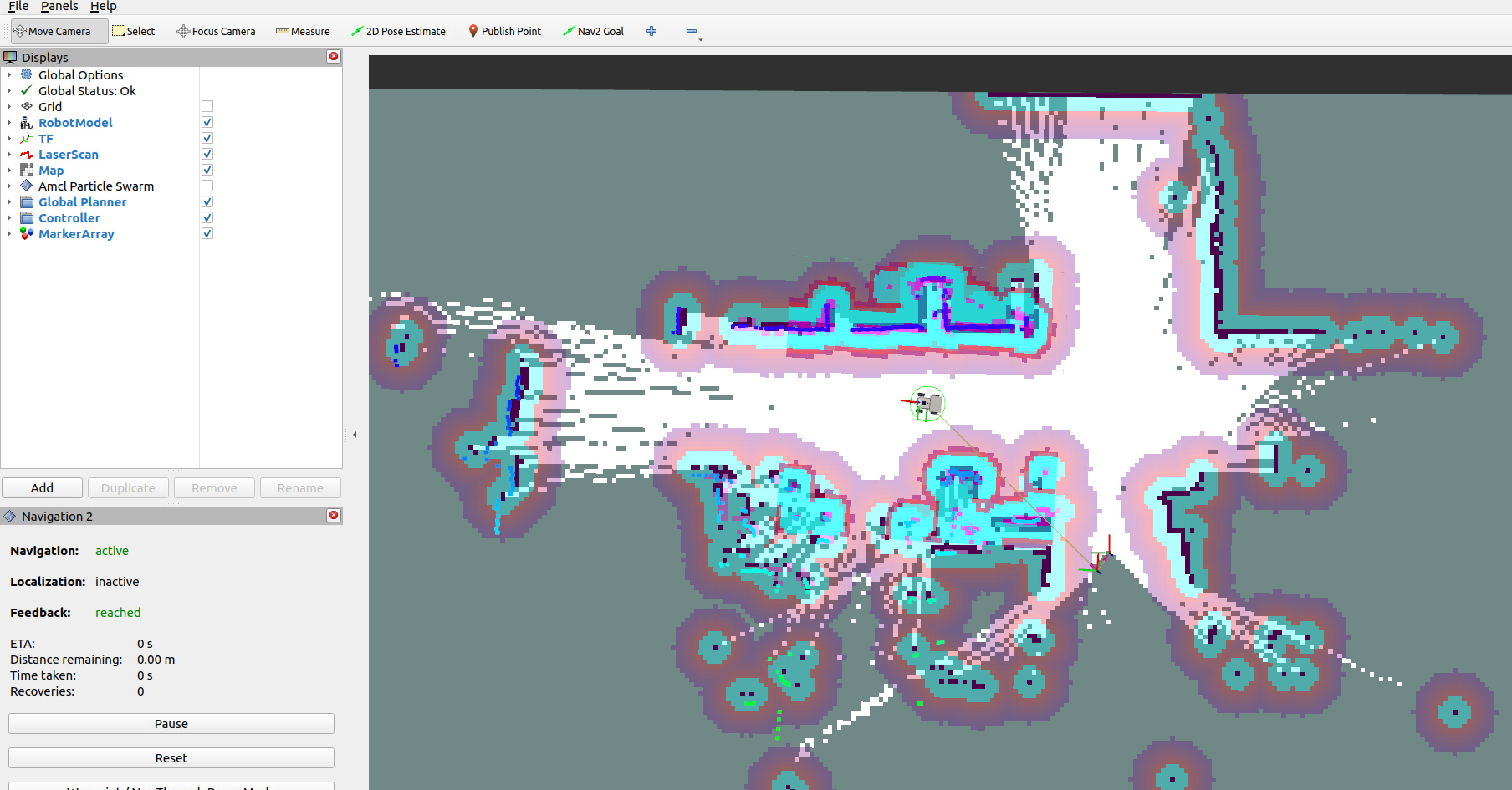
Use the Nav2 Goal tool to give a goal pose, and the robot can then navigate while building the map
3.2 Saving the Map
The commands for saving the grid map and pose map here are exactly the same as in the previous course; you can refer to the map saving method in the prerequisite course 【Slam-Toolbox Mapping】
4. Source Code Analysis
4.1 Viewing the TF Tree
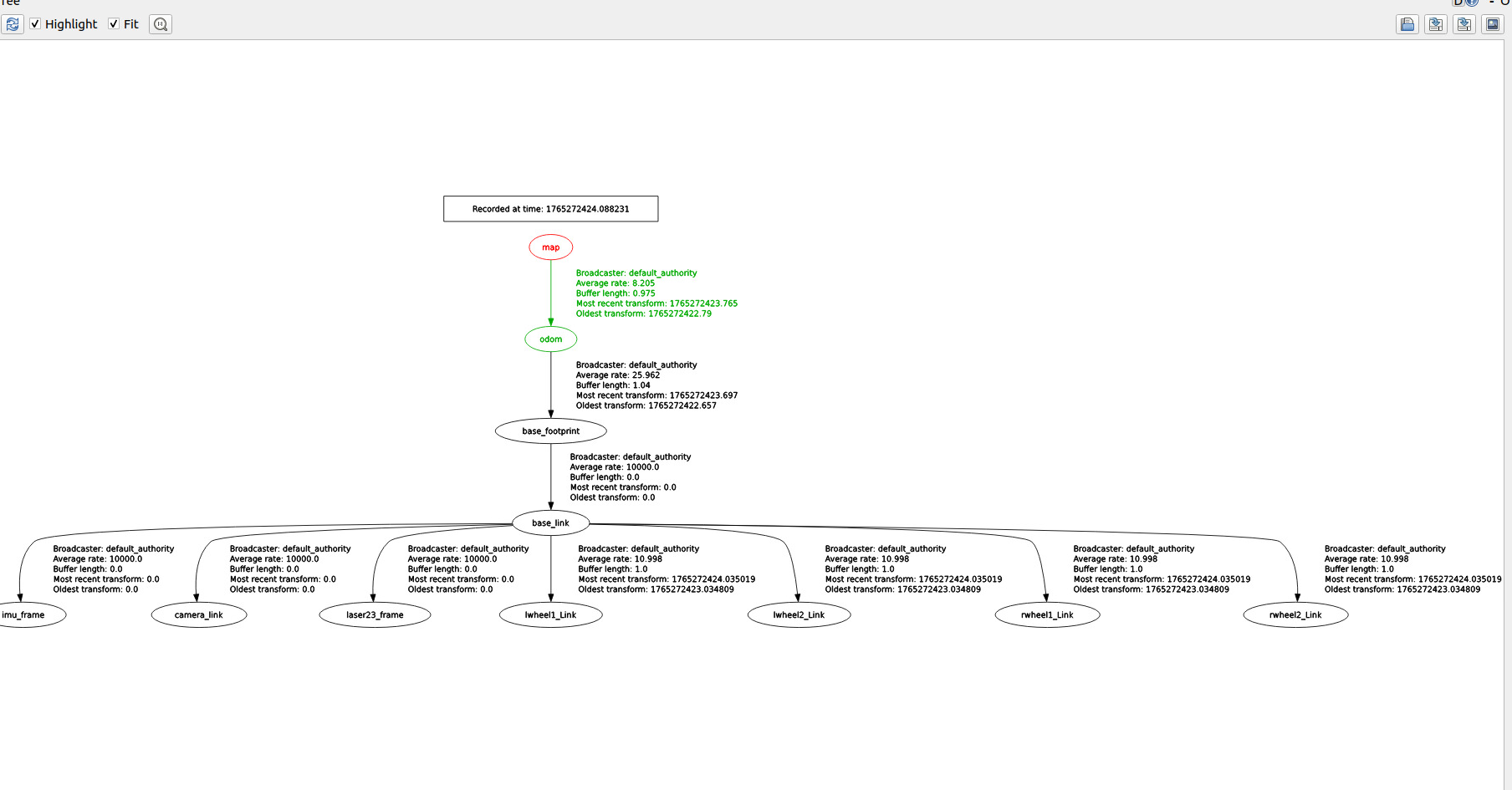
xxxxxxxxxxros2 run rqt_tf_tree rqt_tf_treeHere, the TF transform from the map coordinate frame to the odom coordinate frame in the TF tree is provided by slam_toolbox.
4.2 Launch File
launch file path
xxxxxxxxxx~/yahboomcar_ros2_ws/yahboomcar_ws/src/yahboomcar_bringup/launch/nav2.launch.py
The key program snippet is as follows, which starts the navigation2 navigation stack nodes and enables synchronous mapping mode; the mapping function is provided by the slam_toolbox algorithm.
#Navigate while building the map nav_and_slam = GroupAction( condition=IfCondition(PythonExpression(["'", localization_mode, "' == 'amcl' and '", slam, "' == 'True' "])), actions=[ # Navigation using AMCL positioning method IncludeLaunchDescription( PythonLaunchDescriptionSource(nav2_launch_file), launch_arguments={ "map": map_file, "use_sim_time": "False", "params_file": params_file, 'slam': 'True', }.items(), ) ] )