Welcome to ROSMASTER M1 PRO repository
5.Sandbox Scenario Comprehensive Case
Sandbox Scenario Comprehensive Case
Sandbox Scenario Comprehensive Case1. Course Content2. Preparation2.1 Complete the Preceding Lessons3. Reference Cases3.1 Waste Sorting3.2 Goods Sorting3.3 Goods Inspection and Replenishment3.4 Transporting Objects Between Shelves4. Comprehensive Case
1. Course Content
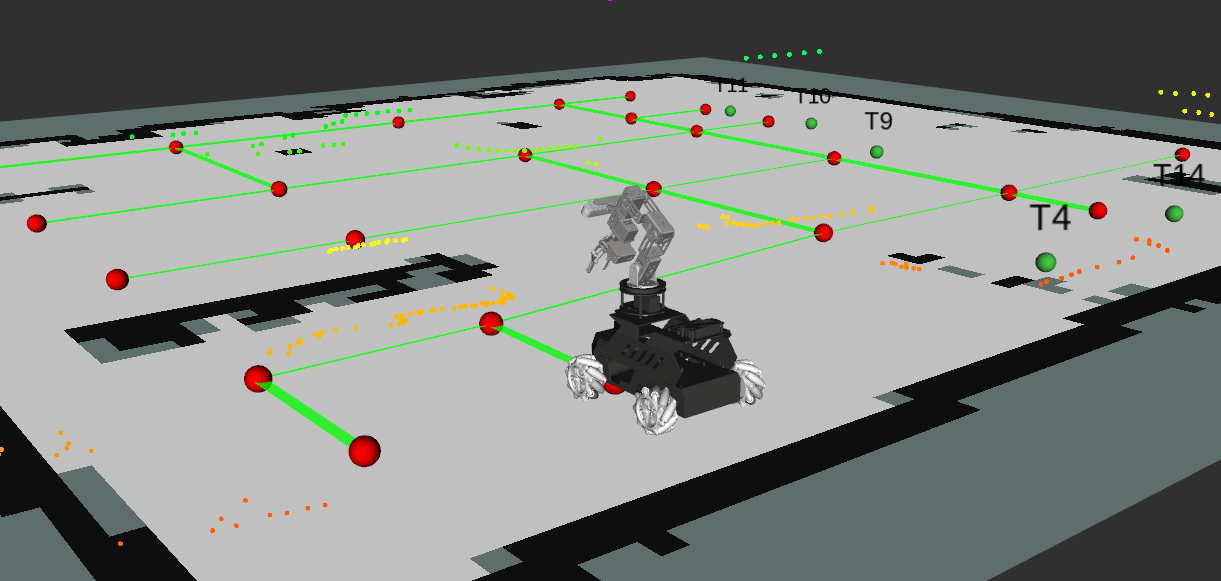
Through the study of the preceding lessons, we have used the slam_toolbox algorithm to build a high-precision map and pose graph for the sandbox world, deployed a "visual relocalization lighthouse" that never drifts, and marked a clear semantic place name for each workstation.
The robot needs to have the ability to execute ultra-long-period composite tasks lasting tens of minutes:
It no longer moves a finger upon hearing a single command; instead, it receives a macroscopic enterprise production scheduling plan. It needs to autonomously travel across the large sandbox map, autonomously recognize, sort, quality-inspect, and transport across areas between multiple workshop workstations, and automatically return to the parking spot to stand by after all tasks are completed.
This fully demonstrates OpenClaw's powerful task orchestration and closed-loop execution capability as the "workshop autonomous operation brain"!
2. Preparation
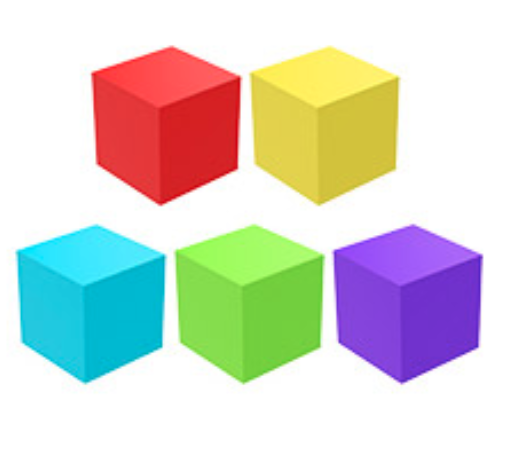
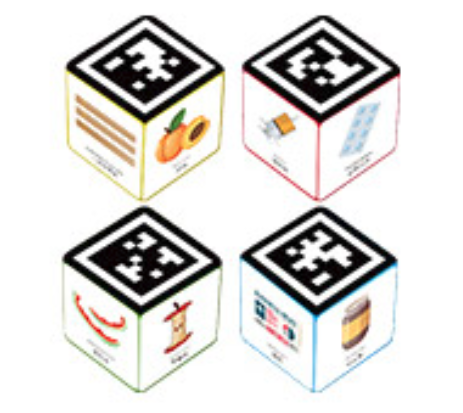
This case uses the included 4 * 4 * 4 cm foam color blocks and 3 * 3 * 3 cm waste pattern blocks.
2.1 Complete the Preceding Lessons
Complete the [Building the Sandbox Map], [Visual Relocalization Marker], and [Map Mapping Marker] lessons.
ros2 launch yahboomcar_bringup mcp_service.launch.py use_camera:=true use_nav:=true relocalization:=true use_waste_classify:=true
3. Reference Cases
Tip
You can customize your own instruction cases and gameplay functions according to actual needs. The following are some reference cases.
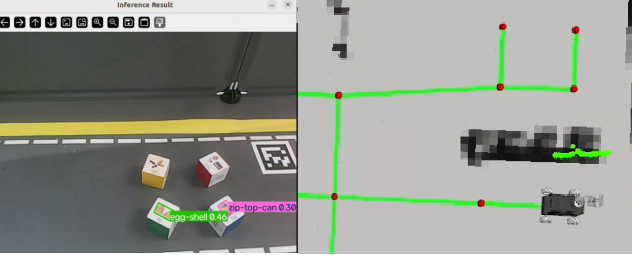
3.1 Waste Sorting
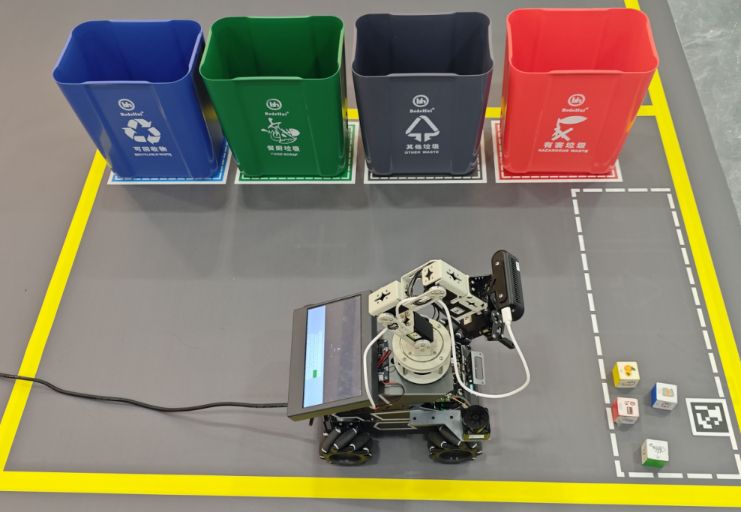
Go to the waste sorting area and put the recyclable waste and kitchen waste into the corresponding trash cans.
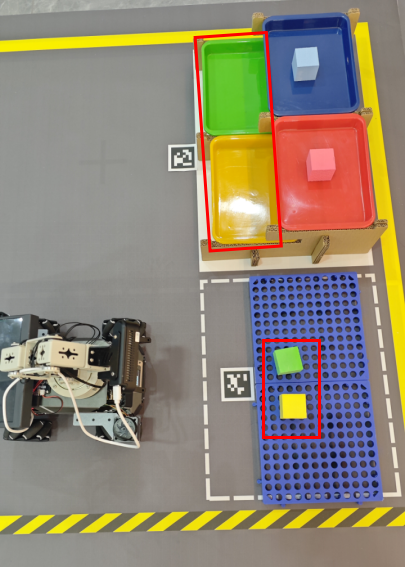
3.2 Goods Sorting
Go to the goods sorting area and sort all the goods of every color on the tray onto the shelves of the corresponding colors.
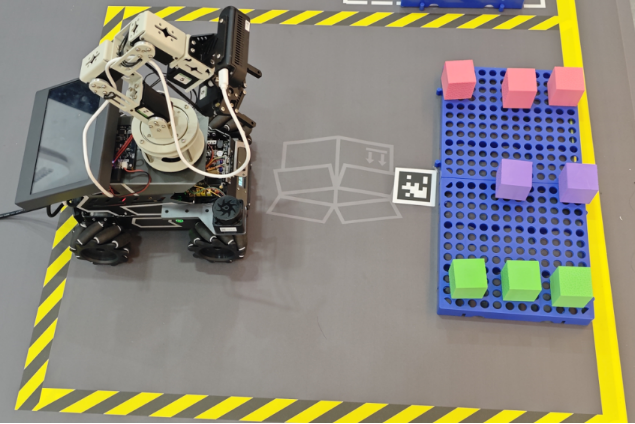
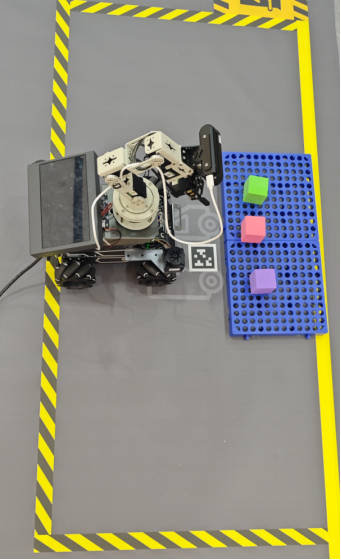
3.3 Goods Inspection and Replenishment
Check the goods missing in the shipping area and replenish them from the goods warehouse.
Goods warehouse
Shipping area
3.4 Transporting Objects Between Shelves
Transport the blue goods from Shelf No. 1 to the corresponding tray of Shelf No. 2.
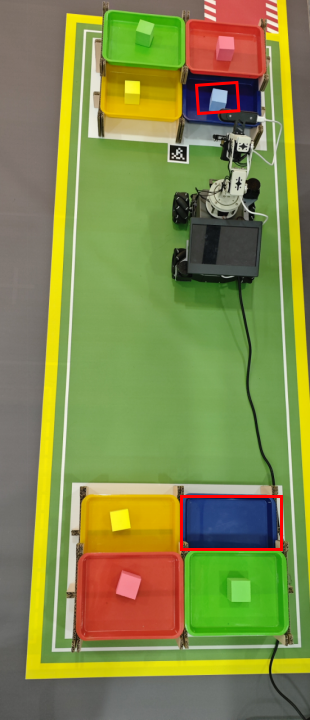
4. Comprehensive Case
You can combine the above cases in any way, or customize your own instruction cases, writing instructions according to actual needs. The following is a reference comprehensive case:
Factory comprehensive case 1
Important
The long-process task shown here takes a relatively long time, about 25-40 minutes.
xxxxxxxxxxStart today's factory inspection. First sort all the waste in the waste area into the corresponding trash cans, then go to the goods sorting area and sort the goods onto the areas of the corresponding colors on Shelf No. 3. After that, go to the shipping area to see whether any goods are missing; if goods are missing, replenish them from the goods warehouse. Finally, take a blue item from Shelf No. 1 and deliver it to the tray of the corresponding color on Shelf No. 2. Return to parking lot No. 1 after the task is complete.
Just choose any one of the interaction methods for sending the instruction.